
Windows Server 2025 vs 2022 vs 2019: Which Version Should You Deploy on a VPS?
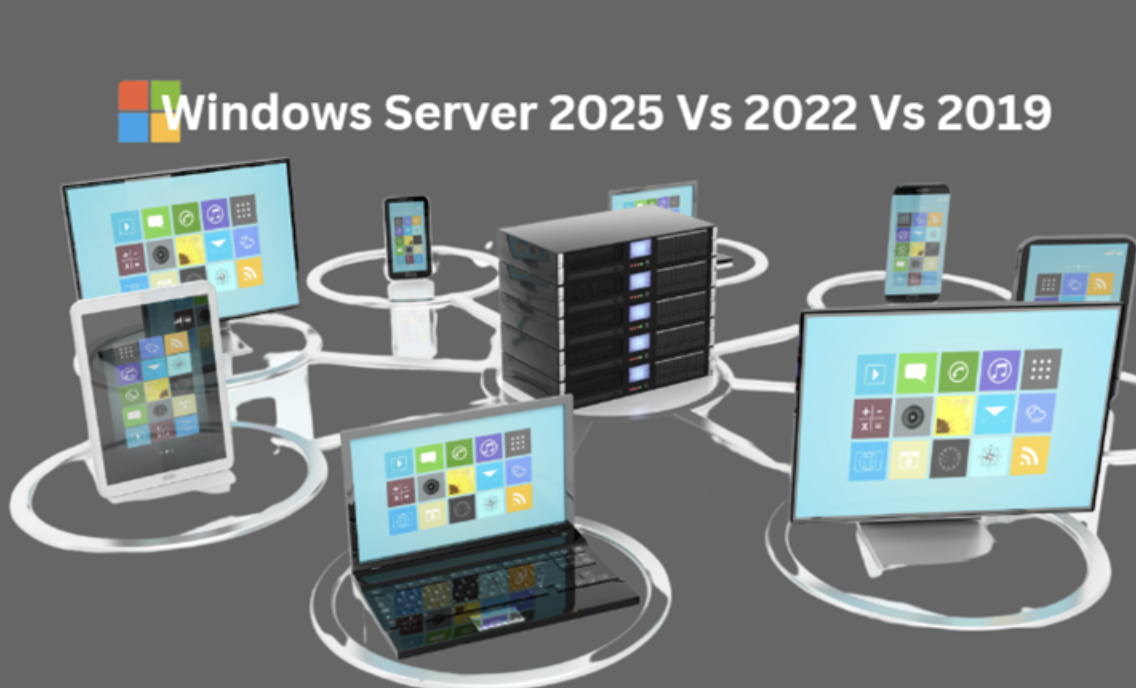
As businesses increasingly rely on virtualization and cloud computing, the choice of the right operating system for a Virtual Private Server (VPS) becomes critical. Windows Server 2019, 2022, and the latest 2025 version each offer unique features and enhancements tailored to modern workloads. This article aims to provide a comprehensive comparison of these three versions, highlighting their key features, performance metrics, security enhancements, and cost considerations to help you make an informed decision about which Windows Server version is best suited for your VPS deployment.
Overview of Windows Server Versions
History and Evolution
Windows Server has come a long way since its humble beginnings. Launched in 2003, each version has introduced features that cater to the ever-evolving needs of businesses and IT landscapes. From basic file and printer sharing to complex virtualization and cloud services, each iteration has slapped on a fresh coat of paint on what it means to manage server environments. Windows Server 2019 brought hybrid cloud capabilities; 2022 ramped up security with strong multifactor authentication; and 2025 teases with cutting-edge solutions we can only dream about for now.
Market Adoption and Trends
As businesses dive headfirst into the digital age, Windows Server has maintained a strong foothold. According to industry reports, 2019 was pivotal, with many organizations adopting its container services and Kubernetes support. Fast forward to 2022, and we see a surge in the push for hybrid cloud environments, with Azure integration being a major selling point. Now, as we look towards 2025, the trend is all about flexibility: how to leverage both on-premises and cloud solutions seamlessly. It seems the mantra is "embrace the cloud but don’t forget your roots."
Key Features of Windows Server 2019
Core Technologies and Improvements
Windows Server 2019 introduced some serious heavy hitters. With features like Windows Admin Center for simplified management, System Insights for predictive analytics, and Storage Spaces Direct for improved storage solutions, it’s clear that Microsoft was gunning for efficiency and ease of use. Moreover, the enhanced Windows Defender ATP made cyber threats start to shiver… or at least back away cautiously. The inclusion of Kubernetes support also meant that developers could finally put their container dreams into action without breaking a sweat.
Use Cases and Ideal Scenarios
Windows Server 2019 is a solid choice for organizations looking to upgrade from older versions without taking a reckless leap into the unknown. Ideal for mid-sized businesses that are scaling up or those diving into hybrid cloud environments, this version shines when used for application hosting, virtualization, and data storage. If your server needs to balance between traditional workloads and modern applications, then 2019 could be your trusty steed on this journey.
Innovations in Windows Server 2022
New Features and Functionalities
Windows Server 2022 opened the gates to a host of new goodies. The introduction of advanced multi-layer security features, including secured-core server capabilities, made it a fortress against cyber threats. SMB over QUIC improved remote access, making it feel like you're working from an office without the pesky commute. Plus, with enhancements to the Azure Arc, managing on-premises and cloud resources became smoother than ever. It’s like they took a great server and added a turbo booster.
Enhanced Integration with Azure
The Azure integration in Windows Server 2022 is like peanut butter and jelly—definitely better together. Leveraging Azure Arc allows IT teams to manage their resources seamlessly, whether they’re on-premises, in the cloud, or a little bit of both. Features like Azure Site Recovery and Azure Backup are game-changers for disaster recovery. If you’re looking for a unified experience that spans across environments, Windows Server 2022 feels like the best friend you didn't know you needed.
Advancements in Windows Server 2025
Future-Proofing with New Developments
With the 2025 version, Microsoft seems intent on future-proofing your server needs. While details are as scarce as a needle in a haystack, we anticipate a stronger focus on AI and machine learning capabilities. The aim? To help businesses analyze and predict their server workload needs without needing a crystal ball. Think more automation, fewer manual interventions, and a server that can almost read your mind (okay, maybe that's a bit of an exaggeration).
Expected Features and Innovations
Windows Server 2025 is shaping up to be a powerhouse with rumors swirling about a revamped administration experience, further integration with IoT devices, and possibly even better cloud management tools. While these are all speculative, the tech community is buzzing about the potential for a more seamless hybrid cloud experience and enhanced security protocols that make breaches a thing of the past. Here’s hoping that the future of our servers is less about panic and more about peace of mind!
Performance and Scalability Comparisons
Benchmarking Performance Across Versions
When it comes to performance, Windows Server 2025 takes the crown, showcasing enhanced speed and efficiency thanks to its revamped architecture. Expect quicker boot times and faster application launches—because who wants to stare at a loading screen? Windows Server 2022 improved upon 2019’s groundwork, introducing features like better memory management and enhanced CPU utilization. Meanwhile, 2019 still holds its own for smaller applications but might feel like a tortoise in a race against its newer, sprightlier siblings.
Scalability Options for Different Use Cases
Scaling up should be as smooth as butter, and that’s where the versions diverge. Windows Server 2025 accommodates massive workloads with ease, boasting superior support for hybrid environments and cloud integration. If you're running a multi-tenant Windows VPS Server, this version is your best friend. 2022 offers solid scalability for medium-sized businesses, with enough flexibility to handle growth without collapsing like a house of cards. As for 2019, it’s great for smaller setups but might not be able to stretch as far as you’d like when you hit growth spurts.
Security Enhancements Across Versions
Compliance and Governance Features
Security is no longer just a checkbox - it’s a full-time job, and the latest versions are stepping up their game. Windows Server 2025 introduces improved compliance features that make it a breeze to adhere to regulations like GDPR, HIPAA, and more. It’s like having a personal trainer for your data governance. Windows Server 2022 isn’t far behind, offering a solid array of compliance tools, but not quite as flashily as 2025. If you’re still rocking 2019, you might want to up your game, as it lacks some of the more modern compliance features necessary for today’s strict digital landscape.
Advanced Threat Protection Mechanisms
When it comes to thwarting cybercriminals, Windows Server 2025 brings out the big guns with enhanced advanced threat protection mechanisms. Think of it as a digital security system on steroids. It includes features like Microsoft Defender for Cloud and a more robust firewall, ensuring your server is tougher than a two-dollar steak. 2022 also offers good protective features, but 2019 feels like it’s still figuring out how to lock the front door. If security is a top priority, you might want to steer clear of the older version.
Cost Considerations for Deployment
Licensing Models and Pricing Structures
Ah, the sweet sound of dollar signs. Windows Server 2025 introduces new licensing models that offer flexibility, allowing companies of all sizes to find a pricing structure that fits their budget. Though it might come with a higher upfront cost, consider the long-term savings. Windows Server 2022 retains a more traditional licensing approach, which might appeal to companies that like to keep things classic. As for 2019, it’s the frugal option, but this might just be a case of “you get what you pay for.”
Cost-Benefit Analysis of Each Version
The cost-benefit analysis reveals interesting truths. With Windows Server 2025, the initial investment might be steep, but if you factor in increased performance and security, it might save you a fortune down the line—think of it as buying a quality mattress instead of a lumpy one. Windows Server 2022 offers a balanced middle ground: affordable with decent benefits. Meanwhile, 2019 is budget-friendly but could cost you in efficiency and security—like skimping on your insurance and hoping for the best.
Recommendations for VPS Deployment
Choosing the Right Version for Your Needs
When it comes to selecting the right version for your VPS, start by evaluating your needs. If you’re a growing enterprise with high demands for speed, security, and scalability, Windows Server 2025 is your golden ticket. For mid-range businesses, Windows Server 2022 is a solid choice, balancing features and costs. If you’re just starting and need a simple setup, 2019 might do the trick—but keep an eye on the evolving landscape; it might age like milk!
Best Practices for Migration and Setup
Time for a migration? First, plan your strategy like a military operation—mapping out your data and applications is key. Test everything in a staging environment before you go all-in; no one wants to be the person who accidentally deleted the entire finance folder. Document your current setup meticulously and train your team on the new features. And always remember: back up, back up, back up! It’s the digital equivalent of carrying an umbrella; you’ll be grateful you did when the skies open up.In conclusion, choosing the right version of Windows Server for your VPS deployment is crucial for optimizing performance, security, and overall cost-effectiveness. Each version—2019, 2022, and 2025—brings distinct advantages that cater to different business needs and technological environments. By carefully considering the features and capabilities discussed, you can select the version that best aligns with your organization's goals and infrastructure requirements, ensuring a successful deployment that supports your future growth.
Frequently Asked Questions
What are the main differences between Windows Server 2019, 2022, and 2025?
The main differences lie in their feature sets, performance improvements, and security enhancements. Windows Server 2019 focuses on hybrid cloud capabilities, 2022 introduces advanced security features and Azure integration, while 2025 is expected to showcase innovative technologies and optimizations for modern workloads.
Is Windows Server 2025 worth deploying right away?
While Windows Server 2025 offers the latest features, organizations should assess their specific needs, existing infrastructure, and compatibility before making the switch. Early adoption may provide advantages, but thorough testing is recommended to ensure stability and performance.
How do I determine which Windows Server version is best for my VPS?
Consider factors such as your application's requirements, budget constraints, scalability needs, and any specific features that may enhance your operations. Evaluating these elements will help you select the most suitable version for your VPS.
Can I upgrade from an older version of Windows Server to the latest version?
Yes, upgrades from older versions like 2019 to 2022 or 2025 are possible, but it’s important to follow best practices for migration and ensure compatibility with your existing applications and configurations before proceeding.








Privacy is important to us, so you have the option of disabling certain types of storage that may not be necessary for the basic functioning of the website. Blocking categories may impact your experience on the website. View Our Privacy Policy


