
How to Scale Facebook Ads Without Wasting Your Budget
Knowing when to pump more money into your Facebook ads is the single most important part of scaling successfully. Get it wrong, and you're just flushing your budget down the drain. Get it right, and you unlock serious growth.
Before you even think about increasing your spend, you need a rock-solid foundation built on predictable performance.
Is Your Campaign Really Ready to Scale?
Trying to scale a campaign that isn't ready is like trying to build a house on a shaky foundation. It's destined to crumble. You have to move past vanity metrics and look for the hard data that signals you're on stable, profitable ground.
First things first: has your ad set officially exited the learning phase? Facebook's algorithm needs a good amount of data to figure out who to show your ads to. The magic number here is 50 conversions within a single ad set. Hitting this milestone tells the algorithm, "Okay, I get it. Find more people like these." Skipping this step is a rookie mistake that almost always leads to volatile results.
The Tell-Tale Signs of a Winning Ad Set
Once you've cleared the 50-conversion hurdle, it's time for a health check. A "winning" ad set isn't just one that landed a few cheap sales yesterday. It’s one that proves it can perform consistently.
Here are the green lights I always look for:
- A Steady ROAS: Your Return on Ad Spend needs to be stable for at least 3-5 days. If your ROAS is all over the place—swinging from a 4x one day to a 1.5x the next—your ad set can't handle a bigger budget.
- A Predictable CPA: Your Cost Per Acquisition should also be reliable and, crucially, profitable. This is where knowing your numbers is non-negotiable. If your target CPA is $25 and your campaign is consistently getting conversions for around $23, that's a great sign. (If you need a refresher, check out this guide on what is cost per acquisition).
- Enough Conversion Volume: A couple of cheap conversions won't cut it. You need a steady flow of results to prove the campaign has real potential. I usually look for at least 10-20 conversions per day before I even consider scaling.
The single biggest mistake I see advertisers make is scaling based on one good day. True readiness is proven by consistent, profitable performance over several days, not a fluke spike in results. For real estate teams, this is also where operational discipline shows up: speed-to-lead, clean CRM notes, and consistent follow-up are what turn more ad clicks into booked showings. If you’re scaling spend but your pipeline hygiene can’t keep up, a real estate virtual assistant can own the repetitive but revenue-critical work—logging leads, routing inquiries, and keeping your calendar full—like Hirekai can do so performance doesn’t slip between campaigns and conversations.
The Simple Math of Scaling
Once you have the right signals, it’s time to do some basic math. When you're vertically scaling (increasing the budget on existing ad sets), patience is your best friend. Many high-growth brands partner with a marketing staffing agency during this phase to ensure they have dedicated experts monitoring these incremental changes. A good rule of thumb is to increase budgets by just 10-20% every 3-5 days.
Why so cautious? Any drastic change can shock the algorithm and reset the learning phase. Remember that 50 conversion threshold? To keep the algorithm happy, you need to be able to fund that. For example, if your cost per purchase is $30, your ad set needs to spend $1,500 ($30 CPA x 50 conversions) over a 7-day conversion window. That works out to a daily budget of about $214. If you jump the gun, you risk resetting the learning process, which spikes your CPA and kills your ROAS.
To make this dead simple, I've put together a quick checklist.
Scaling Readiness Checklist
Before you touch that budget slider, run your ad set through this quick assessment. If you can't check all these boxes, it's not time to scale.
MetricThreshold for ScalingWhy It MattersLearning PhaseExited (50+ conversions)Ensures the algorithm has enough data to optimize effectively and find your ideal customer.ROASStable & profitable for 3-5 daysProves the ad set can consistently generate a positive return, not just on lucky days.CPAConsistently below your targetConfirms you can acquire customers profitably, which is the entire point of scaling.Daily ConversionsAt least 10-20 per dayDemonstrates sufficient volume and demand to justify a higher ad spend.
If your ad set passes this test, congratulations—you're ready to start carefully increasing the budget.
This decision-making process can even be visualized. Think of it as a series of gates you have to pass through.

The flowchart drives the point home: profitability, conversion volume, and a proven ad set are the three pillars of a scale-ready campaign. You need all three locked in. Anything less is just gambling with your ad spend.
Mastering Vertical Scaling for Smart Budget Increases
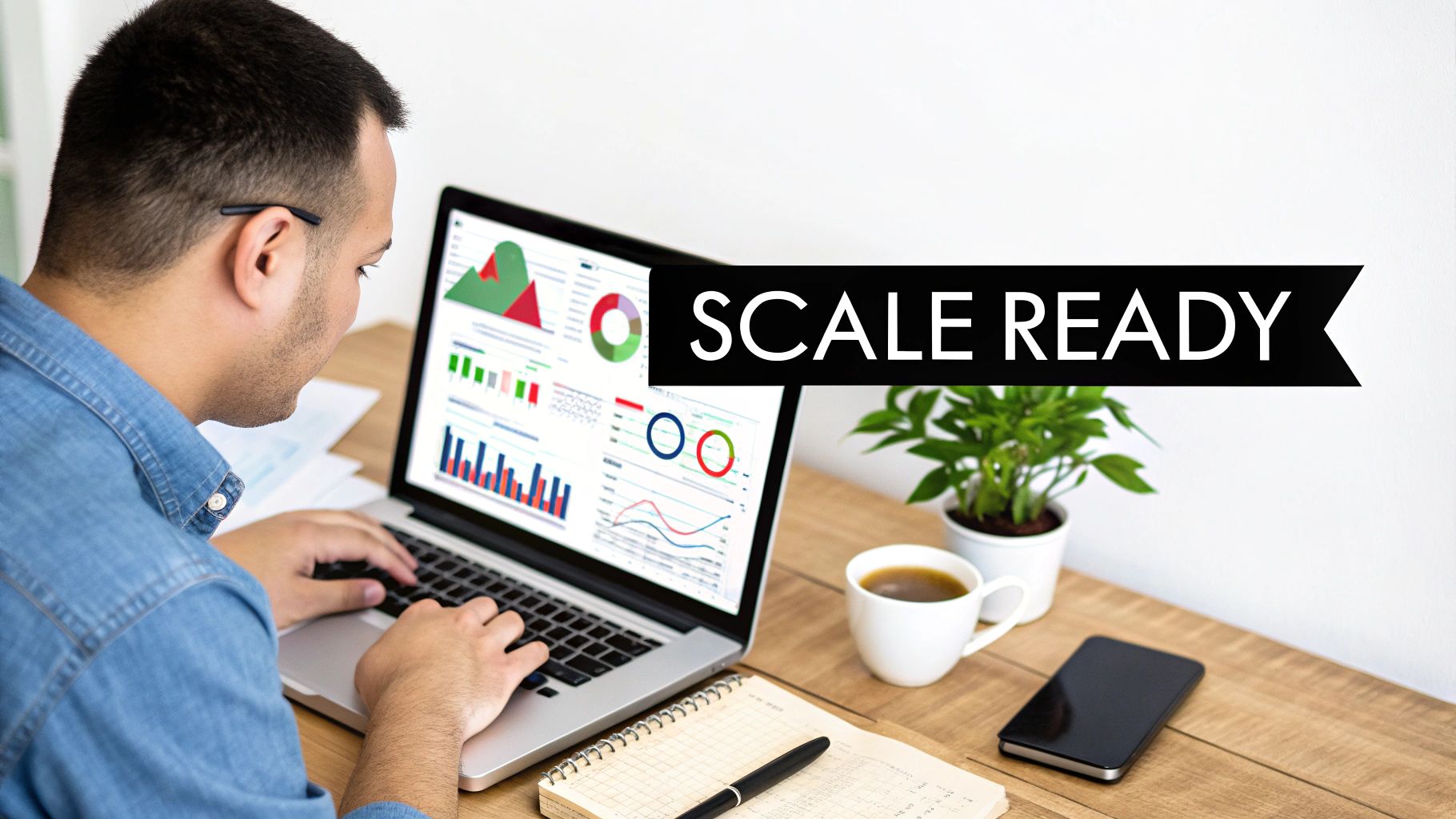
Vertical scaling is usually the first stop on the growth train. At its core, it’s simple: you just add more money to your best-performing campaigns. But while it sounds easy, this is exactly where most advertisers shoot themselves in the foot. They get too aggressive, crank up the budget too fast, and accidentally kill the very campaign that was making them money.
The secret is to increase your spend in a way that doesn’t spook the Facebook algorithm. Think of it like coaxing a small campfire into a bonfire. If you dump a whole jerrycan of gasoline on it, you'll just extinguish the flame. You have to add fuel slowly and deliberately. That’s how you scale up without wrecking your results.
The Disciplined Art of the 10-20% Rule
The absolute cornerstone of smart vertical scaling is the 10-20% rule. This isn't just some arbitrary number I pulled out of a hat; it's a battle-tested method for keeping the algorithm happy. Make a drastic budget change, and you risk throwing the campaign right back into the learning phase, which almost always leads to erratic performance and wasted cash.
Here's how it works in practice: only increase the budget on a proven campaign or ad set by 10-20% every 48 to 72 hours. That’s it. This slow, gradual ramp-up gives the algorithm enough time to find new customers at a similar cost without panicking.
For example, on a campaign spending $100 a day, your first increase should only be to $110-$120. Then, you wait. For two or three days, you watch the numbers. If everything holds steady, you can make another small jump. It feels slow, but this "slow and steady" approach is what actually wins the scaling race.
CBO vs. ABO: Where to Add the Budget?
How you’ve structured your campaign dictates how you'll scale it. Your choice between Campaign Budget Optimization (CBO) and Ad Set Budget Optimization (ABO) changes where you make those budget tweaks.
- Ad Set Budget Optimization (ABO): Here, you control the budget for each ad set individually. This is fantastic for testing new audiences or when you absolutely need to force spend to a specific group. To scale with ABO, you apply the 10-20% rule directly to the budget of your winning ad sets.
- Campaign Budget Optimization (CBO): With CBO, you set one budget at the campaign level, and Facebook’s algorithm does the heavy lifting, distributing it to the best ad sets for you. One of the best ways to scale is by mastering Campaign Budget Optimization (CBO). When scaling a CBO campaign, you simply increase the total campaign budget and trust the algorithm to put the extra cash to good use.
As a general rule of thumb, CBO is much more hands-off and efficient for scaling campaigns that are already working well. ABO gives you the granular control you need when you're still in the testing phase.
Reading the Warning Signs: When to Hit the Brakes
Scaling isn't a one-way street. You have to be watching your dashboard like a hawk for signs of diminishing returns. Pushing past these warning signals is how you turn a profit machine into a money pit.
These are the metrics screaming at you to slow down:
- Rising Cost Per Acquisition (CPA): If your CPA starts creeping up past your acceptable threshold, you're losing money on every new customer.
- Declining Return On Ad Spend (ROAS): This is your clearest indicator of profitability. If ROAS consistently drops as you increase spend, your efficiency is tanking.
- Spiking Cost Per Mille (CPM): A sudden jump in what you're paying for impressions can mean you're saturating your audience or competition is heating up.
If you bump the budget and your ROAS dips by more than 20% for two days straight, that's a red flag. Pull back on the increase and let the campaign stabilize before you even think about trying again.
Let's walk through a real-world scenario. You have a campaign humming along at $100/day with a solid 3.5x ROAS. Your goal is to get it to $500/day.
- First Increase: You raise the budget by 20% to $120/day. You monitor it for 48 hours. ROAS holds at a healthy 3.4x. Good to go.
- Second Increase: You bump it another 20% to $144/day. Again, performance stays strong.
- Third Increase & The Red Flag: After a few more successful increases, you’re at $250/day. You make another 20% jump to $300/day. But this time, your ROAS plummets to 2.5x and stays there.
This is your signal. Stop. Don't push it further. The right move is to pull the budget back to the last stable level—$250/day. That’s this campaign’s ceiling for now. The next move isn’t to force more budget in, but to look at refreshing your creative or exploring horizontal scaling to find new pockets of customers.
Expanding Your Reach with Horizontal Scaling
So, you've pushed your best ad set as far as it can go with vertical scaling. Squeezing more budget into it just isn't giving you the returns it used to. This is where you pivot from climbing up to building out.
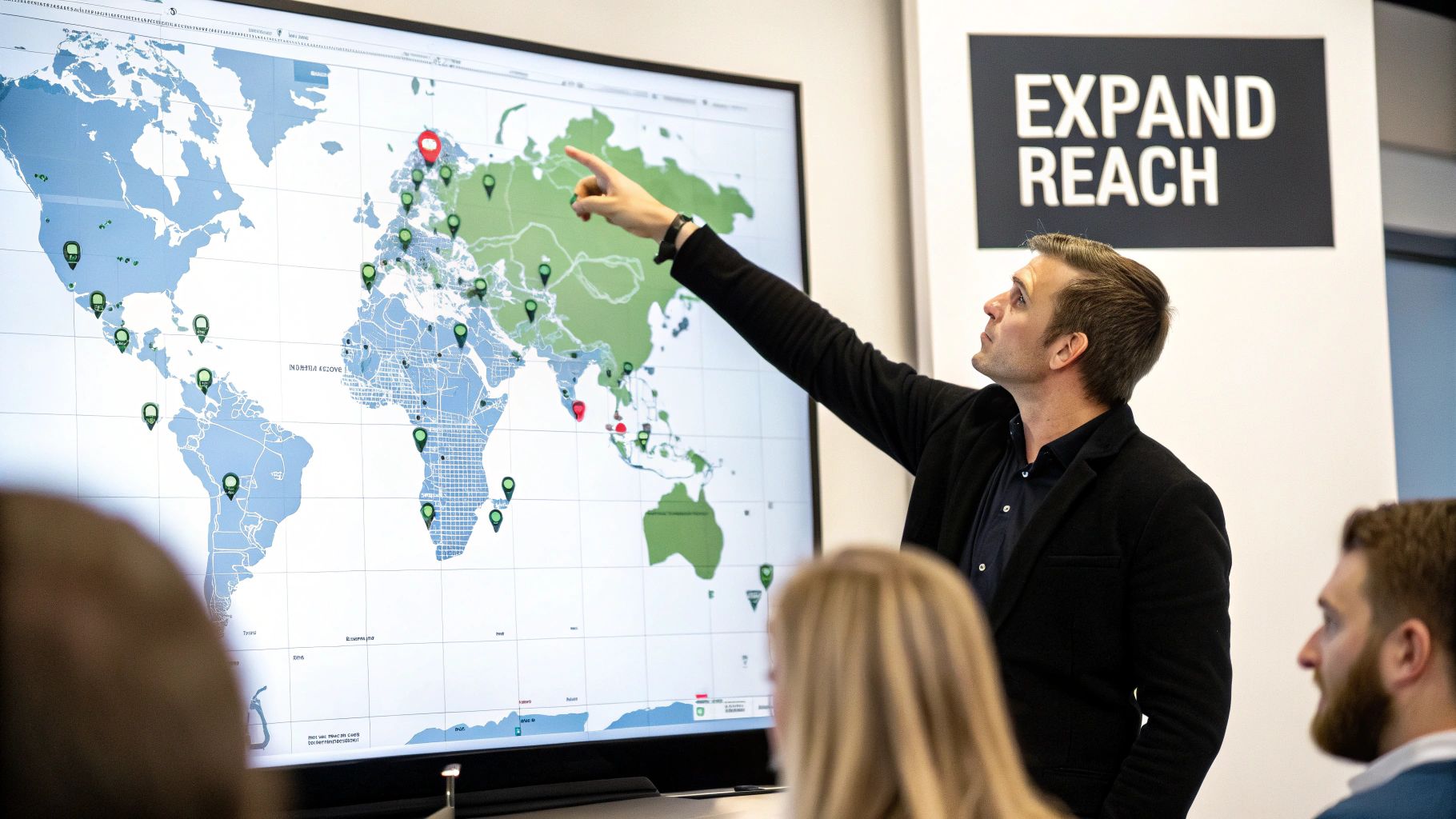
Horizontal scaling is all about finding completely new pockets of customers. Instead of just raising the budget on what’s working, you're duplicating that success across new audiences, untapped interests, and different demographics. It’s how you tap into fresh markets without burning out your existing audience, setting you up for sustainable, long-term growth.
The Power of Going Broad
Not long ago, Facebook advertisers were obsessed with hyper-specific interest targeting. We’d layer dozens of interests, trying to nail down the "perfect" customer profile. Today, the game has changed. Facebook's algorithm is so much smarter that going broad is often the most powerful move you can make.
When you give Facebook a wide-open playing field, you let its machine learning do the heavy lifting. You’re essentially saying, "Here’s my ad and my pixel data—go find me people who will buy." For many businesses, this approach uncovers high-intent customers you'd never have found on your own, frequently outperforming painstakingly crafted lookalike audiences.
The real secret is learning to trust the algorithm. Instead of getting lost in niche interests, start with a single, large interest group related to your product. The machine is often far better at finding buyers than we are at manually defining them. Let the data show you the way.
Building High-Value Lookalike Audiences
While broad targeting is a beast, lookalike audiences are still a vital part of any serious scaling toolkit. Facebook creates these audiences for you by finding people who share characteristics with your best customers. It all starts with a high-quality "source" audience.
Some of the most effective sources for building powerful lookalikes include:
- Your VIP Customer List: Upload a list of your top repeat buyers or highest-spending customers. This tells Facebook to find more people just like them.
- Recent Purchasers: Use your pixel data to create an audience of everyone who has made a purchase in the last 60-90 days.
- High-Intent Actions: People who added to cart or initiated checkout showed strong interest. They are a goldmine for finding other motivated buyers.
Once you have your source audience, you build the lookalike in Facebook’s Audience manager. This is where you decide what percentage of a country's population to target.
That percentage slider is critical. A 1% lookalike is the smallest audience and the most similar to your source. A 10% lookalike is massive and much less similar. A common pitfall is jumping straight to a 5% or 10% audience, which is often too broad and wastes money.
A Methodical Approach to Lookalike Expansion
The smartest way to scale with lookalikes is to start small and expand step-by-step. Kick things off with a 1% lookalike built from your absolute best customer data. Once that audience is humming along profitably, you can start testing a 3% or 5% lookalike to find your next pocket of growth.
Interestingly, the advertising landscape has shifted. Post-iOS 14.5, we've seen broad targeting crush 1% lookalikes with 49% higher ROAS (113% vs 76%) and 45% lower CPM. To grow your reach without tanking efficiency, a great strategy is layering 3-5% lookalike audiences on top of interests with low overlap.
This allows you to start narrow with 1% lookalikes that mirror your top customers, then strategically widen to 3-5% as your budget grows. This helps you sidestep audience saturation, which is when your frequency shoots past 5+ and your click-through rate plummets. You can dig deeper into these post-iOS 14.5 findings on admetrics.io.
Preventing Overlap with Exclusions
As you launch multiple ad sets targeting different audiences, you'll eventually run into a problem: they start competing for the same users. This is called audience overlap, and it's a silent budget killer because you’re bidding against yourself.
Thankfully, the fix is simple: use exclusions.
When you launch a new ad set targeting a 3% lookalike, be sure to exclude your proven 1% lookalike audience from the targeting. This small step ensures your money is always spent reaching genuinely new people.
Actionable Audience Recipes for Horizontal Scaling
Here’s how this all comes together in the real world.
Scenario: An E-commerce Store Selling Skincare
- Ad Set 1 (Broad): Target women ages 25-55 in your primary country. No interest targeting at all. Let the pixel do its thing.
- Ad Set 2 (Core Lookalike): Launch a 1% lookalike audience built from your customer list of repeat buyers.
- Ad Set 3 (Interest Stack): Create an ad set targeting a stack of related interests like "Sephora," "Ulta Beauty," and "skincare." Make sure to exclude your 1% lookalike and your existing customer list.
Scenario: A B2B SaaS Company Generating Leads
- Ad Set 1 (Broad Professional): Target people with relevant job titles like "Marketing Manager," "Founder," or "Director."
- Ad Set 2 (Core Lookalike): Use a 1% lookalike created from a list of your most qualified leads or paying customers.
- Ad Set 3 (Lookalike Expansion): Test a 3% lookalike of your customer list, but layer it with interests in specific industry software or publications. Don't forget to exclude your 1% lookalike audience.
Building a Creative Flywheel to Combat Ad Fatigue
You can't just find a bigger audience, throw more money at it, and expect to scale. It’s a common mistake. If your ads are stale, you're just paying more to annoy people who have already seen them. This is exactly where a creative flywheel becomes your secret weapon—a repeatable system for testing, iterating, and deploying fresh ads to keep performance strong as you ramp up your spend.
Without a constant flow of new creative, ad fatigue will absolutely tank your campaigns, often faster than any targeting error. It happens when your audience sees the same ad over and over, eventually learning to ignore it completely. The result? Your click-through rates dive, costs climb, and that profitable campaign you had grinds to a screeching halt.
Spotting the Early Signs of Ad Fatigue
Ad fatigue rarely shows up overnight. It starts with a whisper before it becomes a roar. Staying ahead means watching your metrics like a hawk for the subtle shifts that signal your creative is losing its edge. Being proactive is one of the most critical skills when learning how to scale Facebook ads.
The most glaring sign is a rising frequency score. While every account is different, once your ad’s frequency ticks above 3.0 in a cold audience, you're wading into dangerous waters. It means the average person has seen your ad three times, and its power is likely fading fast.
Beyond frequency, keep a sharp eye on these leading indicators:
- Declining Click-Through Rate (CTR): This is usually the first domino to fall. A drop here means your ad just isn't compelling enough to stop the scroll anymore.
- Increasing Cost Per Mille (CPM): As engagement drops, Facebook's algorithm may see your ad as less relevant and start charging you more to show it.
- Rising Cost Per Result (CPA): Ultimately, fatigue hits your bottom line. If it’s costing you more to get a lead or sale, tired creative is the likely culprit.
Don’t wait for the entire campaign to go south. The second you see frequency climbing while CTR is dropping, it's your cue to swap in fresh creative. A well-managed campaign avoids this fire drill by always having a deep bench of ads ready to deploy.
Ad fatigue is a pervasive issue, and understanding how a Facebook ads agency fixes ad fatigue can provide some valuable insights.
A Practical Framework for Creative Testing
To build a real flywheel, you need a structured testing process. You can't just throw random ads at the wall and hope something sticks. The goal is to systematically find the winning combinations of visuals, headlines, and copy that you can build upon.
A fantastic tool for this is Facebook's Dynamic Creative. Instead of building out a dozen separate ads, you can feed the algorithm multiple components—images, videos, headlines, descriptions—and let it do the heavy lifting of finding the best-performing combinations. This speeds up your testing cycle immensely.
To get started, set up a dedicated creative testing campaign, preferably with a CBO budget. Inside, create one ad set targeting a broad but relevant audience, then load it up with your creative assets.
Here’s a simple structure I’ve used with great success:
- Images/Videos: Start with 3-5 distinct visual concepts. Think a UGC-style video, a crisp product shot, and maybe a graphic-based carousel.
- Primary Text: Write 2-3 variations of your ad copy. Try a short, punchy version, a longer storytelling angle, and one that hammers a specific benefit.
- Headlines: Craft 3-5 different headlines. Test a question, a direct call-to-action, and something that sparks curiosity.
Let the test run until each combination has gathered enough data (at least a few thousand impressions). Use Facebook’s "Breakdown" feature to see which individual assets are driving the best results. This gives you a clear roadmap for your next batch of winning ads.
Ad Creative Testing Framework
Systematic testing is the engine of your creative flywheel, and using a Facebook adspy platform can further enhance this process by revealing what’s already working in your niche. Instead of guessing, this framework helps you isolate variables to understand what truly resonates with your audience. Here's a look at how you can structure your tests.
Creative ElementTesting Variable 1Testing Variable 2Key Metric to WatchVisualsUGC-style VideoPolished Product ShotCTR (Link)HeadlineQuestion-BasedBenefit-DrivenOutbound CTRPrimary TextShort & PunchyLong-Form StoryHook Rate (Video)Call-to-Action"Shop Now""Learn More"Conversion Rate
By focusing on one element at a time, you get clean data that tells you exactly what to double down on. This iterative process is how you consistently find new creative winners to fuel your scaling efforts.
Why Authentic UGC Almost Always Wins
As you scale, it’s tempting to pour money into slick, high-production studio ads. But time and again, I've seen authentic user-generated content (UGC) connect on a much deeper level and drive far better results. UGC feels real, it builds trust, and it cuts through the noise of polished corporate advertising.
The data backs this up in a big way. User-generated content can drive 6.9X higher engagement than professional brand creative. We've also seen formats like carousels deliver a 4.2X ROAS. With shopping ad CTRs jumping by 146% to an average of 4.13%, having fresh, engaging visuals is no longer optional for serious scaling.
This is why building a system to source and test UGC is so fundamental to your creative flywheel. Encourage customers to share photos and videos, run contests, or partner with micro-influencers. This steady stream of authentic content is the fuel that lets you scale budgets aggressively without burning out your audience.
Troubleshooting Common Scaling Roadblocks

Scaling Facebook ads is never a straight line up. It's more like a series of peaks and valleys. One day a campaign is printing money, and the next, it flatlines the moment you bump the budget. Your cost per acquisition (CPA) might suddenly skyrocket, or your ROAS takes a nosedive.
This is completely normal. How you react, though, is what separates the pros from the people who just burn cash. This is your field guide for figuring out what broke and, more importantly, how to fix it—fast.
Diagnosing a Sudden CPA Spike
This is probably the most common (and heart-stopping) issue. You have a profitable campaign, you feed it more money, and it immediately starts losing. What gives? The first rule is: don't panic. The second is to start diagnosing systematically.
Your first stop should always be the "Breakdown" tab in Ads Manager. Start slicing your data by:
- Placement: Did that extra budget get funneled into cheap but useless placements like the Audience Network?
- Demographics: Is one specific age group or gender suddenly dragging down performance now that you're spending more?
- Device: Is your desktop CPA double your mobile CPA? Or vice-versa?
Often, a budget increase just forces the algorithm to explore lower-quality pockets of your audience to spend the cash. If you see your Instagram Stories CPA is 3x higher than the Facebook Feed, it might be time to manually exclude that placement or even build a separate ad set just for it.
What to Do When ROAS Starts to Decline
A slow, steady decline in Return On Ad Spend (ROAS) as you scale is a classic sign of audience fatigue. You're simply running out of the best, most eager people in your audience, and Facebook has to work harder to find the next conversion.
Before you kill the ad, check your Frequency metric. If you see it creeping past 3.0 for a cold prospect audience or 8.0 for retargeting, you’re officially annoying people. This is a blinking red light telling you it's time to scale horizontally.
Don't just keep cramming more money into a saturated ad set. Your best move is to introduce your winning creative to a fresh set of eyes. Test new lookalike audiences (maybe expand from a 1% to a 3% LAL) or open up your targeting to a broader audience.
It's also worth noting that ad fraud is a persistent headache. A solid understanding of Meta's challenges with fraudulent ads can give you context for why some performance dips seem to come out of nowhere.
Fixing a Campaign That Dies Overnight
This is every media buyer's nightmare. Your star performer suddenly tanks for no apparent reason. Before you hit the off switch, run through this quick diagnostic checklist. Before pivoting your strategy, verify your data attribution; quite often, scaling performance dips are caused by signal loss, which you can fix by learning how to improve event match quality
Common ProblemDiagnostic QuestionActionable SolutionCreative BurnoutIs your Frequency climbing while your Click-Through Rate (CTR) is falling?The ad is stale. Swap in fresh creative. Test a new angle or format, like turning a static image into a video.Audience SaturationHave you reached a huge percentage of your potential audience?Time for horizontal scaling. Launch new ad sets targeting completely different lookalikes or broad interests.Auction CompetitionDid your Cost Per Mille (CPM) spike dramatically?This could be seasonal (like Black Friday). You might need to adjust your bid strategy or pause until costs cool off.Algorithm VolatilityDid you just make a major edit to the ad set?Stop tinkering. Let the campaign run for a full 48-72 hours to see if it can stabilize and exit the learning phase.
Getting good at troubleshooting is what makes you a great advertiser. When you approach these problems with a clear process instead of raw emotion, you turn potential disasters into lessons that make your entire strategy tougher and more resilient.
Your Top Questions About Scaling Facebook Ads, Answered
Let's be honest, scaling Facebook ads can feel like a bit of a black box. You've got a campaign that's working, but the moment you try to pour more money in, things can go sideways. I've been there. Here are some of the most common questions I get from other advertisers, along with my straight-to-the-point answers.
How Much Do I Need to Spend to Start Scaling?
This is probably the most common question, and the answer isn't a specific dollar amount. The real key is having enough data. Before you even think about scaling, your campaign needs to be consistently profitable and, crucially, out of the learning phase. That means you've hit at least 50 conversions.
For a small e-commerce store, scaling might just mean bumping your daily spend from $20 to $25. For a bigger brand, that could look more like jumping from $1,000 to $1,200.
Don't get hung up on the raw numbers. It’s all about the percentage. Sticking to a 10-20% budget increase is a solid rule of thumb that keeps the algorithm happy and stable, whether you're spending a little or a lot.
What's a Good ROAS When I'm Scaling?
There's no universal "good" Return On Ad Spend (ROAS). It's completely unique to your business and your profit margins. A business with fat margins on digital products might be popping champagne for a 2.5x ROAS, while a dropshipping store might need a 4x ROAS just to keep the lights on.
Your focus shouldn't be on some industry benchmark. Instead, you need to know your break-even ROAS like the back of your hand. Anything above that number is pure profit. A small dip in ROAS is totally normal when you scale, but it can't ever fall below that break-even point.
How Long Should I Wait to See Results After Bumping the Budget?
Patience is a virtue here. After you increase the budget on a campaign, you have to give the algorithm time to breathe. I always recommend waiting a minimum of 48-72 hours before making any calls.
Making knee-jerk decisions based on a few bad hours is the single fastest way I've seen people sabotage a perfectly good campaign. Give the system time to find new customers at that new spend level.
Will Automation Just Replace Manual Scaling?
Not completely, but it’s changing the game. Automation tools, especially Facebook's Advantage+ campaigns, are absolute workhorses. They handle the nitty-gritty of bidding and budget allocation way more efficiently than any human could, taking care of probably 80-90% of the tactical heavy lifting.
But here’s the thing: automation is a tool, not a strategist. You still need a human brain to guide the creative, set the high-level audience strategy, and make sense of the results. Think of it as your super-smart co-pilot; you’re still the one flying the plane.
Ready to create winning ad creatives that are built to scale? quickads.ai uses AI to generate high-performance image and video ads in seconds, taking the guesswork out of your creative flywheel. See how effortless ad creation can be at https://www.quickads.ai.










Privacy is important to us, so you have the option of disabling certain types of storage that may not be necessary for the basic functioning of the website. Blocking categories may impact your experience on the website. View Our Privacy Policy


