
Unleash Your Creativity: Top Picks for the Best Reel Maker App in 2025
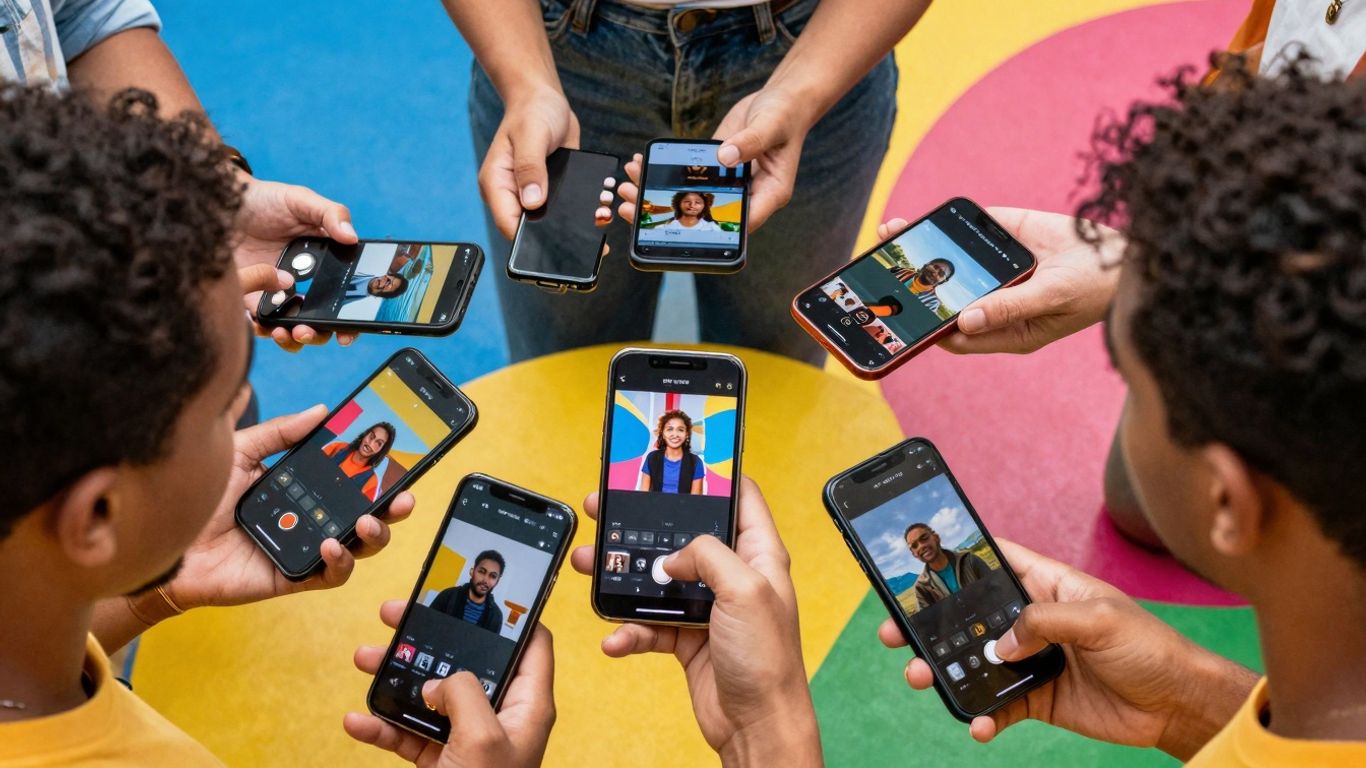
Looking to make some awesome short videos for social media in 2025? You've probably heard about Reels and how they can get your content seen. But making them look good can feel like a challenge, right? Don't worry, there are tons of apps out there that make it way easier. We've checked out a bunch of them to find the best reel maker app options for you, whether you're just starting out or you've been making videos for a while. Let's find the perfect tool to help you create content that pops.
Key Takeaways
- Pippit uses AI to help create videos quickly, offering templates and water-free exports.
- Opus Clip turns long videos into short, shareable Reels automatically, saving lots of time.
- Canva provides many templates and easy-to-use tools for making Reels right in your browser.
- Adobe Express offers free templates and assets, making it simple to create professional-looking Reels.
- Capcut and InShot are popular free mobile apps great for editing Reels with lots of features.
1. Pippit
Pippit is a pretty neat tool if you're looking to whip up some Instagram Reels without a huge learning curve. It really leans into AI to do a lot of the heavy lifting for you. You can basically give it a link, some text, or even a document, and it'll try to turn that into a video. It's designed to save you a ton of time, which is always a plus, right?
What's cool is that it can generate AI avatars and voiceovers, so you don't even need to be on camera if you don't want to be. Plus, it has a library of royalty-free music and visuals, so you don't have to worry about copyright issues when you're adding those finishing touches.
Here's a quick rundown of how you can get started:
- Start with your idea: Head over to the "Video generator" section and pop in a link, upload your own media, or just type in a description of what you want your Reel to be about.
- Define your Reel: Tell Pippit about the theme, key points, and who you're trying to reach. You can also pick an AI avatar, set the aspect ratio, and choose the language and length.
- Edit and publish: Pippit will generate a few options for you. You can pick one, tweak it using the "Quick edit" panel to change text, avatars, or media, or go into the more detailed editor for finer adjustments like color balance or background removal.
Pippit aims to make video creation accessible, even if you're not a professional editor. It automates a lot of the tedious parts, letting you focus more on the creative concept and less on the technical stuff. It's a solid choice for getting content out quickly.
2. Opus Clip
Opus Clip is a pretty neat tool if you've got a bunch of long videos lying around and want to turn them into short, punchy Reels. It uses AI to find the most interesting bits, which is a huge time-saver. Seriously, instead of spending hours editing, this app can churn out multiple clips from one video in just a few minutes. It even suggests titles and keywords, which is helpful when you're trying to get your content seen.
One of the standout features is how it keeps speakers in frame and offers captions that are pretty accurate. This really helps keep people watching, and who doesn't want more engagement on their posts? It's especially good for podcasters or anyone repurposing content from longer formats.
Opus Clip really shines when you're looking to get more mileage out of existing video content. It automates a lot of the tedious work involved in finding those viral moments.
However, it's not really for creating original short videos from scratch. You're kind of dependent on the AI to pick the right stuff, so sometimes you might still need to tweak things a bit. But for quickly getting social-ready posts, it's a solid option. You can get started with their Starter plan for just $15 per month, which gives you 150 minutes of processing time.
3. Veed.io
Veed.io is a solid online option if you're looking to make some eye-catching Reels without a huge learning curve. It's pretty good for marketers and creators who want to put together professional-looking Reels for Instagram, TikTok, and other spots.
One of the standout features is its auto-subtitle generator. It can whip up captions in a bunch of different languages and formats, which is super helpful for making sure everyone can follow along, even if they've got their sound off. Plus, it's pretty generous with its free plan – you get access to transitions, stock media, and audio tools without needing to pay right away.
- Easy aspect ratio control: You can quickly adjust your video to fit the perfect dimensions for Reels, so it always looks right.
- Lots of features for free: Even without paying, you get a good amount of editing tools.
- Auto subtitles: Makes your videos more accessible and engaging.
The biggest drawback is the watermark on videos exported from the free version, which means you'll need to upgrade if you want a clean look. While it's generally user-friendly, the sheer number of options might take a little getting used to if you're totally new to video editing.
Veed.io offers a powerful online platform that gives you a lot of creative freedom. You can add cool effects, resize videos correctly, and throw in animations, text, and images to make your Reels pop.
4. Canva
Canva has really become a go-to for a lot of people, and for good reason. It's super user-friendly, especially if you're not trying to become a professional video editor overnight. Think of it as your all-in-one creative hub. You can whip up graphics, edit videos, and even schedule posts, all without leaving the app. It's the simplicity that really shines here.
One of the best things about Canva for making Reels is the sheer number of templates they have. Seriously, it's a massive library, and they're all designed to look good. Plus, they've been adding more AI features, which can help speed things up. For instance, their "Create a video clip" tool can automatically pick out scenes and set the pacing for you. It's pretty neat.
Canva also plays well with your other brand stuff. If you have logos or specific colors you need to use, you can set up a brand kit to keep everything consistent. This is a big deal if you're working on a team or just want your content to look cohesive.
While Canva is fantastic for quick edits and making visually appealing content, it's not the best if you need really complex video editing. Things like detailed keyframing or advanced color adjustments are better handled in more specialized software. It's more about making things look good fast than deep technical editing.
Here's a quick look at what makes Canva stand out:
- Vast Template Library: Thousands of professionally designed templates ready to be customized.
- AI-Powered Tools: Features like Magic Design and text-to-image help generate content and ideas quickly.
- Integrated Brand Kit: Keep your branding consistent with saved logos, fonts, and colors.
- Easy Collaboration: Work with team members in real-time on projects.
If you're looking to create social media content, including Reels, without a steep learning curve, Canva is definitely worth checking out. You can even generate images with their AI tools to add unique flair to your videos.
5. Adobe Express
Adobe Express is a pretty solid option if you're looking to whip up some quick, good-looking videos for social media, especially if you're already in the Adobe universe. It's got this whole AI thing going on with Firefly, which can help you make images from scratch or even fill in parts of existing ones. Think of it like a design assistant that's always on call.
What's cool is that it's browser-based and works on your phone, so you're not tied to a desktop. They've got a bunch of templates that you can tweak, and you can add animations and effects without needing to be a video editing wizard. It's designed to make things fast and keep your brand looking consistent, which is a big plus for businesses.
- Template Library: Loads of pre-made designs to get you started.
- AI Tools: Helps create images and add effects.
- Brand Kits: Keep your logos, colors, and fonts all in one place.
- Cross-Platform Sharing: Easy to resize and share your creations.
If you're already using other Adobe products like Photoshop or Illustrator, Express plays nicely with them, making it easier to move your work around. It's a good middle ground between super simple apps and the really complex professional software.
While it's great for getting things done quickly and keeping your brand on point, some users might find the AI image generator a bit basic. It's best at following simple instructions, so don't expect it to create super complex scenes without a lot of guidance. Still, for everyday social media content, it's a strong contender.
6. Capcut
CapCut has really become a go-to for a lot of people making short videos, especially for social media. It’s pretty straightforward to use, which is a big plus if you’re not trying to spend hours learning complicated software. You can do a lot of the basic editing stuff like cutting clips, adding text, and putting in music without much fuss.
What’s cool is that it’s got a bunch of built-in effects and filters that are actually pretty decent. They’ve got templates too, which can save you a ton of time if you’re stuck for ideas or just want something quick. It’s not just for simple edits, though. You can get into more detailed stuff like keyframing, which lets you animate elements precisely, and there’s even a green screen feature if you want to get fancy with backgrounds.
Here’s a quick look at some of its handy features:
- Easy-to-use interface: Makes editing accessible for beginners.
- Extensive effects and filters: Plenty of options to make your videos pop.
- Keyframe animation: For precise control over movement and changes.
- Auto captions: Automatically generates subtitles, which is a lifesaver for accessibility and engagement.
- Music library: Access to a good selection of royalty-free tracks and sound effects.
CapCut really hits a sweet spot between being simple enough for quick edits and powerful enough for more creative projects. It’s a solid choice for anyone looking to make engaging reels without a steep learning curve.
7. InShot
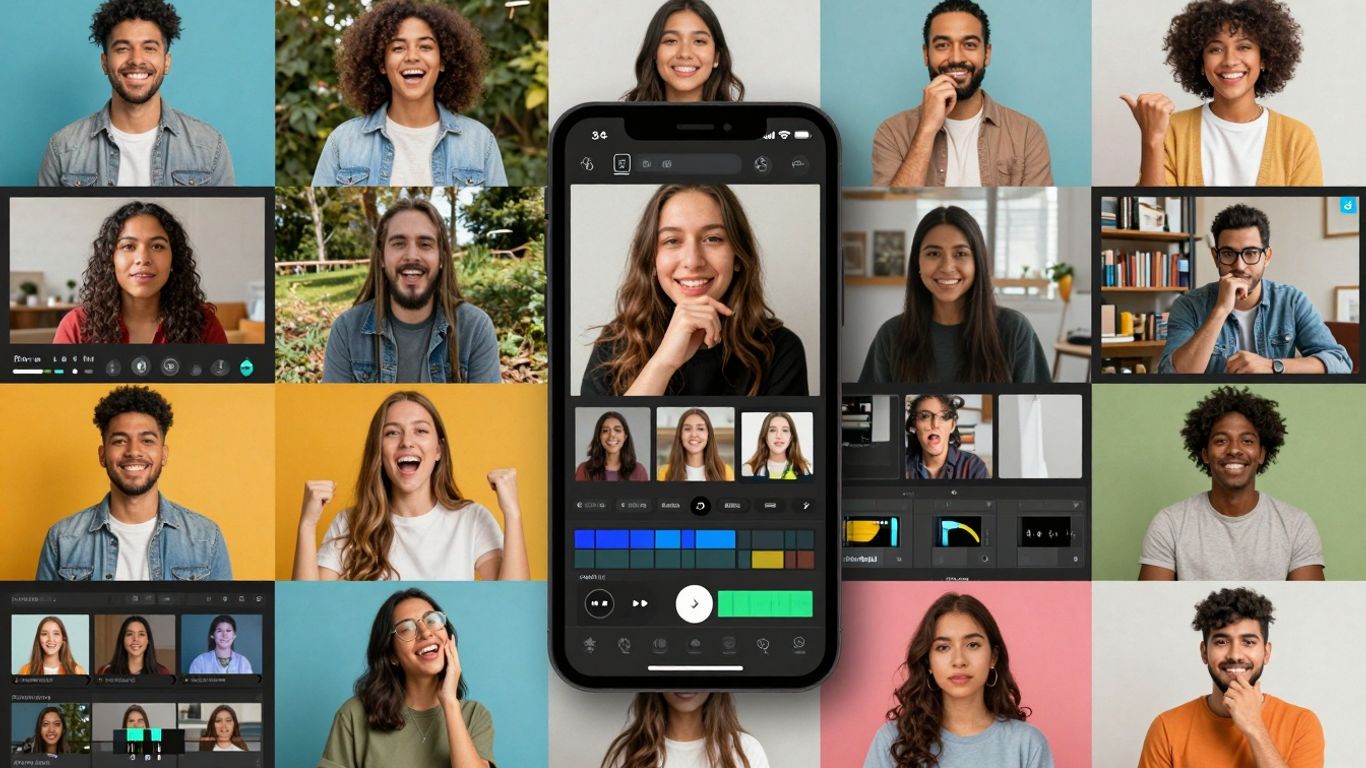
Alright, let's talk about InShot. If you've been messing around with making videos on your phone for a while, chances are you've bumped into this one. It's super popular, and honestly, for good reason. It's one of those apps that just feels right when you're editing on the go.
What I like about InShot is that it doesn't try to be this super complicated professional editing suite. It's built for your phone, so everything is pretty straightforward. You can chop up clips, stick them together, add some music – the usual stuff. But it also has some neat extras like filters, text overlays that actually look good, and different effects to make your Reels pop.
Here's a quick rundown of what makes it a solid choice:
- Mobile-First Design: It's made for phones and tablets, so the editing experience is smooth. No weird lag or clunky menus.
- Good Set of Tools: You get transitions, music syncing, speed adjustments, and even some basic keyframe animation. It’s enough to make your videos look polished.
- High-Quality Exports: You can export your Reels in pretty high resolutions, which is great because nobody wants a blurry Reel.
Now, it's not all perfect. The free version slaps a watermark on your videos, which can be a bit of a bummer. You'll need to pay up or subscribe to get rid of it. Also, a lot of the really cool effects and premium templates are tucked away behind the Pro subscription. But, if you're just starting out or don't need all the bells and whistles, the free version is still pretty usable.
For many creators, InShot hits that sweet spot between being easy enough for beginners and having enough features to make content that looks professional. It's a reliable workhorse for quick edits right on your device.
8. Reelmind.ai
Reelmind.ai is a pretty interesting platform that goes beyond just making videos with AI. It's built like a whole system where people can share and even trade AI models. Think of it like a marketplace for AI video tools. This community aspect is a big deal because new ideas and ways of doing things spread really fast. It's a place where creators can learn from each other and contribute to a growing library of creative tech.
One of the standout features is how they handle payments and rewards. They use a credit system that's tied to blockchain, which sounds fancy, but basically, it means creators can earn credits for making and sharing their own AI models.By leveraging reliable blockchain development services, the platform ensures transparency, security, and trust in how rewards are distributed. This is a smart way to get people involved and reward them for their contributions. It also means there's always a wider variety of tools available for everyone to use.
Here's a quick look at what makes Reelmind.ai tick:
- Vast Model Library: Access to over 101 different AI video models, including big names like OpenAI's Sora and Kling AI, plus specialized ones like PixVerse V4.5 with lots of camera controls.
- Community Market: A place to share and trade AI models, fostering collaboration and innovation among users.
- Credit System & Blockchain: Earn credits for creating and sharing models, with secure transactions and revenue sharing.
- AI Agent Director (Nolan): Get help with directing, narrative structure, and cinematography suggestions, making professional filmmaking more accessible.
- Robust Infrastructure: Built with modern tech like NestJS and TypeScript, ensuring it's fast, reliable, and can handle lots of users and complex tasks.
The platform's technical setup is pretty solid, using things like NestJS for the backend and Cloudflare for storage. This means it's built to handle a lot of users and complex AI tasks without slowing down. They also have features like batch generation, so you can process multiple video requests at once, which is a real time-saver.
Reelmind.ai really tries to make advanced AI video creation available to more people. By offering a huge range of models, from high-end to more budget-friendly options, and adding tools like their AI Director, Nolan, they're lowering the barrier to entry for creating professional-looking videos. It's a platform that's trying to be a one-stop shop for AI video needs.
9. Adobe Premiere Pro
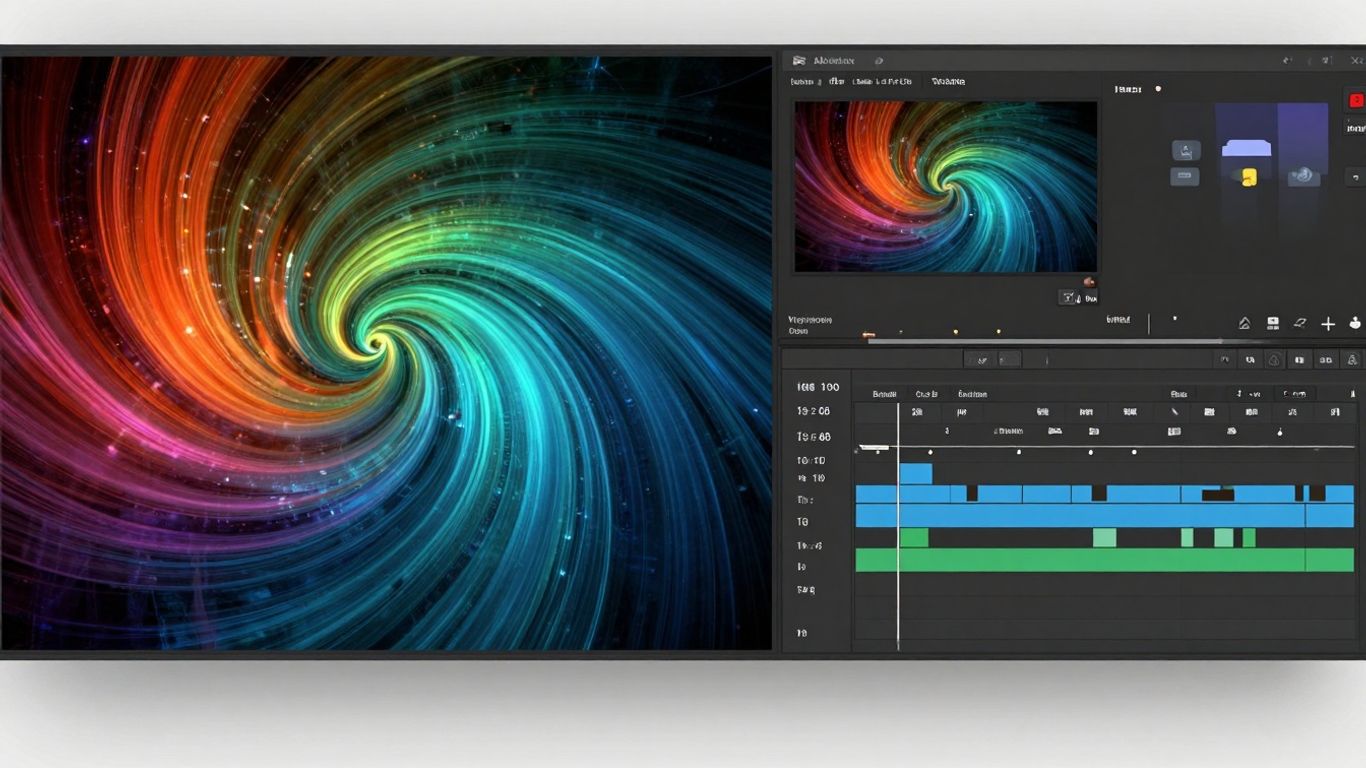
Alright, let's talk about Adobe Premiere Pro. If you're looking to get serious about video editing, especially for reels, this is the big leagues. It's not exactly a beginner's app, mind you. Think of it like going from a bicycle to a race car – it takes some getting used to, but the power you get is incredible.
Premiere Pro is a professional-grade video editor, meaning it's packed with features that let you do pretty much anything you can imagine with your footage. You can layer clips, add all sorts of effects, fine-tune audio, and really get into the nitty-gritty of making your reel look and sound exactly how you want it.
Here's a quick rundown of what makes it stand out:
- Advanced Timeline Editing: This is where the magic happens. You can precisely cut, trim, and arrange clips with a level of control that simpler apps just can't match.
- Color Correction and Grading: Want your reel to have a specific mood or look? Premiere Pro gives you the tools to adjust colors meticulously, making your videos pop.
- Audio Mixing: Good sound is half the battle. You can balance music, voiceovers, and sound effects to create a professional audio experience.
- Integration with Other Adobe Apps: If you use other Adobe products like After Effects or Photoshop, Premiere Pro plays really nicely with them, making your workflow smoother.
It's definitely a steeper learning curve than something like Canva or CapCut. You'll probably want to watch a few tutorials to get the hang of it, especially if you're new to video editing software. But for those who want total creative freedom and professional results, Adobe Premiere Pro is a powerhouse that's hard to beat.
While it might seem like overkill for just making a quick social media reel, the depth of control it offers can really set your content apart. If you're aiming for a polished, cinematic feel or need to integrate complex graphics, this is the tool to consider. It's an investment in your creative potential.
10. Final Cut Pro
Alright, let's talk about Final Cut Pro. If you're on a Mac and you're serious about video editing, this is probably one of the first names you'll hear. It's not exactly a beginner's app, mind you. Think of it as the big leagues of video editing software for Mac users.
Final Cut Pro is a professional-grade video editing suite that's been around for ages. It's packed with features that let you do pretty much anything you can imagine with your footage. We're talking about advanced color grading, complex audio editing, and effects that can really make your videos pop. It's built for speed and efficiency, which is a big deal when you're working with long projects or high-resolution video.
Here's a quick look at what makes it stand out:
- Magnetic Timeline: This is a pretty neat feature. It helps keep your clips organized and prevents those annoying gaps or overlaps when you move things around. It makes editing feel a lot smoother.
- Broad Format Support: You can throw pretty much any kind of video file at it, and it'll handle it. No need to convert everything beforehand, which saves a ton of time.
- Motion Graphics Integration: If you use Apple's Motion software, Final Cut Pro works really well with it. You can create custom titles and effects in Motion and then use them directly in your Final Cut Pro projects.
- Performance: It's optimized for Apple hardware, so it runs really fast, especially on newer Macs. Editing 4K or even 8K footage feels pretty manageable.
Now, it's not free, and it does have a learning curve. You'll definitely need to put in some time to get comfortable with all its tools. But if you're looking for professional results and you're invested in the Apple ecosystem, Final Cut Pro is a solid choice for making your reels look top-notch.
Wrapping It Up
So, there you have it. We've looked at some pretty cool apps that can help you make awesome Reels. Whether you're just starting out or you've been making videos for a while, there's definitely something out there for you. Remember, the best tool is the one you'll actually use, so pick one that feels right and start creating. Don't get too caught up in having the "perfect" app; just get your ideas out there. Your audience is waiting for what you have to share, so go ahead and make some great videos!
Frequently Asked Questions
What's the best free app for making Instagram Reels?
Apps like Capcut and InShot are great free options for making Reels. They're easy to use and have lots of cool stuff like templates and animations. Just a heads-up, the free versions might add a small watermark to your videos.
Do I really need fancy software to make good Reels?
Nope! You don't need super professional programs. Simple mobile apps like Capcut or InShot are totally fine for making awesome Instagram Reels. You only really need the big, professional apps if you need really advanced editing tricks.
How can I get rid of the watermark on my Reels?
The easiest way to remove a watermark is usually to buy the paid version of the app you're using. Some apps also let you remove it by watching an ad.
What makes an Instagram Reel really grab attention?
To make people stop scrolling, use something super interesting in the first few seconds! Think a cool visual, a funny sound, or a question that makes them curious. Also, using popular music and adding text or captions helps a lot, especially if people are watching without sound.
Should my Reels be really long?
While Reels can be up to 90 seconds, shorter videos, like 15 to 30 seconds, often do better. It's best to get straight to the point and make sure every second counts, so viewers stay interested all the way to the end.
Can AI help me make Reels faster?
Absolutely! Many Reel maker apps now use AI. They can help you create videos from just text, automatically add captions, or even find the most exciting parts of a longer video to turn into a Reel. This can save you a ton of time and effort.









Privacy is important to us, so you have the option of disabling certain types of storage that may not be necessary for the basic functioning of the website. Blocking categories may impact your experience on the website. View Our Privacy Policy


