
Top AI Video Generator Tools I Actually Tested (And What They’re Really Good At)
Why I Started Testing AI Video Tools
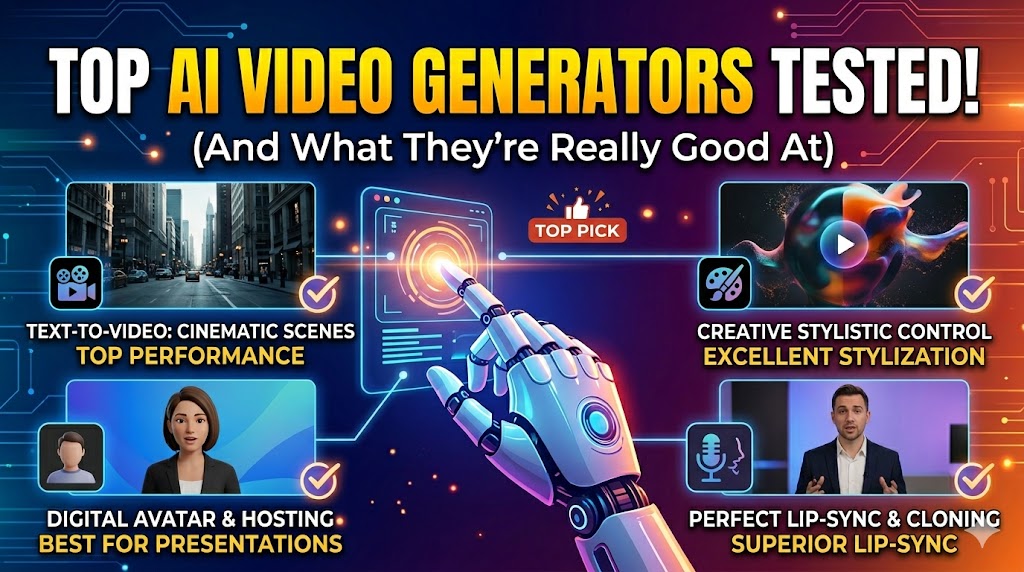
AI video generators are on everyone's lips these days. Every platform promises faster workflows, better visuals, and “no editing needed.” I wanted to check if that was true. So I spent a few weeks putting five tools to the test in real-world scenarios: short-form content, marketing clips and experimental storytelling. The aim was not to find a “winner”, but to see how each tool behave in practice.
VEME — Fast Ideas, Faster Output
First Impressions
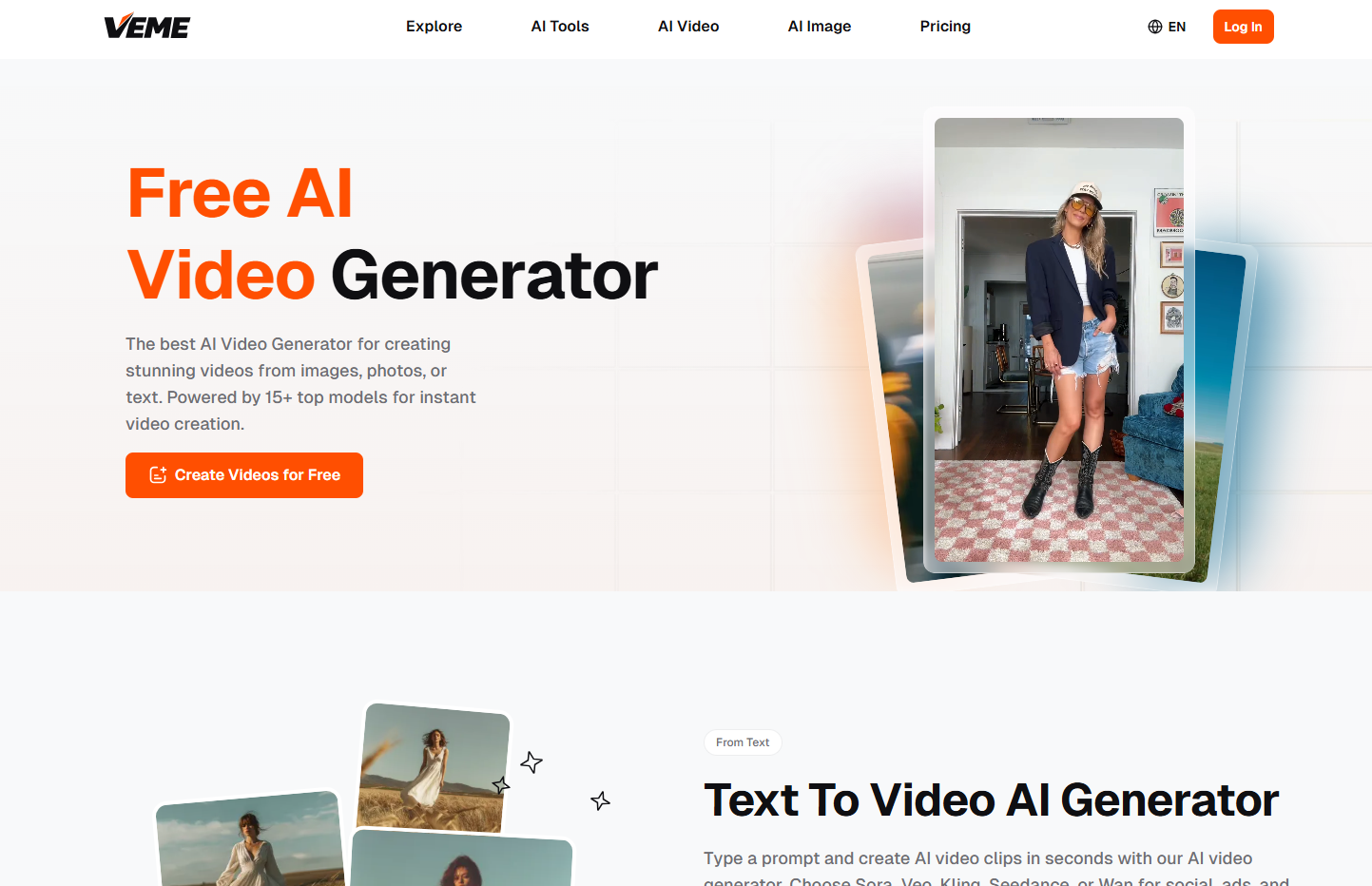
VEME feels less like a conventional editor and more like a speed system. When you get to the interface, it’s all about idea → structure → output. Unlike other AI Video Generator tools, it removes steps, instead of adding features.
What Stands Out
- The workflow is compressed. You input an idea and quickly get a structured video.
- It reduces editing decisions. You don’t spend time tweaking every detail.
- It’s optimized for short-form content rather than cinematic production.
My Hands-On Experience
I tested VEME for TikTok-style videos. The biggest difference was momentum. I could produce multiple variations in one session without feeling stuck. That’s rare. Most tools slow you down after the first draft.
Where It Fits
VEME works best if you care about consistency over perfection. It’s not built for frame-level control, but it excels at getting ideas out quickly. For creators who struggle with finishing content, this matters more than advanced features.
Short AI — Built for Quick Social Content
First Impressions
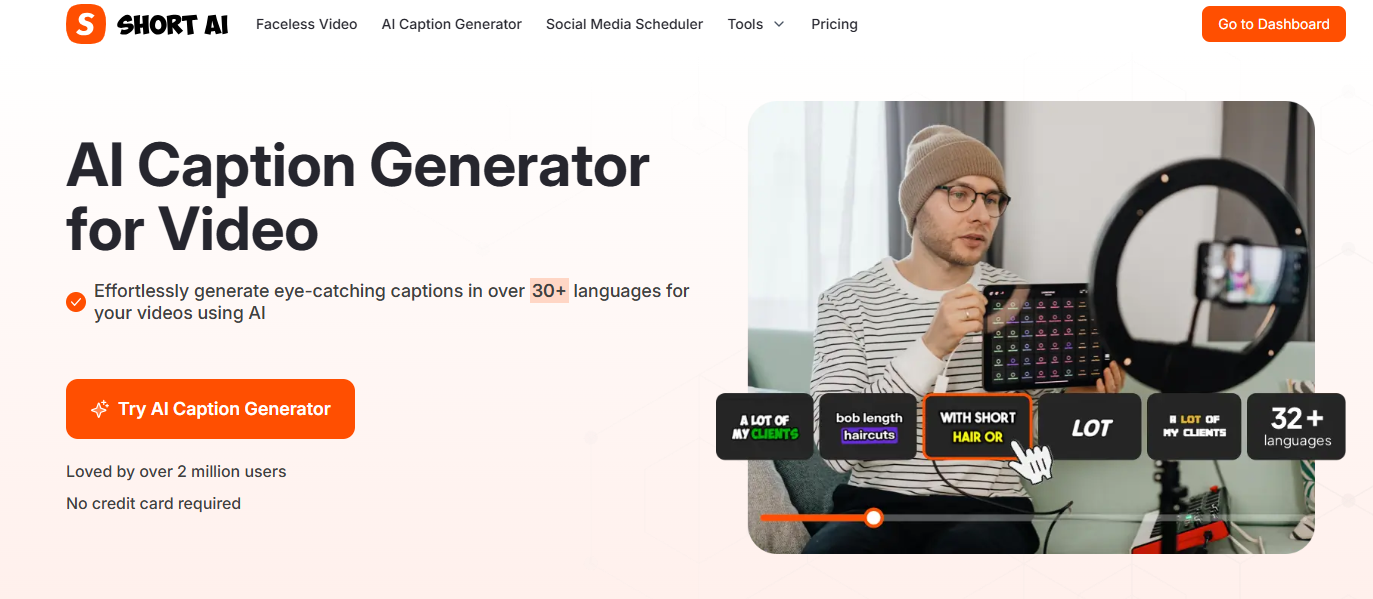
Short AI feels like it was designed specifically for social media creators. The interface is simple, almost minimal. It doesn’t try to do everything, which is actually refreshing.
What Stands Out
- Strong focus on short-form video formats
- Pre-structured templates for fast generation
- Minimal learning curve
My Hands-On Experience
I used Short AI to create caption-heavy videos. The results were clean and usable right away. However, customization felt limited compared to other AI video generator platforms. Once you step outside its templates, flexibility drops.
Where It Fits
Short AI is ideal for creators who want speed and simplicity. If your workflow revolves around quick posts, it works well. If you need more creative control, you may hit limitations.
Leonardo AI — Strong Visual Generation, Expanding into Video
First Impressions
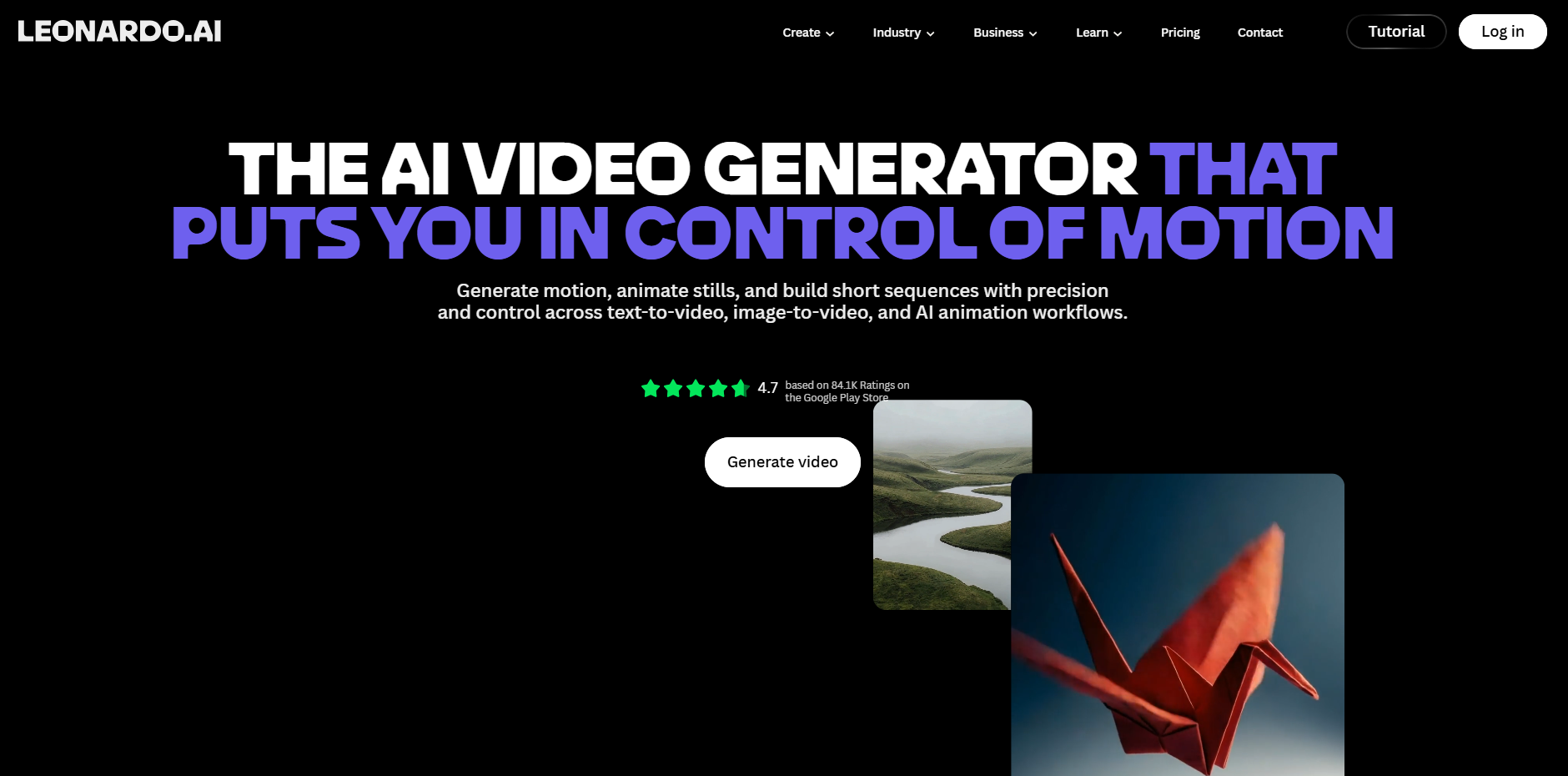
Leonardo AI started as an image-generation platform, and you can feel that DNA in its video tools. Visual quality is a clear priority here.
What Stands Out
- High-quality asset generation
- Strong control over visual style
- Expanding video capabilities
My Hands-On Experience
I tested it for stylized content. The visuals were impressive, especially compared to typical AI video tools. But the workflow felt less streamlined. You often need to combine steps manually, which slows things down.
Where It Fits
Leonardo AI is great for creators who prioritize aesthetics. It’s less about speed and more about visual experimentation. Compared to a typical best free AI video generator, it leans toward creative control rather than efficiency.
Luma AI — Pushing Toward Realism
First Impressions
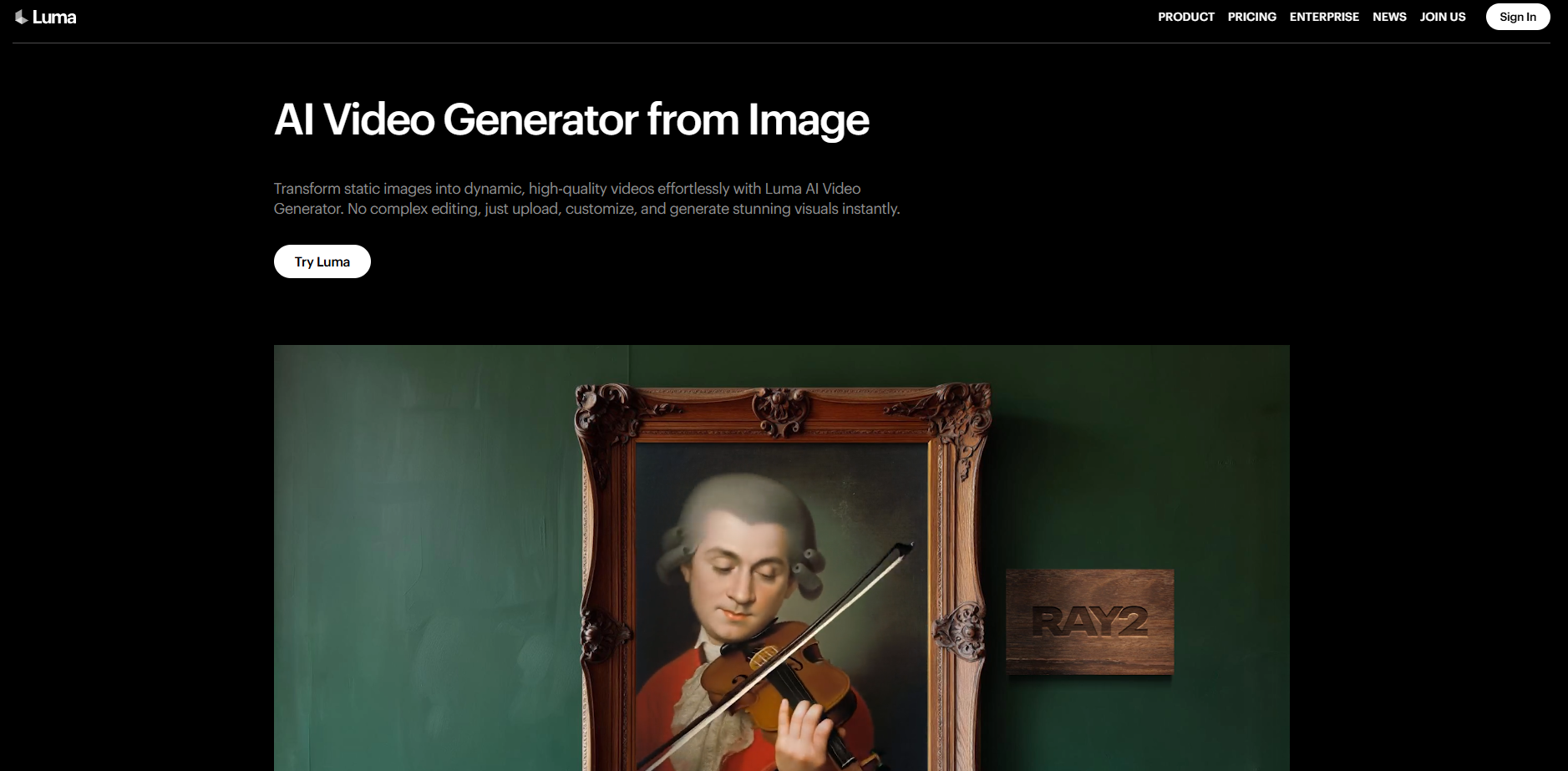
Luma AI focuses heavily on realism and 3D-based generation. It feels different from most tools because it’s not just about editing—it’s about reconstructing scenes.
What Stands Out
- Realistic motion and environment generation
- 3D capture capabilities
- Advanced rendering approach
My Hands-On Experience
I tested Luma for environment-based clips. The realism was noticeable, especially in motion and depth. However, the process was slower and required more setup than other AI video generator tools.
Where It Fits
Luma AI is better suited for creators exploring immersive content. It’s not the fastest tool, but it offers something unique. If realism matters more than speed, it’s worth exploring.
InVideo — Feature-Rich but Heavier Workflow
First Impressions
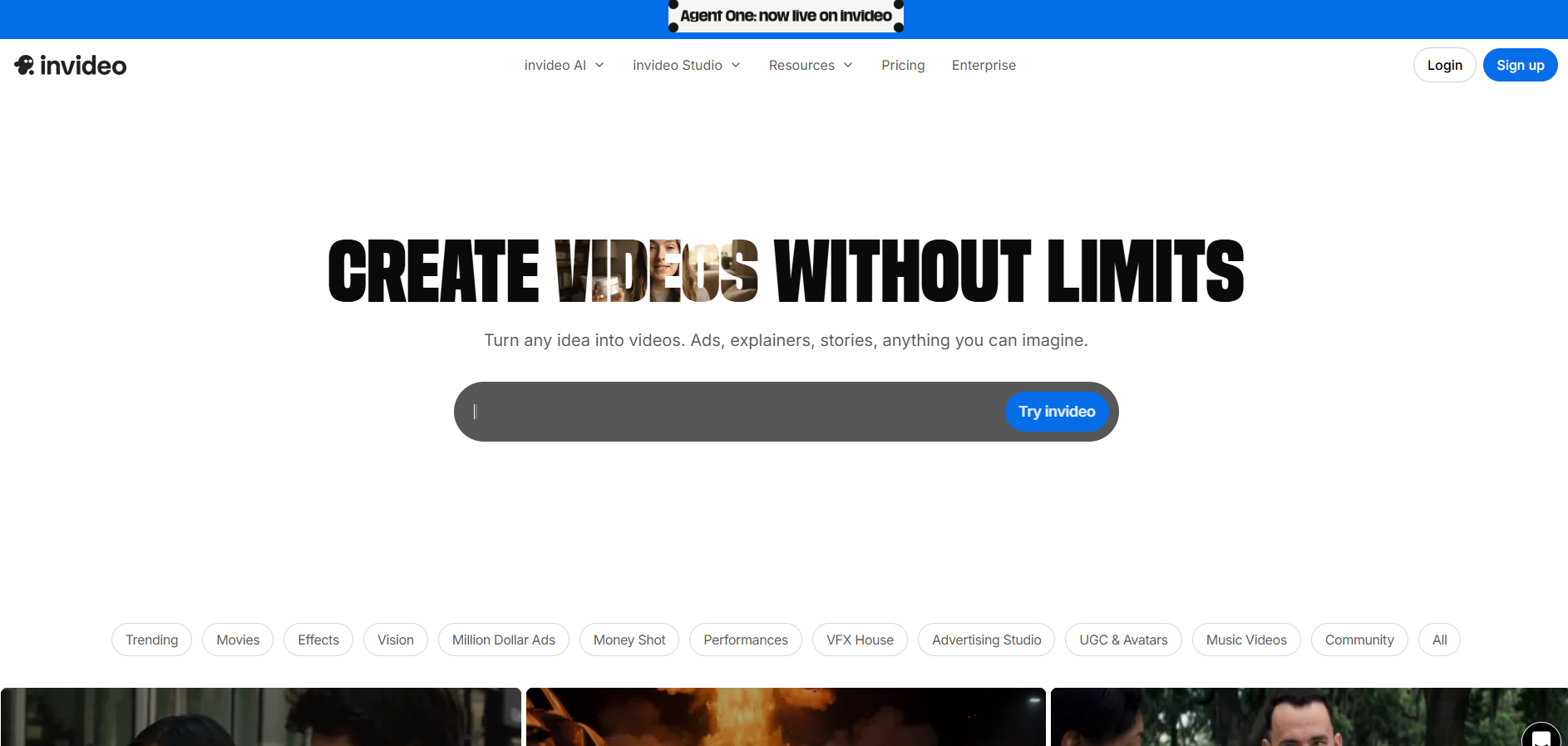
InVideo feels closer to a traditional video editor with AI features layered on top. It’s powerful, but also more complex.
What Stands Out
- Large template library
- Extensive editing options
- Strong support for marketing videos
My Hands-On Experience
I used InVideo for a product promo. The flexibility was useful, but it took longer to finish the video. Compared to lighter AI video generator tools, the workflow felt heavier.
Where It Fits
InVideo is a good choice for structured marketing content. It’s not the fastest, but it offers control and variety. If you’re used to traditional editing, it will feel familiar.
What All These AI Video Tools Have in Common
1. They Reduce Technical Barriers
Every tool here simplifies video creation in some way. You don’t need advanced editing skills to get started. That’s a major shift compared to traditional workflows.
2. They Prioritize Speed (But Differently)
Speed is a shared goal, but each tool approaches it differently. Some reduce steps, others offer templates, and some focus on automation.
3. They Still Depend on Input Quality
No AI video generator can fix a weak idea. The better your concept, the better your output. This became very clear during testing.
Where They Actually Differ
Workflow Philosophy
- VEME focuses on workflow compression
- Short AI focuses on simplicity
- Leonardo AI focuses on visuals
- Luma AI focuses on realism
- InVideo focuses on flexibility
Control vs Speed
There’s a clear trade-off across all tools. Faster tools give you less control. More powerful tools require more effort. Choosing the right one depends on your priorities.
A Small Data Insight
Statista reports that the global video content market is still growing fast, with year-over-year growth in short-form video consumption. That’s why so many AI video generator tools are designed for speed and volume, not perfection.
My Personal Take After Testing
After testing all five tools, one thing was clear: there’s no “best” AI video generator. Each tool solves a different issue. Some make you go faster. Others help you make better graphics. Some attempt to do both.
The biggest surprise to me was how much workflow matters. The tools that made things less friction-y helped me publish more. And more publishing got better results than hours on one video. Off-the-shelf tools work well for standard content creation, but some businesses need custom workflows, integrations, and greater control over their data and AI models. In these cases, professional generative AI development services can help turn a promising AI use case into a secure, scalable solution built around specific business requirements.
Final Thoughts: Choosing the Right Tool for You
If you’re exploring AI video tools, start with your goal. Do you want speed, control, or visual quality? That answer will guide your choice more than any feature list. The market is evolving quickly, and these tools are improving every month. But the core principle stays the same: the best tool is the one you’ll actually use consistently.









Privacy is important to us, so you have the option of disabling certain types of storage that may not be necessary for the basic functioning of the website. Blocking categories may impact your experience on the website. View Our Privacy Policy


