
The Ultimate Guide to Choosing the Best Reel Maker for Your Content
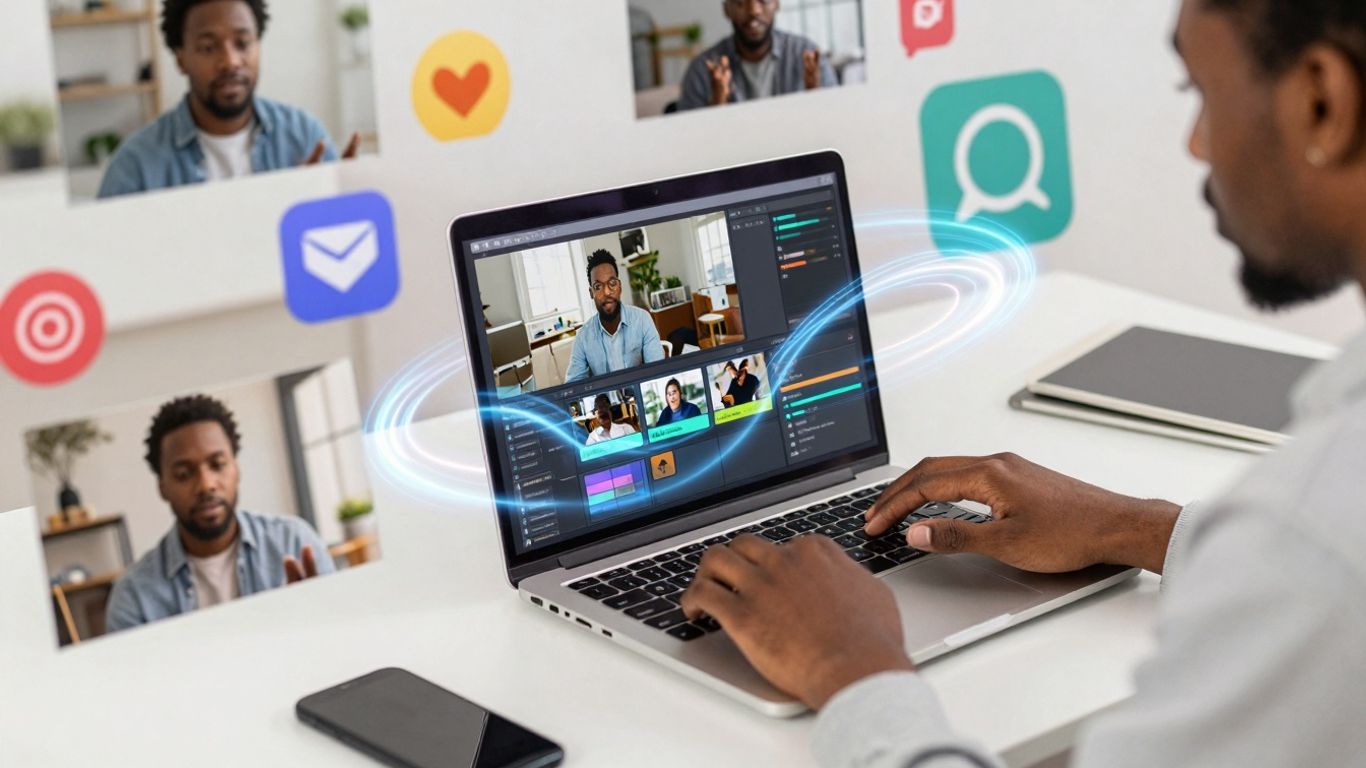
Making cool short videos for social media can seem like a lot. You see all these awesome Reels and think, 'How do they even do that?' Well, a lot of it comes down to using the right tools. These days, there are apps and software, called reel makers, that make creating these videos way easier. Whether you're just starting out or you've been making videos for a while, a good reel maker can save you time and make your content look way more professional. We're going to look at what makes a good reel maker and some of the best ones out there, especially the free ones, to help you pick the perfect one for what you need.
Key Takeaways
- A reel maker is a tool that helps you create short-form videos, like Instagram Reels, more easily. It can save you time and make your content look better.
- When picking a reel maker, look for ones that are easy to use, have lots of templates you can change, and maybe even AI features to help speed things up.
- There are some really good free reel makers available, like CapCut, Zebracat, InShot, and VN Video Editor, that offer a lot of features without costing anything.
- AI can be a big help in reel making, assisting with things like editing, adding effects, and even generating video ideas from text.
- The best reel maker for you depends on what you need. Beginners might want something simple, while marketers might focus on speed and results, and advanced users might want more control.
Understanding The Need For A Reel Maker
The Rise Of Short-Form Video Content
It’s pretty obvious by now that short videos are everywhere. Platforms like Instagram, TikTok, and YouTube Shorts have really pushed this format, and people just seem to love watching them. They’re quick, easy to digest, and often packed with entertainment or information. This shift means if you want to get noticed online, especially if you're trying to build a brand or share your message, you probably need to be making these kinds of videos. It’s not just a trend anymore; it’s become a main way people consume content.
Challenges In Creating Engaging Reels
Okay, so short videos are popular, but making them good isn't always simple. You might have a great idea, but then you hit a wall. Figuring out editing software can be a real headache, especially if you're not a tech whiz. Plus, keeping up with what's trending – the music, the effects, the styles – takes a lot of time and effort. You want your videos to look professional and grab attention right away, but spending hours trying to get a few seconds of video perfect can be exhausting. It’s easy to get stuck trying to make things look just right, and sometimes, you just don't have the time.
How A Reel Maker Simplifies Content Creation
This is where a reel maker comes in handy. Think of it as a shortcut to making those cool short videos without all the usual stress. These tools are built to make things easier. They often come with ready-made templates, so you don't have to start from scratch. You can usually drag and drop your clips, add music from a library, and apply effects with just a few clicks. It takes a lot of the technical stuff out of the equation, letting you focus on your ideas and creativity.
Here’s what makes them so helpful:
- Speed: Get videos done much faster than traditional editing.
- Ease of Use: Designed for people who aren't professional editors.
- Templates: Pre-built styles to make your videos look polished.
- Built-in Features: Access to music, text styles, and effects all in one place.
Using a dedicated reel maker can seriously cut down on the time you spend editing. Instead of wrestling with complicated software, you get tools that are specifically made for creating short, engaging videos quickly and efficiently. This means you can post more often and keep your audience interested without burning yourself out.
Basically, a reel maker helps bridge the gap between having a great idea and actually getting it out there in a format that people love to watch.
Key Features To Look For In A Reel Maker
When you're picking out a tool to make your short videos, it's easy to get lost in all the options. But really, a good reel maker should just make your life easier, right? You want something that helps you create cool stuff without a huge headache. So, what should you actually be looking for?
User-Friendly Interface And Ease Of Use
This is probably the most important thing. If you can't figure out how to use the app or software, it doesn't matter how many fancy features it has. You want something that feels natural. Think about it: you're trying to make videos quickly, not spend hours learning a complicated program. A good interface usually means clear buttons, easy-to-find tools, and maybe even drag-and-drop functionality. If it feels like you're fighting the software, it's probably not the right one for you.
Template Variety And Customization Options
Templates are like a cheat sheet for making good-looking videos. They give you a starting point, which is super helpful when you're short on time or ideas. But just having templates isn't enough. You need to be able to tweak them. Can you change the colors? Swap out the text? Add your own logo? The more you can make a template your own, the better. It stops your videos from looking like everyone else's.
AI-Powered Tools For Efficiency
Artificial intelligence is popping up everywhere, and reel makers are no exception. These AI tools can do some pretty neat things that save you a ton of time. Think about automatic captioning – no more typing out every word. Or maybe AI that can help you remove a messy background. Some tools even use AI to suggest music or effects that fit your video. These smart features can seriously speed up your workflow.
Music, Effects, And Export Quality
Let's be real, music and effects are what make reels pop. You need a good selection of trending sounds and cool visual effects to keep your videos interesting. Also, think about how your video will look when it's done. Does the reel maker let you export in high quality? Can you choose the right size for Instagram or TikTok? Getting these details right means your video will look professional, not blurry or cut off.
Top Free Reel Makers For Your Content
Creating eye-catching Reels doesn't have to cost a fortune. There are some really solid free tools out there that can help you make your videos look professional without breaking the bank. It's kind of amazing how much you can do with just a bit of creativity and the right software. These options are great whether you're just starting out or you've been making videos for a while.
CapCut: A Powerful Free Option
CapCut has become a go-to for many creators, and for good reason. It's packed with features that you'd usually only find in paid software. You can do things like automatically remove backgrounds from your videos, which is super handy for making your subject pop. It also has this cool AI motion tracking that makes sure text and stickers stay put, even if things are moving around in your video. Plus, its auto-reframing tool is a lifesaver when you need to adapt your video for different platforms. It really simplifies making content that looks polished.
Zebracat: AI-Driven Reel Creation
If you're looking to speed things up with AI, Zebracat is worth checking out. This tool is designed to take your text, like a script or a blog post, and turn it into a video pretty quickly. It's great for repurposing content you already have. You just paste your text, pick a voice, and it does the heavy lifting, finding visuals and putting it all together. It's a smart way to generate multiple video variations without a lot of manual editing.
Using AI tools like Zebracat can significantly cut down on the time spent on repetitive editing tasks, allowing you to focus more on the creative strategy behind your content.
InShot: Versatile Editing Capabilities
InShot is another popular choice, known for being pretty straightforward to use. It offers a good range of editing tools, from basic trimming and cutting to adding music, text, and effects. It's a versatile app that works well for quick edits on the go. You can easily add filters, adjust speed, and make sure your video fits the right format for platforms like Instagram. It's a reliable option for general video editing needs.
VN Video Editor: Advanced Control Without Cost
For those who want a bit more control over their edits without paying, VN Video Editor is a strong contender. It provides a more advanced editing experience, with features like multi-layer timelines and keyframe animation. This means you can get really precise with how your elements move and appear. It’s a good middle ground if you find CapCut a bit too much but still want more than just basic editing. You can achieve some really professional-looking results with VN.
Here's a quick look at what makes these free tools stand out:
- CapCut: Strong AI features, auto-reframing, background removal.
- Zebracat: Excellent for text-to-video, content repurposing with AI.
- InShot: User-friendly, good for quick edits and general versatility.
- VN Video Editor: Offers advanced control and multi-layer editing.
Choosing the right free tool really depends on what you need most. If you want AI to do a lot of the work, Zebracat or CapCut might be best. If you prefer more hands-on control, VN or InShot could be a better fit. You can find more information on top video editing tools to help you decide.
Leveraging AI In Your Reel Maker Strategy

It feels like just yesterday we were all painstakingly editing videos frame by frame, right? Now, artificial intelligence is changing the game for reel creation. It’s not just about making videos faster; it’s about making them smarter and more engaging with less effort. AI tools can take a lot of the grunt work out of the process, freeing you up to focus on the creative side.
AI For Automated Editing And Effects
Think about how much time you spend just cutting clips, adding transitions, and making sure everything flows. AI can do a lot of that automatically. Many reel makers now have features that can analyze your footage and suggest or even apply edits, cuts, and transitions that look professional. Some can even automatically add effects or color grading based on the content of your video. It’s like having an assistant who knows exactly what looks good.
- Auto-cutting: AI can identify the best moments in your raw footage and trim out the unnecessary parts.
- Smart transitions: The software can pick transitions that match the pace and style of your video.
- Effect suggestions: Based on your video's theme or mood, AI can recommend and apply visual effects.
Text-To-Video And Script Generation
This is where things get really interesting. Have a blog post or an idea you want to turn into a reel? AI can help with that. You can often paste text, a script, or even a URL, and the AI will generate a video for you. It finds relevant stock footage or images, adds text overlays, and even generates a voiceover. It’s a huge time-saver, especially if you’re repurposing existing content. For instance, tools like Zebracat can take your written content and turn it into a video in minutes, complete with visuals and narration. This is a fantastic way to get more mileage out of your existing content creation efforts.
AI-powered script generation can also help overcome writer's block. By providing a few keywords or a general topic, AI can draft a compelling script tailored for short-form video, complete with suggested pacing and visual cues.
Enhancing Engagement With AI Features
Beyond just making the video, AI can also help make it more effective. Some tools can analyze trends and suggest popular audio tracks or effects that are likely to perform well. Others can help optimize captions for better reach or even suggest calls to action. The goal is to create videos that not only look good but also connect with your audience and drive the results you want.
- Trend analysis: AI can identify trending sounds and effects to incorporate.
- Caption optimization: Get suggestions for captions that are more likely to be seen.
- Audience targeting: Some advanced AI can even help tailor video elements to specific audience segments.
Choosing The Best Reel Maker For Specific Needs
So, you've got a handle on what reel makers can do, and you're ready to pick one. But here's the thing: not all reel makers are created equal, and what works for your buddy might not be the best fit for you. It really depends on where you're starting from and what you want to achieve. Let's break it down.
For Beginners: Prioritizing Simplicity
If you're just dipping your toes into the world of video creation, the last thing you need is a tool that feels like rocket science. You want something straightforward, something that lets you get a decent-looking reel out the door without a massive learning curve. Think drag-and-drop functionality, clear menus, and maybe even some pre-made templates that do most of the heavy lifting.
- Intuitive Interface: Look for apps that feel natural to use. If you can figure out how to add text or trim a clip within a minute, that's a good sign.
- Ready-to-Go Templates: These are lifesavers. They give you a structure and style to work with, so you're not staring at a blank screen.
- Basic Editing Tools: Simple trimming, cutting, and adding music are usually all you need to start.
When you're starting out, the goal is to build confidence and get content consistently published. Don't get bogged down by features you won't use. Focus on making something that looks good enough to share.
For Marketers: Focusing on Efficiency and ROI
If you're using reels for business, time is money. You need a reel maker that helps you churn out content quickly and effectively, ideally with features that boost engagement and conversions. This means looking beyond just basic editing.
- Template Variety: Access to a wide range of professional-looking templates for different campaigns (product launches, sales, announcements).
- AI-Powered Features: Things like auto-captions save a ton of time. Features that help with scripting or suggesting trending audio can also be huge.
- Branding Options: The ability to easily add your logo, brand colors, and fonts is a must.
- Analytics Integration (if available): While rare in free tools, knowing which reels perform best helps refine your strategy.
For Advanced Users: Seeking Precision and Control
Maybe you've been editing videos for a while, or you just have a very specific vision. You're not afraid of a few more buttons and menus if it means you can fine-tune every little detail. You want the power to create something truly unique.
- Multi-Layer Editing: The ability to stack video clips, images, and text precisely.
- Advanced Effects & Transitions: More control over how effects are applied and custom transition options.
- Keyframing: For animating elements precisely over time.
- Color Correction/Grading: Fine-tuning the look and feel of your footage.
- High-Resolution Export: No compromises on the final output quality.
These users often look for desktop software or mobile apps that offer a more professional editing suite, even if it means a slightly steeper learning curve. The payoff is the ability to craft highly polished and distinctive content that stands out.
Maximizing Your Content With A Reel Maker
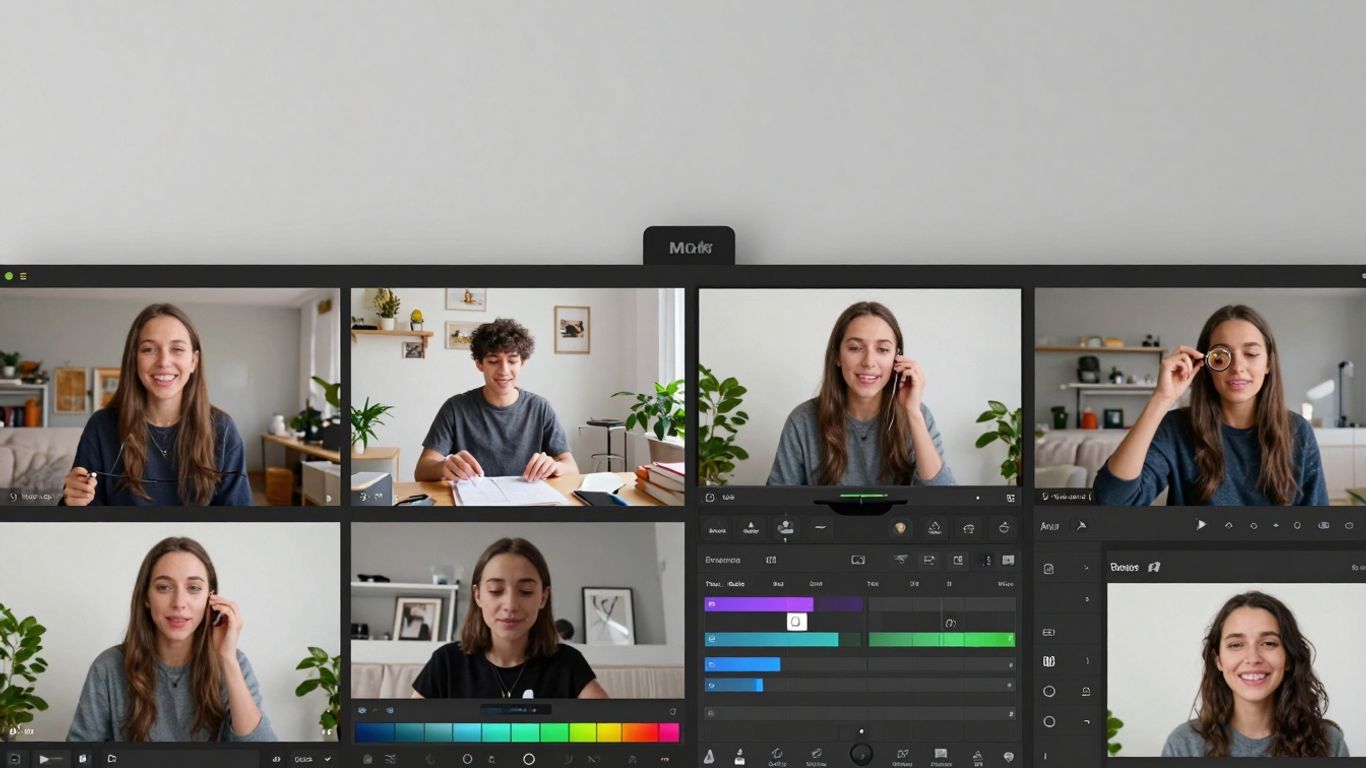
So, you've got your reel maker picked out. That's great! But just having the tool isn't the whole story, right? You still need to make sure your videos actually grab people's attention and get them to do something. It’s about making your content work harder for you.
Integrating Trending Audio and Effects
This is a big one. You know how some sounds or filters just take over your feed for a week or two? Using those can really help your reel get seen. Most reel makers have libraries where you can find what's popular. Don't just slap a trending sound on any old video, though. Try to make it fit what you're showing. If a sound is upbeat and funny, maybe use it for a quick product demo or a behind-the-scenes look at your workspace. It makes your content feel current.
- Check the 'Trending' section: Most apps highlight popular audio and effects.
- Experiment with combinations: See how different sounds work with your visuals.
- Don't overdo it: Too many effects can make a reel look messy.
Crafting Compelling Calls to Action
What do you want people to do after watching your reel? Just scrolling past isn't usually the goal. You need to tell them. This could be as simple as asking them to follow you for more tips, visit a link in your bio, or comment with their thoughts. Reel makers let you add text overlays or even record voiceovers easily. Make sure your call to action is clear and shows up when people are most likely to see it, usually towards the end.
A clear instruction at the end of your reel can make a big difference in how many people actually engage with your content beyond just watching.
Repurposing Content With A Reel Maker
Why create something new every single time? You probably have other content lying around – maybe a longer video, a blog post, or even just some good photos. A reel maker can help you chop these up and turn them into short, punchy videos. Think about taking a key tip from a blog post and making a 15-second reel about it. Or, take a highlight from a longer video and make a teaser reel. This saves you time and gets more mileage out of stuff you've already made.
Here's a quick way to think about repurposing:
- Identify existing content: What videos, articles, or images do you have?
- Extract key messages: What's the main point or most interesting part?
- Adapt for short-form: How can you present that message visually and quickly?
- Add your CTA: Remind people what to do next.
Wrapping It Up
So, picking the right tool to make your Reels doesn't have to be a huge headache. We've looked at a bunch of options, from super simple ones with tons of templates to more advanced ones that use AI to do some of the heavy lifting. Think about what you need most – is it speed, fancy effects, or just something easy to get started with? Most of these apps have free versions or trials, so you can actually try them out before committing. Don't be afraid to experiment a little. The best reel maker is really the one that fits your workflow and helps you get your ideas out there without getting in your way. Happy creating!
Frequently Asked Questions
What exactly is a reel maker, and why do I need one?
A reel maker is like a special tool or app that helps you create short, catchy videos, like those you see on Instagram or TikTok. You need one because making cool videos can be tricky and take a lot of time. Reel makers make it super simple by giving you ready-made designs, fun effects, and easy ways to put your video together, even if you're new to making videos.
Can free reel makers really make good-quality videos?
Yes, many free reel makers are surprisingly powerful! They often have tools to trim your clips, add cool transitions between scenes, and include filters to make your video look great. While some super-advanced features might be in paid versions, you can definitely make awesome, high-quality videos for social media without paying anything.
What are the most important things to look for when picking a reel maker?
When you're choosing a reel maker, think about how easy it is to use – you don't want something confusing! Also, check if it has lots of different templates or designs you can use and change. It's also great if it has smart features, like AI, that can help you edit faster, and make sure it lets you save your video in a good quality so it looks sharp.
How can AI help me make better reels?
AI, which stands for Artificial Intelligence, can be a huge help! It can do things like automatically add captions to your video, suggest cool effects, or even help you turn written ideas into video clips. This means you spend less time on boring tasks and more time being creative, making your videos look more professional and engaging with less effort.
Is it better to use a reel maker if I'm just starting out?
Absolutely! If you're new to making videos, a reel maker is perfect for you. They are designed to be simple and user-friendly, often with lots of templates and easy-to-follow steps. This lets you focus on your ideas and creativity instead of getting stuck on complicated editing software. You'll be making great reels in no time!
How can I make my reels more popular and get more views?
To get more people to watch your reels, try using popular music or sounds that are trending right now. Also, add text to your video so people can understand it even if they don't have the sound on. Think about what your audience would find interesting, funny, or helpful. And don't forget to add a clear message at the end, like asking people to follow you or visit your website!









Privacy is important to us, so you have the option of disabling certain types of storage that may not be necessary for the basic functioning of the website. Blocking categories may impact your experience on the website. View Our Privacy Policy


