
Mastering Facebook Lead Ads: A Comprehensive Guide on How to Create Them for Your Business
So, you want to get more leads from Facebook? It's not as tricky as it sounds. We're going to walk through how to create Facebook lead ads, step-by-step. Think of it as setting up a little info booth right on Facebook where people can easily give you their contact details. It's a pretty direct way to connect with folks who are actually interested in what you offer, cutting out a lot of the usual back-and-forth. Let's get this done.
Key Takeaways
- Understand what Facebook Lead Ads are and why they're good for getting contact info from interested people.
- Learn how to set up a campaign in Facebook Ads Manager, picking the right goals and who to show the ads to.
- Figure out how to design a lead form that's easy for people to fill out and includes what you need.
- Create eye-catching ads with clear messages and strong calls to action to get people to click.
- Know how to manage the leads you get, connect them to your other tools, and follow up to turn them into customers.
Understanding Facebook Lead Ads
So, you're looking to get more leads for your business using Facebook? That's a smart move. Facebook Lead Ads are a pretty neat tool designed specifically for this. Instead of sending people off your site to fill out a form, these ads let users submit their information right there on Facebook or Instagram. It cuts out a bunch of steps, making it way easier for people to sign up.
What Are Facebook Lead Ads?
Basically, Facebook Lead Ads are a type of ad format that makes it super simple for people to share their contact details, like their name, email, or phone number, without leaving the Facebook app. When someone clicks on your ad, a pre-filled form pops up with the information they already have on their Facebook profile. All they have to do is review it and hit submit. This makes the whole process quick and painless for potential customers.
Benefits of Using Lead Ads for Business Growth
Why bother with lead ads? Well, they can really help your business grow. Think about it: less friction means more people are likely to actually give you their info. This can lead to:
- More qualified leads coming in.
- A better connection with potential customers early on.
- Saving time and money compared to other lead generation methods.
- Easier tracking of who's interested in what you offer.
The biggest win is how much easier it is for people to become a lead. It's all about removing barriers.
Key Components of a Facebook Lead Ad
Every lead ad has a few main parts that work together:
- The Ad Creative: This is what people see – your image or video, the text, and the headline. It needs to grab attention and clearly say what you're offering.
- The Call-to-Action (CTA) Button: This is the button people click to start the process, like "Sign Up" or "Download Now."
- The Lead Form: This is the part where users submit their details. You can customize which fields you ask for, but Facebook pre-fills most of them.
- The Thank You Screen: After someone submits their info, they see this screen. You can use it to thank them, tell them what happens next, or even link them to your website. It's a good spot to inspire your own campaigns.
Using lead ads is like setting up a friendly information booth right where your potential customers are already hanging out. It's convenient for them and super effective for you.
Setting Up Your Facebook Lead Ad Campaign
Alright, so you've decided to jump into Facebook Lead Ads. That's a smart move! Now, let's get this campaign built. It all starts in Facebook Ads Manager. If you haven't already, you'll need to log in there to get going. Think of Ads Manager as your command center for all things advertising on Facebook.
Choosing the Right Campaign Objective
First things first, you need to tell Facebook what you want this ad to do. This is your campaign objective. Facebook has a bunch of options, usually broken down into Awareness, Consideration, and Conversion. For lead ads, you're generally looking at objectives that fall under 'Consideration' or 'Conversion'.
- Consideration: This is good if you want people to think about your business or product. Objectives like 'Traffic' (sending people to a website or app) or 'Engagement' (getting likes, comments, shares) can work, but they aren't always the most direct route to leads.
- Conversion: This is usually the sweet spot for lead ads. Objectives like 'Leads' (which is pretty self-explanatory!) or 'Sales' are designed to get people to take a specific action. Choosing 'Leads' directly signals to Facebook that your goal is to collect contact information. Using bot detection here is equally important to ensure that the leads you collect are genuine and valuable, reducing the risk of fraudulent sign-ups.
Picking the right objective is like setting your destination before you start driving. If you choose the wrong one, you might end up somewhere you didn't intend, wasting time and money.
Defining Your Target Audience
This is where you tell Facebook who you want to see your ad. Get this wrong, and your ad might as well be shouting into the void. You can get pretty specific here.
- Demographics: Age, gender, location, language – the basics.
- Interests: What are people interested in? Think hobbies, pages they like, topics they follow.
- Behaviors: What are people actually doing on Facebook? Are they online shoppers, frequent travelers, or business owners?
- Custom Audiences: This is powerful stuff. You can upload a list of your existing customers or people who have interacted with your business before. You can also create 'Lookalike Audiences' – Facebook finds people who are similar to your best customers.
Getting your audience right is key to making sure your lead ad is seen by people who are actually likely to be interested in what you're offering. It's not just about reaching a lot of people; it's about reaching the right people. You can start by creating your business page if you haven't already, which is a good first step in building your presence. Create your business page.
Selecting Ad Placements for Maximum Reach
Where do you want your ad to show up? Facebook has a lot of places your ad can appear, and you can choose where it goes. You can let Facebook 'Automatic Placements' handle it, which is often a good starting point, or you can pick specific spots.
- Facebook: This includes the News Feed, Right Column, Marketplace, and more.
- Instagram: Feed, Stories, Reels, Explore.
- Audience Network: This is a network of third-party apps and websites where Facebook ads can appear.
- Messenger: Inbox and sponsored messages.
For lead ads, you'll often see the best results when the ad appears directly in the Facebook or Instagram feed, as these are places people are actively scrolling. Stories can also be very effective if your creative is designed for that format. Think about where your target audience spends their time online and choose placements accordingly. Don't overcomplicate it initially; automatic placements can give you a good baseline to work from.
Designing Your Lead Ad Form
So, you've got your ad creative ready to go, but what happens when someone clicks? That's where the lead ad form comes in. This is your chance to gather the information you need without making people leave Facebook. Think of it as a super-quick survey that pops up right in their feed. Getting this form right is pretty important for actually getting good leads.
Essential Form Fields to Include
When you're building your lead form, you don't want to ask for too much, but you definitely need enough to be useful. The goal is to make it easy for people to give you their info while still getting what you need for follow-up. Here are some common fields you'll want to consider:
- Contact Information: This is usually the bare minimum. Think email address and phone number. Facebook often pre-fills these, which is a huge time-saver for users.
- Name: Asking for first name and last name is pretty standard. It helps personalize your follow-up.
- Company Name/Job Title: If you're targeting businesses, these can be really helpful for understanding who you're talking to.
- Custom Questions: This is where you can get creative. You can ask things like "What's your biggest challenge with X?" or "What type of service are you most interested in?" Keep these short and to the point.
The fewer fields you ask for, the higher your completion rate will likely be. It's a trade-off between ease of use and the depth of information you collect.
Customizing Your Form for User Experience
Beyond just picking the fields, how you set up the form makes a big difference. You want it to feel natural and not like a chore. Facebook gives you some options here to make it work better for your specific needs.
- Form Type: You can choose between a "More Volume" form, which is super simple and quick, or a "Higher Intent" form, which might ask an extra qualifying question to make sure the leads are more serious. Pick the one that matches your goals.
- Introductory Information: You can add a short paragraph or bullet points at the top of your form. Use this space to tell people exactly what they'll get by filling out the form – maybe a free guide, a discount, or a consultation. Be clear about the value exchange.
- Thank You Screen: Don't forget the thank you screen! This is your final chance to make a good impression. You can add a button here to direct people to your website, have them download something, or even call your business. It's a good spot to guide them to your website.
Adding Privacy Policies and Terms of Service
This part is super important, not just for looking legit but also for following the rules. People want to know their data is safe and how you'll use it. You absolutely need to link to your privacy policy and terms of service right within the lead form.
It's a legal requirement in many places to clearly state how you'll handle the personal information collected through your ads. Not having these links can lead to your ads being disapproved or even bigger issues down the line. Make sure these links are active and point to the correct documents on your website.
By paying attention to these details in your lead ad form, you're setting yourself up to collect better quality leads and give potential customers a positive first impression of your business.
Crafting Compelling Lead Ad Creatives
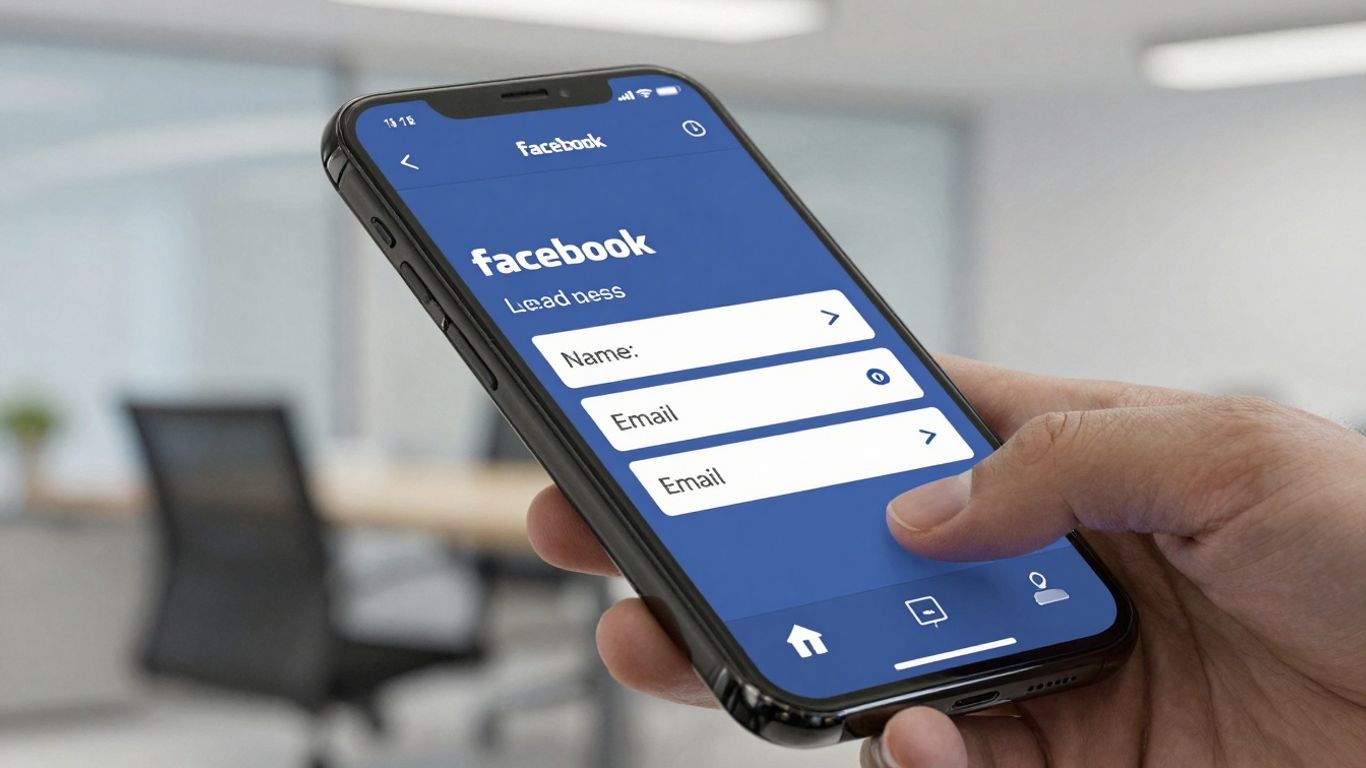
Okay, so you've got your lead ad form all set up. Now comes the fun part: making people actually want to fill it out. This means creating ads that grab attention and make them stop scrolling. Think of it like this: your lead form is the door, but your ad creative is the sign that makes someone want to knock.
Writing Effective Ad Copy and Headlines
Your headline is the very first thing people see, so it needs to be good. It should be short, punchy, and tell people what they're going to get. Don't just say "Sign Up Now." Instead, try something like "Get Your Free Guide to [Topic]" or "Unlock Exclusive Discounts." The copy underneath should expand on that. What problem does your offer solve? What's the main benefit? Keep it simple and direct. People are busy, and they're scanning. Make every word count.
Selecting High-Quality Images or Videos
Visuals are huge on Facebook. A blurry, uninspired image just won't cut it. You need something that looks professional and fits your brand. If you're selling a product, show it in action. If you're offering a service, maybe show a happy customer or a visual representation of the result. Videos can be even more effective. A short, engaging video explaining your offer can really make a difference. Just remember to add captions, because a lot of people watch videos with the sound off.
Designing a Clear Call-to-Action
This ties back to your headline and copy. What exactly do you want people to do? Your call-to-action (CTA) button should be obvious. Facebook gives you options like "Sign Up," "Download," "Learn More," or "Apply Now." Pick the one that best matches what you're offering. Don't make people guess. If they're signing up for a webinar, use "Register Now." If they're downloading an ebook, use "Download." It sounds simple, but getting this right is important for Facebook ad creative testing.
The goal here is to create an ad that feels like it's speaking directly to the person seeing it. It should address a need they have and present your offer as the solution. When the ad and the lead form work together, you'll see much better results.
Managing and Utilizing Your Leads
So, you've got a bunch of leads coming in from your Facebook Lead Ads. That's awesome! But what do you do with them now? Just letting them sit there is like leaving money on the table. You've got to have a plan to actually use this information to grow your business.
Integrating Lead Ads with Your CRM
This is probably the most important step. If you're not connecting your leads directly to your Customer Relationship Management (CRM) system, you're making things way harder than they need to be. Think about it: manually copying and pasting lead info? No thanks. Integrating platforms like Facebook or WhatsApp with Zoho or HubSpot like CRMs simplifies lead management by automatically syncing inquiries to the CRM, eliminating manual data entry and reducing errors. Most CRMs have ways to connect with Facebook, either directly or through tools like Zapier. This means as soon as someone fills out your lead form, they're automatically added to your CRM or routed from Facebook leads to WhatsApp for instant follow-ups by your sales or support team. This keeps everything organized and makes sure no lead gets forgotten. It's all about making sure your sales team has the most up-to-date info right when they need it. Setting up Facebook lead automation software can really streamline this whole process.
Downloading Lead Data from Facebook
Sometimes, direct integration might not be an option, or maybe you just want a backup. Facebook makes it pretty simple to download the leads you've collected. You can usually find this in your Facebook Business Suite or Ads Manager. It'll typically be a CSV file, which you can then open in spreadsheet software like Excel or Google Sheets or MobiSheets.
Here’s a quick rundown of how to get that data:
- Go to your Facebook Business Suite or Ads Manager.
- Find the section for your Lead Ads or Instant Forms.
- Look for an option to download leads, often by date range.
- Choose the format (usually CSV) and download the file.
It's a good idea to do this regularly, maybe once a week, just to keep your records current if you're not using an automated system.
Nurturing Leads for Conversion
Getting the lead is just the first step. The real magic happens when you nurture those leads. This means staying in touch with them, providing more information, and building a relationship. Think about sending follow-up emails, offering exclusive content, or inviting them to a webinar. The goal is to move them closer to becoming a paying customer.
The speed at which you follow up with a new lead can significantly impact your conversion rates. The sooner you can engage them after they express interest, the more likely they are to remember your brand and consider your offer.
Here are some ways to nurture your leads:
- Personalized Email Sequences: Send a series of emails tailored to their interests or the offer they responded to.
- Valuable Content: Share blog posts, guides, or case studies that address their pain points.
- Special Offers: Provide exclusive discounts or early access to new products/services.
- Direct Outreach: For high-value leads, a personal phone call or message using a VoIP system like Quo or AVOXI can make a big difference.
Optimizing Your Lead Ad Performance
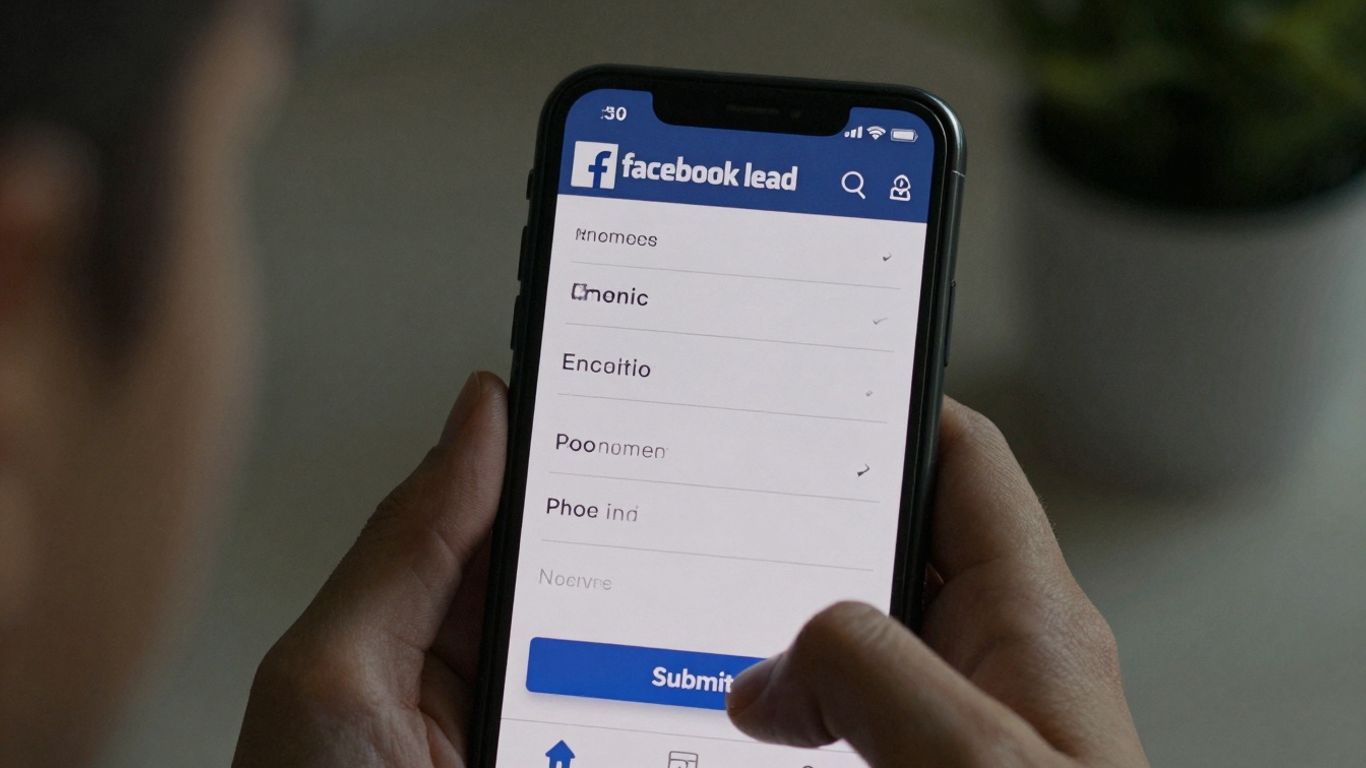
So, you've put together a great lead ad, and people are starting to sign up. Awesome! But the work isn't done yet. To really get the most out of your efforts, you need to keep an eye on how things are going and make smart adjustments. It’s like tending a garden; you plant the seeds, but then you have to water, weed, and make sure it gets enough sun.
Monitoring Key Lead Ad Metrics
First things first, you've got to know what numbers matter. Facebook Ads Manager is your best friend here. You'll want to watch a few things closely:
- Cost Per Lead (CPL): This is pretty straightforward – how much are you paying for each person who gives you their contact info? Lower is generally better, but not if the leads are terrible quality.
- Lead Quality: This is harder to measure directly in Ads Manager, but it's super important. Are the leads actually turning into customers? Are they responding to your follow-up emails? You might need to track this manually or through your CRM.
- Click-Through Rate (CTR): This tells you how many people are clicking on your ad after seeing it. A good CTR means your ad is grabbing attention.
- Conversion Rate: This is the percentage of people who saw your ad and then actually filled out the lead form. It shows how effective your ad and form are together.
Don't get lost in every single metric Facebook throws at you. Focus on the ones that directly relate to your business goals. If your goal is just to get a lot of contacts, CPL is king. If you need high-quality contacts that turn into sales, you'll need to look beyond just the initial CPL.
A/B Testing Different Ad Elements
What works for one audience might not work for another, or even for the same audience at a different time. That's where A/B testing, or split testing, comes in. You create two (or more) versions of an ad and show them to similar audiences to see which one performs better. You can test almost anything:
- Headlines: Try different hooks to see what grabs attention.
- Ad Copy: Experiment with different ways of explaining your offer.
- Images or Videos: Visuals can make a huge difference. Test different styles or messages.
- Call-to-Action (CTA) Buttons: Sometimes a small change here can impact clicks.
- Lead Form Questions: Are you asking too many questions? Too few? Test it out.
It’s a smart way to figure out what really connects with people and helps you improve your ad tactics without just guessing.
Refining Targeting and Creatives Based on Data
Once you've got some data from your monitoring and A/B tests, it's time to make changes. If you see that a certain age group or interest group is giving you the best leads, put more budget towards them. If your video ads are crushing it, make more videos. Conversely, if a particular targeting option isn't working, pause it or adjust it. Maybe your ad copy is a bit too long, or the image isn't clear enough on mobile. Use the insights you've gathered to tweak your audience settings, update your ad copy, and swap out images or videos. This ongoing process of analyzing and adjusting is how you keep your lead generation machine running smoothly and efficiently.
Wrapping It Up
So, we've gone through a lot, right? From figuring out Ads Manager to making sure your ads actually look good and get seen by the right people. It might seem like a lot at first, but remember, it's all about trying things out and seeing what works for your business. Don't be afraid to tweak your targeting, test out different pictures or videos, and keep an eye on those numbers. Facebook ads can be a really powerful tool when you use them smart. Just keep learning, keep testing, and you'll get the hang of it. Good luck out there!
Frequently Asked Questions
What exactly are Facebook Lead Ads?
Think of Facebook Lead Ads as special ads that make it super easy for people to share their contact info, like their email or phone number, with your business. Instead of making them fill out a long form on a website, Facebook pre-fills most of the information for them. This means they can sign up with just a couple of clicks, which is great for getting more people interested in what you offer.
Why should my business use these ads?
Using Lead Ads is a smart move for growing your business! They make it really simple for potential customers to reach out, so you get more people interested. Plus, since it's so easy for them to sign up, you'll likely get more leads. This helps you build a list of people who want to hear from you, making it easier to turn them into paying customers later on.
What information should I ask for in my lead form?
You should only ask for the most important stuff! Usually, a person's name and email address are enough to get started. You might also want their phone number if that's important for your business. Asking for too much can scare people away, so keep it short and sweet to get the best results.
How do I make my lead ad look good and grab attention?
To make your ad stand out, use a really cool picture or a short, exciting video. Your words should be clear and tell people exactly what they'll get if they sign up. Make sure there's a clear button that tells them what to do, like 'Sign Up Now' or 'Get My Free Guide'.
What happens to the contact information people give me?
Once people fill out your lead form, Facebook saves that information for you. You can download it directly from Facebook as a file, or even better, connect it to your customer relationship management (CRM) system. This way, you can easily keep track of your new leads and start talking to them right away.
How do I know if my lead ads are working well?
You'll want to watch a few key numbers in Facebook Ads Manager. Look at how many people see your ad (reach), how many click on it (CTR), and most importantly, how many people actually become leads (conversion rate). If things aren't going as planned, try changing your pictures, words, or who you're showing the ad to. Testing different things is the best way to improve!










Privacy is important to us, so you have the option of disabling certain types of storage that may not be necessary for the basic functioning of the website. Blocking categories may impact your experience on the website. View Our Privacy Policy


