
Effortless Script to Video Conversion: Your Ultimate Guide
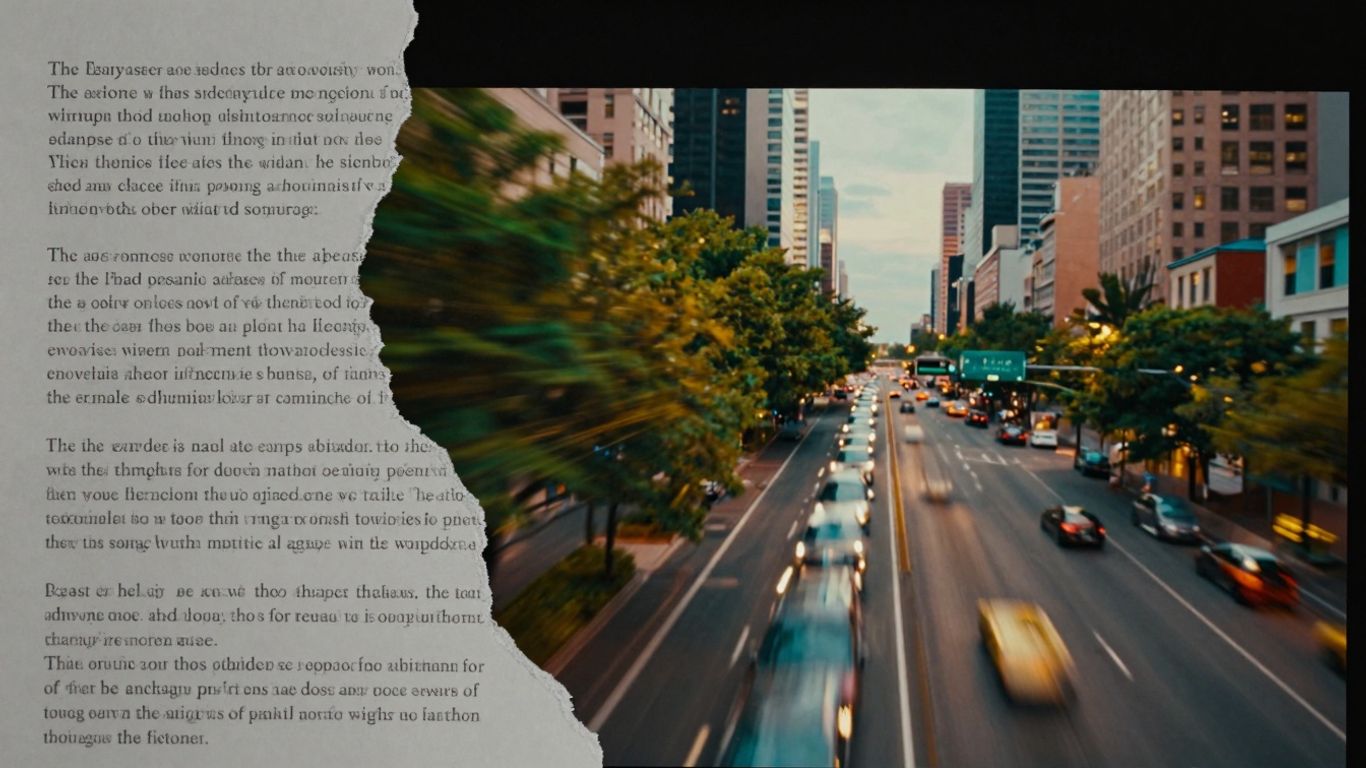
Making videos used to be a whole thing, right? Lots of equipment, tricky software, and hours spent just trying to get things to look right. But now? It's getting way simpler. This guide is all about how you can take your written ideas and turn them into videos without all the usual hassle. We're talking about using new tools that make the whole Script to Video process much easier for everyone.
Key Takeaways
- AI tools can really speed up turning a Script to Video, cutting down on time and effort.
- You don't need to be a tech wizard to make decent videos anymore; many tools are designed for ease of use.
- Thinking about how your script is written can make a big difference when using AI for video creation.
- Choosing the right Script to Video tool depends on what you need it for – marketing, social media, or something else.
- The future looks even more automated, making video creation faster and more personal.
Understanding The Script To Video Conversion Process
The Evolution of Video Creation
Video creation used to be a big deal. You needed cameras, lights, a crew, and a whole lot of time to get anything decent made. Think about it – planning, shooting, editing – it was a marathon. Now, things are changing fast. We've gone from needing a film school degree to just needing a good idea and a keyboard. AI is shaking things up, making video production way more accessible than it ever was before. It's like going from a horse and buggy to a sports car, all in a blink.
Key Differences: AI vs. Traditional Scripting
So, what's really different when you use AI for video scripts compared to the old way? Well, the biggest thing is speed. AI can whip up a script, or even a whole video, in minutes. Traditional methods? That takes days, weeks, sometimes months. Personalization is another huge factor. AI can tweak scripts for different audiences based on data, something that's really hard to do manually on a large scale. Traditional scripting relies heavily on human creativity and intuition, which is great for depth, but it's slow and can be expensive.
Here's a quick look:
Why Automate Your Script to Video Workflow?
Automating this process just makes sense for a lot of people. If you need to make a lot of videos, or if you need them fast, AI is your friend. It cuts down on the time and money you'd normally spend. Plus, it lets you focus on the bigger picture, like your strategy, instead of getting bogged down in the nitty-gritty of production. This automation frees up creators to be more creative and strategic. It's about working smarter, not harder, and getting your message out there more effectively.
The shift towards automated script-to-video workflows isn't just about new technology; it's about rethinking how content is made. It allows for rapid iteration and testing of ideas, something that was previously impractical due to time and resource constraints.
Leveraging AI For Effortless Script To Video
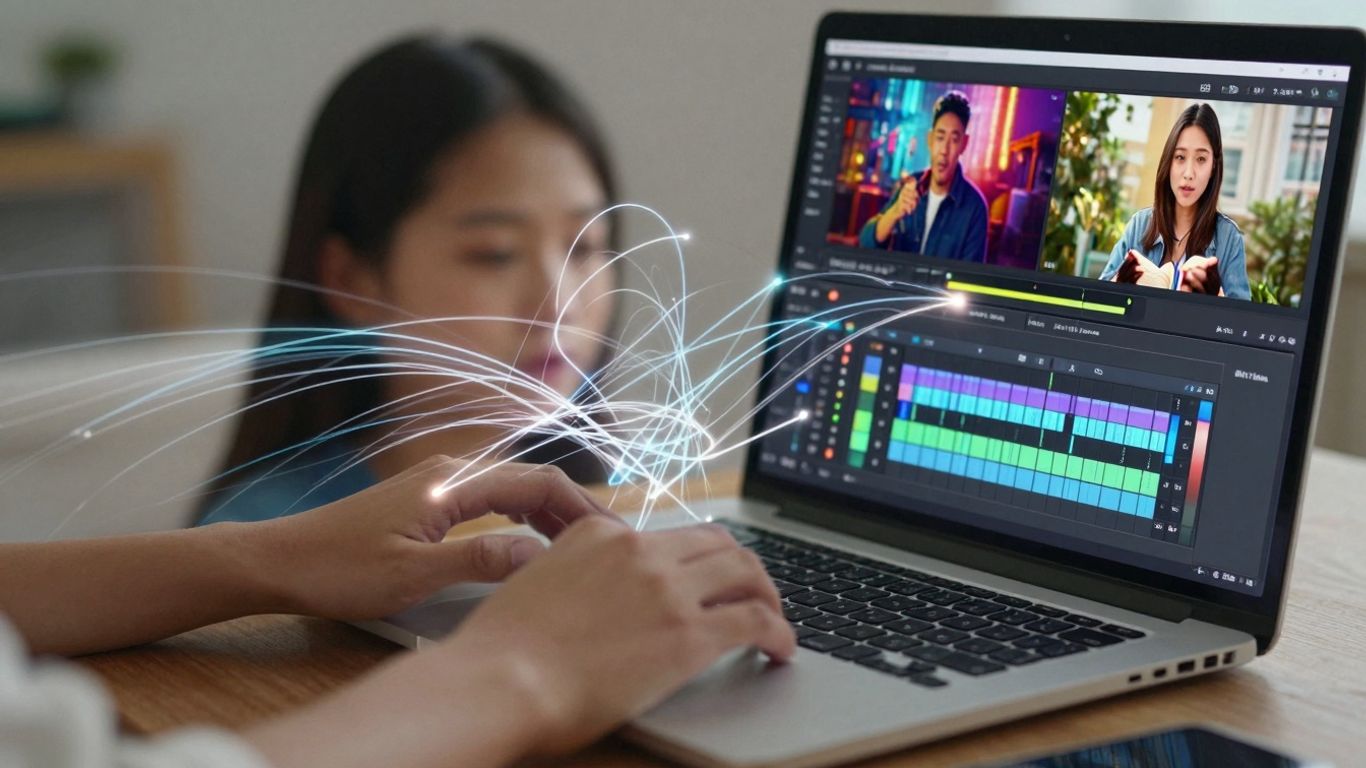
So, how exactly does AI make turning your words into videos feel like a walk in the park? It's all about automation and smart tools that do a lot of the heavy lifting for you. Think of it as having a super-efficient assistant who knows exactly what you want.
AI-Powered Text-to-Video Generation
This is the core of it all. You give the AI a script, maybe even just a simple idea, and it starts building a video. It picks out visuals, figures out the pacing, and puts it all together. It’s like magic, but it’s really just clever algorithms working fast. This means you don't have to spend hours searching for stock footage or figuring out camera angles.
Automated Scene Generation and Editing
Beyond just picking clips, AI can actually create scenes for you. If your script mentions a "busy city street," the AI can generate that. It also handles the editing – cutting between shots, adding transitions, and making sure the flow makes sense. This part used to take ages, but AI can do it in minutes. It's a huge time saver, especially if you're making a lot of videos.
Enhancing Scripts with AI Voiceovers and Captions
What good is a video without a voice? AI can read your script in a natural-sounding voice, and you can often choose different accents or tones. Plus, it can automatically generate captions. This is great for accessibility and for people who watch videos with the sound off. It adds another layer of polish without you having to do any extra work.
Here's a quick look at what AI brings to the table:
- Speed: Videos get made much faster.
- Consistency: The style and quality stay the same across videos.
- Accessibility: Tools are often easier to use, even without video skills.
- Cost-Effectiveness: Can be cheaper than hiring a full production team.
The real game-changer here is how AI takes the technical barriers out of video creation. It lets you focus on the message and the story, rather than getting bogged down in the production details. It's about making video creation accessible to more people.
It's important to remember that while AI is powerful, it's still a tool. You'll want to guide it and make sure the final video matches your vision. But the amount of work it cuts out is pretty remarkable.
Choosing The Right Script To Video Tools
So, you've got your script ready, and you're looking to turn it into a video without losing your mind. That's where the right tools come in. It's not just about picking the first thing you see; you need to think about what you're actually trying to do with the video.
Evaluating AI Video Generator Features
When you're looking at these AI video tools, there's a bunch of stuff to consider. Think about what's most important for your project. Do you need a ton of different video styles, or is a simple, clean look enough? Some tools are really good at making animated characters, while others focus on using stock footage to illustrate your points. And don't forget about the voiceovers – some offer a variety of voices, while others let you clone your own voice, which can be pretty neat for branding.
Here are some features to keep an eye on:
- Text-to-Video Capability: How well does it turn your words into scenes? Some are better than others at understanding context.
- Media Library: Does it have a good selection of videos, images, and music, or will you need to bring your own?
- Customization Options: Can you change colors, fonts, and add your logo? How much control do you really have over the final look?
- Voiceover & Subtitles: Are the AI voices natural-sounding? Can it generate captions automatically, and in different languages?
- Editing Tools: Even with AI, you'll likely want to tweak things. How easy is it to make changes?
Considering Ethical Frameworks and Consent
This is a big one, and honestly, it's something a lot of people overlook. When AI generates video, especially if it uses realistic avatars or voice cloning, you need to be sure it's being done ethically. Using AI to create videos that impersonate real people without their clear permission is a no-go. Stick to tools that use pre-approved avatars or clearly state their policies on consent and data usage. It's about being responsible and avoiding potential legal or reputational headaches down the line. Think about where the AI is getting its data and how it's trained.
Identifying Tools for Specific Use Cases
Not all tools are created equal, and what works for one person might be a total miss for another. If you're a marketer trying to quickly turn blog posts into social media clips, a tool like Pictory might be perfect because it's super fast at repurposing text. For educators creating online courses, something like Mootion, which is designed to build out full lessons from a script, could be a better fit. If you're already deep in the Google ecosystem for work, Google Vids offers that nice integration. And if animated characters are your jam for explainer videos, Vyond has a huge library.
It really comes down to matching the tool's strengths with what you need to achieve. Don't just grab the most popular one; figure out your main goal first.
Crafting Compelling Scripts For AI Video
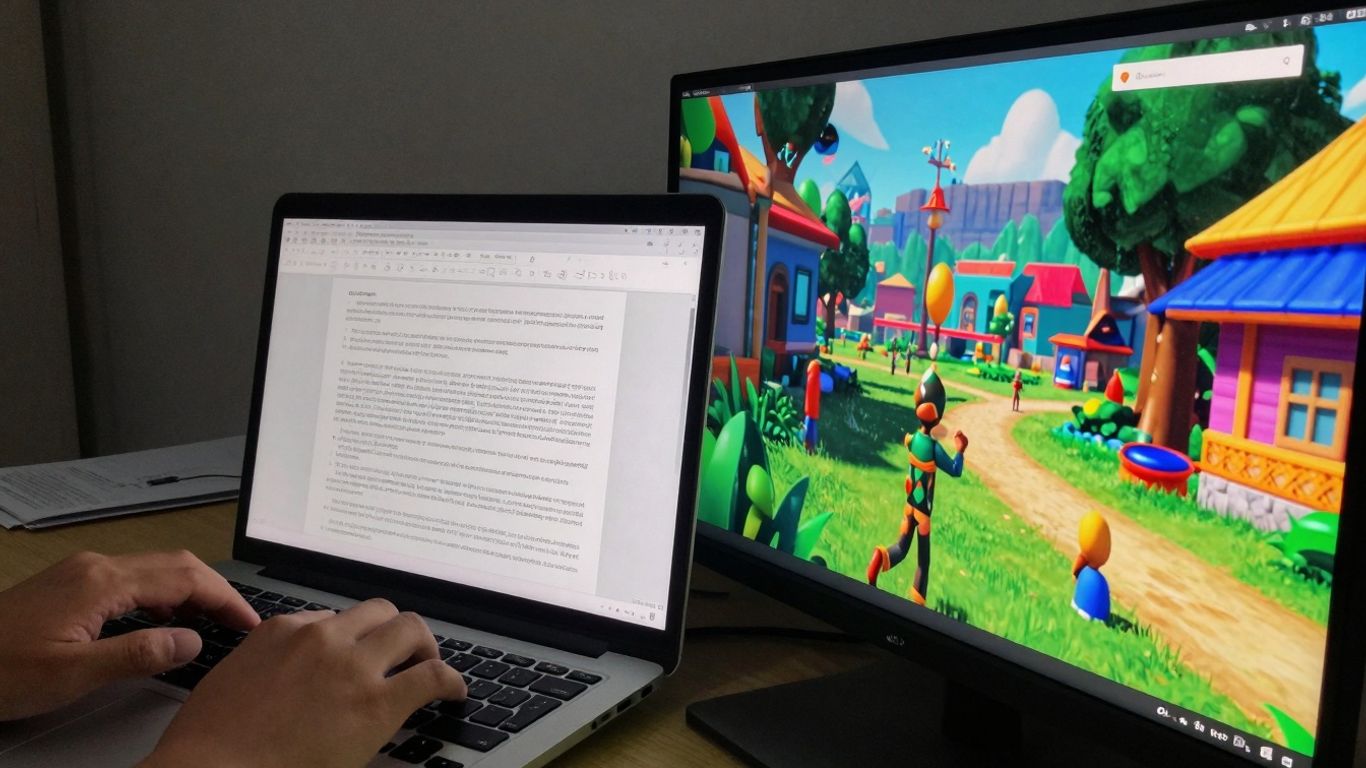
So, you've got this idea for a video, and you're thinking about using one of those fancy AI tools to make it happen. That's cool, but here's the thing: the AI can only do so much with what you give it. You still need a good script, maybe even a better one than for a regular video, to get the best results. It’s not just about telling the AI what to do; it’s about guiding it so it creates something that actually makes sense and sounds good.
Unique Considerations for AI Scriptwriting
Writing for AI is a bit different. Think of it like giving instructions to a very smart, but very literal, assistant. You can't just assume it knows what you mean. You have to be super clear. For instance, if you want a scene to feel a certain way, you need to describe that feeling. AI video generators are getting better, but they don't have life experience, so they rely on your words. The more specific you are, the better the output will be. This means breaking down your ideas into smaller, manageable parts. Instead of saying "make it exciting," try "show quick cuts, upbeat music, and a fast-paced voiceover." It’s a different way of thinking about storytelling, focusing on the building blocks the AI can understand.
Tips for Engaging AI-Generated Narratives
To make sure your AI-generated video actually grabs people, you need to put some thought into the narrative. Here are a few things that seem to work:
- Know Your Audience: Who are you talking to? What do they care about? If you're making a video about gardening for beginners, the language and examples should be different than for expert botanists. Use what you know about your viewers to shape the script.
- Keep it Simple and Direct: AI can sometimes get tangled up in complex sentences or jargon. Stick to clear, straightforward language. Shorter sentences often work better. Think about how you'd explain something to a friend – usually, that's a good starting point.
- Add a Human Touch: Even with AI, people connect with human stories. Inject personality where you can. This might mean adding a personal anecdote, a specific example from your own experience, or even just a particular turn of phrase that sounds like you. It makes the video feel less robotic.
- Focus on the Visuals (Even in the Script): Since it's a video, think about what will be seen. Describe actions or settings that the AI can translate into visuals. For example, instead of just saying "he was sad," you could write "he sat alone on a park bench, head in his hands." This gives the AI more to work with visually.
When you're writing for AI, remember that it's a tool to help you. It's not a replacement for your own ideas or your understanding of what makes a good story. The goal is to combine the AI's speed and ability to process information with your own creativity and insight. This partnership is key to making videos that are both efficient to produce and genuinely engaging for your audience.
Structuring Your Script for Automation
How you organize your script really matters when you're using AI. Some tools work best with a very structured format. Here’s a basic breakdown that often helps:
- Scene Headings: Clearly label each scene (e.g.,
SCENE 1: INT. COFFEE SHOP - DAY). This helps the AI understand where one part ends and another begins. - Action Lines: Describe what's happening visually. Keep these concise and focused on the action. For example, "A barista hands over a steaming cup."
- Character Names: Use all caps for character names before their dialogue.
- Dialogue: Write the spoken words. Keep them natural-sounding and to the point.
- Parentheticals (Sparingly): Use these for brief notes on delivery, like
(whispering)or(frustrated). Don't overdo it, as too many can confuse the AI.
It's also a good idea to provide a brief summary or outline at the beginning of the script. This gives the AI context for the whole piece. Think about using AI script generators as a starting point for brainstorming, but always plan to refine their output. The more organized your script is, the smoother the conversion process will be, and the better the final video will look.
Streamlining Your Script To Video Workflow
Okay, so you've got your script, maybe even an AI-generated one, and now you're wondering how to actually turn that text into a video without pulling your hair out. This is where the magic of streamlining comes in. Think of it like an assembly line for your content. You want each step to be as smooth and quick as possible so you can get your video out there.
The Frictionless Editing Experience
Forget about downloading huge software, waiting for installations, or signing up for a million things. The best tools today let you just hop online, upload your stuff, and start working. It's all about removing those annoying little roadblocks. You can often edit right in your browser, which is pretty neat. This means you can work from anywhere, on almost any device, without needing a super-powered computer. The goal is to make the editing process feel less like a chore and more like a quick, creative flow.
A Step-by-Step Conversion Guide
Turning your script into a video doesn't have to be complicated. Here’s a general idea of how it usually goes down:
- Upload Your Script and Assets: Start by getting your script into the tool. If you have specific images or video clips you want to use, upload those too.
- AI Generates Initial Video: The AI will take your script and start building scenes. It might pick stock footage, create simple animations, or use generated visuals based on your text.
- Refine and Edit: This is where you come in. You'll likely want to swap out some of the AI's choices for your own footage, adjust timings, tweak the visuals, and make sure it all flows well.
- Add Voiceover and Music: You can use AI text-to-speech for narration or record your own. Then, layer in some background music from a library.
- Incorporate Captions: Most tools can automatically generate captions from your audio, which is a huge time-saver and makes your video accessible.
- Export Your Video: Once you're happy, export it in the format and quality you need.
Optimizing Your Video for Distribution
Getting your video made is only half the battle. You need to make sure it's ready for wherever you plan to share it. This means thinking about:
- Aspect Ratios: Is it for a YouTube video (16:9), an Instagram Story (9:16), or something else? Make sure your video is formatted correctly.
- File Size and Quality: You want a good balance. Too high quality and the file might be too big to upload easily. Too low, and it'll look bad. Most platforms have recommended settings.
- Thumbnails: A good thumbnail can make a big difference in getting people to click on your video.
- Titles and Descriptions: Use keywords that people are actually searching for to help your video get discovered.
The whole point of these streamlined workflows is to cut down the time between having an idea and sharing it with the world. It's about making video creation accessible, even if you're not a professional editor. Think of it as a shortcut that doesn't sacrifice quality, just the hassle.
The Future of Script To Video Creation
The way we make videos is changing, and fast. It feels like just yesterday we were spending ages planning shoots, hiring actors, and wrestling with editing software. Now, AI is stepping in, and it's making things way simpler. We're looking at a future where turning a written idea into a video is almost as easy as writing an email. This shift means more people can create videos, and they can do it much faster than before.
Emerging Trends in Generative AI
Generative AI is getting seriously good. Tools are popping up that can create entire video scenes from just a few text prompts. Think about it: you describe a scene, and the AI builds it. We're seeing AI models that can take your script and not only generate visuals but also suggest camera angles and pacing. Some platforms are even getting good at creating realistic avatars that don't feel like robots. For instance, tools are emerging that allow for specific instructions and precision adjustments, making the output more controllable. It's not just about making videos anymore; it's about making them smart.
Hyper-Efficiency and Personalization at Scale
Imagine needing a video for a specific customer segment. In the past, that meant a whole new production. Now, AI can help tailor videos. You could have a base script and then use AI to tweak the narration or visuals for different audiences. This level of personalization, done quickly and without a huge budget, is a game-changer. It’s about making content that feels like it was made just for the viewer, but on a massive scale. This efficiency is key for businesses trying to reach more people with targeted messages.
The Impact of AI on Content Creators
So, what does this mean for people who make videos for a living? It's not about AI replacing creators, but rather giving them superpowers. AI can handle the repetitive tasks, like generating background footage or basic edits, freeing up creators to focus on the creative vision. It's about working with the AI. We're seeing AI tools that can help with scriptwriting itself, suggesting plot points or dialogue. This partnership can lead to more innovative content and faster production cycles. It's an exciting time to be involved in video creation, with new possibilities opening up all the time. The ability to generate videos with text is just the beginning.
Wrapping It Up
So, there you have it. Turning your scripts into videos doesn't have to be a huge headache anymore. Tools we've talked about really make things simple, cutting down on all that complicated stuff. You can get professional-looking results without needing a film school degree or a massive budget. It’s about making video creation accessible to pretty much anyone who has an idea and a story to tell. Give it a shot, play around, and see what you can create. The future of video is here, and it's easier than you think.
Frequently Asked Questions
What exactly is the process of turning a script into a video using AI?
Think of it like this: you give a smart computer program your written words. The program then uses this script to automatically pick video clips, add music, and even create a voice that reads your script. It's like having a robot director and editor working for you, making a video from just your text.
How is using AI for video different from the old way of making videos?
The old way involved filming everything yourself, spending hours editing, and maybe hiring actors. AI makes it much faster and easier. Instead of filming, you write a script, and the AI finds or creates the video parts for you. It's way less work and much quicker.
Why should I bother automating my script-to-video work?
Automating saves you tons of time and effort. Imagine needing to make 10 videos for social media. Doing it the old way would take forever! With AI, you can create those 10 videos much faster, letting you focus on other important things like planning your next video.
Can AI create realistic-looking videos from just text?
Yes, AI is getting really good at this! Some tools can generate video scenes from scratch based on your script, while others use existing video clips. The results can look very professional, especially for things like explainer videos or social media content.
How do I pick the best AI tool for making videos from my scripts?
Look at what you want to do. Do you need lots of different video styles? Do you want to add your own voice? Check if the tool is easy to use and if it has features like automatic captions or different voice options. It's best to try out a few free versions to see which one feels right for you.
What makes a script good for an AI video maker?
Keep your sentences clear and to the point. Think about what visuals would go well with your words. Since the AI is doing the visual work, it helps to describe the scene or action you imagine. Shorter, punchy scripts often work best for quick videos.









Privacy is important to us, so you have the option of disabling certain types of storage that may not be necessary for the basic functioning of the website. Blocking categories may impact your experience on the website. View Our Privacy Policy


