
Create Stunning Videos with a Free Reel Maker: Your Ultimate Guide
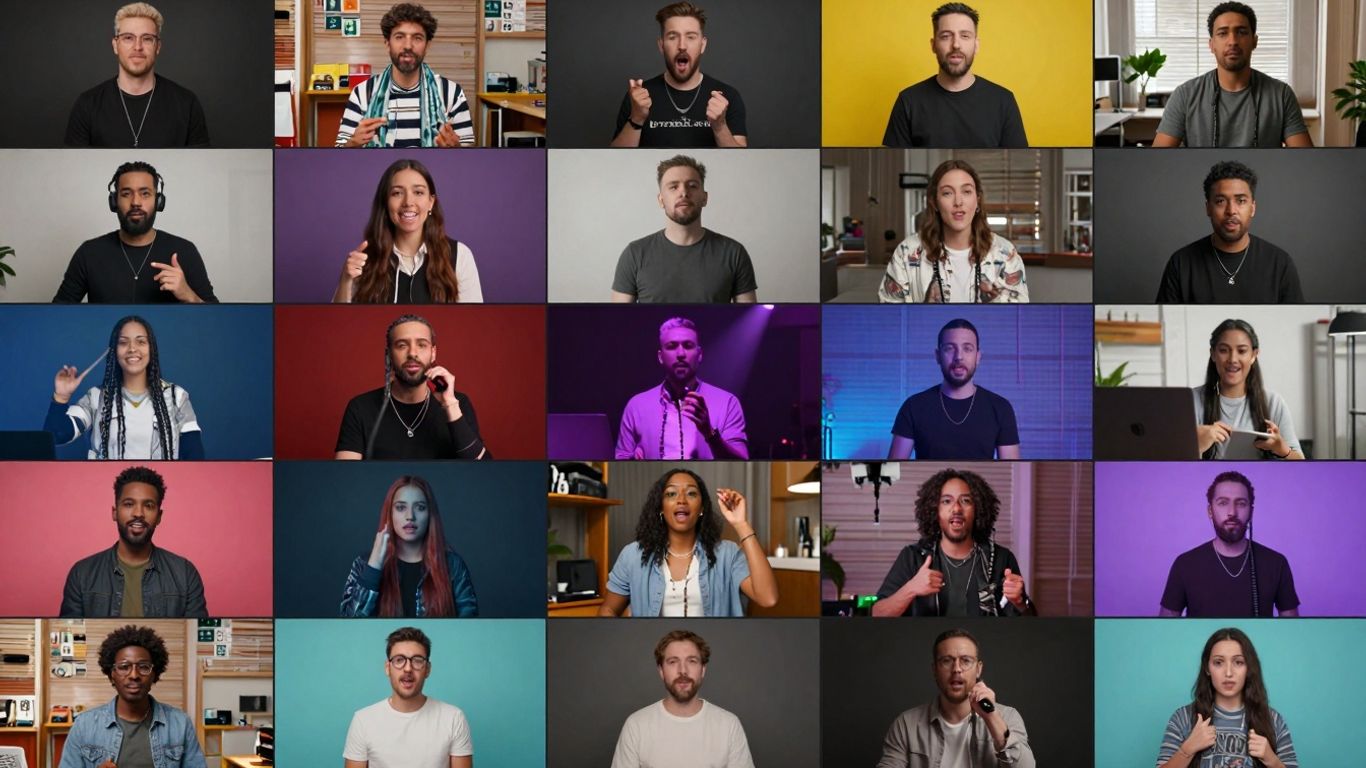
Creating eye-catching videos for platforms like Instagram Reels doesn't have to be complicated or expensive. You can actually make some really cool stuff without spending a dime. This guide is all about showing you how to use a free reel maker to bring your video ideas to life. We'll cover everything from picking the right tool to making your videos look super professional, even if you're just starting out.
Key Takeaways
- You can create professional-looking videos using a free reel maker, no fancy software or big budget needed.
- AI tools can help speed up the process, from writing scripts to editing and adding voiceovers.
- Templates, stock content, and easy-to-use editing features make designing visuals simple.
- Focus on editing techniques like trimming, transitions, and adding music to make your videos engaging.
- Optimizing your reels with captions and understanding audience focus can boost their performance.
Unlock Your Creativity with a Free Reel Maker
Making cool videos for social media doesn't have to cost a fortune or require a film degree. You can actually make some really great stuff using free tools. These reel makers are pretty neat because they give you a bunch of options without making you pay for them. Think of it like having a whole studio in your computer, but it's all accessible online.
Understanding the Power of Reels
Reels, whether for Instagram, TikTok, or other platforms, are a big deal right now. They're short, engaging videos that grab attention fast. People scroll through them constantly, so if you want to get noticed, making reels is a smart move. They're great for showing off products, sharing quick tips, or just letting your personality shine through. The key is to be quick, interesting, and visually appealing. It's not just about making a video; it's about telling a story or conveying a message in a way that keeps people watching.
Choosing the Right Free Reel Maker
When you're looking for a free reel maker, there are a few things to consider. You want something that's easy to use, even if you've never edited video before. Some tools are super simple, while others have more advanced features. It's good to check out what kind of templates they offer, if they have music libraries, and if you can add text or effects. For example, CapCut is a popular choice that offers a lot of features for free, making it accessible for most creators.
Here's a quick look at what makes a reel maker stand out:
- Ease of Use: Can you figure it out quickly?
- Features: Does it have templates, music, text, and effects?
- Content Library: Are there stock videos or images you can use?
- Export Quality: Does it let you save your video in good quality?
Essential Features for Stunning Reels
To make your reels look professional, even when using free software, look for specific features. Editable templates are a lifesaver when you're short on time or ideas. They give you a starting point that you can then customize with your own photos, videos, and branding. Animated text and graphics can make your videos pop, drawing attention to key points or calls to action. And don't forget about stock content; having access to a library of videos and images means you're never stuck if you don't have the perfect shot yourself. A good reel maker should also let you easily add music and sound effects to set the mood for your video.
Using a free reel maker is about finding the right balance between powerful tools and a simple interface. You want to be able to create something unique without getting bogged down in complicated settings. The goal is to get your message across effectively and engagingly.
Effortless Reel Creation with AI Tools
You know, sometimes staring at a blank screen, trying to figure out what to post next, feels like a real chore. That's where AI steps in to make things way simpler. It's like having a little helper that can whip up a video idea and even start putting it together for you. These tools can take a simple idea and turn it into a shareable reel in just a few minutes.
AI-Powered Script Generation
Forget writer's block. You can just type in what you want your reel to be about – maybe a quick tip, a product highlight, or a funny thought. The AI then takes that description and writes a script for you. You can tweak it, add your own flair, or just use it as is. It's a great way to get started without having to brainstorm every single word.
Automated Video Editing and Assembly
Once you have a script, the AI can actually start building the video. It can pick out video clips, arrange them, and put it all together. You don't have to spend hours sifting through footage. The AI can find relevant clips, either from a library or by using your own uploads, and stitch them into a coherent video. It's pretty neat how it can take your text and make it visual.
Enhancing Reels with AI Voiceovers and Avatars
Need a voice for your reel? AI can do that too. You can type out what you want said, and the AI will generate a voiceover. Some tools even let you choose from different voices or create a digital avatar to speak your script. This is super handy if you don't want to use your own voice or if you want a consistent presenter for your videos. It adds a professional touch without needing to record anything yourself.
Designing Eye-Catching Visuals
Making your reels look good is super important if you want people to actually watch them. It's not just about what you say, but how it looks. Luckily, free reel makers give you a bunch of tools to make your videos pop.
Leveraging Editable Reel Templates
Templates are like a starting point for your video. Instead of staring at a blank screen, you can pick a design that already looks good. These templates are often made for specific types of videos, like travel vlogs or product promotions. You can swap out the videos and pictures, change the text, and add your own music. It’s a fast way to get a professional-looking video without needing to be a design whiz. Many platforms offer a wide variety of templates, so you can find one that fits your style. You can start creating an Instagram Reel by tapping the camera icon here.
Adding Animated Text and Graphics
Plain text can be boring. Animated text, on the other hand, can grab attention. Think about text that slides in, bounces, or even writes itself on screen. This can be used for titles, calls to action, or just to highlight important points. Graphics like stickers, emojis, or custom logos can also add personality. Some reel makers let you add things like "Link in Bio" animations, which are great for directing people to your website or other social media.
Utilizing Stock Content and Brand Kits
Sometimes you don't have the perfect video clip or image. That's where stock content comes in. Free reel makers often include libraries of stock videos and photos you can use. This is super helpful for filling in gaps or adding B-roll footage. A brand kit is also a big help. It lets you save your brand's colors, fonts, and logo all in one place. This way, every video you make will look consistent and professional, reinforcing your brand identity.
Using templates and pre-made assets can save a ton of time. It lets you focus more on your message and less on the technical design aspects, making video creation much more accessible for everyone.
Mastering Reel Editing Techniques
Okay, so you've got your clips, maybe even a rough idea of what you want to say. Now comes the part where you actually put it all together. This is where the magic happens, or sometimes, where things get a little messy. But don't worry, even with free tools, you can make your reels look pretty darn good.
Trimming and Resizing Your Footage
First things first, you need to get your clips into the right shape. Think of it like cutting a piece of fabric – you only want the good bits. Most reel makers let you easily chop off the beginning and end of a video clip. You'll want to cut out any awkward pauses, shaky bits, or just stuff that doesn't add anything. It's also super important to get the size right. Reels are vertical, so you're aiming for a 9:16 aspect ratio. If your video is horizontal, you'll need to resize it. Some apps will let you zoom in and reposition the important part of your horizontal video so it fits the vertical screen without weird black bars.
Here's a quick rundown on trimming:
- Identify the start and end points: Watch your clip and note where the action or speech you want begins and ends.
- Use the trim tool: Drag the handles on the timeline to cut away the unwanted parts.
- Preview your work: Play the trimmed clip to make sure it flows well and you haven't cut too much or too little.
Applying Transitions and Effects
This is where you can really make your reel pop. Transitions are what connect one clip to the next. A simple cut is fine, but a smooth slide, a fade, or a more dynamic wipe can keep viewers interested. Don't go overboard, though. Too many flashy transitions can make your reel look chaotic and hard to follow. Effects are a bit different; they can change the look of your clip, like adding a filter, speeding it up, slowing it down, or even doing cool things like background removal if your tool supports it. Experimenting with different effects can give your reel a unique vibe.
Incorporating Music and Sound
Sound is huge for reels. You've got your video clips, but what about the audio? Most free reel makers give you access to a library of music. You can often search by genre, mood, or even trending songs. When you add music, make sure it fits the mood of your video. Sometimes, you might want to add your own voiceover or sound effects. If you're using music, you'll probably want to lower its volume when you're speaking so your voice is clear. Getting the audio levels right is key to a professional-sounding reel.
Remember, the goal is to make your video engaging from start to finish. Good editing makes it easy for people to watch and understand your message. It's not just about making it look pretty; it's about making it work.
Optimizing Your Reels for Engagement
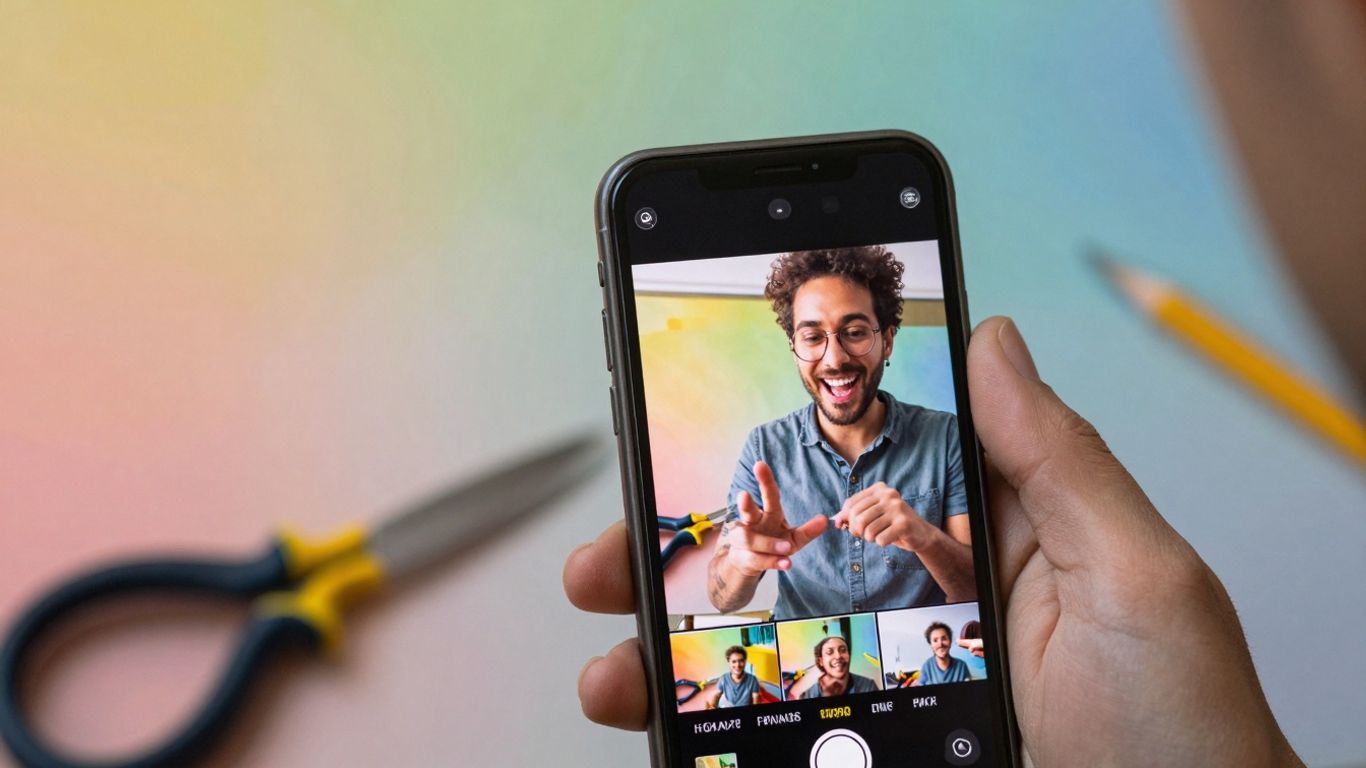
So, you've put together a reel that looks pretty good. But how do you make sure people actually watch it, and more importantly, keep watching? That's where optimization comes in. It's not just about making something pretty; it's about making something that works.
Generating Accurate and Animated Captions
Captions are a big deal. A lot of people watch videos with the sound off, especially on social media. If your reel doesn't have captions, you're missing a huge chunk of potential viewers. Good reel makers can automatically generate captions for you. Aim for captions that are not only accurate but also visually appealing. Think about using animated captions that pop a bit, making them easier to follow. Some tools even offer different styles to match your brand. It's worth checking out how to add audio to your videos, as captions often go hand-in-hand with sound.
Active Speaker Detection for Focus
If your reel has multiple people talking, it can get confusing fast. Tools with active speaker detection are pretty neat. They can automatically figure out who's talking and keep them centered or highlighted in the frame. This makes it way easier for viewers to follow along, especially if the conversation jumps between people. It stops the video from feeling jumpy or losing focus.
Adding AI-Generated B-Roll for Richness
Sometimes, your main footage might be a bit plain, or you need something to cut to while someone is talking. AI can help here too. Some reel makers can suggest or even generate B-roll footage based on your content. This could be anything from relevant stock clips to simple graphics. It adds visual interest and helps keep viewers engaged without you having to spend hours searching for the right clips yourself. It's like having a little assistant who knows what looks good.
Advanced Features for Professional Reels
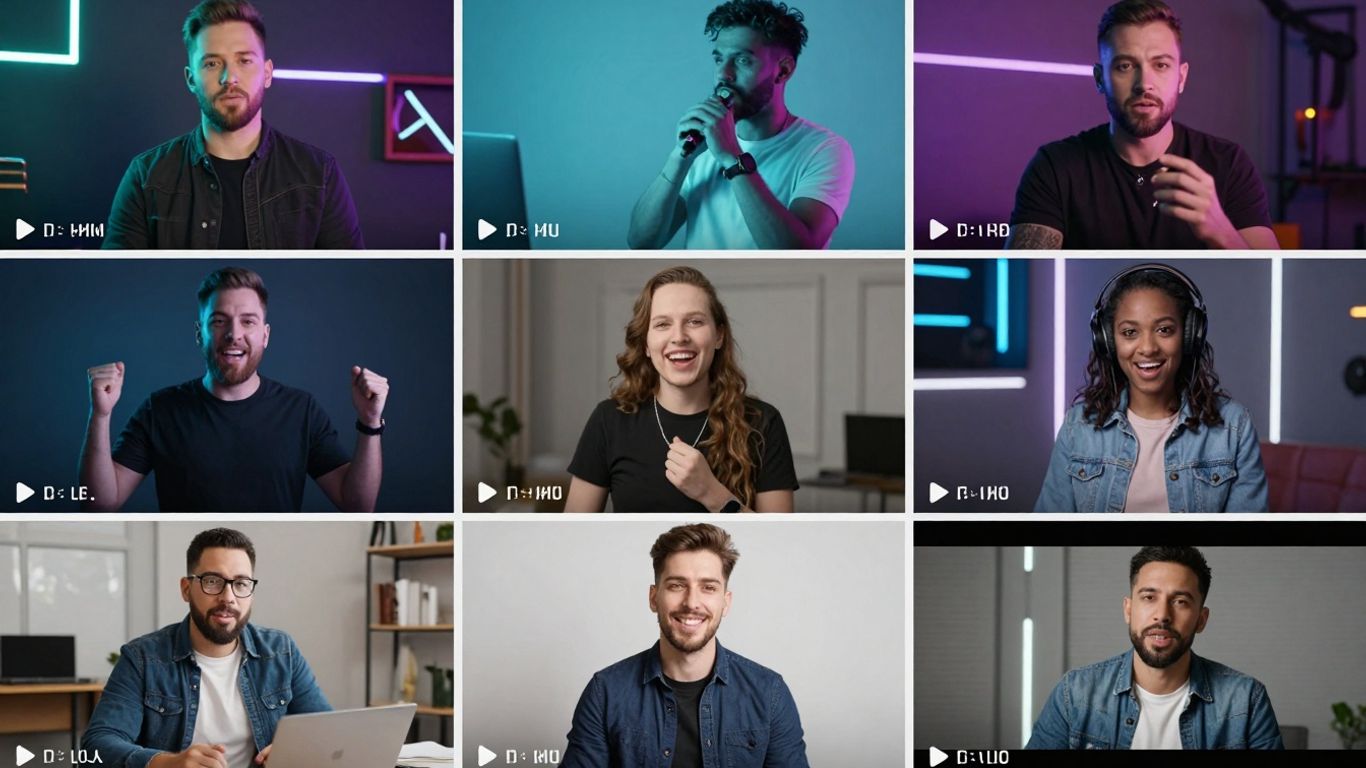
Background Removal and Enhancement
Sometimes you just need to get rid of that distracting background or maybe make it look a bit more polished. Many free reel makers now include tools that can do this. You can remove the background entirely, making it look like you're floating in space, or you can replace it with something else entirely. This is super handy if you're filming in a less-than-ideal location or just want to add a bit of flair. Some tools even let you blur the background to make your subject pop more. It’s a simple trick, but it really makes a difference in how professional your video looks.
High-Quality Resolution Exports
It’s not just about what’s in the video, but how clear it looks. When you’re done editing, you’ll want to export your reel in the best quality possible. Most good free reel makers will let you export in HD, usually 1080p. This means your video will look sharp and clear, even on bigger screens. Nobody likes watching a blurry video, so always aim for the highest resolution your tool allows.
Repurposing Content Across Platforms
Think about all the videos you already have. You can take a longer video and cut out the best bits to make a bunch of short reels. This is a smart way to get more mileage out of your existing content. You can also take a reel you made for Instagram and easily tweak it for TikTok or YouTube Shorts. Most reel makers make it pretty simple to change the aspect ratio and trim things down for different platforms. It saves a ton of time.
Here's a quick look at what you can do:
- Cut and Trim: Take a long video and pull out the most interesting 30-60 second clips.
- Resize: Adjust the video dimensions to fit different social media formats (like 9:16 for Reels/TikTok).
- Add Platform-Specific Elements: Include relevant text or calls to action for each platform.
Making your content work harder for you across different places online is a smart move. It means more people see your stuff without you having to create everything from scratch every single time. It’s all about being efficient with your creative energy.
Wrapping It Up
So there you have it! Creating eye-catching videos doesn't need to cost a fortune or require a degree in video editing. We've looked at how free reel makers can really help you get your ideas out there. Whether you're just starting out or looking to spice up your existing content, these tools offer a simple way to make videos that grab attention. Don't be afraid to play around with them, try different features, and see what you can come up with. You might be surprised at what you can create with just a little bit of effort and the right free tools.
Frequently Asked Questions
What exactly is a free reel maker?
A free reel maker is a tool, usually an app or website, that lets you create short, engaging videos, like those popular on Instagram or TikTok, without costing any money. Think of it as a digital playground for making cool video clips easily.
Can I really make awesome videos without being a pro?
Absolutely! These tools are designed for everyone. Many have ready-made templates, simple drag-and-drop features, and even smart AI helpers that can suggest edits or add effects, making it super easy to create videos that look great.
What kind of cool stuff can I add to my videos?
You can add all sorts of things! Imagine adding lively music, fun text that pops up, cool animations, special effects, and even pre-made clips from a library. It’s like having a box of digital stickers and tools to make your video unique.
Do I need to film everything myself?
Not at all! While you can use your own videos and pictures, many free reel makers offer a library of stock videos and images you can use. Some even have AI that can help create video clips or suggest background footage for you.
How do these tools help make my videos more interesting?
They use smart features like AI to help with things like automatically adding captions so people can watch with sound off, or making sure the main person in the video stays in view. They can even add extra video clips (called B-roll) to make your story more interesting.
Can I use these videos on different social media sites?
Yes! Most free reel makers let you export your videos in sizes that work perfectly for platforms like Instagram Reels, TikTok, and YouTube Shorts. You can easily share your creations wherever you want to reach your audience.








Privacy is important to us, so you have the option of disabling certain types of storage that may not be necessary for the basic functioning of the website. Blocking categories may impact your experience on the website. View Our Privacy Policy


