
Create Stunning Instagram Posts Instantly with a Free AI Post Generator

Trying to make cool Instagram posts can be a real pain sometimes. You know, you want something that looks good and gets people to notice, but you don't have hours to spend fiddling with design software. Well, there's a neat trick now: using a free AI Instagram post generator. It's like having a design assistant that can whip up posts for you just by telling it what you need. Seriously, it makes things so much easier.
Key Takeaways
- A free AI Instagram post generator helps you create content quickly without a lot of effort.
- These tools are built for social media, meaning they make designs that work well on platforms like Instagram.
- You can make all sorts of posts, from feed updates to story graphics, using just a simple description.
- It's easy to make your designs look like your brand by changing colors and fonts.
- Using an AI generator means you can make posts in minutes, saving you time and hassle.
Unlock Instant Instagram Content Creation
Feeling like you're always scrambling for fresh Instagram content? It's a common problem. Coming up with new ideas, then actually making them look good, can take up a ton of time. But what if there was a way to speed things up, a lot? That's where AI comes in.
What is a Free AI Instagram Post Generator?
Think of it as a smart assistant for your social media. You give it a basic idea, like "quote about productivity" or "sale graphic for shoes," and it whips up a visual for you. It uses artificial intelligence, which is basically a computer program that's learned a lot about design and what works on Instagram. It's not just about making pretty pictures; it's about making pictures that are meant to get noticed on platforms like Instagram.
Content Creation Without the Grind
This is the big one. Instead of spending hours trying to get a design just right, you can get a solid starting point, or even a finished product, in minutes. You don't need to be a graphic designer or even know how to use complicated software. The AI handles the heavy lifting, turning your simple text prompts into ready-to-use graphics. This means less time staring at a blank screen and more time actually engaging with your audience or planning your next campaign.
Designed for Social Media Performance
These tools aren't just throwing random images together. They're built with social media in mind. The AI understands things like:
- Safe Zones: Where text and important elements should go so they don't get cut off by profile pictures or buttons.
- Visual Trends: What kind of styles and layouts are popular right now.
- Platform Formats: How to best design for a square feed post versus a vertical story.
So, the content you get isn't just visually appealing; it's also structured to work well on mobile and grab attention as people scroll.
The goal is to make creating good-looking posts easy and fast, so you can focus on what you want to say, not just how to say it visually.
Why Choose an AI Instagram Post Generator?
All Instagram Formats in One Tool
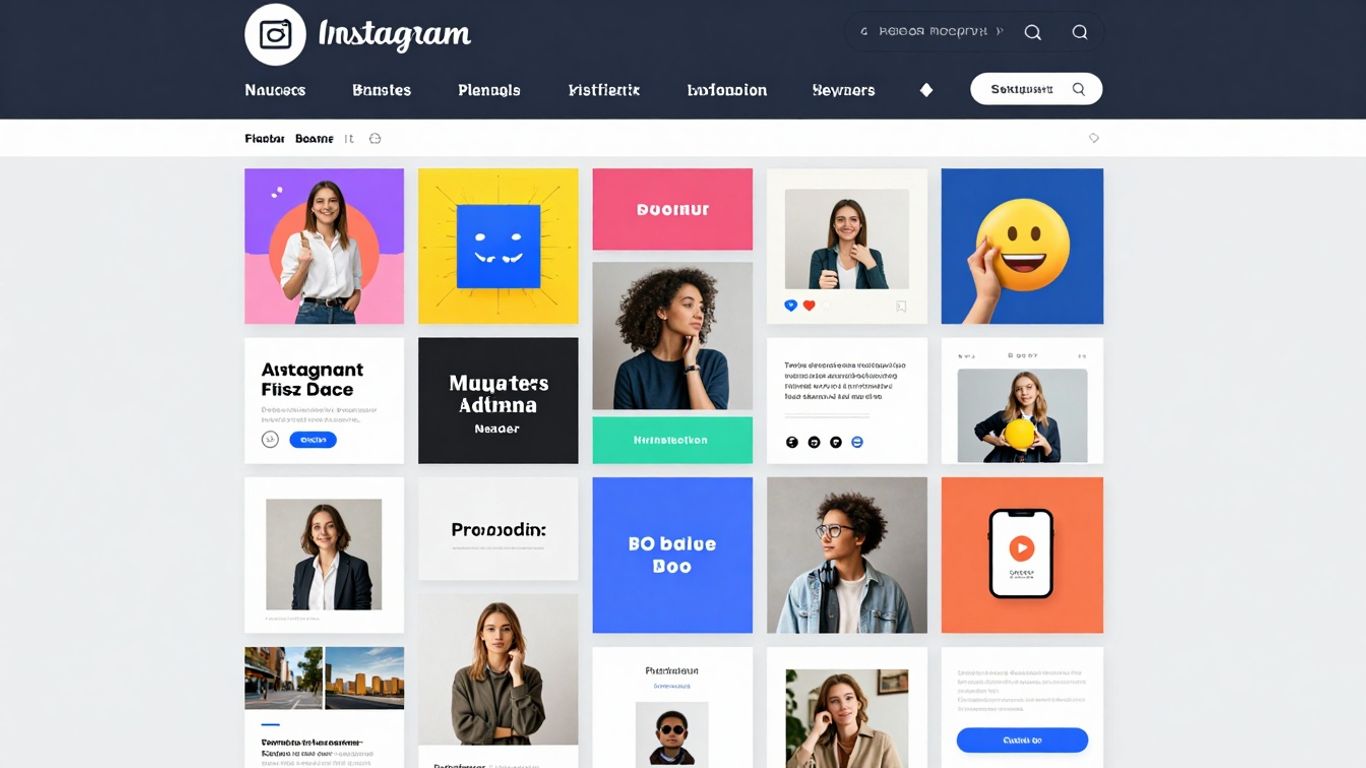
Forget juggling different apps or spending ages resizing images. This AI tool handles all the common Instagram formats you'll need. That means you can get designs ready for your main feed, those quick-hit Stories, eye-catching Reels covers, and even multi-image carousels, all from one place. It really cuts down on the hassle of getting your content ready for different parts of the app.
Visually Appealing and Performance-Driven Designs
It's not just about making things look pretty, though that's important. The AI is built to understand what works on Instagram. It considers things like layout, safe zones for text and images on mobile screens, and current visual trends. So, the posts it creates are designed to grab attention and encourage people to interact, whether it's for a product launch or just sharing a daily thought.
100% Free and Watermark-Free Output
This is a big one for anyone watching their budget. You can generate and download your Instagram posts without paying a cent. Plus, there are no annoying watermarks slapped on your creations. This means your content looks professional and completely yours, ready to be used anywhere you need it without any extra branding from the tool itself.
Crafting Effective Prompts for AI Generation
So, you've got this cool AI tool ready to whip up some Instagram posts. That's awesome! But here's the thing: the AI isn't a mind reader. It needs you to tell it what you want. And that's where crafting good prompts comes in. Think of it like giving directions to a friend – the clearer you are, the better the result.
Define Your Post Objectives Clearly
Before you even start typing, take a second to think about what you actually want this post to do. Are you trying to sell something? Share some news? Just get people to smile? Knowing your goal helps shape everything else. It's like deciding where you're going before you map out the route. For example, a prompt for a product launch will be very different from one for a funny meme.
Specify Essential Design Elements
Now, let's get into the nitty-gritty of what the post should look like. Don't just say "make a cool post." Be specific! What colors should it have? Any particular fonts you like? Should it be a photo, a graphic, or maybe a mix? What's the general vibe – modern, vintage, playful, serious? The more details you give, the closer the AI will get to what you're picturing. You can even list out specific items or scenes you want included. This is where you can really start to guide the AI towards your vision.
Here's a quick rundown of things to consider:
- Purpose: What's the main goal of the post?
- Audience: Who are you trying to reach?
- Key Message: What's the one thing you want people to take away?
- Colors: Any specific brand colors or a mood you're going for?
- Style: Minimalist, bold, elegant, quirky?
- Elements: Photos, illustrations, text overlays, logos?
Refine Your AI Prompt for Precision
Sometimes, the first try isn't perfect. That's totally normal! The trick is to look at what the AI gave you and figure out what's missing or what's not quite right. Did the colors look off? Was the text too small? Maybe the image wasn't what you imagined. You can then tweak your prompt. Add more detail, rephrase something, or even try a completely different approach. It's a bit of a back-and-forth process, but each adjustment gets you closer to that perfect post. Don't be afraid to experiment with different wording until you get it just right.
The magic of AI post generation isn't just about speed; it's about translating your ideas into visuals. A well-crafted prompt acts as the bridge, ensuring the AI understands your intent and produces content that truly fits your needs and brand.
Leveraging AI for Diverse Instagram Content
This AI tool isn't just for one type of post. It's pretty flexible, letting you create a bunch of different things for your Instagram. Think beyond just a single image for your feed. You can actually generate content for stories, reels, and even promotional graphics. It's like having a mini design studio for all your social media needs.
Generate Scroll-Stopping Feed Posts
Creating posts that people actually stop scrolling to look at can be tough. You want something that catches the eye right away. With the AI generator, you can describe what you're going for. Want a post about a new product launch? Just say so. Need something motivational? The AI can handle that too. It's about giving it clear instructions so it can whip up something visually interesting that fits your message. The key is to be specific about the mood and the subject.
Create Engaging Stories and Reels Covers
Instagram Stories and Reels are huge right now, and the first thing people see is the cover image or the story slide. If it looks good, they're more likely to click. This AI tool can help you make those eye-catching covers for your Reels or design a series of engaging slides for your Stories. You can ask for something bright and energetic for a behind-the-scenes look, or something more polished for a product showcase. It’s about making sure the first impression is a good one.
Design Promotional and Announcement Graphics
Got a sale coming up? A new event to announce? Instead of spending hours trying to make a flyer-like graphic that fits Instagram, the AI can do it for you. You can ask for designs that clearly communicate your message, using colors and styles that grab attention. This is super helpful for businesses that need to get the word out quickly and effectively without sacrificing design quality. It means you can get those important announcements out there looking professional and polished.
Personalize Your Brand with AI-Generated Designs
Smart Customization Options Available
It's one thing to get a cool design, but it's another to make it truly yours. AI tools are getting pretty good at spitting out visuals, but they can sometimes feel a little generic. That's where the customization features come in. You can usually tweak colors, fonts, and even layouts to fit what you're going for. Think about your brand's main colors – you can often input those directly. Same goes for your logo; most tools let you upload it to slap onto the design. It's about taking that AI-generated starting point and making it fit your specific vibe.
Maintain Brand Consistency Effortlessly
Keeping your Instagram looking like your Instagram is key, right? When you're using an AI generator, it can be a bit of a challenge to make sure every post feels like it came from the same place. The trick is to have a few go-to brand elements ready. This could be:
- Your brand's primary and secondary color palette.
- A specific font or two that you always use.
- Your logo in a few different formats (e.g., full color, white, black).
- Any recurring visual motifs or styles.
By feeding these into the AI or adjusting the generated designs to match, you can build a consistent look. It stops your feed from looking like a random collection of images and starts to feel like a cohesive brand story.
Personalize Your Brand with AI-Generated Designs
AI tools can help you make designs that feel like they belong to you, even if you're not a designer. You can often adjust things like:
- Colors: Swap out default colors for your brand's specific shades.
- Fonts: Apply your brand's chosen typography.
- Logo Placement: Add your logo to the design.
- Layout Adjustments: Tweak the arrangement of elements.
This means you can take a design that the AI created and make it fit your brand's personality perfectly. It's about making the AI work for your brand, not the other way around. The goal is to have visuals that are not only eye-catching but also instantly recognizable as yours.
Streamlining Your Instagram Workflow
How to Create Instagram Posts in Minutes
Forget spending hours trying to come up with the next great Instagram post. This AI tool seriously cuts down the time. You just need to give it a clear idea of what you want, and it spits out a design. It's pretty wild how fast it can go from a thought to a finished graphic. This means you can actually keep up with posting regularly without it feeling like a huge chore. Think about it: you could be generating content for your entire week in less time than it takes to watch a movie.
Download and Use Your AI-Generated Posts
Once the AI gives you a design you like, getting it ready for Instagram is super simple. There's usually a download button right there. The files come out in high resolution, which is good, and they don't have any annoying watermarks or logos on them. This means you can just grab the image and upload it straight to your Instagram account. No need to mess with resizing or cropping, because the tool is supposed to create them in the right dimensions for whatever you need – be it a feed post, a story, or a reel cover.
Tips for Achieving Optimal Results
To get the most out of this AI generator, a little bit of planning goes a long way. Here are a few things to keep in mind:
- Be Specific with Your Prompts: Instead of just saying "post about coffee," try something like "Create a warm, cozy Instagram feed post about morning coffee, featuring a steaming mug on a wooden table with soft lighting. Use earthy tones like brown and cream." The more detail you give, the better the AI can match your vision.
- Know Your Goal: Are you trying to sell something? Share a quote? Announce an event? Tailor your prompt to the post's objective. For example, a prompt for a sale might include words like "bold," "discount," or "limited time offer."
- Consider Your Audience: Think about who you're trying to reach. A post for teenagers might need a different style and tone than one for business professionals. Mentioning your target audience in the prompt can help the AI adjust the design.
- Test and Iterate: Don't be afraid to generate a few different versions of a post. Sometimes the first try isn't perfect. You can tweak your prompt based on the results you get. What looked good? What could be better? Use that feedback to refine your next prompt.
The key to getting great visuals from an AI generator is clear communication. Think of it like briefing a designer – the better you explain what you need, the closer the final product will be to your expectations. Don't just hope for the best; guide the AI with precise instructions.
Wrap Up
So there you have it. Creating eye-catching Instagram posts doesn't have to be a huge chore anymore. This free AI tool makes it super simple to get designs that look good, without needing to be a design whiz or spending hours fiddling with complicated software. Whether you're trying to boost your business, grow your personal brand, or just keep your feed looking fresh, this generator can really help. Give it a try and see how much easier your social media content can become.
Frequently Asked Questions
What exactly is a free AI Instagram post generator?
Think of it as a super smart computer program that helps you make cool Instagram posts really fast. You tell it what you want, like 'a post about pizza,' and it creates a picture and text for you. It's like having a design assistant that works instantly!
Why should I use this AI tool instead of making posts myself?
Making posts can take a lot of time and effort. This tool does the hard work for you, creating eye-catching designs in seconds. It’s perfect for when you need content quickly or don't have much design experience. Plus, it's free and doesn't add its own logo to your work.
Can I make different kinds of posts with this tool?
Yes! You can create posts for your main feed, fun stories, or even the cover images for your Reels. It handles all the different sizes and styles Instagram needs, so you don't have to worry about getting them right.
How do I tell the AI what kind of post I want?
You write a 'prompt,' which is just a short description. Be clear about what you want, like the topic, colors, and any specific things to include. The more details you give it, the better the AI can make a post that you'll love.
Can I change the AI's design to match my style?
Definitely! Even though the AI makes the first design, you can usually tweak it. You can often change colors, add your own pictures, or adjust the text to make sure it perfectly matches your brand or personal style. It's about making the AI's work fit you.
How quickly can I really get a post ready?
It's super fast! You can go from having an idea to a downloadable post in just a few minutes. This means you can create more content without spending hours on design, helping you post more often and keep your followers engaged.








Privacy is important to us, so you have the option of disabling certain types of storage that may not be necessary for the basic functioning of the website. Blocking categories may impact your experience on the website. View Our Privacy Policy


