
Create Ads with AI - A Modern Guide
So, what does it actually mean to create ads with AI? It’s about using smart tools to generate, test, and fine-tune your ad creative. Instead of relying entirely on manual design and copywriting, you can now use AI to churn out high-quality images, videos, and ad copy in a fraction of the time. This doesn't just speed things up; it lets you make creative decisions backed by real data.
How AI Is Reshaping Ad Creation
Let's cut through the noise and look at how this technology is actually changing the advertising game. This isn't just another conversation about automation. We're talking about a fundamentally new way to dream up, build, and connect with the people you want to reach. For as long as I can remember, the creative process has been a major bottleneck, constrained by tight deadlines, even tighter budgets, and the simple human effort it takes to produce different ad variations.
The recent wave of accessible AI tools has completely blown those limitations out of the water.
A task that might have taken a design team a full week—like developing five totally different visual concepts for a social media campaign—can now be knocked out in a single afternoon. This kind of speed means you can test more ideas, jump on trends almost instantly, and move from trying to craft one "perfect" ad to launching dozens of variations to see what actually works.
The New Creative Workflow
This ability to create ads with AI opens up a far more nimble and intelligent workflow. It marks a shift away from creating based on a gut feeling to iterating based on hard data. The real advantages boil down to a few key areas:
- Hyper-Personalization at Scale: AI can sift through audience data to generate creative that speaks directly to specific groups. Think about ad visuals that automatically change based on a user's location, what they've bought before, or even the local weather—all without someone manually building each version.
- Slashed Production Timelines: The most obvious win is speed. You can generate a whole batch of polished product images or a quick video ad in minutes, not days. This frees up your team to focus on bigger-picture strategy and analysis.
- Data-Driven Insights: AI isn't just a content factory; it's a learning machine. By seeing which AI-generated ads perform best, you can pinpoint the visual styles, messaging tones, and calls-to-action that your audience responds to. You then feed those insights right back into the AI to get even better results next time.
"Your job will not be taken by AI. It will be taken by a person who knows how to use AI."
This saying gets it exactly right. The opportunity here isn't about replacing talented creatives. It's about giving them powerful tools that can amplify their impact tenfold.
Your Roadmap to AI Ad Mastery
Think of this guide as your roadmap for this new world. We're going to walk through the entire process, from setting your strategy and defining your audience to mastering the art of the perfect prompt.
You'll get hands-on with specific AI tools to produce incredible image and video ads, learn how to tweak them for different platforms, and figure out how to analyze their performance to create a powerful feedback loop. My goal is to give you the practical, real-world skills you need to start creating ads with AI confidently and turn this technology into your own competitive edge.
Building Your Foundation for AI Ad Creation
Jumping straight into an AI tool without a plan is a recipe for disaster. I've seen it countless times: people get excited by the tech but end up with generic, off-brand ads that go nowhere. The tools are incredibly powerful, but they aren't mind readers. To get results that actually move the needle, you have to start with a solid strategic foundation. This prep work is what separates forgettable AI content from high-impact advertising that performs.
The whole process, from initial idea to final launch, follows a clear, logical path.
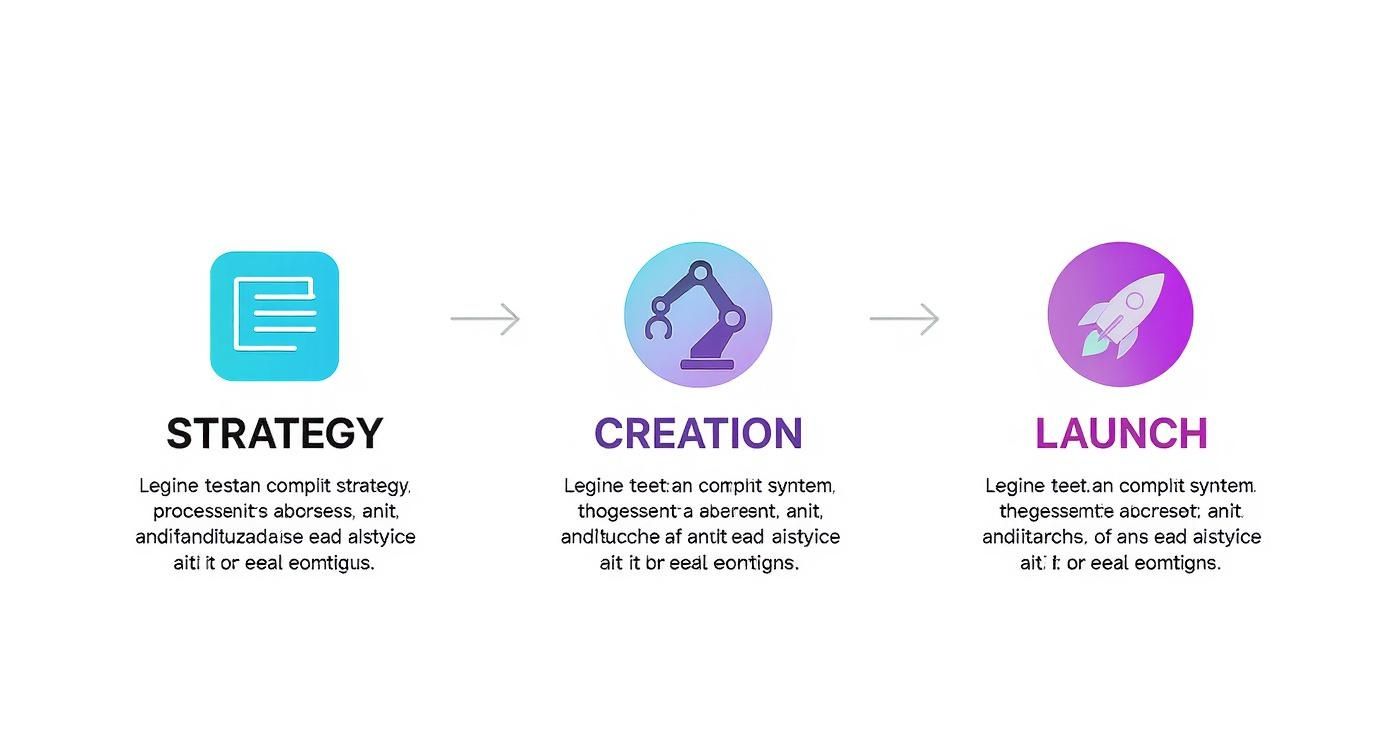
This isn’t just about following steps; it’s about understanding that your strategy informs the creation, and your creation sets up the launch. Each phase builds directly on the last.
Getting this right is becoming more critical every day as AI's role in advertising explodes. The market was valued at USD 8.6 billion in 2023 and is on track to hit USD 81.6 billion by 2033. That's a staggering 28.4% compound annual growth rate. If you want a deeper dive into these numbers, you can explore detailed market analysis on Market.us.
Define Your Campaign Goals First
Before you even think about writing a prompt, you have to know what you're trying to achieve. What does a "win" look like for this campaign? Your core objective dictates the tone, visuals, and call-to-action you'll ask the AI to create. Are you just trying to get your name out there, or do you need to drive sales today?
Common goals usually fall into one of these buckets:
- Brand Awareness: Getting your brand in front of a new audience that has no idea who you are.
- Lead Generation: Collecting contact info from potential customers, like emails for a newsletter or sign-ups for a free trial.
- Direct Sales: Pushing for immediate purchases of a specific product or service.
A brand awareness campaign needs bold, memorable, and maybe even emotional visuals. A direct sales campaign, on the other hand, needs creative that clearly shows product benefits and sparks a sense of urgency. Knowing your primary goal is the first real step to giving the AI effective instructions.
By setting a clear objective, you're giving the AI the context it needs to generate assets that are strategically sound, not just visually interesting. Without that direction, you’re just making pretty pictures that don’t serve a business purpose.
Crafting an AI-Friendly Creative Brief
Your creative brief is the single most important document in this entire workflow. It’s the instruction manual you feed to the AI, translating your marketing goals into specific creative direction. For AI, this brief needs to be obsessively detailed and specific, leaving zero room for interpretation.
Think of it as programming the AI with your brand’s personality and the campaign's mission. The more granular you get, the more on-brand and effective the output will be. This document becomes your source of truth for every ad you generate.
Mastering the Art of the AI Prompt
Think of your AI prompt as a detailed creative brief for a junior designer who happens to be a supercomputer. The quality of what you get out is a direct mirror of the quality you put in. If you're vague, you'll get generic, uninspired visuals that don’t hit the mark—something especially true in fields like healthcare AI consultancy, where precision matter
This is where the real work—and the magic—happens. Learning to "talk" to the AI model is the single most important skill you can develop in this space. It’s what separates a random assortment of images from ad creative that’s perfectly aligned with your campaign goals.
The good news? It’s not some dark art. It’s a formula. Once you understand the core components, you can consistently guide the AI to produce stunning, on-brand ad assets.
The Anatomy of a Powerful Prompt
A truly effective AI prompt for ad creative needs to be layered with detail. You can’t just say, "an ad for a running shoe." You need to build the scene from the ground up, giving the AI specific instructions for every little element.
Let's break down the essential pieces:
- Subject: Start with the main focus. Is it a product in use, a person mid-action, or an abstract concept? Be specific.
- Artistic Style: This sets the whole vibe. Are you going for photorealism, a minimalist graphic design, a vintage comic book look, or maybe a vibrant watercolor illustration?
- Composition & Framing: Direct the camera. Use photography terms like "close-up shot," "wide-angle," "rule of thirds," or "eye-level view" to position your subject.
- Lighting: Lighting creates atmosphere. Describe it. Is it "dramatic studio lighting," "soft morning sunlight," or a "neon-lit, cyberpunk" glow?
- Color Palette: Lock in your brand colors or a specific mood. Try using terms like "warm earth tones," "monochromatic blue palette," or "vibrant and saturated colors."
- Emotional Tone: How should the ad make people feel? Words like "energetic," "serene," "luxurious," or "uplifting" are crucial guides for the AI.
By combining these elements, you move from a lottery-style approach to a predictable creative process. Each layer of detail you add acts as a guardrail, keeping the AI focused on your strategic vision and ensuring the final asset aligns with your brand.
Prompting in Action: Image Examples
Let’s apply this framework to a couple of real-world scenarios. You'll see how the level of detail completely changes the potential outcome.
Scenario 1: A Sleek Instagram Product Ad
- Vague Prompt:
An ad for a new skincare serum. - Powerful Prompt:
Photorealistic close-up of a luxurious glass serum bottle with a gold dropper, resting on a wet, dark slate surface. The scene is illuminated by soft, diffused morning light from a window, creating a gentle glow on the bottle. The background is a minimalist bathroom with out-of-focus green plants. The mood is serene, clean, and premium.
Scenario 2: A Dynamic YouTube Ad
- Vague Prompt:
Video of someone using a new coffee machine. - Powerful Prompt:
Cinematic 4K video shot, eye-level view. A young woman with a joyful expression pours coffee from a modern, stainless steel espresso machine in a bright, sun-drenched kitchen. Steam rises from the cup. The style is warm and inviting, with a shallow depth of field. The emotional tone is energetic and uplifting.
The difference is night and day. Specificity is your greatest asset here. If you ever feel stuck and need to spark some new ideas, an AI image prompt generator can be a fantastic way to explore different creative directions.
AI Prompt Formulas for Different Ad Types
To give you a head start, I've put together some plug-and-play formulas for common ad types. These structures provide a solid foundation you can build on by swapping in your own specific product details, brand styles, and campaign objectives. Think of them as recipes for better creative.
Ad TypeCore Prompt ComponentsExample SnippetProduct Showcase[Style] shot of a [Product] on a [Background]. Emphasize [Key Feature] with [Lighting]. Color palette of [Colors].Photorealistic shot of a sleek wireless earbud case on a polished marble surface. Emphasize the glowing charge indicator with soft, dramatic studio lighting...Lifestyle/UGC[Style] photo of a [Target Persona] happily using [Product] in a [Setting]. The mood is [Emotion]. [Composition].Candid, authentic photo of a young woman laughing while using a fitness app on her phone in a sunlit park. The mood is joyful and energetic. Medium shot.Brand AwarenessAbstract [Art Style] representing [Brand Value]. Use a [Color Palette]. The feeling should be [Emotion].Minimalist 3D render representing 'connection' and 'speed.' Use a monochromatic blue and white color palette. The feeling should be futuristic and reliable.
By starting with a proven formula, you ensure all the critical creative elements are covered right from the start, making your prompt much more likely to deliver the results you're after.
The Iterative Prompting Loop
Your first attempt at a prompt rarely yields the perfect result, and that’s completely okay. The real skill is in iterative prompting—refining your initial outputs with follow-up commands.
If an image is too dark, you can add brighter, more vibrant lighting. If the subject is off-center, you can specify centered subject, following the rule of thirds. It's a conversation.
This back-and-forth process is where AI really shines, contributing to a 30% reduction in production time for creative development and letting marketers jump on new trends in a fraction of the time. Think of it as a creative dialogue where each prompt gets you one step closer to your final vision.
Choosing Your AI Ad Creation Toolkit
Trying to pick the right AI tool can feel like drinking from a firehose. A new platform seems to pop up every week, and just figuring out where to start is a huge hurdle when you want to create ads with AI. The secret isn't finding one "perfect" tool; it's about building a small, powerful toolkit that covers your specific needs for images, videos, and short-form content.
The market for these platforms is exploding. We're looking at a jump from USD 2.09 billion in 2023 to an estimated USD 8.45 billion by 2032. That's not just hype; it's a clear signal that getting comfortable with these tools is becoming non-negotiable for staying competitive. You can see more on this trend by reviewing AI marketing statistics on cubeo.ai.
Top-Tier AI Image Generators
When it comes to static ad creative, a few names just keep coming up. These are the workhorses for creating stunning product shots, lifestyle scenes, and brand visuals without needing a photographer.
- Midjourney: I often think of this as the gold standard for artistic, hyper-realistic images. It’s fantastic at creating detailed, atmospheric visuals with a polished, almost cinematic feel. It’s perfect for brand awareness campaigns where you need to make a strong visual impact. The only catch? It runs on Discord, which takes some getting used to.
- DALL-E 3: This one is built right into tools like ChatGPT Plus and Microsoft Copilot, which makes it incredibly accessible. Its real superpower is understanding natural language. If you can describe what you want in a conversational way, DALL-E 3 is amazing at delivering it, making it my go-to for specific product mockups.
Your choice really boils down to workflow. If you crave fine-tuned artistic control and don't mind the learning curve, Midjourney is a powerhouse. If you just want to get things done quickly and value a tool that understands plain English, DALL-E 3 is the more direct path.
Powerful AI Video Creation Platforms
Video is king in advertising, and AI is quickly making high-quality production accessible to everyone. These tools can take a simple text prompt or a static image and spin it into a dynamic video clip—ideal for social media ads or YouTube shorts.
- Runway: This is more like a full-blown creative suite than a single tool. Runway has everything from text-to-video and image-to-video to advanced features like removing objects from a scene or tracking motion. It’s a versatile beast for anyone who needs to do more than just basic video generation.
- Pika: Known for producing really high-quality, cinematic clips, Pika is my recommendation for turning ideas into visually stunning short videos. It gives you a surprising amount of control over things like camera movement and style, which helps make your ads feel more dynamic and professional.
With so many tools available, each with its own strengths, choosing the right one can be a challenge. I've put together a quick comparison to help you see how some of the most popular options stack up against each other.
Comparison of AI Ad Creation Tools
AI ToolPrimary Use CaseKey FeatureBest ForMidjourneyHigh-quality, artistic image creationUnmatched realism and detailed aesthetic controlBrand campaigns, concept art, and visually-driven ad creatives.DALL-E 3Natural language image generationSeamless integration with ChatGPT and intuitive promptingMarketers needing quick, specific visuals and product mockups.RunwayAll-in-one video editing & generationComprehensive suite of "AI Magic Tools" (e.g., Gen-2)Creators who need a versatile video toolkit beyond simple generation.PikaCinematic short video creationHigh-quality output and camera motion controlsCreating engaging, dynamic video ads for social media platforms.
This table is just a starting point. The best way to find what works for you is to experiment. Most of these platforms offer free trials or credits, so you can get a feel for their workflow and output before committing.
Combining Tools For Professional Results
Here’s where you can really level up your creative game: don't stick to just one tool. The pros mix and match.
A workflow I use often is generating a base image in Midjourney to get that rich, artistic quality, then pulling it into Runway to add subtle motion or text animations. This turns a beautiful static image into a captivating video ad that stops the scroll.
This multi-tool approach lets you play to the strengths of each platform. The end result is almost always more polished and effective than what you could get from a single, all-in-one solution. However, if you're looking for simplicity, you can also explore our guide on the best AI ad generator platforms that bundle many of these features together.
Testing and Optimizing Your AI Ads
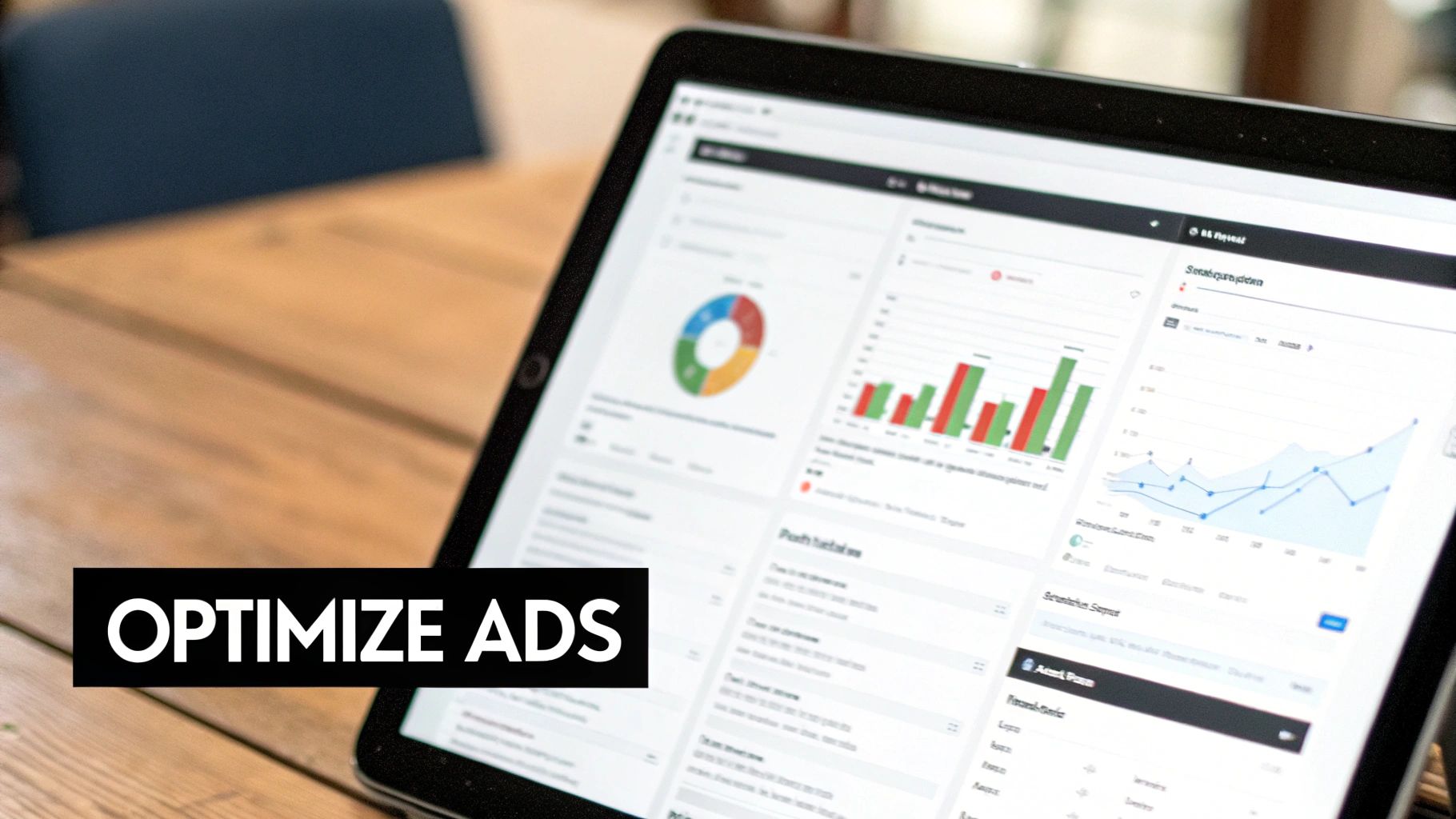
Getting your AI-generated ad creative out the door is really just the beginning. The real work—and the real results—come from what you do next: testing, learning, and optimizing. This is where you transform a cool-looking image or video into an ad that actually drives sales.
The incredible speed of AI completely changes the testing game. Forget spending days carefully crafting just one or two ad variations. You can now spit out dozens of different concepts, which makes A/B testing on a massive scale not just possible, but practical.
This means you can finally test wildly different creative ideas against each other to see what truly connects. The trick is to be methodical, isolating one variable at a time to get clean, reliable data.
Structuring Your AI Ad Tests
Effective testing isn’t just about throwing a bunch of ads into a campaign and hoping for the best. It's about asking smart questions and designing tests that give you clear answers. A structured approach is everything.
Here are a few simple but powerful tests you can start with:
- Visual Style Showdown: Is your audience more drawn to a gritty, photorealistic look or a clean, minimalist 3D render? Pit them against each other and let the numbers decide.
- Hook Variation Battle: For your videos, the first three seconds are everything. Test a hook that poses a question versus one that makes a bold, surprising claim.
- Copy Angle Comparison: Does your audience care more about the nitty-gritty product features or the emotional benefits? Run ad copy focused on logic against copy that pulls on heartstrings.
Think of each test as gathering another piece of a puzzle. Over time, you’ll build a crystal-clear picture of the visual cues and messages that make your audience click.
Focusing on Performance Metrics
Once your tests are running, you need to know what success actually looks like. Every ad platform has a dizzying array of metrics, but only a few truly matter for measuring performance.
Your goal is to move beyond vanity metrics and focus on the data that directly impacts your bottom line. An ad with thousands of likes is useless if it doesn't lead to conversions.
Get obsessed with these core numbers:
- Click-Through Rate (CTR): This is your first signal. It tells you if your creative is interesting enough to stop the scroll and earn a click.
- Conversion Rate: This is the big one. What percentage of people who clicked actually took the action you wanted them to? This is the ultimate measure of your ad's persuasiveness.
- Return on Ad Spend (ROAS): This is the bottom line. For every dollar you put in, how many did you get back? This metric tells you if your campaign is actually profitable.
Creating the Feedback Loop
This is where the magic really happens. You take what you've learned from the data and feed it right back into your creative process. This creates a powerful feedback loop that makes both you and the AI smarter.
Let's say you discover that images with a certain aesthetic consistently get a higher CTR. That's a huge insight. You can now go back to your AI tools and refine your prompts based on that knowledge. Maybe you start adding "dramatic studio lighting" or "vibrant, saturated color palette" to all your prompts because the data proved it works.
You’ve just created an intelligent cycle where real-world performance data directly improves your next batch of AI-generated ads. It's a system that gets smarter over time. Following this process has helped some companies boost their conversion rates by 25% while cutting customer acquisition costs by as much as 37%. You can dig into more of these impressive AI marketing statistics on cubeo.ai.
You've Got Questions? We've Got Answers.
Jumping into AI ad creation is exciting, but it's totally normal to have a few questions bubble up. Let's walk through some of the most common hurdles I see people encounter so you can move forward with confidence.
Who Owns AI-Generated Images? A Look at Copyright
One of the first and biggest questions is always about copyright. If an AI makes an image, who actually owns it? This is a bit of a gray area right now, as the laws are still catching up to the tech.
Generally, what you can and can't do is dictated by the terms of service of the specific AI tool you're using. Some platforms, like Midjourney, give you broad commercial rights to what you create (especially on paid plans), while others might have restrictions.
The single best piece of advice I can give you is this: read the terms. Seriously. Spending five minutes checking the usage rights before you launch a campaign can save you a world of legal and financial trouble later on.
How Do I Keep My AI Ads On-Brand?
This is a huge one. How do you stop your AI-generated visuals from looking like generic stock photos and ensure they actually feel like your brand? The secret isn't in the AI, it's in your preparation. It all comes down to the quality of your creative brief and your prompts.
Think of your brief as the AI's personal brand bible. To get results that feel authentic, you have to be almost painfully specific.
- Your color palette: Don't just say "blue and green." Give it the exact hex codes.
- Typography: Name the specific fonts you use and which ones to avoid.
- Mood and Tone: Is your brand "serene and minimalist" or "vibrant and energetic"? Use descriptive, evocative words.
- Logo Placement: If you're adding your logo later, tell the AI to leave negative space in a specific area, like the top-right corner.
The more detailed your instructions, the less room there is for the AI to go off-brand.
An AI is an incredibly powerful tool, but it's not a mind reader. It can't guess your brand's unique vibe. You have to explicitly spell out every single detail to get visuals that align with your identity.
Can AI Ads Actually Perform Better Than Human-Made Ones?
Ah, the million-dollar question. Can a robot really outperform a creative human? The answer is nuanced. While an AI can't replace the strategic thinking of a great marketer, it can absolutely generate ad creative that gets better results.
The AI's true superpower is speed and scale.
A tool like Midjourney or DALL-E 3 can spit out dozens of unique ad concepts in the time it would take a designer to create just one or two. This volume is a game-changer for testing. You can rapidly A/B test countless different images, backgrounds, and styles to see what truly grabs your audience's attention.
The early data is already promising. For example, some studies are showing that ad relevance scores in AI-powered conversational search are already 25% higher than in traditional search. This shows that when AI is used correctly, it has incredible potential to connect with customers more effectively.
Ready to stop guessing and start generating high-performance ads effortlessly? With quickads.ai, you can create stunning image ads, video ads, and YouTube shorts in minutes. Use the power of AI and real-world data to drive results. Start creating for free today!









Privacy is important to us, so you have the option of disabling certain types of storage that may not be necessary for the basic functioning of the website. Blocking categories may impact your experience on the website. View Our Privacy Policy


