
Craft Realistic Fake Instagram Posts with Our Free Generator
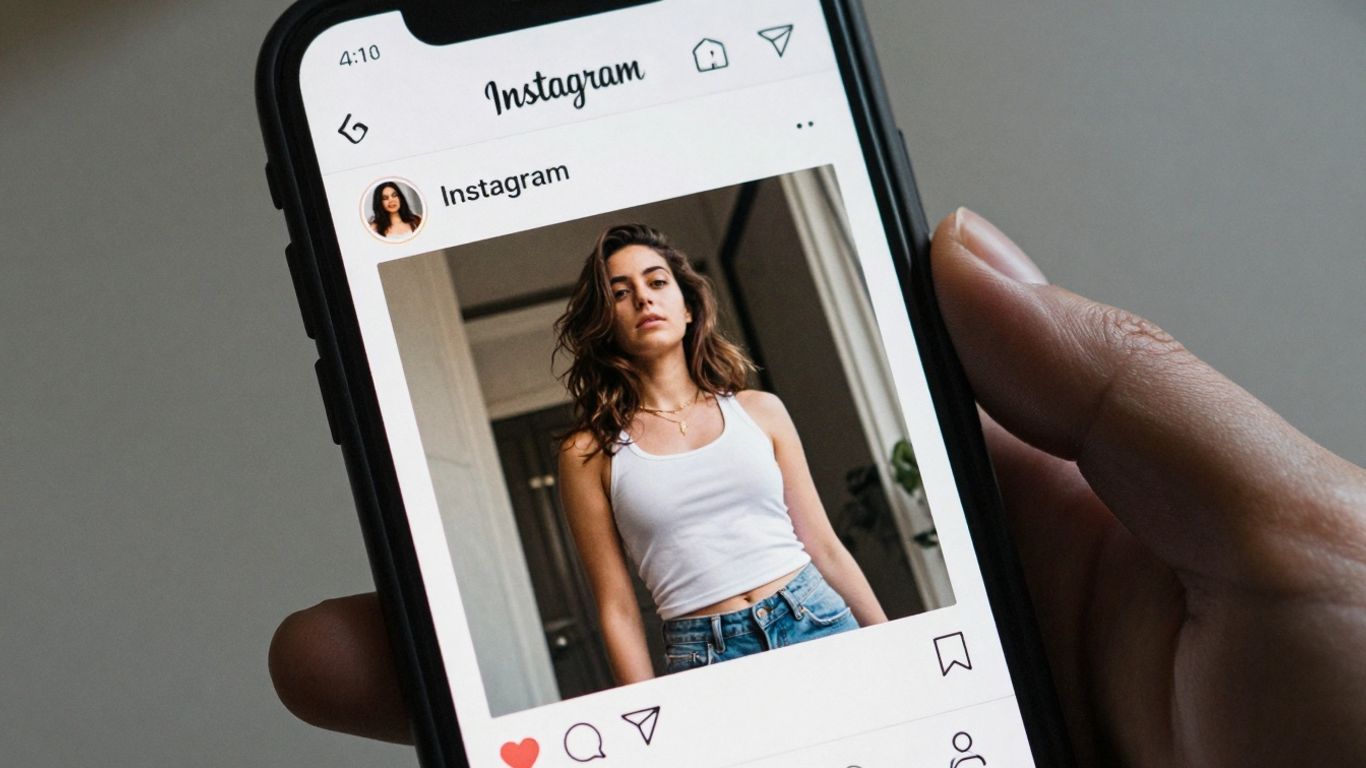
So, you need to make a fake Instagram post? Maybe for a project, or just for fun. It used to be a real pain, trying to get it to look right. You'd spend ages trying to match the fonts and spacing, and it still looked off. Well, good news! There's this cool fake Instagram post generator that makes it super easy. Seriously, it's like magic for creating realistic mockups without all the hassle. Let's check out how this fake Instagram post generator works and what you can do with it.
Key Takeaways
- Easily create realistic fake Instagram posts using a dedicated generator.
- Customize all elements like profile pics, captions, and engagement to make your mock posts look real.
- The fake Instagram post generator supports both iPhone and Android layouts for accuracy.
- Use generated posts for creative projects, presentations, or educational purposes.
- Our free fake Instagram post generator is simple to use, private, and provides instant results.
Create Realistic Instagram Posts Instantly
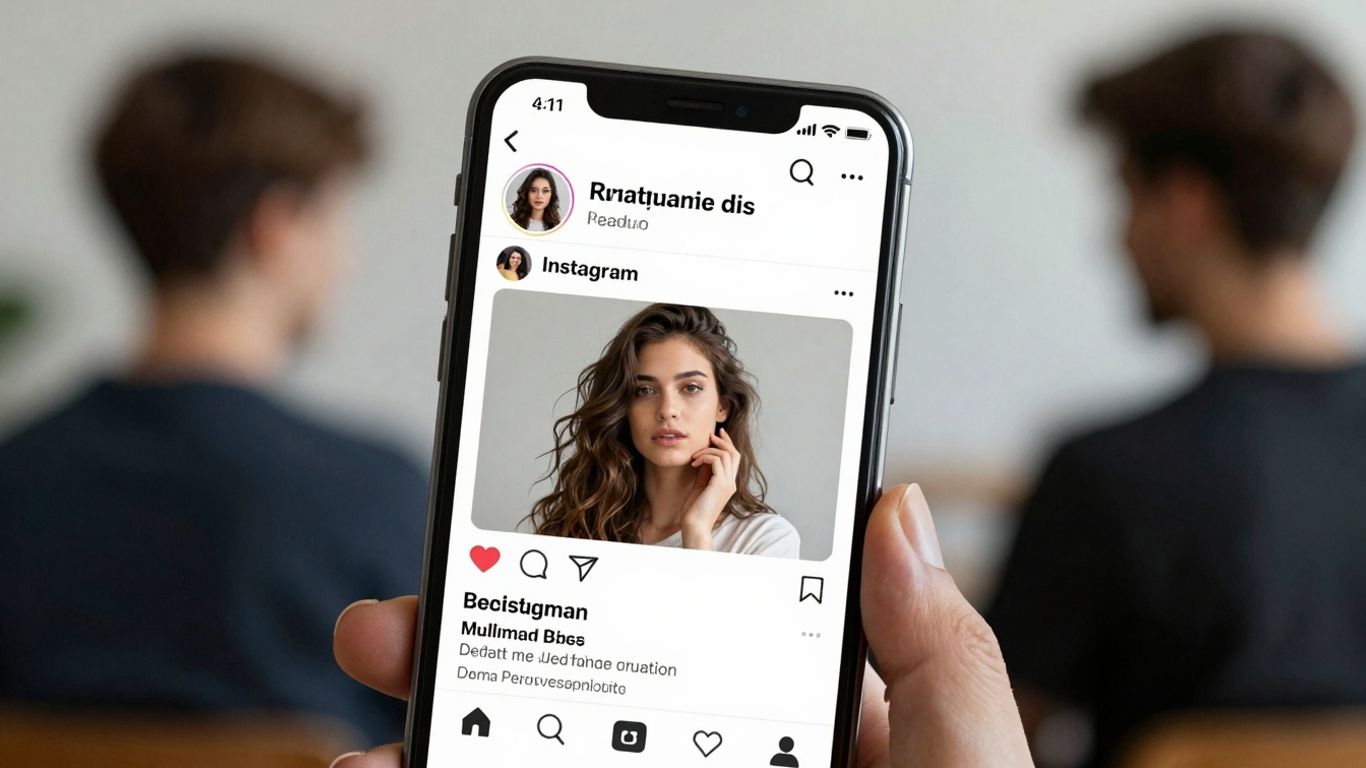
Forget spending hours trying to make a fake Instagram post look real. Our generator is here to make that process super simple. You can whip up convincing Instagram post mockups in just a few clicks. It's designed to be straightforward, so you don't need to be a tech whiz or a graphic designer to use it. Whether you're planning out your content strategy, need a visual for a presentation, or just want to create something fun, this tool gets you there fast.
Effortless Instagram Post Mockup Generation
Making a fake Instagram post used to be a real pain. You'd have to open the app, maybe create a new account, mess with settings, take screenshots, and still, something would look off. It was complicated and time-consuming. Our generator cuts all that out. It's built to mimic the real Instagram interface so well that your mockups will look like they came straight from the app. You get all the key elements – profile picture, username, caption, likes, comments, and even the timestamp – looking just right. Before jumping in, you can use AI chat to brainstorm captions and generate post ideas in seconds.
Customizable Elements for Authentic Results
What makes these mockups feel so real? It's all the little details you can change. You can upload your own profile picture and the main image or video for the post. Then, you fill in the username, caption, and decide how many likes and comments it gets. You can even add emojis to the caption and comments, just like on a real post. We also support things like geotags and the little verified badge if you want to go that extra mile for realism.
iPhone and Android Layout Support
We know people use both iPhones and Android phones, and Instagram looks a bit different on each. That's why our generator lets you choose which layout you want to use. You can create a post that looks like it was made on an iPhone, or pick the Android version. This way, your mockups will match the specific mobile experience you're trying to represent, making them even more believable for whatever project you're working on.
Unlock Creative Possibilities with Your Generator
So, you've got this cool idea for a social media campaign, or maybe you're working on a presentation and need to show how a post might look. That's where our generator really shines. It's not just about making a fake post; it's about visualizing your thoughts before they even hit the real internet.
Visualizing Content Strategies
Think about planning out your social media calendar. Instead of just writing down what you want to post, you can actually create a visual mockup. This helps you see how your feed will look over time. You can experiment with different types of content – maybe a product announcement, a behind-the-scenes look, or a customer testimonial. Seeing it laid out like a real Instagram feed makes it so much easier to spot gaps or areas that need more variety. It's like having a crystal ball for your content strategy. You can even generate unlimited content ideas using AI to fill those gaps.
Enhancing Storytelling and Filmmaking
For anyone involved in filmmaking or creating video content, mockups are a lifesaver. You can create fake Instagram posts that act as plot points or character backstories. Imagine a character's feed showing their journey or a key event. This adds a layer of depth that's hard to convey otherwise. It makes the narrative feel more grounded and real for the audience. You can also use it to show how a brand might react to an event within your story.
Supporting Educational Purposes
Teachers and trainers can use these generated posts for lessons. For example, you could create a fake post about a historical event or a scientific concept. Students can then analyze the post, discuss its content, or even critique its presentation. It's a hands-on way to engage with material. You could also use it to demonstrate proper online etiquette or how to identify misinformation.
Showcasing App and Web Designs
If you're a designer or developer, showing how your app or website integrates with social media is important. You can create mockups of Instagram posts that link back to your app or feature content from your website. This gives clients or stakeholders a clear picture of the user experience. It's a practical way to demonstrate functionality without needing a live product.
Using this tool responsibly means understanding its purpose. It's for planning, visualizing, and demonstrating, not for deception. Always be clear that the posts are generated mockups.
Here's a quick look at what you can customize:
- Profile Picture & Username: Make it look like anyone or any brand.
- Post Content: Add text, emojis, and even simulate hashtags.
- Engagement Metrics: Set the number of likes, comments, and shares.
- Timestamps: Adjust when the post appears to have been published.
This level of control means you can create incredibly specific scenarios for whatever project you have in mind. It’s all about making your ideas tangible.
Features of Our Fake Instagram Post Generator
So, what makes our tool stand out when you're trying to whip up a fake Instagram post? We've packed it with features to make the whole process smooth and the results look super real.
Intuitive Post Editor Interface
Forget complicated software. Our editor is designed to be straightforward. You can tweak things directly, almost like editing text on a page. It's all about making the creation process simple, so you can focus on the content itself. We want this to be easy for everyone, whether you're a seasoned designer or just messing around.
Support for Light and Dark Modes
Instagram itself switches between light and dark modes, right? So does our generator. You can pick the theme that best fits the look you're going for, or the one that matches the device you're pretending the post is on. It's a small detail, but it really adds to the authenticity.
Add Unlimited Comments and Emojis
Engagement is key on Instagram. That's why you can add as many comments as you want to your fake post. Go wild with them! Plus, you can use all the emojis your heart desires, including the ones from your own device. This helps make the interactions look genuine.
Live Preview for Real-Time Customization
This is a big one. As you're making changes – typing captions, adding likes, adjusting the time – you'll see the post update right in front of you. No more guessing what it will look like. This live preview means you can tweak things on the fly and get the exact look you want without any hassle. It's like having a real-time preview of your creation.
We've built this generator with a focus on realism and ease of use. The goal is to give you a tool that's powerful enough to create convincing mockups but simple enough that anyone can jump in and start creating.
Here's a quick rundown of what you can customize:
- Usernames & Profile Pics: Change who the post is from.
- Captions & Text: Write whatever you need.
- Likes & Comments: Simulate engagement.
- Timestamps: Set when the post was supposedly made.
- Media: Upload your own images or videos for the post.
It's all about giving you the control to make a fake post that looks like it could have come straight from someone's phone.
Designing Your Fake Instagram Post

So, you've decided to whip up a fake Instagram post. It's not rocket science, but there are a few things to keep in mind to make it look legit. Think of it like building a model car – you need the right parts and a bit of patience.
Selecting Your Preferred Theme
First off, you'll want to pick a look. Our generator lets you choose between the standard light mode, which is what most people see day-to-day, or the darker, moodier dark mode. It’s a small detail, but it really helps sell the authenticity. If you're aiming for a specific vibe or just want to match your own phone's settings, this is where you start.
Uploading Media Files and Profile Pictures
This is where your post gets its face. You can upload your own image or video for the main post content. Don't forget the profile picture! A good, clear profile pic makes a huge difference. You can even add a little badge next to the username if you want to simulate a verified account, which adds another layer of realism.
Populating Informative Fields
Now for the text and details. You'll fill in the username, location (if applicable), the caption itself, and even the time the post was supposedly made. Want to add a bunch of comments? Go for it. You can type out as many as you like, complete with emojis. This is also where you set the number of likes – make it believable, or go wild, depending on your goal.
Exporting Your Realistic Mockup
Once you're happy with how everything looks, it's time to get your creation out of the generator. You can usually download it as an image file, perfect for dropping into presentations or sharing. Some options might even let you take a direct screenshot. The key is to make it look like it came straight from the app.
Remember, the goal is to create something that looks real enough to fool someone at first glance, but always use these mockups responsibly. They're for creative projects, not for spreading confusion.
Responsible Usage of Generated Content
Ethical Guidelines for Content Creation
When you're whipping up those fake Instagram posts, it's super important to keep things on the up and up. This tool is meant for fun and creative projects, not for causing trouble. Think of it like using a prop in a play – it looks real, but everyone knows it's not. The goal is to be creative, maybe a little funny, but never to trick people into believing something false, especially if it could cause harm.
Avoiding Misinformation and Harmful Content
We really don't want our generator being used to spread fake news or to bully anyone. That means no posts that could make people believe something untrue about important stuff like health or safety. Also, steer clear of anything that attacks, threatens, or makes fun of individuals or groups in a mean-spirited way. It’s easy to get carried away, but remember the impact words and images can have.
Transparency in Presenting Mock Posts
This is a big one. Whenever you share a post you've made with our generator, you need to make it clear that it's not a real Instagram post. Don't try to pass it off as genuine. This could be as simple as adding a small note like "Mock post created with [Generator Name]" or using a watermark if the tool provides one. It’s all about being honest with your audience. If you're using it for a presentation or a project, just let people know it's a mockup. It keeps things honest and avoids any confusion down the line.
Why Choose Our Free Instagram Post Generator
So, you're looking to whip up some realistic-looking Instagram posts without a hitch? That's where our generator really shines. We built this thing to be super straightforward, cutting out all the complicated design software steps. You get professional-looking mockups in seconds, which is pretty handy for all sorts of projects.
Completely Free with No Watermarks
One of the best parts? It's totally free. No hidden costs, no subscriptions, and definitely no annoying watermarks slapped on your creations. You can generate as many posts as you need, whenever you need them, without spending a dime. This means you can experiment and create without any budget worries.
Ensured Privacy and Data Protection
We get it, privacy matters. When you use our tool, your data is safe. We don't store your uploaded images or personal information after you're done. You can create your mock posts with peace of mind, knowing your content stays yours and isn't being tracked or misused. It’s a simple, secure way to get your mockups done.
Trusted and Reliable Online Tool
This generator has been used by tons of people for various creative needs. It’s designed to produce results that look just like the real deal, with all the latest Instagram updates in mind. You can trust that the posts you create will be convincing, whether you're using them for a presentation or just for fun. We aim for authenticity in every generated post.
Instant Download and Screenshot Options
Once you're happy with your fake Instagram post, getting it is a breeze. You can download the image directly or even grab a screenshot. This makes sharing your creations super quick and easy. Need to show a client a concept? Done. Want to send a funny fake post to a friend? Easy peasy. You can even generate custom Instagram comments to go with your post for added realism.
Wrapping It Up
So there you have it. Creating a fake Instagram post is pretty straightforward with the right tools. Whether you're a content creator testing ideas, a marketer showing off a concept, or just someone who wants to have a bit of fun, these generators make it easy. You can get pretty realistic results without needing any fancy design skills. Just pick your layout, add your details, and you're good to go. Remember to use these tools responsibly, though. It's all about creativity and having a good time, not about tricking people. Now go ahead and give it a try!
Frequently Asked Questions
What is this tool all about?
This tool is like a magic wand for making fake Instagram posts that look super real! You can create mockups of Instagram posts, kind of like practice versions, for fun projects, showing off ideas, or even for making cool stories. It's way easier than using complicated design programs.
Can I make my fake posts look totally unique?
You bet! You have tons of control. You can swap out profile pictures, change the names, write your own captions, and even add fake likes and comments to make it seem like real people are interacting. Plus, it works for both iPhone and Android styles, so it looks just right.
Who uses these fake Instagram posts?
Lots of people! Designers use them to show how an app might look. Storytellers use them to make their movies or books feel more real. Teachers use them to help students understand social media better. And of course, people use them just for fun or to play a harmless prank.
Is it hard to create a fake post?
Not at all! It's really simple. You just pick a style, add your pictures and words, and the tool does the rest. It's designed to be easy for anyone, even if you've never designed anything before. You can even see what it looks like as you're making it!
Can I add emojis and comments?
Definitely! You can add as many comments as you want, and use all sorts of emojis, just like on real Instagram. You can even choose between a bright, light look or a darker, more moody theme for your post.
Is this tool free to use?
Yes, it's completely free! You don't have to pay anything, and there are no watermarks on your creations. Your privacy is also super important, so nothing you create is saved or shared.









Privacy is important to us, so you have the option of disabling certain types of storage that may not be necessary for the basic functioning of the website. Blocking categories may impact your experience on the website. View Our Privacy Policy


