
12 Best AI Tools for Marketing to Boost ROI in 2026

In 2025, marketing moves at the speed of AI. Staying competitive means leveraging intelligent automation to create, analyze, and optimize campaigns faster than ever before. But with a new tool launching nearly every day, how do you separate the game-changers from the noise? This guide cuts through the hype, providing a curated list of the best AI tools for marketing, categorized by their core function so you can find exactly what you need.
This isn't just another list. We'll dive deep into each platform, analyzing their specific features, ideal use cases, and practical limitations to help you build a powerful, efficient, and data-driven marketing stack. We’ve done the research to show you not just what these tools do, but how they fit into a modern workflow. To understand the broader impact and importance of artificial intelligence, consider a comprehensive list of the best AI tools for small business from AccountShare, which highlights solutions for boosting overall growth.
Our goal is to help you make informed decisions quickly. Each tool review includes:
- A concise summary of its primary function.
- Key features and what makes them unique.
- Clear pricing information.
- Honest pros and cons based on real-world application.
- Screenshots and direct links for easy evaluation.
Whether you're a founder looking to scale, an agency owner optimizing client results, or a marketing manager tasked with driving performance, this is your authoritative resource for finding the right AI tools to achieve measurable growth. Let's get started with the AI in the Digital Workplace.
1. Quickads.ai: The All-in-One AI Ad Creative Platform
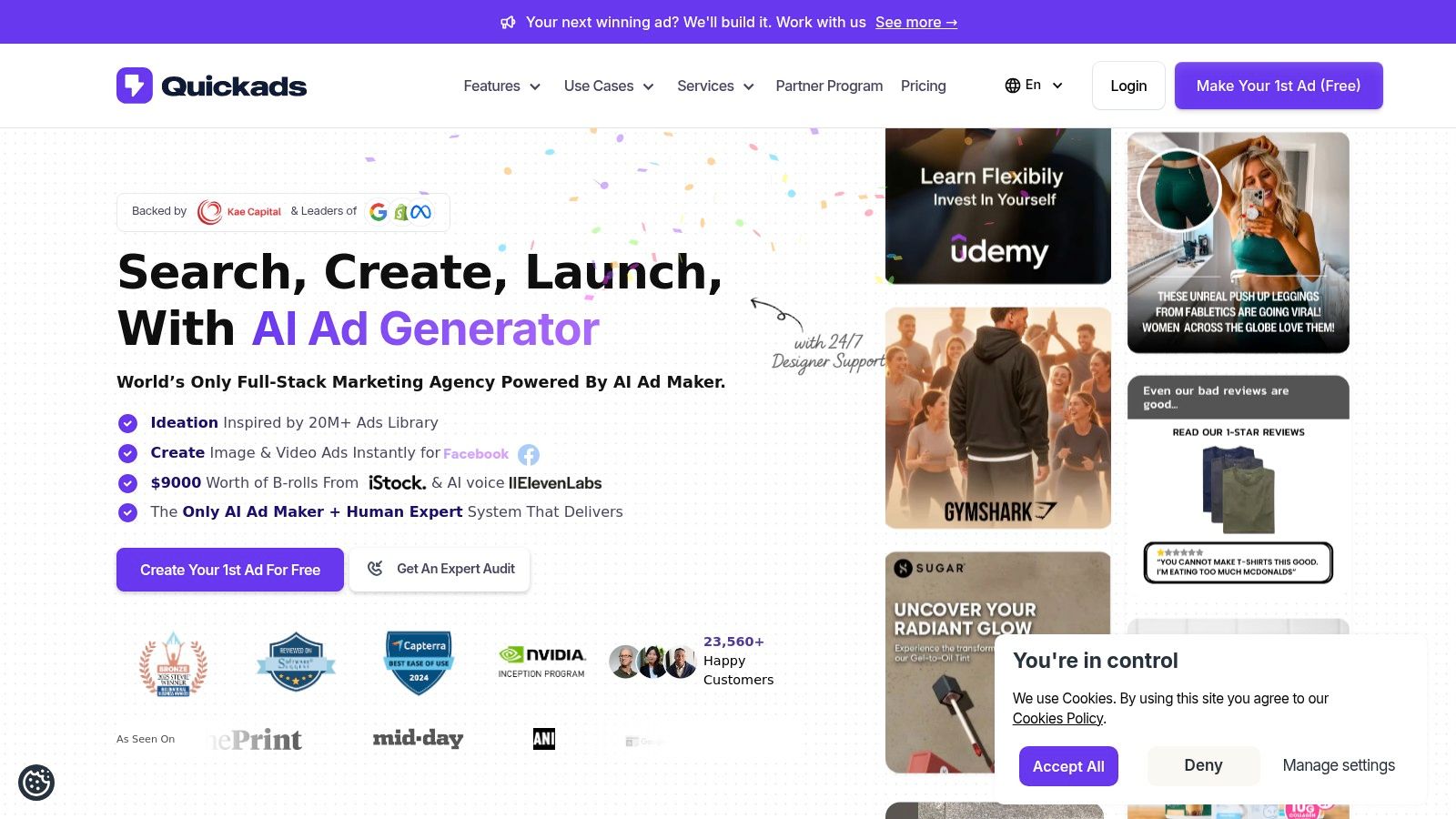
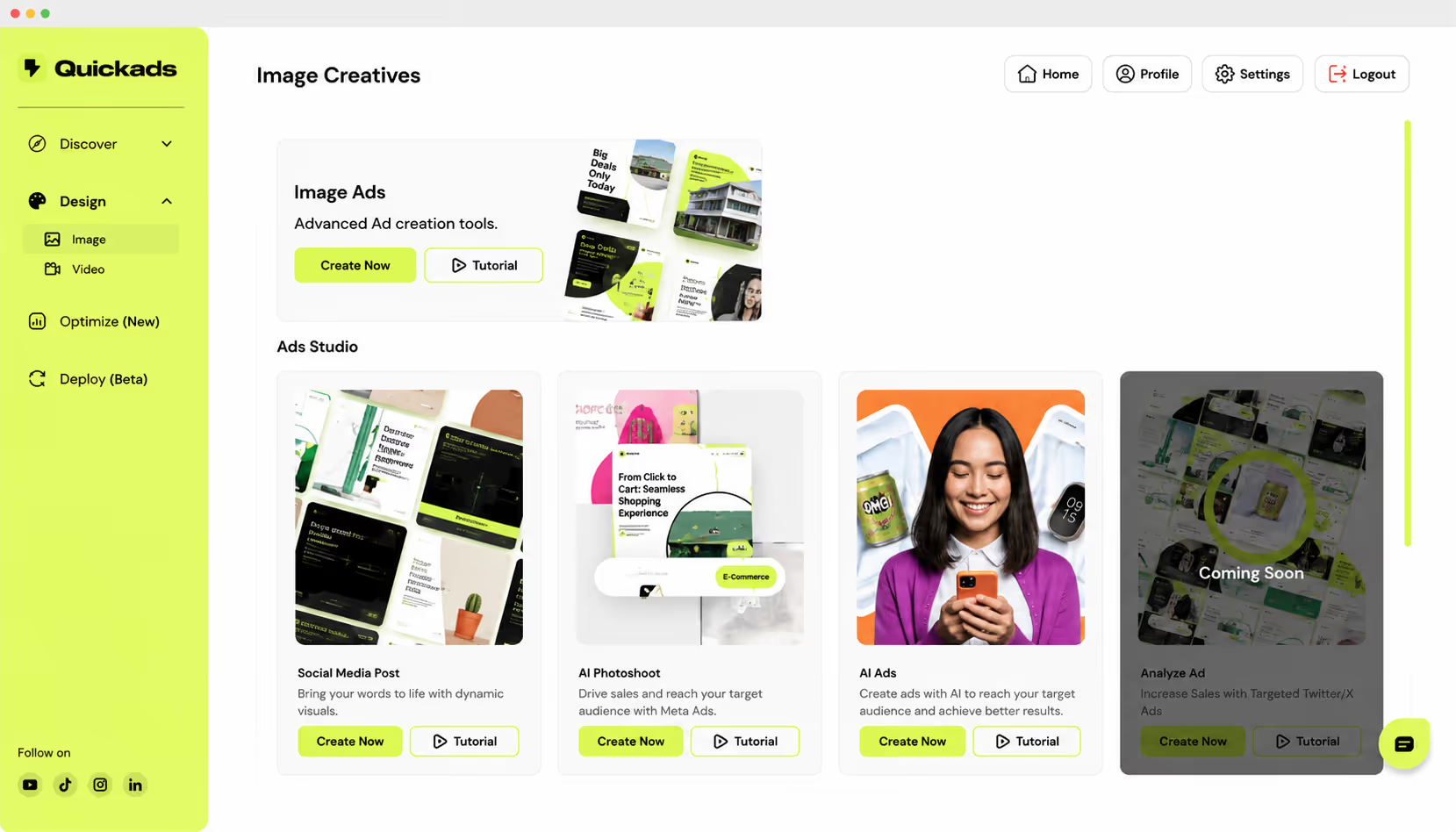
Quickads.ai positions itself as a powerhouse in the AI marketing landscape by consolidating the entire ad creative process into a single, intuitive platform. It’s engineered to take a simple product link or text prompt and generate a comprehensive suite of high-performance image and video ads tailored for various platforms in mere seconds. This makes it one of the best AI tools for marketing teams looking to achieve creative velocity and scale without a large in-house design team.
The platform’s core strength lies in its data-driven approach. Quickads.ai doesn’t just generate random creatives; its AI is trained on a massive library of over 32 million successful ads. This data-backed foundation informs every suggestion, from copy and visuals to layout and calls-to-action, significantly increasing the probability of launching a campaign that resonates with target audiences and drives results. It effectively removes the guesswork that often plagues creative ideation.
Key Features & Use Cases
- Multi-Format Ad Generation: Instantly create assets for various placements, including social media stories, carousels, and in-feed video ads. This is ideal for omni-channel campaigns where consistency and speed are crucial.
- AI-Powered Copywriting: The tool generates compelling ad copy, headlines, and descriptions based on your product information, saving hours of brainstorming.
- Brand Kit Integration: Maintain brand consistency by uploading your logos, color palettes, and fonts. The AI then applies these elements across all generated creatives.
- Performance-Based Analytics: The platform provides insights into which creative elements perform best, enabling data-informed optimization for future campaigns.
Practical Implementation
For a small e-commerce business, a typical workflow involves pasting a product URL into Quickads.ai. The platform then automatically pulls product images and details to generate 10-15 ad variations. The marketing manager can quickly review, make minor edits directly on the platform, and download the assets formatted for Meta Ads, TikTok, and Google, launching a multi-platform test in under 30 minutes.
- Pros:
- Drastically reduces creative production time from days to minutes.
- Data-backed approach increases the probability of launching high-performing ads.
- Scalable plans from a $1 trial to fully managed creative fit various business needs.
- Strong social proof with over 25K customers, plus managed throughput of 100+ creatives a month on a 5-7 day turnaround.
- Credit and download limits on lower-priced tiers can be restrictive for high-volume users.
- While the AI accelerates creation, ultimate campaign success still hinges on strategic targeting and budget allocation.
Website: https://www.quickads.ai
2. Design.com – AI-Powered Logo Creation for Scalable Marketing
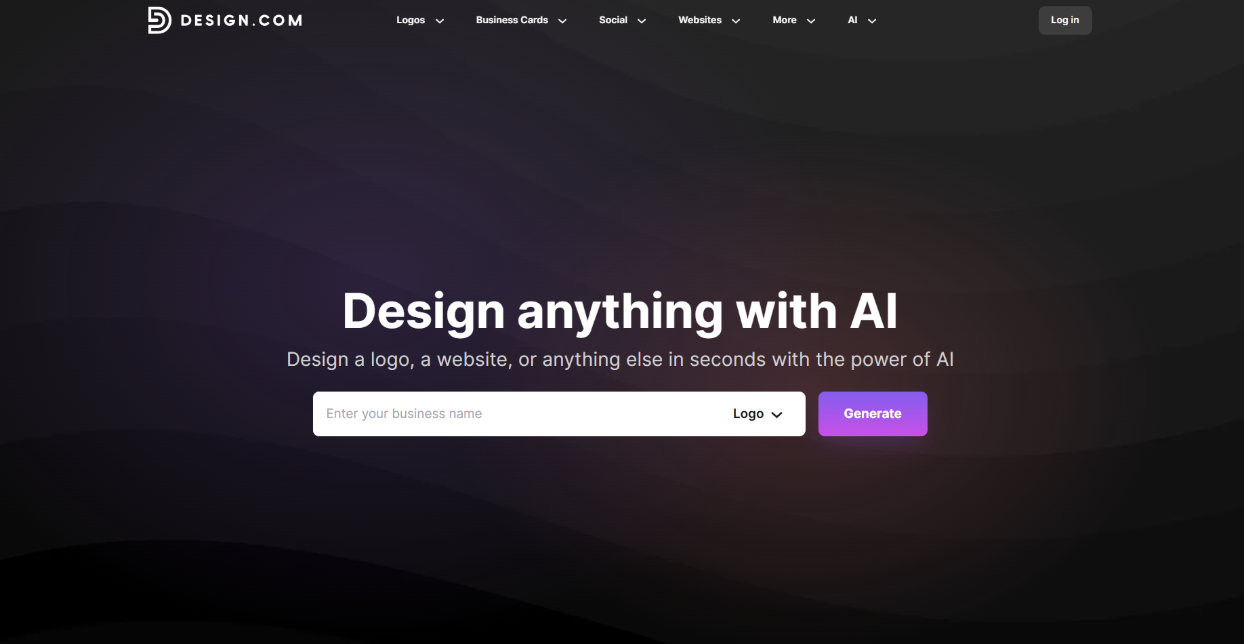
Design.com positions itself as a high-impact tool for marketers who need fast, consistent brand visuals across campaigns. Its AI logo generator creates thousands of professional logo concepts instantly based on a business name, industry, and keywords, all drawn from the world’s largest library of 400K+ templates. This quick turnaround helps teams move from idea to execution in minutes.
What makes Design.com especially valuable for marketing is its integrated ecosystem. Once a logo is created, it can automatically be applied across business cards, social media posts, email signatures, and more, ensuring brand consistency at scale without manual effort. This significantly reduces production time and supports faster campaign launches.
Key Features and Use Case
- Instant logo generation with multiple AI-driven variations
- Chat-based AI editing for refining icons, colors, and text
- 618K+ templates across branding and marketing assets
- Automatic brand synchronization across designs
- High-resolution and vector exports for all channels
Pros:
- Rapid design generation for marketing campaigns
- Full branding ecosystem in one platform
- Easy-to-use interface for non-designers
Cons:
- Fully browser-based with no standalone app
- Limited developer-focused integrations
3. Hobbes: AI product agent for B2B SaaS website conversion
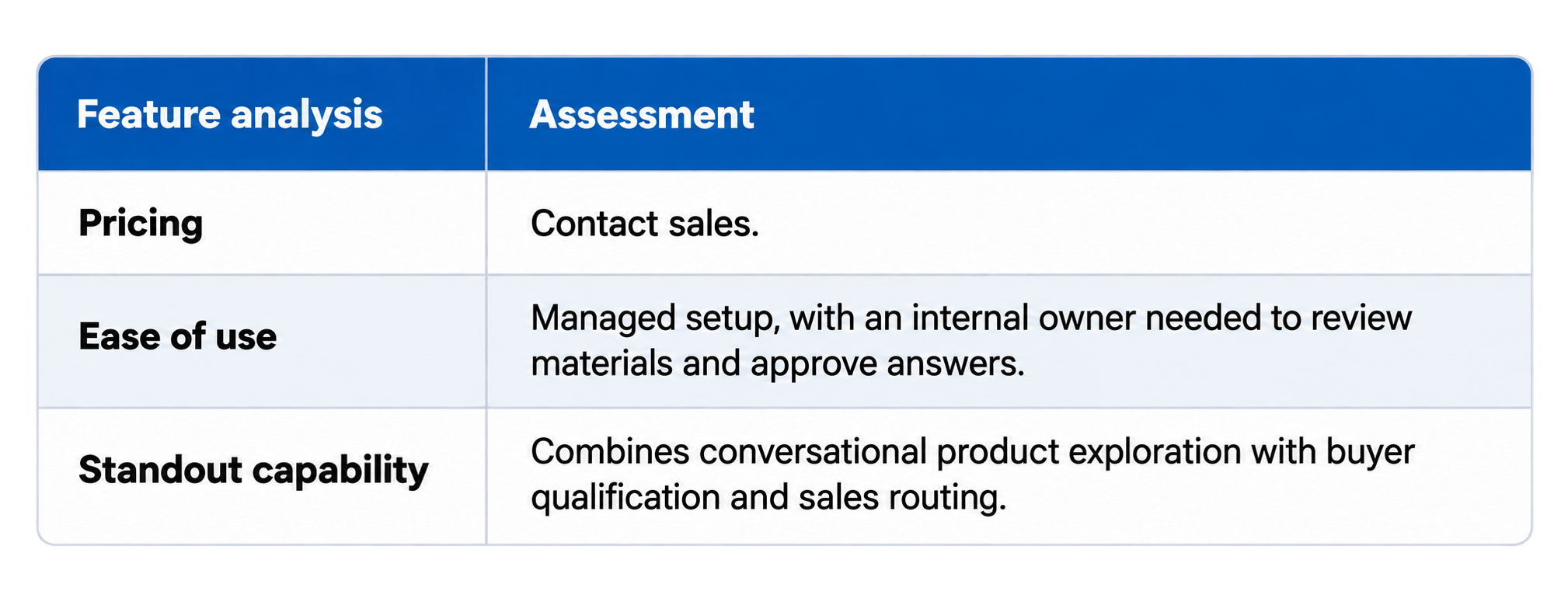
Hobbes is an AI product agent that helps B2B SaaS marketing teams turn website visits into qualified sales conversations. Visitors explore an interactive sandbox of your product and ask questions by text or voice. Hobbes answers while showing the relevant product view, checks each buyer against your ideal customer profile, and routes qualified prospects to the right rep with the conversation context.
Its flagship role is an AI employee for sales. Buyers lead the conversation and explore the features that matter to them, with demos running 24/7 in 30+ languages. For marketing teams investing in traffic, that gives interested visitors a chance to understand the product while their questions are fresh. For outbound rather than inbound, this AI sales agent overview explains how agents find and email new leads.
In Hobbes’ published case study, Digit reported a 50% month-over-month increase in human demo bookings during its first 30 days after replacing its free-trial entry point with Hobbes.

Key Features and Use Case
- Interactive product sandbox: Buyers explore an interactive sandbox of your product. The first sandbox can be ready within an hour without engineering work; full launch includes training and review.
- Buyer-led conversations: Answers product questions and shows relevant product views as the conversation develops.
- Qualification and routing: Researches the buyer’s company, enriches contact details, and scores fit against your own criteria before booking or routing.
- CRM handoff: Sends structured buyer context to platforms such as HubSpot, Salesforce, Attio, and Pipedrive.
- Marketing insights: Transcripts, product heatmaps, and objection tracking reveal what buyers ask and where they hesitate.
Practical tip: Start on a high-intent product page. Train Hobbes on approved product materials, define your qualification criteria, and review simulated conversations before launch. After launch, use recurring buyer questions to guide page updates.
Pros:
- Gives website visitors immediate product answers around the clock.
- Connects product exploration to qualified meetings and CRM context.
- Translates both the conversation and product interface into 30+ languages.
Cons:
- Best suited to complex B2B SaaS products with a sales-led buying process.
- Requires product access, approved source materials, and time for internal review.
Website: https://www.hihobbes.com/
4. Krisp – AI Note Taker for Marketing Calls and Client Meetings
Krisp is a practical AI productivity tool for marketing teams that spend significant time in client calls, agency briefings, and strategy meetings. While most marketing tools focus on content creation and campaign management, Krisp fills a critical gap: automatically capturing what's discussed and decided in live meetings so nothing falls through the cracks.
The platform's AI note taker joins your calls on Zoom, Google Meet, or Microsoft Teams and delivers structured meeting notes, action items, and summaries the moment the call ends — no manual write-up needed.

Key Features and Use Case
• Automatic Meeting Notes: AI generates structured summaries of every call, including decisions made and next steps, ready to share with the team instantly.
• Action Item Detection: Krisp identifies and extracts action items from conversations, so follow-ups don't get missed after busy client calls.
• Meeting Transcription & Recording: Full transcripts and recordings are saved alongside the summary for reference.
• Background Noise Removal: Built-in noise cancellation ensures professional audio quality on every call, regardless of your environment.
Practical tip:
Ideal for agency teams running multiple client calls per day — paste the AI summary directly into your project management tool or CRM after each meeting.
Pricing:
Free plan available; paid plans for individuals and teams — see krisp.ai/pricing for current rates.
Ease of use:
Minimal setup — works as a desktop app across Zoom, Google Meet, and Microsoft Teams.
Unique offering:
Combines professional-grade noise cancellation with AI meeting intelligence in a single lightweight tool built for remote and hybrid teams.
Pros:
• Eliminates manual note-taking during client and strategy calls
• Works silently in the background without disrupting meeting flow
• Saves significant time for teams with high call volume
• Clean, structured summaries ready to share immediately
Cons:
• Core value is strongest for teams with frequent external meetings
• Advanced features require a paid plan
Website: https://krisp.ai/ai-note-taker/
5. Influencer Hero: AI-Powered Influencer Marketing Platform for D2C Brands
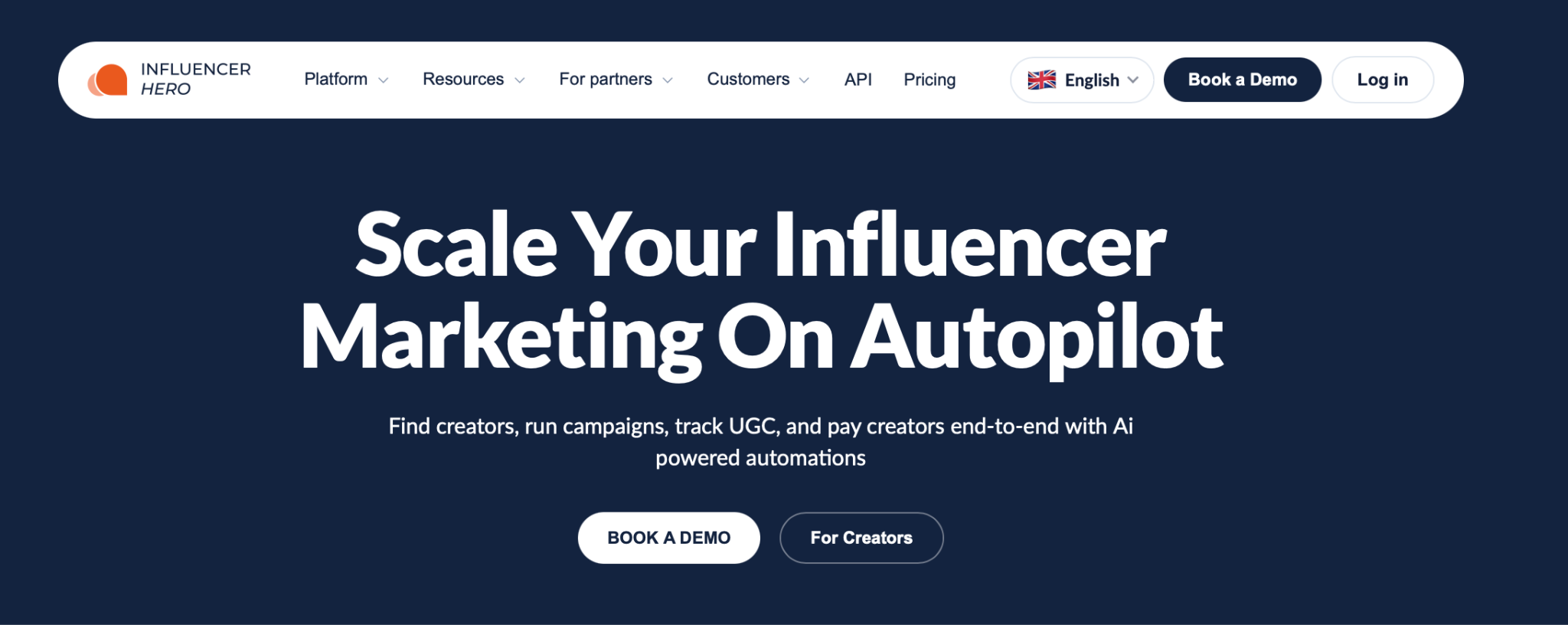
Influencer Hero is an all-in-one influencer marketing platform for D2C brands and agencies. It handles every stage of creator marketing in one place: discovery, outreach, CRM, product seeding, affiliate tracking, payouts and reporting. You don’t need to piece together five separate tools to run a creator program.
AI runs through the whole workflow. Brands can describe their ideal creator in plain language and the AI Profile Search returns matching creators. Outreach and follow-ups run on autopilot. With Influencer Hero’s MCP, teams can also launch large-scale actions straight from AI assistants like Claude, ChatGPT or Gemini, not just pull reports. Brands on managed plans also get a 24/7 human account manager, so the AI never runs unsupervised.
Key Features & Use Cases
- AI-powered creator discovery: Search high-performing creators from a 450M+ global database across Instagram, YouTube and TikTok. Includes visual search, lookalike creators and AI Deep Research.
- Automated outreach & CRM: Personalized email sequences, automatic follow-ups and a pipeline view of every creator conversation.
- Affiliate & payments: Unique discount codes per creator for clean sales attribution, plus creator payouts at a 0.4% fee, the lowest in the market.
- MCP integration: Connect Influencer Hero to your AI assistant and run campaigns, not just read data.
- 65+ integrations: Including Shopify, Klaviyo and major ecommerce stacks.
Practical Implementation
A skincare brand describes its ideal creator (“dermatologist-approved routines, 10k–100k followers, US audience”) and gets a shortlist of matching creators. It then launches an automated gifting sequence and ships products through the Shopify integration. Every creator gets a personal discount code, and revenue is tracked per creator. The top performers are moved into a paid affiliate program.
- Pros
- Covers the full creator workflow in one platform
- AI built into discovery, outreach and the MCP
- Lowest creator payout fee in the market (0.4%)
- Cons
- No free trial
- Expensive for smaller brands
6. InEvent: AI-Powered Event Marketing Platform
InEvent is an all-in-one event management platform for marketing teams that use webinars, virtual events, and in-person conferences to generate pipeline. It brings registration, event websites, live streaming, and attendee data into one system, so the event your ads promote is the same place the leads are captured.
For marketers, its value is the link between campaign and conversion. Branded registration journeys, AI-built event websites, and CRM synchronization mean every click from a paid campaign lands on a page built to convert and flows into the sales pipeline with engagement data attached.

Key Features and Use Case
- AI Website Creator: Build a branded event website and registration page from a short description, ready to receive paid traffic.
- Smart Registration Forms: Conditional forms, approval workflows, waitlists, and payment options adapt to each attendee type.
- Live Studio: Stream webinars and keynotes with broadcast-quality production for launches and thought-leadership series.
- Audience Engagement: Chat, questions, and polls on the event website and mobile app keep attendees active during sessions.
- CRM Management: Attendee journey tracking, UTMs, and CRM integration show which campaigns drove registrations and engaged leads.
Practical tip:
Add UTM parameters to every ad that points at your InEvent registration page. Attendee journey tracking then ties each registration back to the creative and channel that produced it.
Pricing:
Custom quotes for single events or annual enterprise plans.
Pros:
- Keeps registration, live content, and attendee data in one platform.
- Supports virtual, hybrid, and in-person events from the same account.
- UTM and CRM tracking connect event results to campaign spend.
Cons:
- Built for event-led marketing, not ad creative or social scheduling.
- Enterprise depth means a longer setup than a basic webinar tool.
Website: https://inevent.com
7. Rocket.new Humanize Max: Make AI Marketing Copy Sound Human
Rocket.new is an AI-powered marketing intelligence and no-code builder platform for teams that want to move from research to execution faster. Instead of only generating content or campaign assets, Rocket.new helps marketers study competitors, track market signals, validate ideas, and turn those insights into landing pages, web apps, internal tools, or MVP-style experiences.
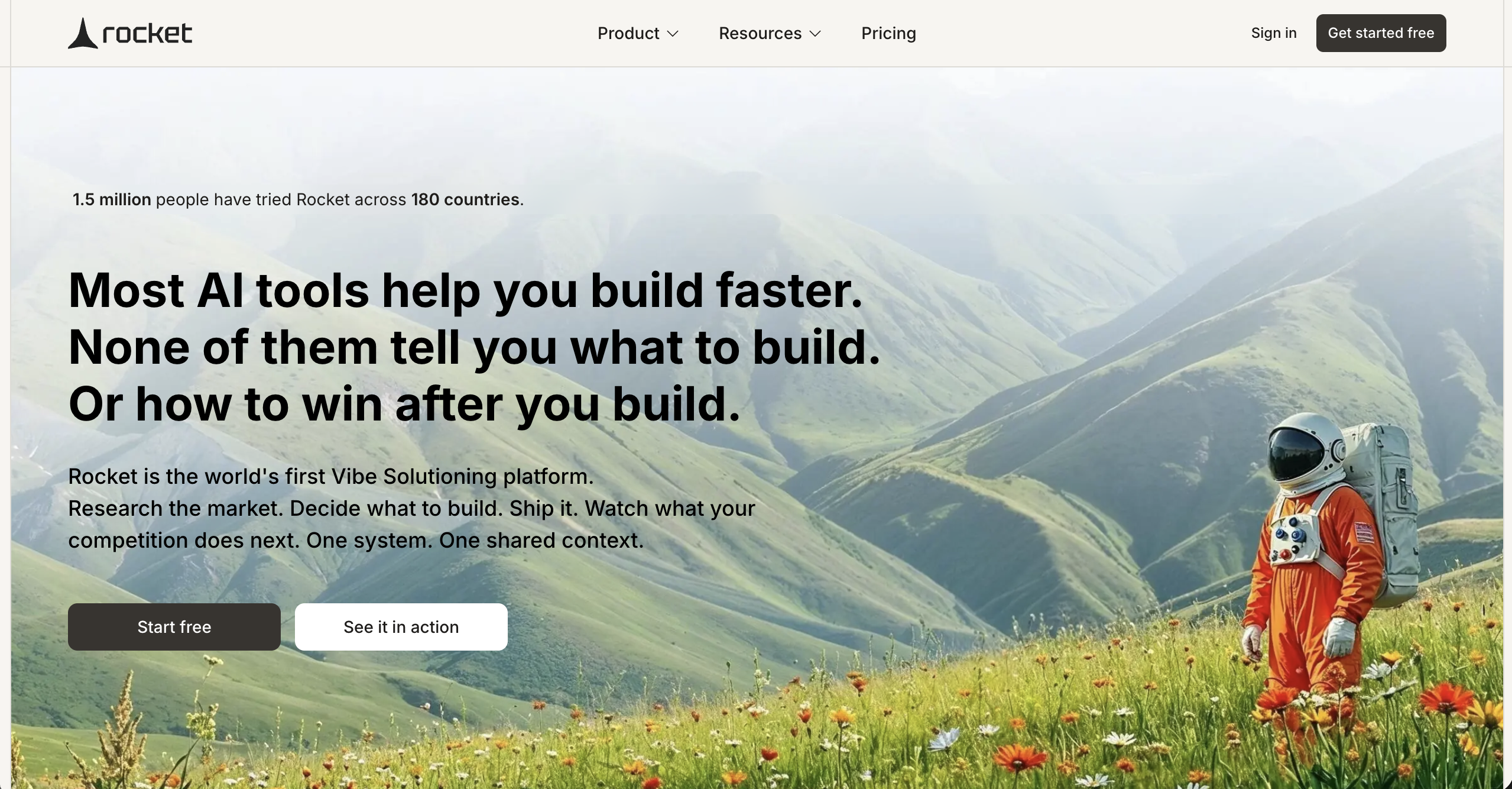
For marketing teams, its value sits in the combination of intelligence and action. The Watchlist feature can help monitor competitors, product updates, positioning changes, pricing shifts, and market movements, while the Solve feature supports market research, campaign planning, and strategic decision-making. This makes Rocket.new useful for founders, agencies, and marketing managers who need sharper insights before building campaigns or testing new offers.
Key Features and Use Case
- Competitor Watchlist: Track competitor activity, positioning changes, product updates, pricing moves, and market signals in one place.
- Solve for Market Research: Use AI to analyze marketing questions, customer problems, campaign angles, and business opportunities before execution.
- AI Builder Workflow: Turn validated ideas into landing pages, web apps, SaaS-style MVPs, dashboards, or internal marketing tools.
- Campaign Intelligence: Support positioning, messaging, funnel planning, and audience research with AI-assisted insights.
- Faster Testing: Move from research to a working marketing asset without relying entirely on traditional design or development cycles.
- Practical Tip: Use Rocket.new before launching a campaign to study competitor movement, validate the market angle with Solve, and quickly build a landing page or MVP that can be tested with real users.
Pricing: Rocket.new has four standard plans:
- Free: $0/month with 20 credits
- Pro: $25/month with 100 credits
- Rocket: $50/month with 250 credits
- Booster: $250/month with 1,500 credits
All plans include unlimited team members, credits never expire, and extra credits can be purchased when needed. Paid plans also offer a 20% discount on annual billing, while enterprise pricing is available through sales.
Ease of use:
Built for founders, marketers, agencies, and non-technical teams that want to research, validate, and build through AI-guided workflows.
Unique offering:
Combines competitor intelligence, market research, and no-code AI building in one workflow.
Pros:
- Useful for competitor analysis, campaign planning, and market research.
- Helps teams move from insight to execution faster.
- Can support landing pages, MVPs, internal tools, and marketing workflows.
Cons:
- Generated outputs still need human review before launch.
- Best suited for teams that actively test ideas, not just create standalone content.
Website: https://rocket.new
8. AppSumo
AppSumo is a deal marketplace that has become an essential hunting ground for marketers seeking the best AI tools for marketing on a budget. Instead of committing to full-price annual subscriptions, you can find heavily discounted, and sometimes lifetime, deals on emerging AI copywriting, SEO, social media, and automation platforms. This makes it an ideal platform for startups and small businesses looking to experiment with new technology without significant financial risk.
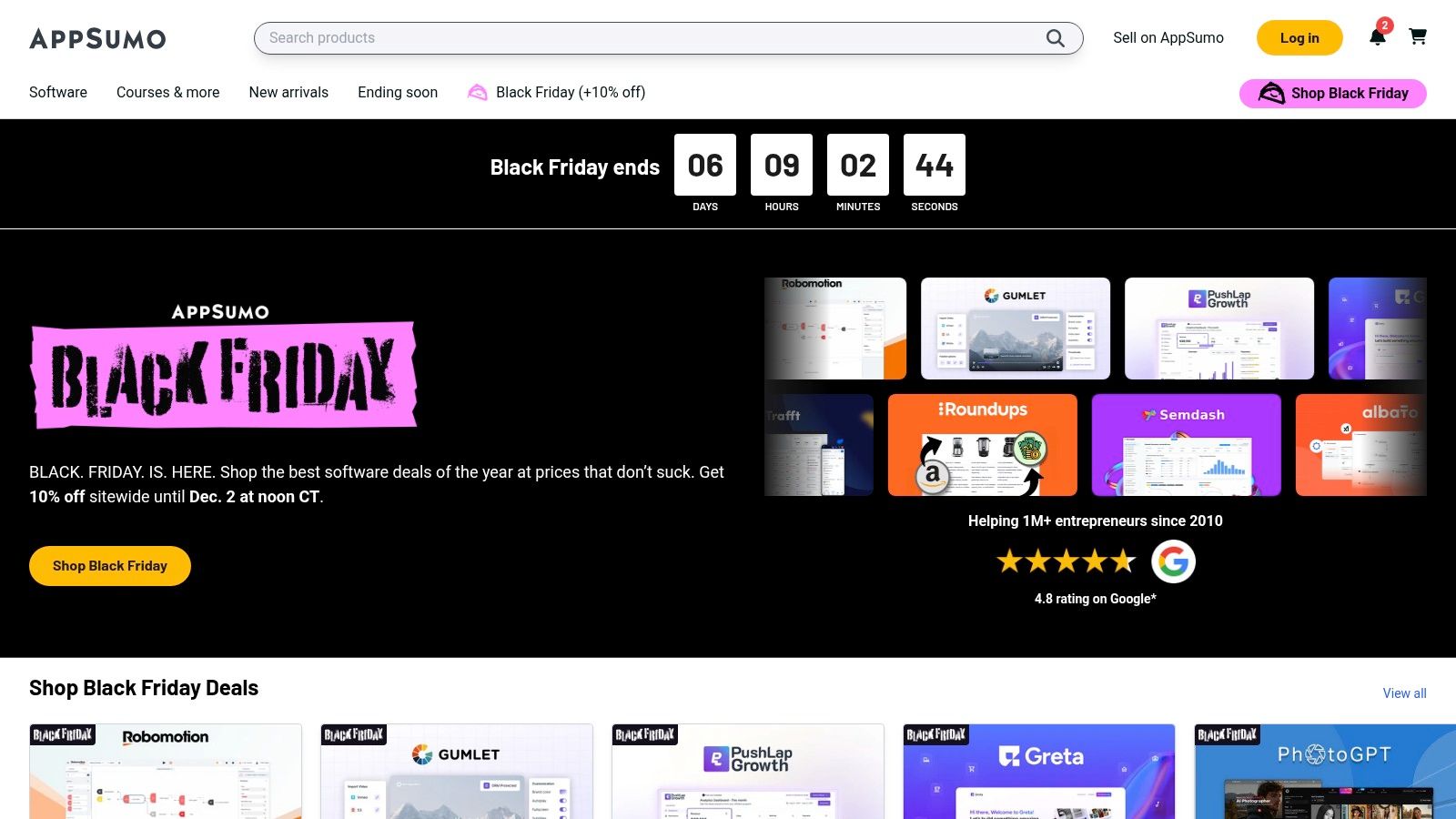
The platform's value lies in its unique deal structure and community feedback. Each product listing features a detailed Q&A section where you can ask the founders direct questions, alongside customer reviews that often provide honest, real-world feedback on a tool's capabilities and limitations. This community-driven due diligence is invaluable when assessing a new or lesser-known AI tool. For more specific integrations and functionalities related to HubSpot, you can explore resources like HubSpot's App marketplace page.
Key Features and Use Case
- Lifetime Deals (LTDs): The core offering is the chance to purchase lifetime access to a software tool for a one-time fee, providing massive long-term value if the tool proves useful.
- Customer Reviews & Q&A: Engage directly with founders and read uncensored feedback from other "Sumo-lings" to gauge a product's true potential and support quality.
- Curated Deal Pages: Each listing clearly outlines deal terms, feature limits, and redemption instructions, ensuring you know exactly what you're buying.
Practical Tip: Always check the review section for common complaints and read the founder's responses in the Q&A. This can reveal a lot about the product's stability and the team's commitment to its development.
Feature AnalysisAssessmentPricingHeavily discounted one-time fees for lifetime deals or annual subscriptions.Ease of UseThe marketplace is simple to navigate; redemption processes are usually straightforward.Unique OfferingAccess to lifetime deals on up-and-coming SaaS and AI tools is unmatched.
Pros:
- Significant savings versus standard monthly or annual software pricing.
- Useful for testing multiple new AI tools without long-term contracts.
Cons:
- Lifetime deals can be risky; products may shut down or change terms later.
- Deal availability rotates frequently and is often time-limited.
Website: https://appsumo.com/
9. Shopify App Store
For marketers operating within the Shopify ecosystem, the official App Store is the primary hub for discovering powerful, integrated AI tools. Rather than being a single tool, it’s a dedicated marketplace where you can find and install AI-powered applications for everything from ad creation and SEO optimization to email marketing automation and social media content. It’s an essential resource for e-commerce brands wanting seamless, one-click installations, though brands running highly customized storefronts often still need to hire expert shopify developers to configure these apps correctly within their theme and checkout flow.

The platform’s core strength is its tight integration with the Shopify backend. Apps found here are specifically designed to work with Shopify store data, such as product catalogs and customer information, making them far more effective than generic third-party tools. This direct connection allows for sophisticated automation and personalization that can significantly boost sales and efficiency. Finding the best AI tools for marketing your store is simplified through its robust review and rating system.
Key Features and Use Case
- Ratings and Reviews from Live Stores: Get authentic feedback from other Shopify merchants who have installed and used the apps, helping you gauge real-world performance and reliability.
- Direct Store Integration: Apps can be installed in a few clicks and immediately access store data, enabling features like AI-generated product descriptions or personalized email campaigns.
- Clear Pricing and Trials: Most apps clearly list their pricing tiers, and many offer free plans or trial periods, allowing you to test functionality before committing to a subscription.
Practical Tip: Use the search filters for specific functions like "AI ad generator" or "SEO optimizer" and sort by "Most relevant." Pay close attention to recent reviews to ensure the app is actively maintained and supported.
Feature AnalysisAssessmentPricingVaries widely by app, from free plans to hundreds of dollars per month.Ease of UseExcellent. The one-click install process is simple for non-technical users.Unique OfferingA curated ecosystem of apps built exclusively for Shopify e-commerce workflows.
Pros:
- Installation is incredibly simple, often requiring just a few clicks.
- Apps are built specifically for e-commerce marketing workflows.
- Clear pricing and the availability of free trials on many applications.
Cons:
- Primarily useful only for businesses running on the Shopify platform.
- Some advanced or highly specialized apps can be expensive with high monthly fees.
Website: https://apps.shopify.com/
10. HubSpot App Marketplace (AI Essentials)
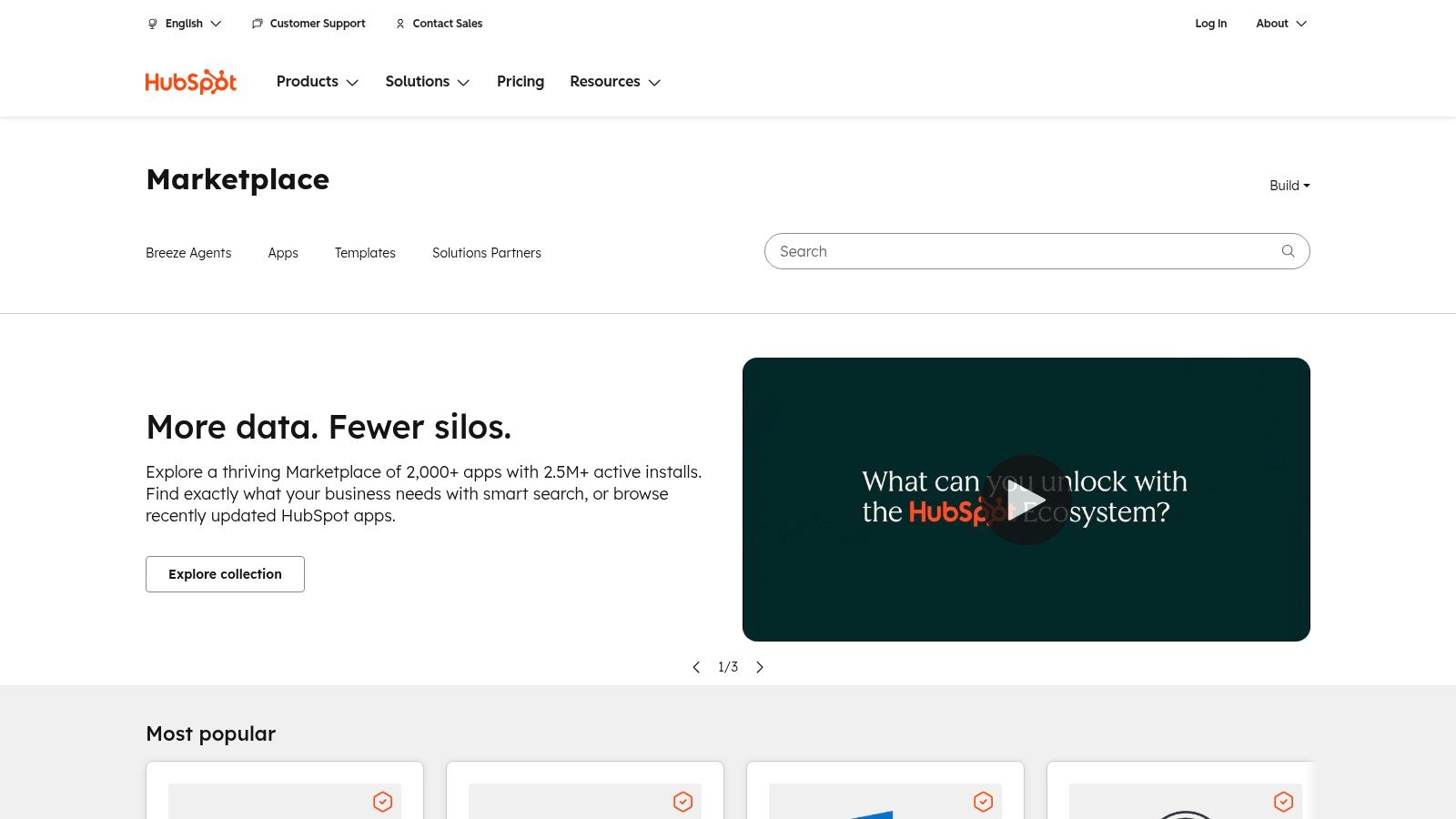
For marketers already embedded in the HubSpot ecosystem, the HubSpot App Marketplace is the most seamless way to discover and deploy the best AI tools for marketing. The same shift toward vertical AI is happening in food service, where AI for restaurants automates vendor payments, expense tracking, and back-office operations that generic tools simply cannot handle. Instead of searching the open web, you can access the curated 'AI Essentials' collection, featuring apps designed to integrate directly into your existing CRM and marketing workflows. This approach eliminates data silos and reduces the friction of adopting new technology, making it a powerful accelerator for any team running on HubSpot.
The core advantage is the tight integration. These aren't standalone tools; they are enhancements that live inside your portal. From AI-powered content creation and prospecting assistants to sophisticated automation agents, each app leverages your existing customer data for maximum context and relevance, turning your CRM into a smarter, more efficient marketing machine.
Key Features and Use Case
- Curated 'AI Essentials' Collection: A handpicked list of vetted AI applications for content, prospecting, and automation, ensuring quality and compatibility.
- Direct HubSpot Portal Installation: Install and manage AI tools directly within your HubSpot account, creating a unified workflow and data environment.
- Expansive Marketplace: Beyond AI, gain access to over 2,000 apps that can be connected to your HubSpot instance, covering virtually every business need.
Practical Tip: Start by exploring free or freemium apps in the 'AI Essentials' collection to test their impact on your specific workflows, like generating social media copy from a blog post or summarizing customer interaction notes, before committing to paid solutions.
Feature AnalysisAssessmentPricingFree to browse; requires a HubSpot account. Individual app pricing varies (free, freemium, paid).Ease of UseExtremely simple for HubSpot users, with one-click installation and familiar interfaces.Unique OfferingDeep, native integration with HubSpot CRM data for highly contextual AI outputs.
Pros:
- Trusted ecosystem with quality controls and verified usage statistics.
- Tight CRM and marketing hub integration reduces tool sprawl and data silos.
Cons:
- Requires a HubSpot account to install and use any of the applications.
- Some apps add significant per-seat or usage-based fees to your HubSpot bill.
Website: https://ecosystem.hubspot.com/marketplace/apps/featured/ai-essentials
11. HumanizeMax: Make AI Marketing Copy Sound Human
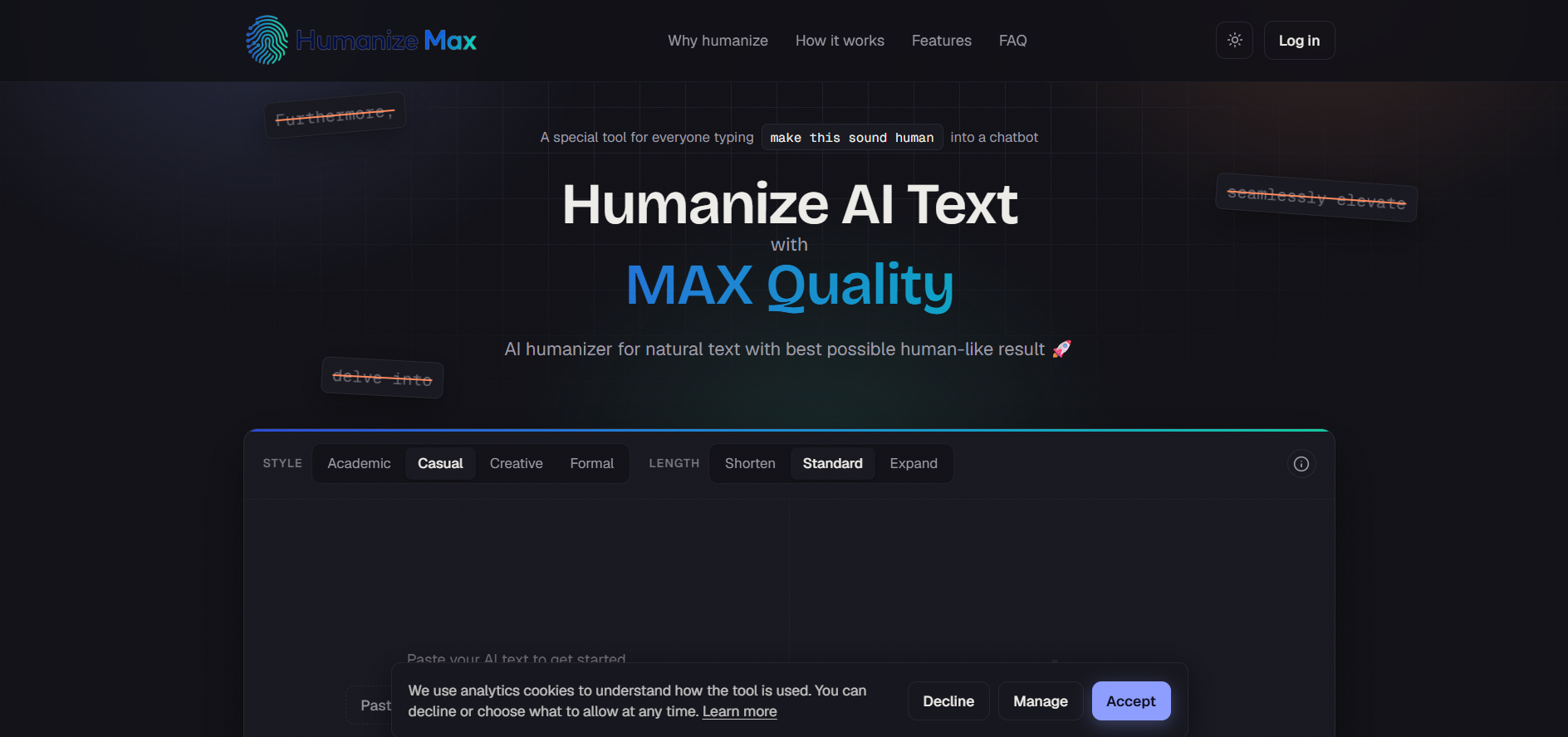
Nearly every writing tool above — Jasper, Canva's Magic Write, and Semrush's AI assistant — produces fast drafts that can read robotically. HumanizeMax is a dedicated AI humanizer that rewrites that output into natural, human-sounding copy while keeping your message and keywords intact, so your ads, emails, and blog posts connect with readers and hold up against AI detectors.
Key Features and Use Case
- Rewrites AI-generated marketing copy into natural, on-brand language
- Preserves meaning, tone, and target keywords
- Helps content read authentically and pass AI detectors
- Simple paste-and-rewrite workflow as a final step before publishing
Pros:
- Free plan to start; quick to add to any content workflow
- Improves the readability and authenticity of AI drafts
Cons:
- A finishing layer, not a standalone content generator
Website: https://humanizemax.ai/
12. Moxby: The AI Work Browser for Marketing Teams
Moxby reimagines the browser itself as a marketing workspace. Instead of a tab for your analytics, another for your CMS, a third for your ad manager, and a separate window for your AI assistant, Moxby brings the browser, an IDE, AI agents, and your docs and tasks into one connected window. For marketers whose day is a constant loop of switching between platforms, it removes the friction that quietly eats hours each week.
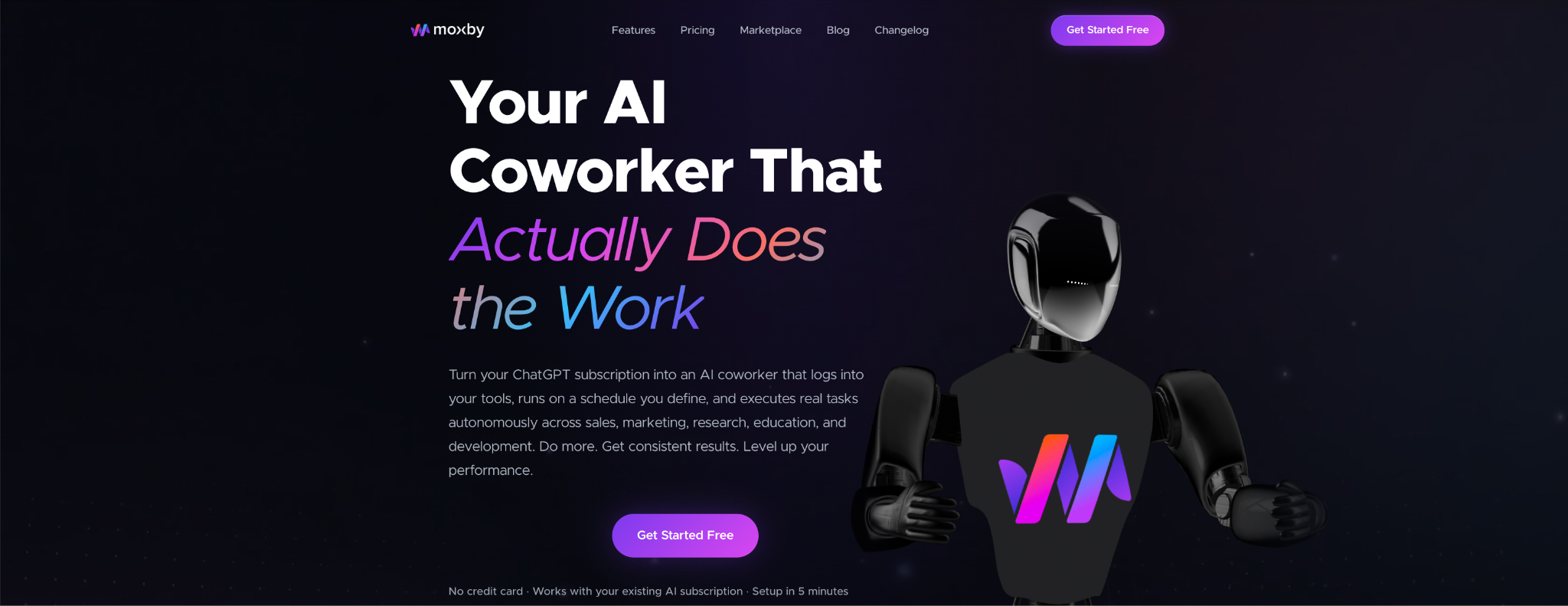
What makes Moxby stand out is its adapters. Rather than living in a sidebar that only answers questions, Moxby's AI agents can take action inside the web apps you already use, turning the browser into something that actually executes work. For a marketing team, that means an agent that can move between your campaign tools, pull what it needs, and complete multi-step tasks without you babysitting a dozen tabs.
Key Features and Use Case
- Unified Work Browser: Browser, IDE, AI agents, docs, and tasks live in one window, so campaign research, execution, and notes stay in the same place.
- Action-Taking Adapters: Agents operate inside your web apps and internal tools, automating repetitive marketing workflows rather than just describing them.
- Built-In Docs and Tasks: Brief, plan, and track work next to the apps where it actually happens, reducing the jump between project tools and execution.
- Cost-Efficient AI: Coding and agent workflows are engineered to cut token costs by 60 to 90%, keeping heavier automation affordable.
- Layered Security: A 5-layer security model with per-site permissions gives teams control over what agents can touch.
Practical Tip: A marketing manager preparing a campaign can keep their analytics dashboard, ad platform, and CMS open in one Moxby workspace, then hand an agent a multi-step task like pulling last week's performance numbers and drafting the next set of variations. Because the agent acts inside those apps directly, the manager reviews and approves rather than copying data between five tabs.
Pros:
- Eliminates the constant context-switching between marketing platforms, browser, and AI tools.
- Adapters let agents complete real work inside your apps, not just generate suggestions.
- Token-cost efficiency makes ongoing automation practical for lean teams.
Cons:
- Currently in invite-only early access, so availability is limited.
- As a broad work browser rather than a marketing-specific tool, some workflows will need setup to fit a marketing stack.
Website: https://www.moxby.com
13. Canva (Magic Studio)
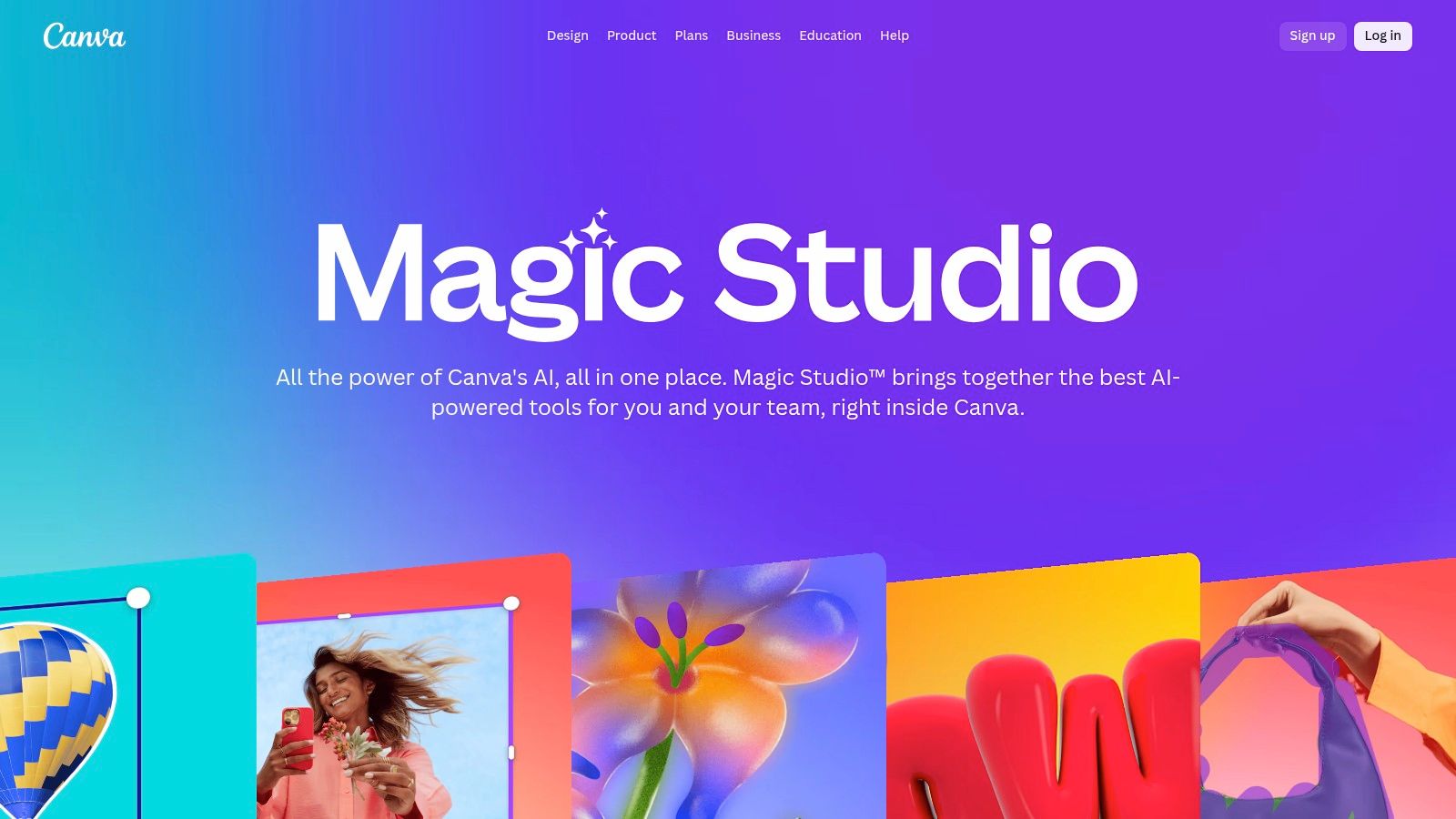
Already a dominant force in the design space, Canva has integrated a powerful suite of AI tools called Magic Studio, transforming it into a must-have for marketing teams. It leverages generative AI to drastically speed up the creation of on-brand marketing assets, from social media posts and ad creatives to presentations and videos. This makes it one of the best AI tools for marketing for small teams or solo entrepreneurs who need high-quality visuals without a dedicated designer.
The platform excels at integrating AI features directly into the familiar, user-friendly Canva editor. You can generate entire presentations from a text prompt, create custom images with Magic Media, or instantly rewrite copy with Magic Write, all within the same workflow. This seamless integration removes the friction of using multiple disparate tools, allowing for rapid content production.
Key Features and Use Case
- Magic Write & Magic Media: Instantly generate marketing copy, blog post ideas, or social media captions. Pairing creative generation with social media automation tools can help marketers efficiently queue and publish campaigns at scale while maintaining a steady posting schedule. Create unique images and even short videos from simple text descriptions to use in your designs.
- Integrated Brand Kit: Ensure all AI-generated and manually created assets adhere to your brand guidelines. The Brand Kit stores your logos, color palettes, and fonts for consistent application across all designs.
- Template-Driven Workflow: Start with thousands of professionally designed templates and use AI tools to customize them with your own content, images, and messaging in minutes.
Practical Tip: Use the "Magic Switch" feature to instantly resize and reformat a design for different platforms. A single ad creative can be transformed into a Facebook post, an Instagram Story, and a LinkedIn banner with just one click, saving hours of manual work. Learn how you can use Canva automation to simplify ad creation for even greater efficiency.
Feature AnalysisAssessmentPricingCore AI features are available on the Pro plan; credits may be limited.Ease of UseExtremely intuitive and beginner-friendly, even for non-designers.Unique OfferingSeamlessly combines a world-class design editor with a suite of generative AI tools.
Pros:
- Extremely fast asset creation for social media and ads without needing a designer.
- Templates enforce brand consistency and dramatically reduce production time.
Cons:
- Advanced AI features and higher usage limits are locked behind paid tiers.
- The cost for Teams plans and AI credit packs has increased.
Website: https://www.canva.com/magic/
14. Jasper
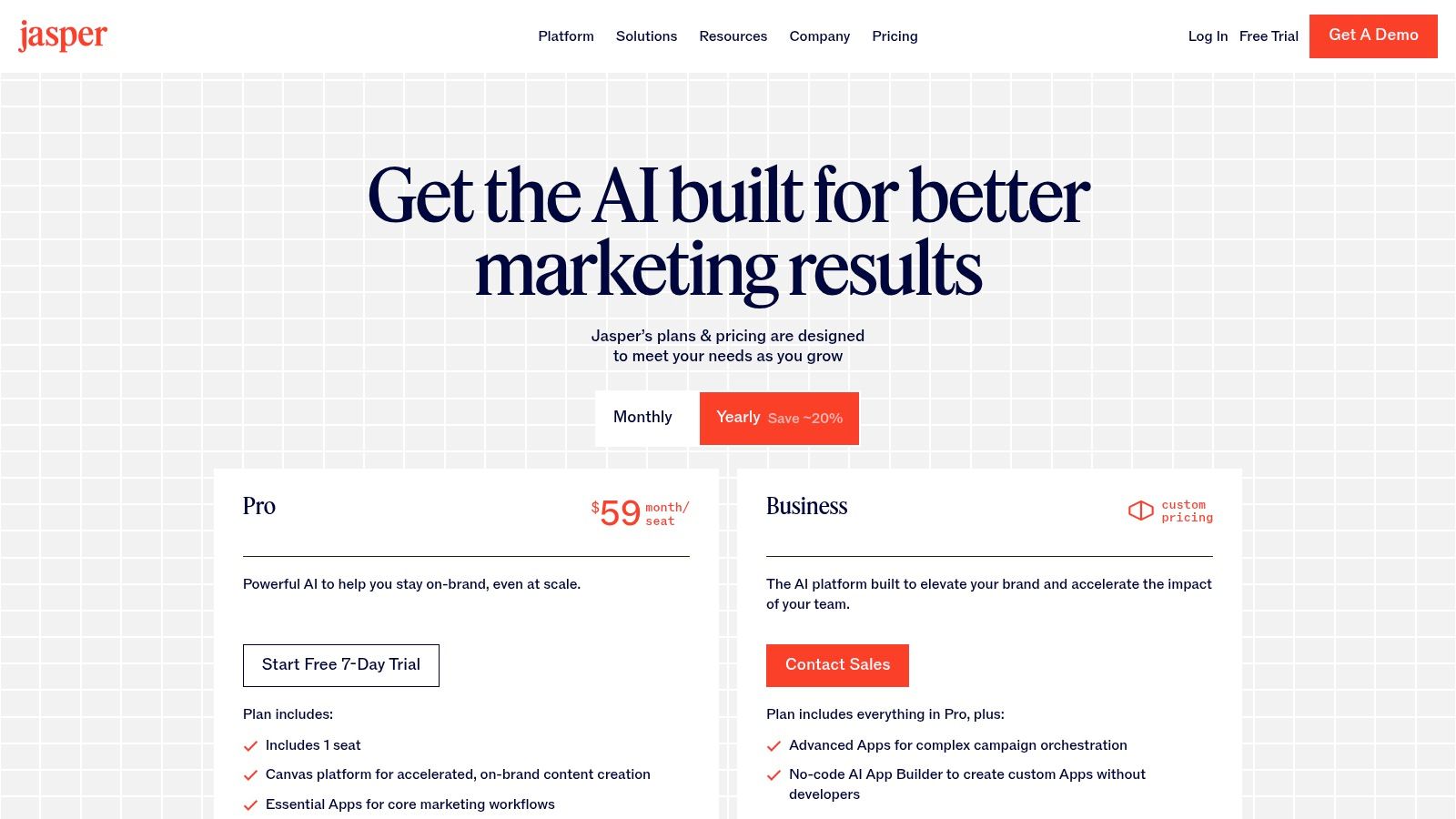
Jasper has evolved into a comprehensive AI marketing copilot designed to create on-brand content across all your channels. It moves beyond simple text generation to become a central hub for your marketing content strategy, ensuring everything from blog posts and social media updates to ad copy and product descriptions remains consistent with your brand identity.
Its key differentiator is the focus on brand governance. By using features like Brand Voices and Knowledge, you train the AI on your specific tone, style guides, and product information. This ensures that every output is factually accurate and perfectly aligned with your brand, making it one of the best AI tools for marketing teams focused on consistency. Learn more about the power of AI for ad copywriting to see how this technology boosts productivity.
Key Features and Use Case
- Brand Voices & Knowledge: Upload style guides, product catalogs, and company facts to create a unique brand profile. This ensures all generated content is on-brand and factually correct.
- Canvas Workspace & Templates: Use a freeform document-style editor for long-form content or leverage hundreds of pre-built templates for specific marketing tasks like writing Facebook ads or video scripts.
- No-Code AI App Builder: The Business tier allows you to create custom, repeatable marketing workflows and internal tools without writing any code, automating routine content tasks for your team.
Practical Tip: Spend time building out a thorough Brand Voice. The more examples, style guides, and information you provide, the higher the quality and consistency of Jasper’s outputs will be, saving you significant editing time.
Feature AnalysisAssessmentPricingTiers from Creator to Business, with a per-seat model. A 7-day free trial is available.Ease of UseThe interface is clean and user-friendly, with templates guiding new users effectively.Unique OfferingDeep brand governance tools and a no-code AI app builder for custom marketing workflows.
Pros:
- Excellent for maintaining brand consistency across large marketing teams and diverse channels.
- Offers a 7-day free trial for a full evaluation of its capabilities.
Cons:
- The per-seat pricing model can become costly for larger teams or agencies.
- Requires a significant upfront investment in training to achieve the best results.
Website: https://www.jasper.ai/pricing
15. TinyFish – Live-Web Infrastructure for AI Marketing Workflows
Marketing teams often need current competitor prices, product changes, and campaign signals from websites that are dynamic or spread across many pages. TinyFish is web infrastructure for AI agents, giving developers Search, Fetch, Browser, and Web Agent primitives within one platform.
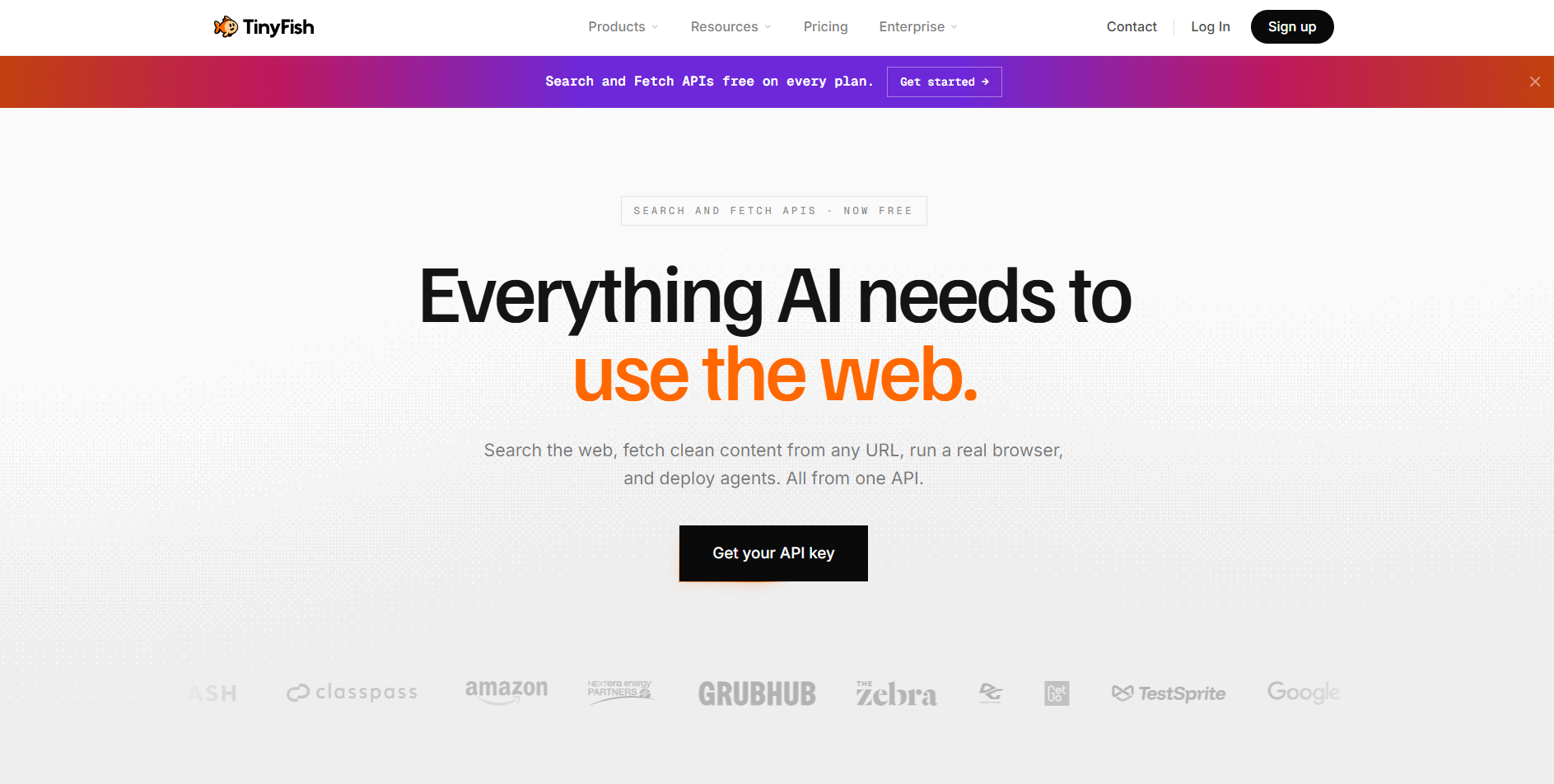
For marketing use, its value lies in turning the live web into reliable input for research and monitoring workflows. Search finds current sources, Fetch converts pages into clean markdown, JSON, or HTML, and Web Agent can work through filters, pagination, forms, and authenticated sessions when the job goes beyond reading a single page.
Key Features and Use Case
- Agent-Optimized Search: Find fresh, structured results from the live web for competitor research, pricing checks, and market monitoring.
- Clean Content Extraction: Turn dynamic and JavaScript-heavy pages into LLM-ready markdown, JSON, or HTML with less irrelevant context.
- Multi-Step Web Agent: Navigate sites, use filters, fill forms, move through pagination, and complete authenticated workflows.
- Managed Browser Infrastructure: Run persistent cloud browser sessions with fingerprinting, scaling, and session management handled by the platform.
- Connected Web Primitives: Move from search and extraction to browser-based operation without stitching together separate point tools.
Practical Tip: Use Search to monitor competitor launches or pricing shifts, Fetch to clean the relevant pages, and Web Agent when the job requires filters, login state, or several steps. This keeps marketing intelligence tied to current source data instead of cached summaries.
Pros:
- Combines web search, content extraction, browser infrastructure, and multi-step operation in one platform.
- Reaches dynamic, JavaScript-heavy, and authenticated parts of the web that basic read-only tools may miss.
- Balances speed, latency, freshness, and output quality while supporting high-concurrency workloads.
Cons:
- Developer-focused infrastructure requires technical setup and is not a plug-and-play marketing suite.
- Usage-based Agent and Browser costs need monitoring as workflow volume grows.
Website: https://www.tinyfish.ai/
16. Softr – No-Code AI App Builder for Marketing Operations
Softr is a no-code AI app builder for teams that want to create custom business software from a plain-English prompt. For marketing teams, it can turn a campaign process into a working app with an interface, database, and workflows, then let users refine every part with AI or visual controls.
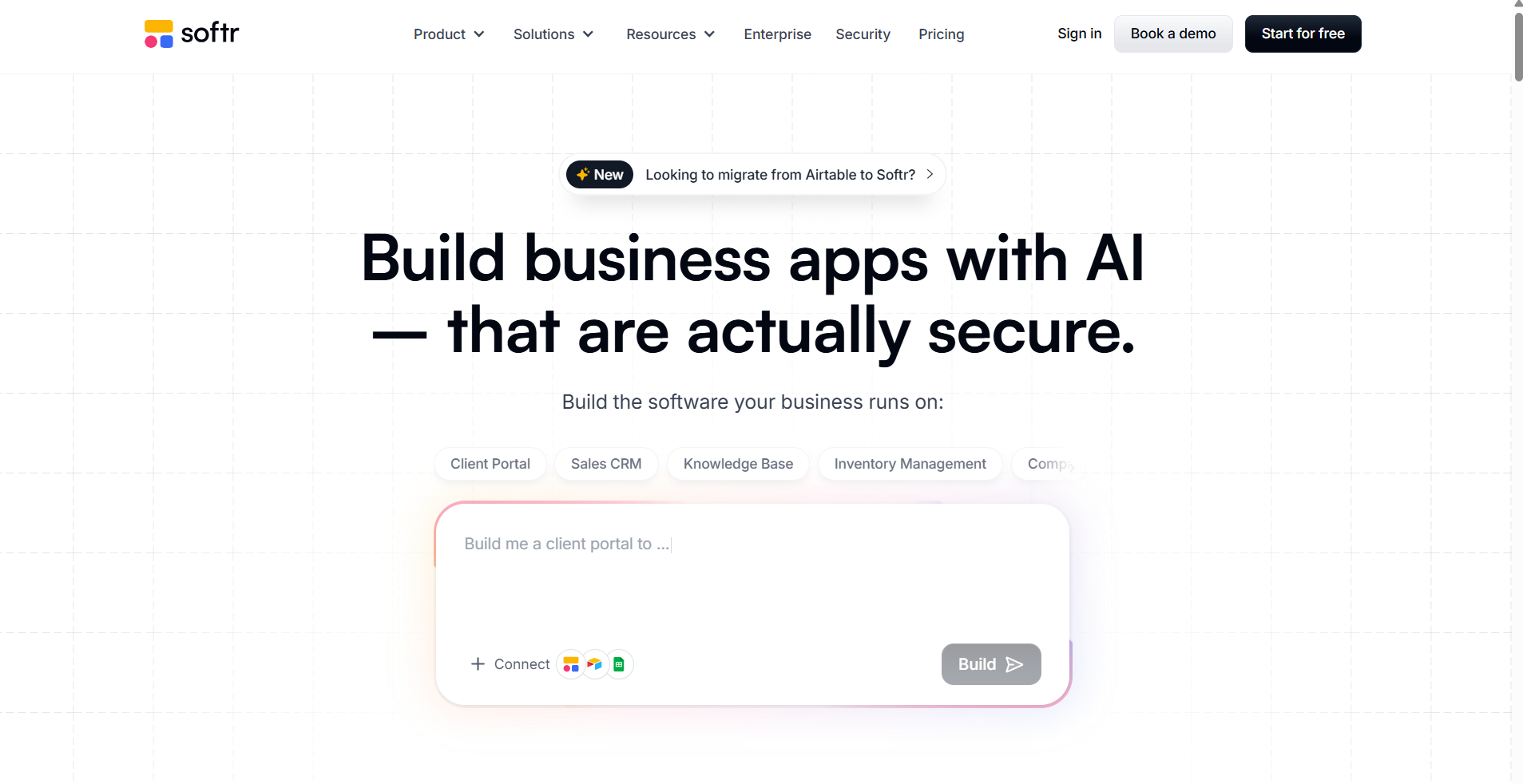
Its value lies in turning scattered marketing operations into software that matches how the team already works. A marketing team can build campaign trackers, asset request systems, approval workflows, lead-management tools, reporting dashboards, and GTM knowledge bases without handing every change to developers.
Key Features and Use Case
- AI Co-Builder: Describe the app you need, and Softr generates the interface, database structure, user roles, and business logic.
- Built-In Database: Create related records for campaigns, assets, leads, budgets, channels, owners, and performance data.
- Visual Workflows: Automate approvals, reminders, record updates, task assignments, and notifications across multi-step processes.
- Roles and Permissions: Control which pages, records, and actions different team members can access.
- Visual Editing: Refine AI-generated apps with customizable blocks, forms, charts, calendars, lists, and dashboards.
- Practical Tip: Start with a prompt such as “Build a campaign operations app with campaign owners, budgets, channels, launch dates, asset statuses, and approval steps.” Once Softr creates the structure, adjust the fields, views, permissions, and workflows visually.
Pricing: Softr has four standard self-serve plans:
- Free: $0/month
- Basic: $19/month
- Pro: $99/month
- Business: $329/month
These rates apply to annual billing. Every plan includes unlimited apps, databases, workflows, forms, and building blocks. Enterprise pricing is available through sales.
Ease of use:
Built for non-technical business teams. AI creates the initial structure, while visual controls handle ongoing changes.
Unique offering:
Combines AI app generation, a built-in database, and workflow automation in one no-code platform, with no generated codebase to host or maintain.
Pros:
- Creates complete business apps with an interface, database, and workflows.
- Supports custom marketing operations, reporting, and campaign-management processes.
- Includes authentication, permissions, hosting, and security controls.
Cons:
- Teams must define their own app structure because it is not a marketing-specific suite.
- Higher usage limits, deeper governance, and some advanced capabilities require paid plans.
Website: https://www.softr.io/
17. Taskip: The All-in-One AI-Powered Agency Management Platform
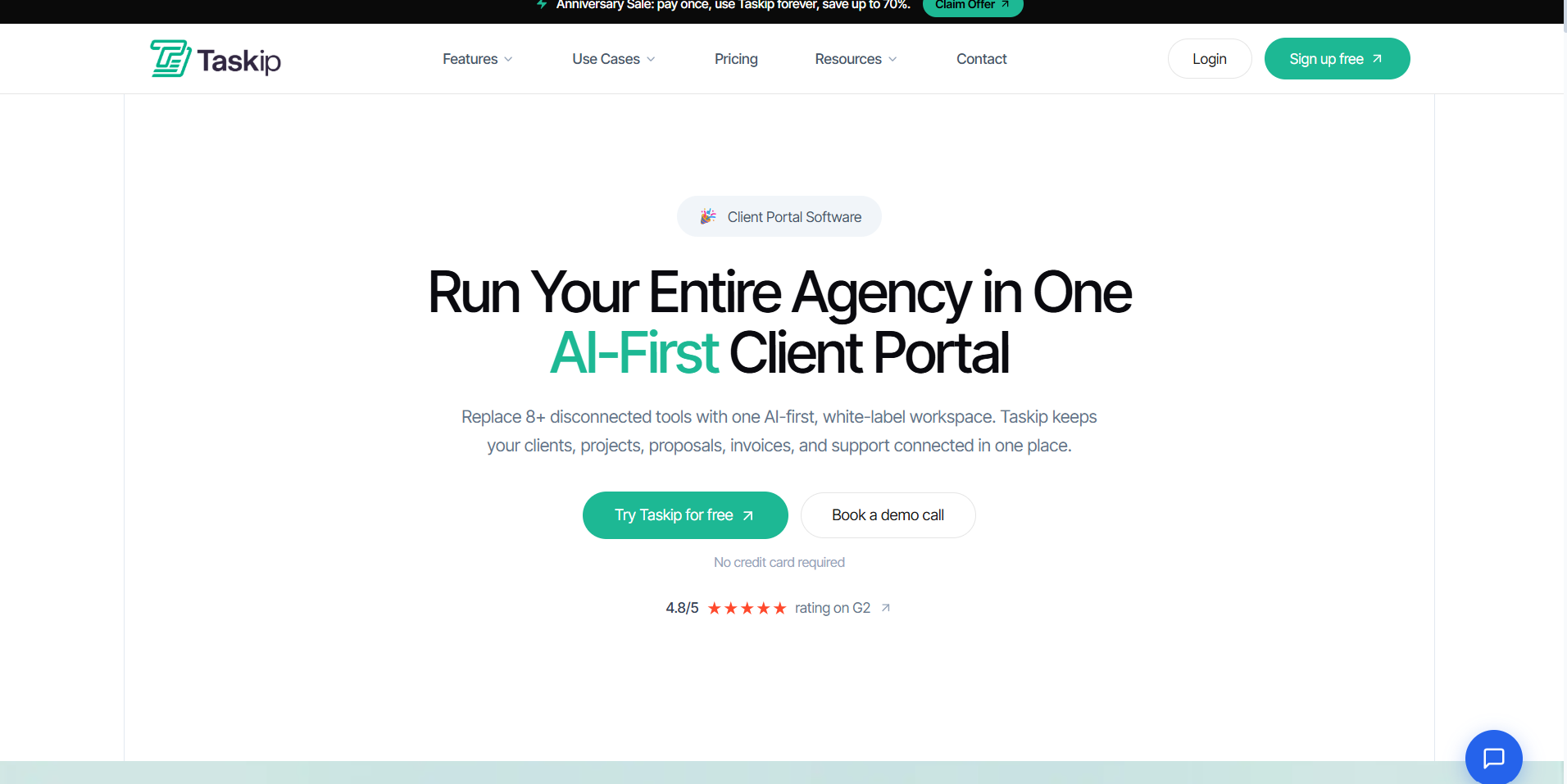
Taskip positions itself as an all-in-one agency management and client portal platform for agencies designed to simplify how freelancers, digital agencies, and service businesses manage their daily operations. Instead of relying on separate tools for project management, CRM, invoicing, client communication, and support, Taskip brings these functions together in one connected workspace. This makes it a practical solution for teams looking to reduce tool overload, improve collaboration, and manage client relationships more efficiently.
The platform’s key strength lies in its AI-first approach to business management. Its built-in AI agent, Taspi, allows users to perform routine tasks using natural language, such as creating invoices, adding leads, managing projects, and handling support-related activities. Combined with workflow automation, client portals, and integrated business tools, Taskip helps agencies spend less time on repetitive administration and more time delivering services and growing their businesses.
1. Taskip: The All-in-One AI-Powered Agency Management Platform
Key Features & Use Cases
- AI-Powered Business Management: Taspi, Taskip’s built-in AI agent, helps users create invoices, add leads, manage projects, update CRM records, and complete routine tasks through natural-language instructions.
- Project & Task Management: Organize projects with Kanban boards, lists, timelines, and calendar views. Teams can assign tasks, set deadlines, manage dependencies, track milestones, and monitor project progress from one dashboard.
- CRM & Sales Pipeline: Capture and organize leads, manage contacts, track opportunities, and move prospects through customizable sales pipelines. Teams can also use automated follow-ups to improve lead management.
- White-Label Client Portal: Give clients access to a branded workspace where they can view project updates, share files, review documents, communicate with teams, approve work, and manage invoices.
- Invoicing & Online Payments: Create branded invoices, manage recurring billing, track payments, and connect payment services such as Stripe and PayPal.
- Workflow Automation: Automate repetitive processes using triggers, conditions, delays, and custom actions, helping teams streamline operations and reduce manual work.
- Unified Communication: Manage emails, WhatsApp conversations, project discussions, meeting scheduling, and support tickets within a centralized workspace.
Practical Implementation
For a digital marketing agency, a typical workflow begins when a new prospect is added to Taskip’s CRM. The agency can track the lead through its sales pipeline, prepare a quotation or proposal, and convert the opportunity into a client after approval. Once the project begins, the team can create tasks, assign responsibilities, set deadlines, and share files through the client portal. Team members can use project discussions to manage feedback, while Taskip’s invoicing and payment tools help handle billing without switching between multiple applications. Taspi can further assist with routine administrative tasks, such as creating invoices or updating project records.
- Pros:
- Combines CRM, project management, invoicing, communication, and client portals in one platform.
- AI-powered Taspi helps automate routine administrative tasks.
- White-label client portals support agencies that want a branded client experience.
- Offers project views, workflow automation, reporting, and integrations with business tools.
- Suitable for freelancers, small teams, and agencies managing multiple client projects
- Cons:
- Advanced AI capabilities, workflow automation, premium integrations, and higher usage limits may require paid plans.
- Agencies with highly specialized workflows may need to evaluate Taskip’s customization and integration options before migrating from established tools.
Website: https://www.taskip.net
18. Glean: AI-Powered Enterprise Search and Workplace Assistant

Modern marketing teams work across documents, emails, project management tools, and internal knowledge bases. Glean is an enterprise AI platform that connects company information across workplace applications, helping teams find relevant insights, get answers, and create work grounded in their organization's knowledge. Instead of manually searching through scattered files and conversations, marketers can use Glean to research campaigns, summarize internal discussions, and turn company knowledge into useful content.
Key Features And Use Case
- Searches across connected workplace applications to find documents, messages, and company information
- Provides AI-generated answers grounded in company knowledge, with citations to verify sources
- Summarizes documents, conversations, and internal research
- Helps marketing teams draft reports, campaign briefs, presentations, and content using organizational context
- Supports research and knowledge discovery across teams and departments
Pros:
- Brings scattered company knowledge into one searchable experience
- Helps reduce time spent searching for internal information
- Generates context-aware answers and content based on connected company data
Cons:
- Primarily designed for enterprise and workplace knowledge, rather than standalone marketing content generation
- Its usefulness depends on the applications and information connected by the organization
- Advanced enterprise capabilities may require a business subscription and implementation
Website: https://www.glean.com/
Top 12 AI Marketing Tools — Features & Platform Listings
ProductCore featuresUnique selling points ✨Value & price 💰Best for 👥Trust & quality ★🏆 quickads.aiAI ad generator (image/video/shorts), 32M+ ads library, one‑click publish✨ Data‑driven creative scoring, virtual AI photoshoots, multi‑platform deploy💰 Free Discover; $1 trial; $199/mo; $299/mo with agents; managed from $5,000/mo or 5% of ad spend, whichever is higher👥 Founders, agencies, marketing teams testing many creatives★★★★★ (25K+ customers, 100+ creatives/mo on a 5-7 day turnaround)G2Verified user reviews, Grid reports, side‑by‑side compares✨ Deep, filterable peer insights for shortlists💰 Free to browse; no direct checkout👥 Buyers researching vendor fit, procurement★★★★☆ (review quality varies)CapterraCategory pages, vendor pricing callouts, guides✨ Curated guides + vendor feature lists💰 Free; vendor links to trials/pricing👥 Nontechnical buyers, small teams comparing options★★★★☆ (wide coverage; sponsored placements)Product HuntLaunch pages, upvotes, community comments✨ Fast discovery of new/trending AI tools & launch deals💰 Free to browse; early access/limited offers👥 Early adopters, founders, makers★★★☆☆ (early‑stage stability varies)AppSumoCurated deals, customer Q&A, refunds✨ Heavily discounted or lifetime deals for testing tools💰 Pay‑per‑deal (big savings, time‑limited)👥 Bootstrapped teams, deal hunters★★★☆☆ (deal risk: product/terms can change)Shopify App StoreApp listings, store integrations, reviews✨ Built for ecommerce workflows & fast installs💰 Free trials common; many paid monthly apps👥 Ecommerce merchants using Shopify★★★★☆ (store reviews; clear trials)HubSpot App Marketplace (AI)Installable AI agents, unified CRM workflows✨ Tight CRM + marketing integration, vetted apps💰 Varies; requires HubSpot account👥 HubSpot customers, marketing ops teams★★★★☆ (trusted ecosystem)Salesforce AppExchangeVetted enterprise apps, security & governance✨ Enterprise compliance, Einstein integrations💰 Varies; enterprise pricing/add‑ons👥 Enterprise Salesforce customers★★★★★ (strong governance & partners)Microsoft MarketplaceMS 365/Dynamics/Azure integrations, vetting✨ Procurement via Microsoft agreements & billing💰 Varies; often billed via MS agreements👥 Microsoft‑centric organizations, IT buyers★★★★☆ (broad catalog; IT focus)Canva (Magic Studio)Magic Write, Magic Media, brand kits, templates✨ Fast on‑brand asset creation for social & ads💰 Free tier; Pro/Teams pay for advanced AI limits👥 Small teams, social marketers, non‑designers★★★★☆ (very fast, some paid features)JasperAI copy, Brand Voices, no‑code app builder✨ Brand governance + marketing app templates💰 Paid plans; per‑seat costs on higher tiers👥 Content teams, marketers needing governed copy★★★★☆ (strong copy focus)SemrushSEO, content toolkit, ad & social toolkits✨ Full‑stack marketing hub with AI assist💰 Paid plans/toolkits; costs add with modules👥 SEO & performance marketing teams★★★★☆ (broad coverage; modular pricing)
Building Your AI Marketing Stack: From Tools to Transformation
Navigating the expansive landscape of AI marketing technology can feel overwhelming, but as we've explored, the right tools are not just accessories; they are foundational components of a modern, intelligent marketing engine. We've journeyed through a curated selection of platforms, from comprehensive discovery marketplaces like G2 and Capterra, which act as your strategic starting point, to specialized powerhouses like Jasper for content, Semrush for SEO, and Quickads.ai for performance ad creative. The core takeaway is clear: the era of manual, time-intensive marketing tasks is giving way to an age of augmented intelligence.
The true power of these platforms lies not in any single feature, but in their ability to form a cohesive, integrated "stack" that amplifies your team's strategic capabilities. However, even with the best AI tools, marketing teams often struggle with 'context switching'—the constant toggling between ad platforms, project management tools, and email. To manage this creative workflow without burnout, teams are increasingly turning to productivity tool like Akiflow to centralize tasks and time-block their day, ensuring that the time saved by AI is actually spent on high-impact strategy. As teams scale these stacks, having clear contracts in place is just as important, and tools like Contraxly are often used to keep terms and approvals in one place.The best AI tools for marketing are those that liberate your most valuable resource, your human talent, from the drudgery of data processing, repetitive content creation, and manual campaign setup. This allows your team to redirect their focus toward what truly matters: understanding the customer, innovating on strategy, and building meaningful brand connections.
Adopting AI is a strategic initiative, not just a technological one. It’s about empowering your team with superpowers, enabling a small business to compete with industry giants or an agency to deliver unprecedented results for its clients. The goal is to build a system where AI handles the "how" so your team can master the "why."
Our Dynamics 365 consulting services help you design, implement, and optimize intelligent business solutions that streamline operations, improve decision-making, and accelerate digital transformation.
Your Action Plan for AI Integration
Embarking on this transformation doesn't require a complete overhaul of your operations overnight. A methodical, phased approach will yield the best results and ensure sustainable adoption. Here’s a practical roadmap to get you started:
- Identify Your Biggest Bottleneck: Before you even look at a tool, analyze your current workflow. Where is your team spending the most time for the least strategic return? Is it generating ad variations for A/B testing? Writing first-draft blog posts? Or sifting through analytics to find actionable insights? Pinpoint this single, high-friction area first.
- Start with a Pilot Project: Choose one tool from our list that directly addresses your identified bottleneck. If ad creative is your pain point, a platform like Quickads.ai is a logical starting point. If it's content scale, Jasper might be the answer. Implement it with a small, focused project and a clear objective. For example, "Reduce the time to launch a new ad campaign from 5 days to 2 days."
- Measure, Learn, and Iterate: Success with AI is not just about efficiency gains; it's about performance uplift. Track key metrics before and after implementation. Did the AI-generated ad creatives have a lower CPA? Did the AI-powered content rank faster? Use this data to justify wider adoption and to understand how the tool fits within your unique ecosystem.
- Think Integration, Not Isolation: As you gain confidence, consider how your chosen tools can work together. Can you use insights from Semrush to fuel content ideas for Jasper? Can you use analytics from your HubSpot CRM to inform the audience targeting for ads created with Quickads.ai? A truly powerful AI marketing stack is one where the tools communicate, creating a seamless flow of data and insights that drives better decision-making across the board.
Final Thoughts: From Tools to Transformation
The journey into AI-powered marketing is not about replacing human creativity but augmenting it. The platforms we've discussed are catalysts for growth, designed to handle the predictable so you can master the exceptional. By thoughtfully selecting and integrating the best AI tools for marketing into your workflow, you’re not just adopting new software; you are fundamentally upgrading your organization's capacity to innovate, compete, and win in a rapidly evolving digital landscape. The future belongs to those who can successfully merge human ingenuity with machine intelligence.
Ready to eliminate your biggest advertising bottleneck and start creating high-performance ads in minutes? See for yourself how quickads.ai leverages AI to generate entire ad campaigns, from scripts and visuals to platform-specific assets, with just a few clicks. Start your journey with one of the best AI tools for marketing and transform your creative workflow today by visiting quickads.ai.






Privacy is important to us, so you have the option of disabling certain types of storage that may not be necessary for the basic functioning of the website. Blocking categories may impact your experience on the website. View Our Privacy Policy


