How one AI agent transformed my workflow from weeks to minutes
---
The Problem Every Founder Faces
As the founder of a creative studio, I've worn countless hats. Designer, developer, marketer, salesperson — you name it. But there's one challenge that keeps coming back to bite me: building internal tools.
Last month, I needed a comprehensive agency dashboard. Something that could track our projects, monitor team performance, show revenue metrics, and give me a bird's-eye view of the entire business. The traditional route? Hire a developer, wait weeks for scoping, more weeks for development, endless rounds of revision, and a bill that would make my accountant wince.
I didn't have that kind of time. Or budget.
The Spark: What If AI Could Build It?
I'd been experimenting with AI assistants for a while — chatbots, content generators, the usual stuff. But I'd never really pushed one to build something *real*. Something production-ready that I'd actually use every day.
Then I discovered MiniMax M2.5 through MaxClaw.
The pitch was bold: an AI that doesn't just chat, but actually executes. Creates files. Runs code. Deploys apps. All from a simple conversation.
Skeptical? A little. But I figured, worth a shot.

The Conversation That Changed Everything
I opened up MaxClaw and typed out my vision:
> "I need a dashboard for my agency. It should have a sidebar with navigation — Dashboard, Products, Transactions, Reports, Messages, Team Performance, Campaigns. At the top, I want KPI cards showing Total Revenue, Total Orders, and New Customers with growth percentages. Below that, a sales trend chart that can toggle between Weekly, Monthly, and Yearly views. And a transactions table at the bottom."
What happened next genuinely surprised me.
Instead of just acknowledging my request or giving me a generic response, MiniMax started building. It asked clarifying questions about the design aesthetic, the color scheme, the specific metrics I wanted to track. We went back and forth for maybe 15 minutes — refining the vision, adjusting the layout, choosing the right components.
Then it generated the code. Clean, modern React code with Tailwind CSS and shadcn/ui components. Type-safe, well-structured, production-quality.
And then? It deployed it.
The Result: Spark Pixel Team Dashboard

Within a single session, I had a fully functional dashboard live at https://dashboard-next-vert-two.vercel.app/
Let me walk you through what MiniMax created:
A Sidebar That Actually Works
The dashboard features a sophisticated sidebar navigation with logical groupings — Main Menu (Dashboard, Products, Transactions, Reports, Messages, Team Performance, Campaigns), Customers (Customer List, Channels, Order Management), Management (Roles, Billing, Integrations), and Settings. Each item has a clean, thin-line icon. The design is dark-themed, professional, and feels like it was crafted by a senior designer.
KPI Cards That Tell a Story
At the top, three horizontal cards give an immediate snapshot of business health:
- Total Revenue: $20,320 with a green +0.94% growth indicator
- Total Orders: 10,320 Orders with +0.12% growth
- New Customers: 4,305 New Users with +0.93% growth
Each card has a subtle orange sparkline showing recent activity. It's the kind of detail you'd expect from a $10,000 custom build, not a 15-minute AI conversation.

Interactive Sales Trends
The central visualization is a stacked bar chart showing performance over time. Users can toggle between Weekly, Monthly, and Yearly views. The orange represents existing users, dark gray represents new users. The data shows a clear growth trend — exactly what I needed to see at a glance.
A Transactions Table Ready for Real Data
At the bottom, there's a clean data grid for granular transaction details. Search functionality, sortable columns, checkbox selection for bulk actions. It's designed and ready — just waiting for real data to flow in.
The Design Details
MiniMax chose a sophisticated dark mode aesthetic. Deep charcoal backgrounds, high-contrast white text, orange as the primary accent color for existing user data and active highlights, green for positive growth indicators. The typography is clean and modern — likely Inter or similar. Every container, button, and card has rounded corners, creating that premium, polished feel.
The Hidden Cost of Traditional Development
Here's what would have happened if I'd gone the traditional route:
1. Consultation & Scoping: 2-3 days of meetings to explain what I wanted
2. Design Phase: 1-2 weeks for mockups, revisions, more revisions
3. Development: 3-4 weeks minimum for a frontend developer to build it
4. Testing & QA: Another week of bug fixes and adjustments
5. Deployment: Configuration, hosting setup, domain setup
6. Total Time: 6-8 weeks, minimum
7. Total Cost: $5,000 - $15,000 depending on who you hire
I got this done in one conversation. The entire process — from idea to deployed URL — took less than an hour.
But here's what really shocked me: the dashboard wasn't just a prototype or a mockup. It was *real*. I could click through the navigation. The charts rendered properly. The layout was responsive. It looked like something a professional team would spend weeks perfecting.
Why This Matters
The really fascinating part isn't just the speed. It's the *context*. MiniMax remembered our conversation, understood my business needs, suggested improvements I hadn't even considered, and maintained consistency throughout.
When I wanted to change the color scheme mid-way, it updated everything in one go. When I asked for additional features — like adding a date range filter to the header — it implemented them without breaking existing functionality.
That's not just a chatbot. That's a co-builder.

The Bigger Picture
What MiniMax did for me isn't unique to dashboards. Every business has internal tools they need but can't justify the cost or time to build. Every founder has spreadsheets they're manually updating, processes that could be automated, data that could be visualized.
Now, with AI agents like MiniMax, those barriers are collapsing.
The question isn't whether AI can help you build faster. The question is: what are you still doing manually that you shouldn't be?
My Verdict
I've been in the creative industry for years. I've worked with freelancers, agencies, internal teams. I've seen every possible way to get software built.
Nothing — nothing — has come close to the speed and simplicity of building with MiniMax through MaxClaw.
What used to take a team of developers now happens in a single conversation. What used to require project management now happens organically. What used to cost thousands now costs nothing but a few minutes of my time.
If you're a founder, maker, or entrepreneur still building things the old way — manually updating spreadsheets, piecing together no-code tools, or paying premium rates for basic internal tools — you're already behind.
The future of building isn't no-code. It isn't hiring cheaper developers overseas. It's conversational AI that understands what you want and just *makes it happen*.
The Learning Curve Was Basically Zero
I'm not a developer. I can read code, I understand how web applications work at a high level, but I can't sit down and build a React dashboard from scratch. I don't know TypeScript well enough, I've never configured Vercel deployments, and Tailwind CSS? That's a mystery to me.
But with MiniMax, none of that mattered.
I didn't need to know how to write the code. I just needed to know *what* I wanted. The AI handled the implementation, the best practices, the deployment intricacies. It chose modern libraries that work well together. It set up the project structure properly. It even caught potential issues I hadn't thought of — like making sure the dashboard was mobile-responsive.
That's the real revolution here. You don't need to be a developer to build developer-quality products. You need to be a good communicator. You need to know what you want. The AI handles the rest.
Beyond the Dashboard: What Else Is Possible?
Since that first dashboard, I've used MiniMax to build:
- A client onboarding portal that automatically sends welcome emails and tracks progress
- An internal knowledge base where my team can search across all our documents
- A lead tracking system that pulls data from multiple sources and scores potential clients
- Automated report generators that compile weekly performance summaries while I sleep
Each of these would have taken weeks or months through traditional means. With MiniMax? Hours. Maybe minutes for the simpler ones.
The pattern is always the same: I describe what I need, the AI asks clarifying questions, it builds iteratively, I test and provide feedback, and then — bam — it's done.
Try It Yourself
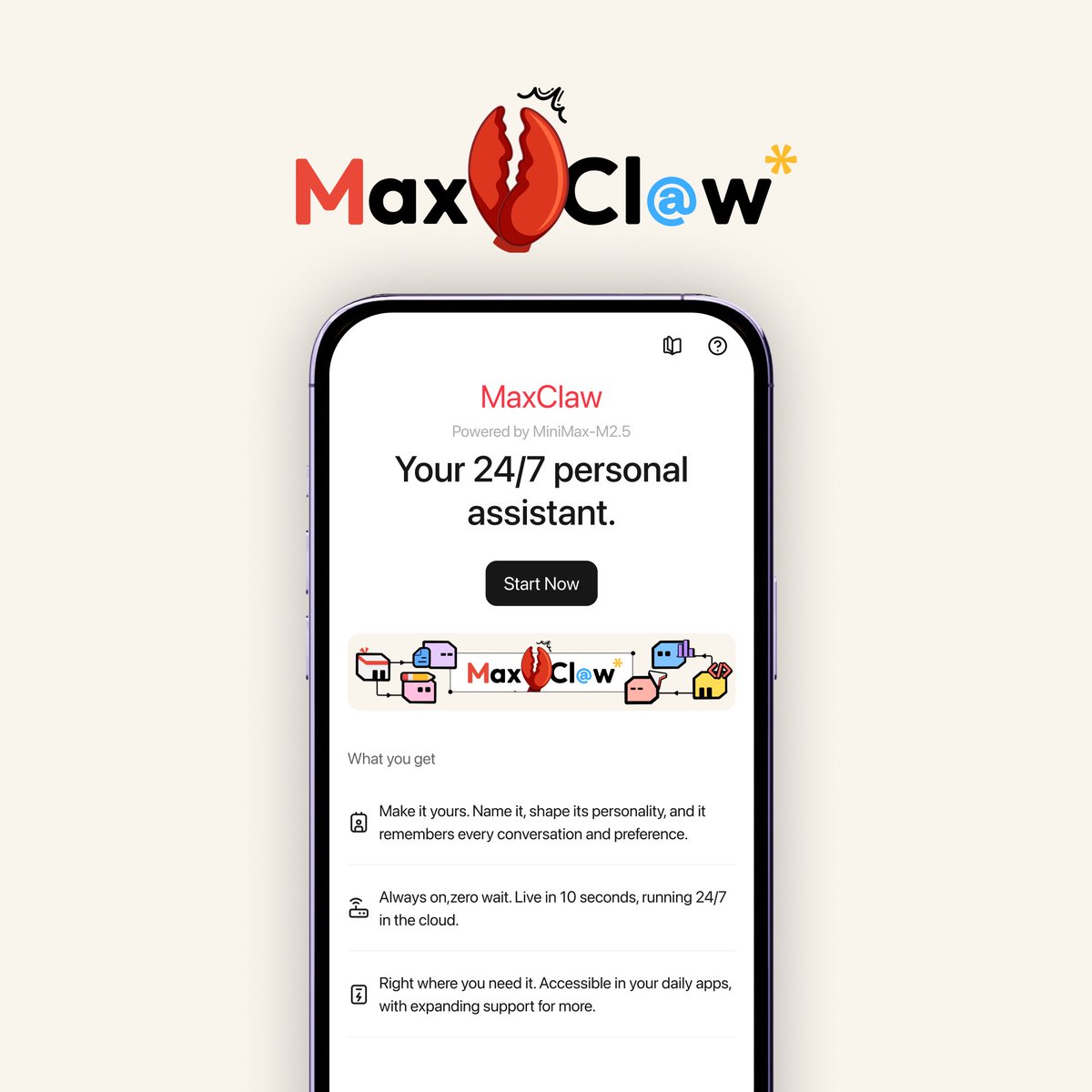
Meet MaxClaw
OpenClaw × MiniMax Agent × M2.5, now fully unlocked.No deployment. No extra API fees. 7×24 across Telegram / WhatsApp / Slack / Discord. Ready-made MiniMax Expert ecosystem.Upgraded built-in tools for real work. Try it now → https://agent.minimax.io
And the best part? MiniMax built it from a single conversation. No spec documents. No design files. No developer handoffs.
Just me, my idea, and an AI that got it done.