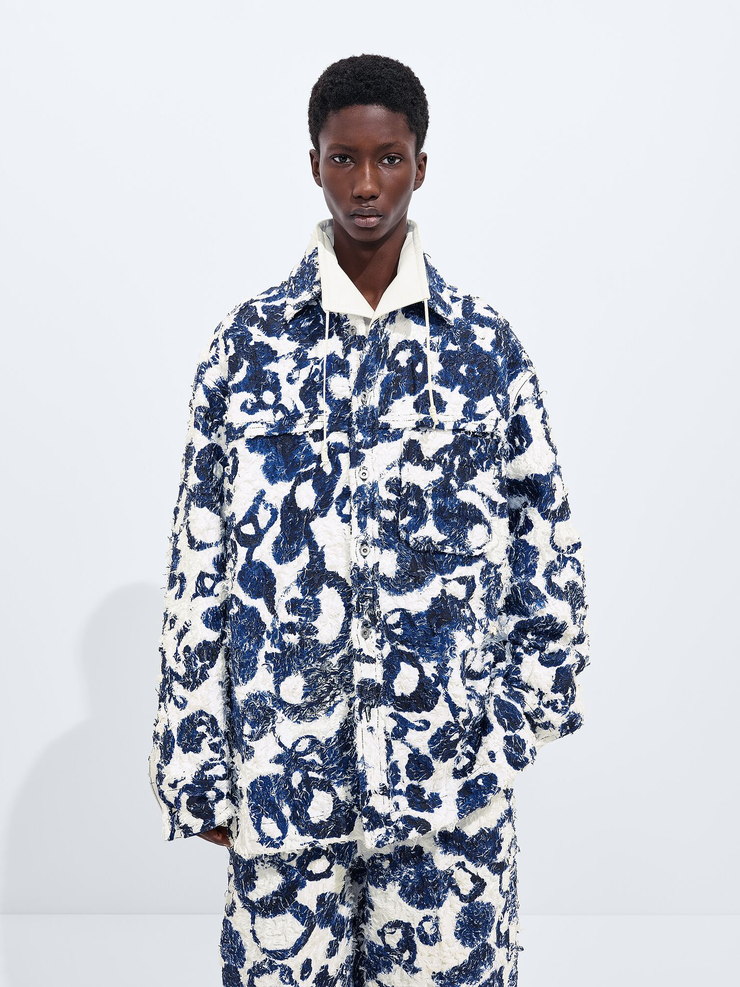
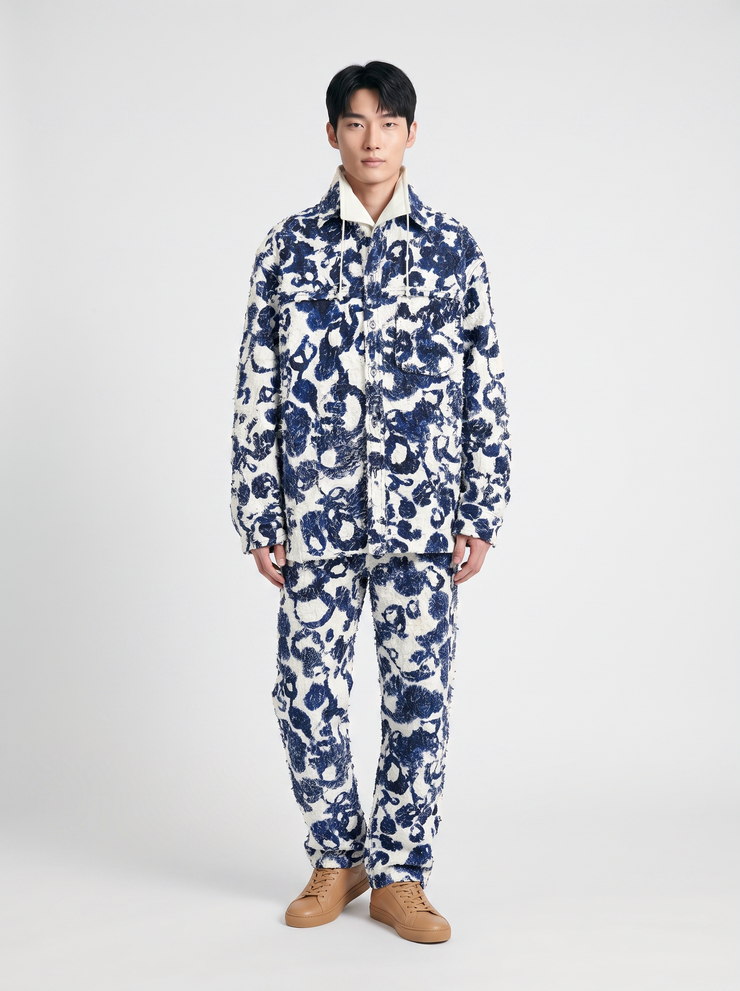
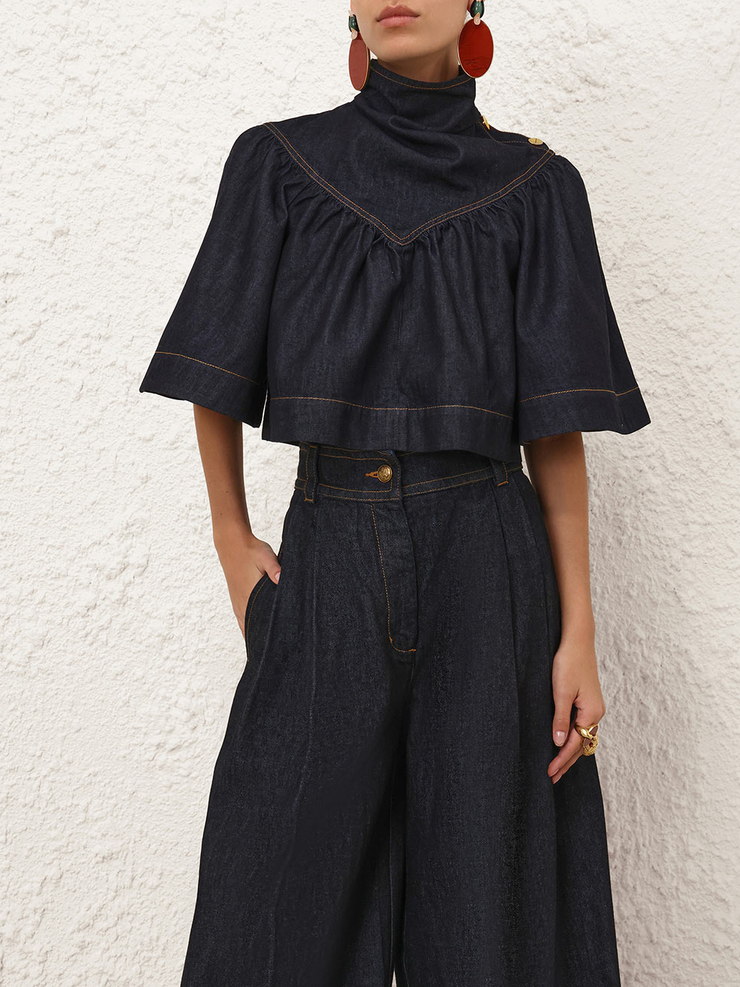
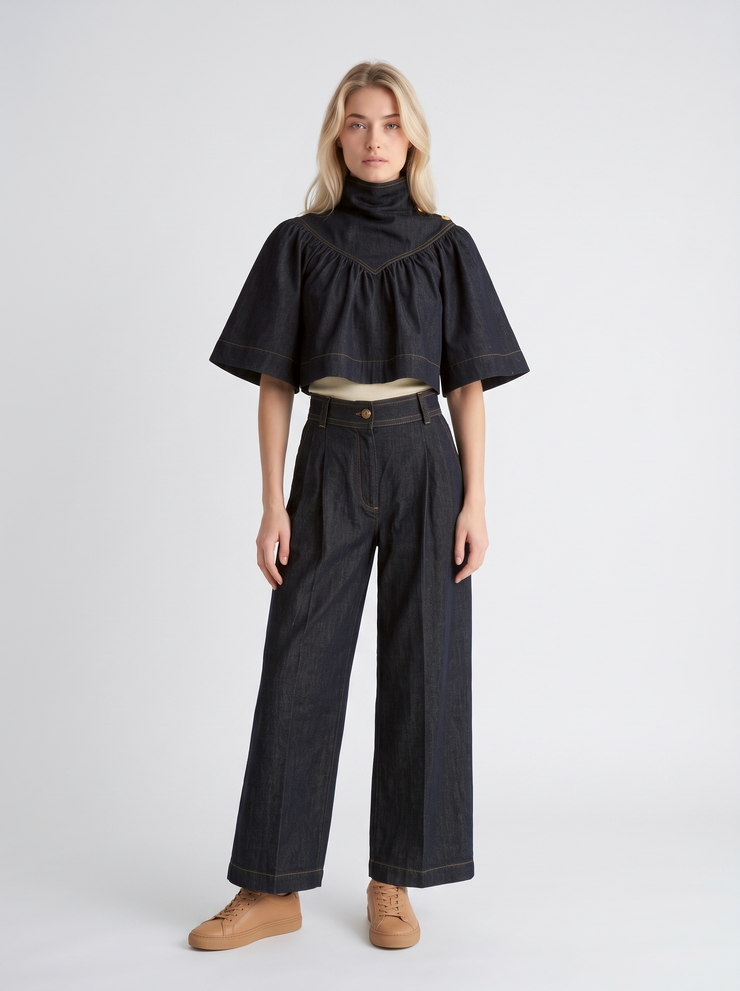
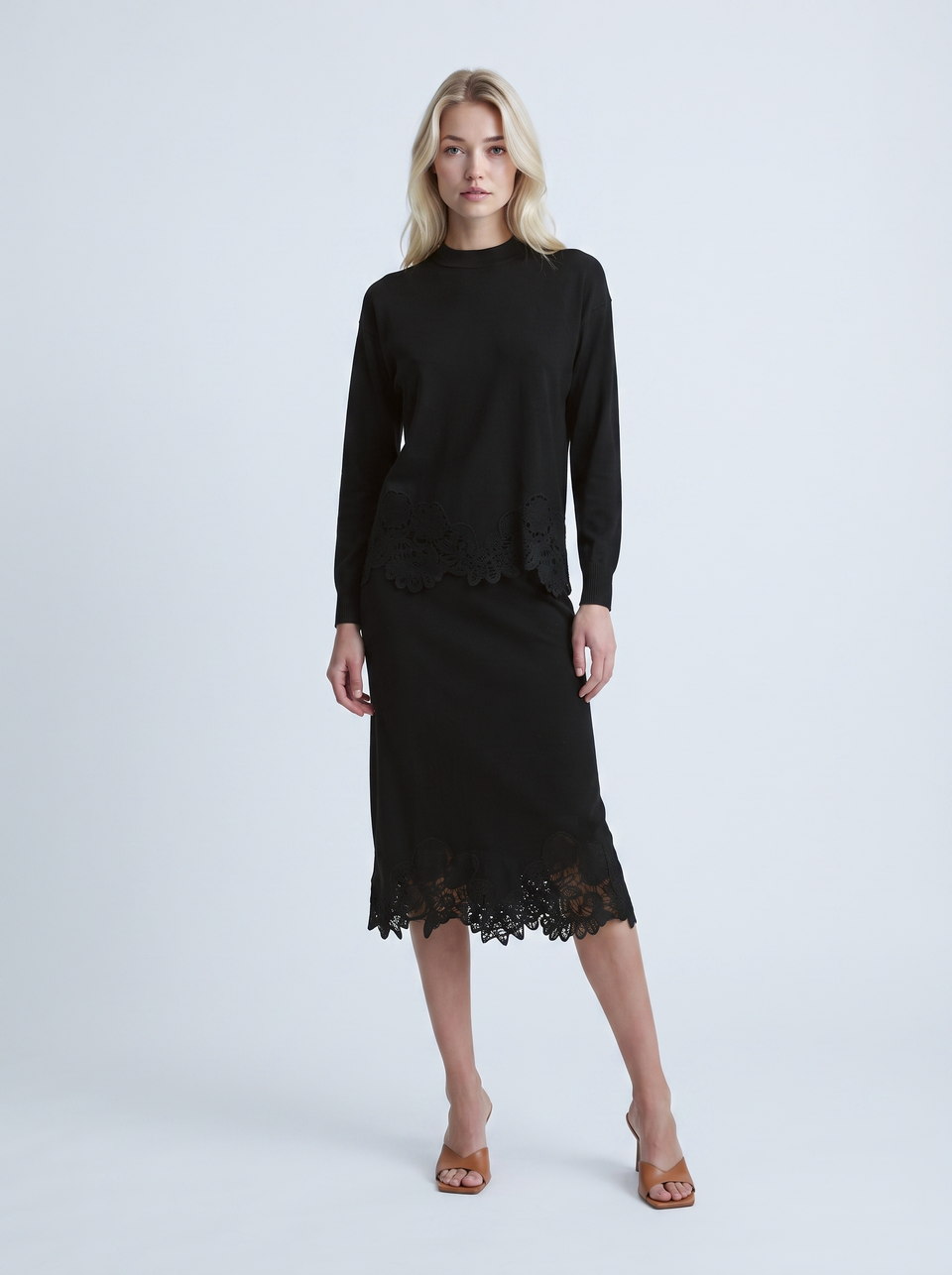
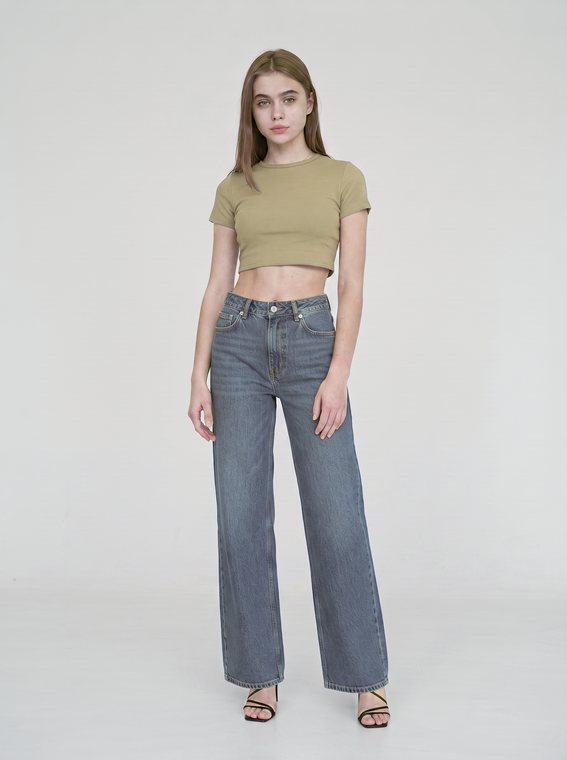
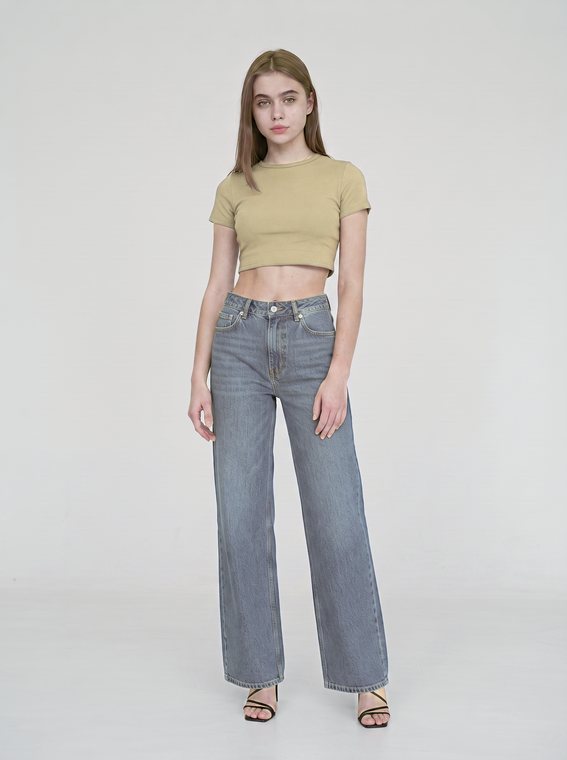
Each standard says what a garment image should get right, how the software checks it and where the check stops.
Name the correction, then inspect the next frame
Texture, logo fidelity and collar edges are among the correction areas QuickAds founder Nitin Mahajan identifies from earlier fashion-production work. A useful review names the affected property and compares it with the supplied reference.
For a texture issue, point to the weave, wash or print detail that changed. For a logo, check the actual artwork and placement. For a collar, compare edge shape and construction. Save the rejected version and the correction request beside the reviewed output, so the decision can be inspected later.
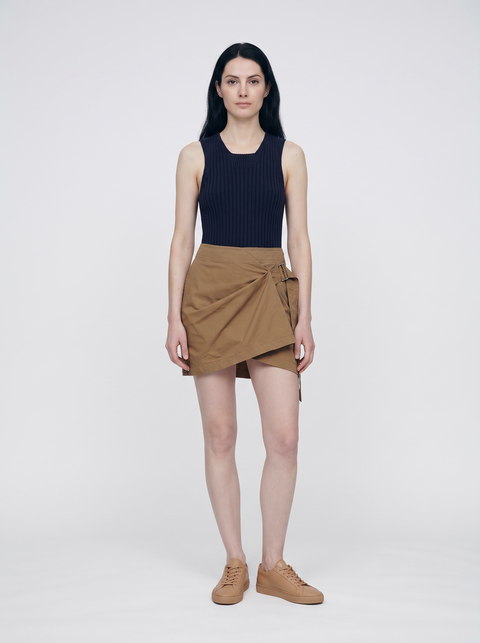
Keep the source image, output and review result associated with the same garment or SKU. Use the examples on this page and the photography workflow to explain the method. A generated demonstration is not a named client case, and a selected correction pair does not establish a production-wide success rate.
Founder-reported correction experience, supplied 3 November 2026. Asset-specific labels and the limitations of the checks remain applicable.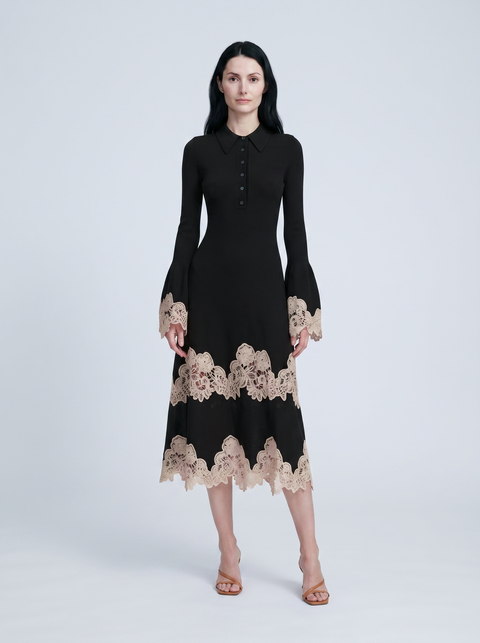 Generated
 Generated