Amazon product photography for every image slot on the listing.
A listing holds up to nine images, and Amazon recommends at least six. The first one follows strict rules. The rest sell the product.
Tell us what you sell and where. We'll come back with a plan for your product images, videos and creator content.
Free. No card. We reply within one working day.
Amazon product photography is the set of images on a product detail page (PDP): one main image and the secondary images after it. The main image sits on pure white, RGB 255, 255, 255, with the product filling at least 85% of the frame and nothing added. Secondary images show the product in use, up close and at scale.
- The longest side must be between 500 and 10,000 pixels. At 1,000 or more, shoppers can zoom.
- JPEG is Amazon's preferred format. TIFF, PNG and non-animated GIF are accepted too.
- Amazon's bans on text, logos and watermarks are written for the main image. Secondary images often carry scale, steps and callouts, though some staff replies allow no added text, so check your category.
- QuickAds software makes product and lifestyle images from one photo. The pure-white main image is a finishing step our team does.
Last updated · QuickAds Editorial Team
What images does an Amazon listing need? One main image, then the ones that answer questions.
Amazon asks for at least one image and recommends six or more. Each secondary slot works best with a single job: use, detail, scale or how it works.
Pure white background, the product filling 85% or more, the whole product and only what ships with it. No text, logos or watermarks.
The product where it gets used, so a shopper sees the setting and who it's for. See lifestyle product photography.
Textures, materials, seams and ports, and the product beside something of known size.
Dimensions, features or steps, laid out to read on a phone. See Amazon infographics.
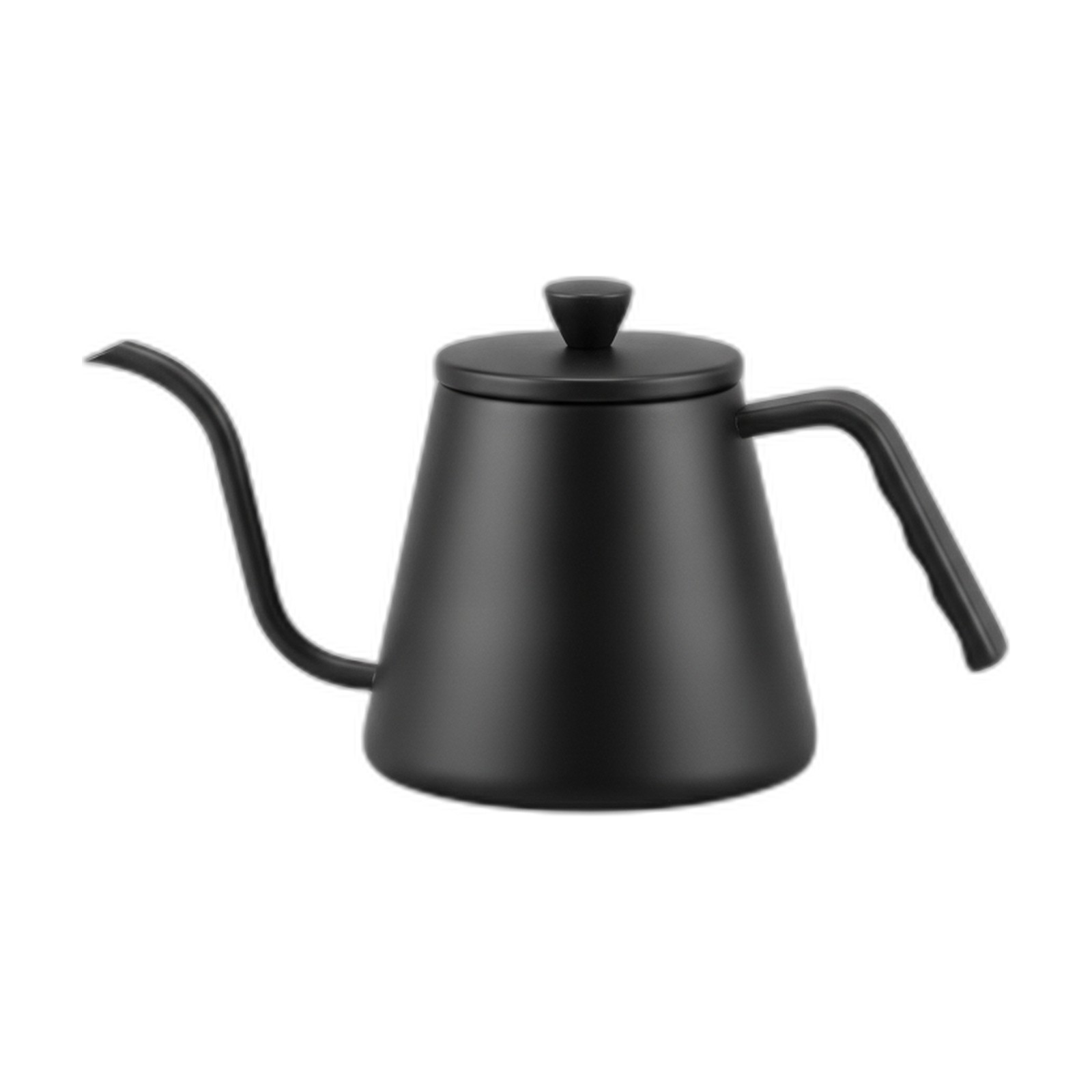 Generated stand-in
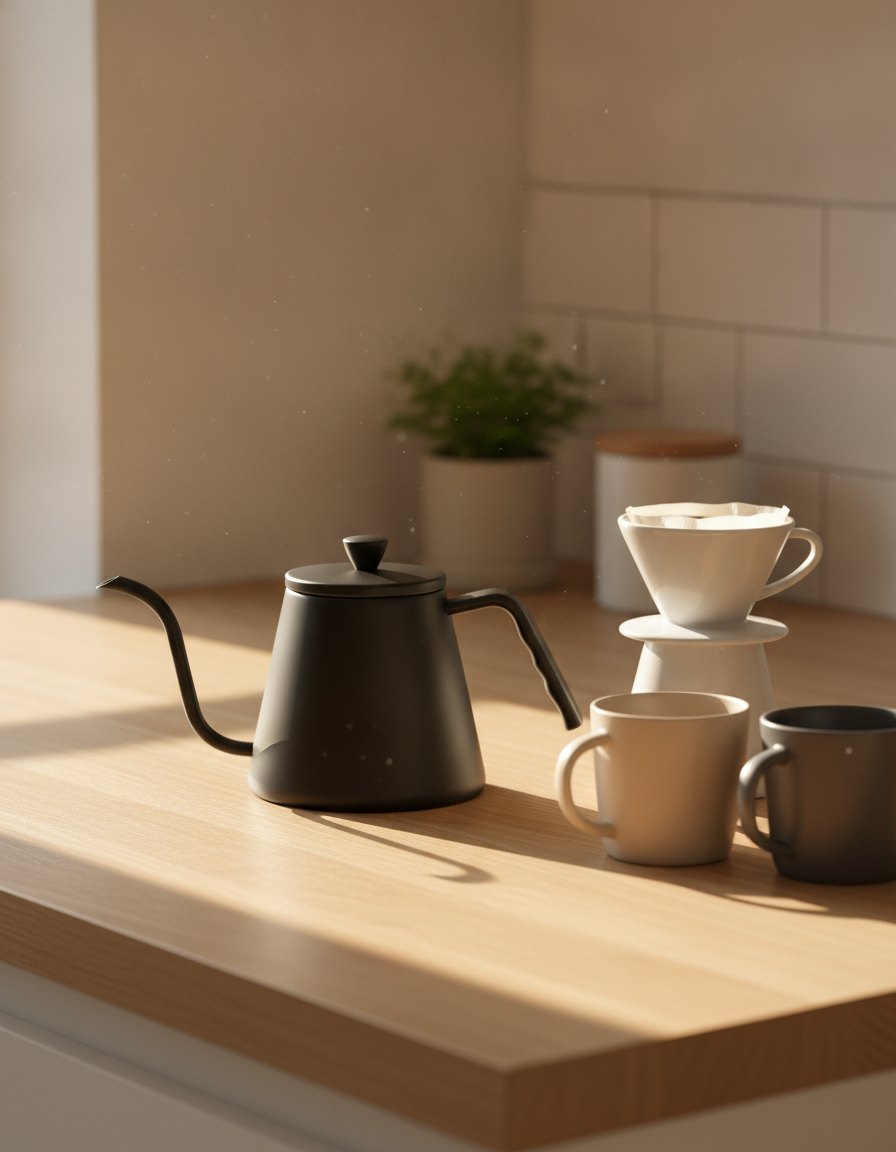 Generated
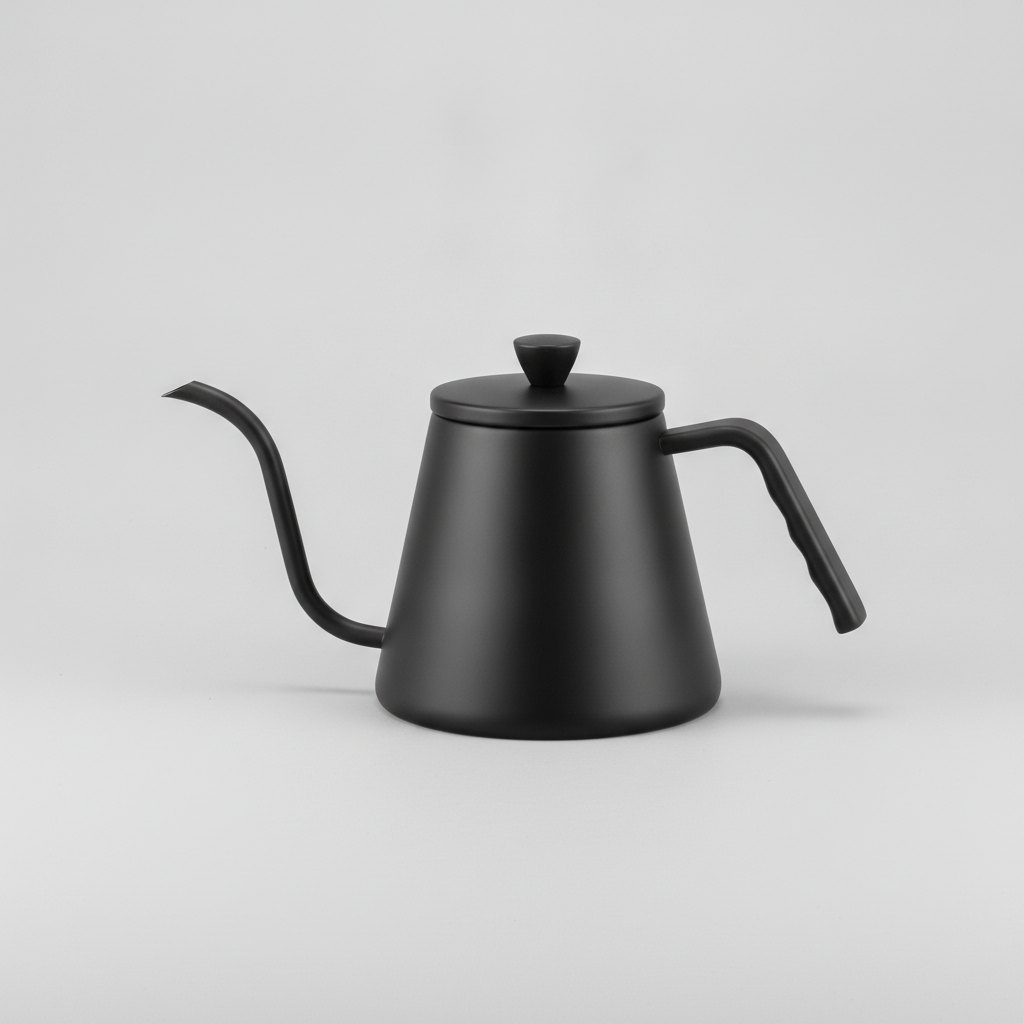 Generated stand-in
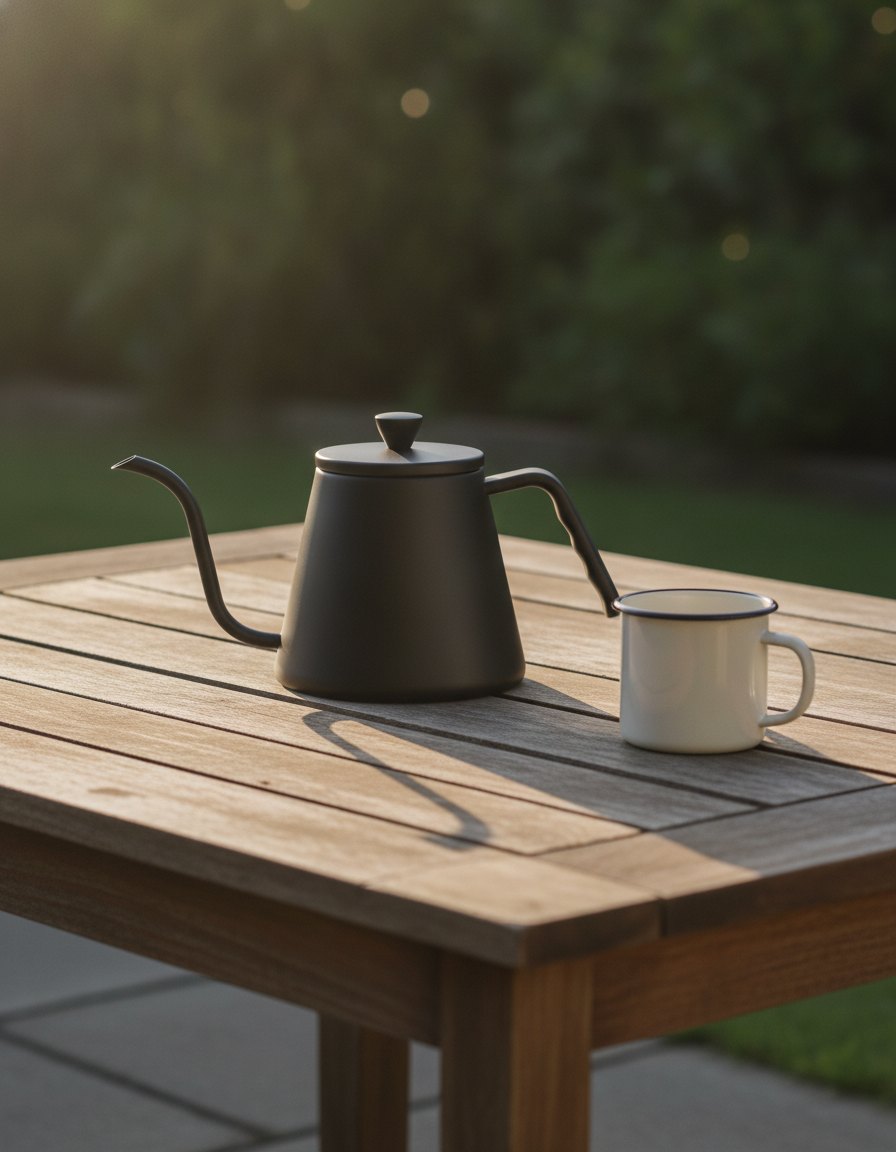 GeneratedGenerated stand-inGenerated stand-in
- The main image: pure white, the product filling 85% or more, nothing added to it.
- Each secondary slot answers one question: in use, a detail, its scale, an infographic, the steps.
- Every image has to read as a thumbnail, since the gallery shows them small first.
White background, 85% fill, formats and at least six images recommended. Source Up to nine images per listing. Source
How do you get Amazon product photos made? Four steps, from one photo to a full set.
Start from the photos you already have. The software makes the scenes, and our team finishes the slots that carry rules or words.
Send one photo per product
A clear photo of the product, with its name and a line about what it is. For a whole catalog, a sheet or a Drive folder instead.
Samples ship to a studio, a set gets booked, and the edits arrive with a reshoot list.
Software: upload the photo with its name and description, and remove the background if you need a clean cutout. For a catalog of bags or luggage, upload a sheet with one to six angles per product.
Our team: we work from the photos you already have.
Pick the scenes
The software writes six scene ideas for the product, and you keep up to four of them.
One lifestyle shot gets chosen on set and used on every channel, whether it fits there or not.
Software: keep the ideas you like, then choose a shape from 10 aspect ratios on the standard setting, square among them.
Our team: we plan which scene goes in which slot, starting with the questions shoppers ask in your reviews.
Finish the slots that carry rules
The main image needs pure white and nothing added. The infographic slots need words laid out to read on a phone.
The main image gets a white fill in a photo editor, and the callouts get typed on in a slide tool.
Software: background removal gives a transparent cutout to place on white. Single-product images come out at up to 1536 pixels on the long side, past Amazon's 1,000-pixel zoom line. For 2K or 4K, use a catalog run.
Our team: we place the cutout on pure white and lay out the infographic slots.
Check every image, then upload
Look at each image against the product before it goes live: the color, the shape, the labels and anything in frame that doesn't ship.
Images go up straight from the folder, and a wrong color or a prop that isn't included turns up in the reviews.
Software: download each image and upload it in Seller Central yourself. Nothing posts to Amazon from QuickAds.
Our team: a person checks each image against the product photo before it reaches you.
What are Amazon's product image requirements? Six that trip listings up, and the fix for each.
Some of these get a main image flagged. Others pass every check and still leave a shopper guessing.
| Problem | What Amazon asks | The fix |
|---|---|---|
| An off-white main image | A pure white background, RGB 255, 255, 255 | Fix it by placing the cutout on true white and checking the corners with a color picker |
| The product too small in frame | The product filling 85% or more of the frame | Fix it by cropping tight on the long side before export |
| Text or a badge on the main image | No text, logos, graphics or watermarks on the main image | Fix it by moving the words to a secondary image or the bullets |
| Props that don't ship | Only what comes in the purchase on the main image | Fix it by saving extras for the lifestyle slots, where context is the point |
| Too small to zoom | 1,000 pixels or more for zoom, and 1,600 or more optimal | Fix it by exporting from the largest original, never an upscaled thumbnail |
| A listing with one image | At least six images recommended | Fix it with a slot plan: use, detail, scale, how it works and an infographic |
Rules from Amazon's product photo guide and from Amazon staff replies in the Seller Forums, read on October 21, 2026. Source
What people ask about Amazon product photography.
How to do product photography for Amazon?
Start with the main image: the product alone on pure white, RGB 255, 255, 255, filling at least 85% of the frame, with no text or logos. Then plan the secondary slots, each with one job: the product in use, a close-up, its scale and how it works. Export at 1,000 pixels or more on the longest side so shoppers can zoom, and save as JPEG.
How many images can an Amazon listing have?
Sellers can upload up to nine images per listing, and Amazon recommends at least six. One is required: the main image on pure white. The rest are secondary images, which can show the product in use, its details, its size and how it works. Give each one a single job, so no two images answer the same question.
What is the best size for Amazon product images?
Amazon's listing image size rule is that the longest side has to be between 500 and 10,000 pixels, and Amazon prefers 1,000 or more, since that turns on zoom. Amazon staff call 1,600 pixels or more optimal. JPEG is the preferred format, and TIFF, PNG and non-animated GIF are accepted too. Send the largest original you have rather than an upscaled copy.
What are the Amazon main image requirements?
The main image shows the product alone on a pure white background, RGB 255, 255, 255, filling 85% or more of the frame. It shows the whole product and only what comes in the purchase, out of its packaging. Text, logos, graphics and watermarks aren't allowed on it. Those rules are for the main image; secondary images have more room.
How to get Amazon product images?
There are three routes: a studio shoot, your own photos edited in-house, or images generated from a photo of the product. On QuickAds software, you upload one photo and get product scenes back, or send a sheet for a whole catalog. When our team runs it, we finish the main image on white and lay out the infographics. Either way, you upload the files in Seller Central.
Can AI make Amazon product photos?
Yes, for scenes, angles and backgrounds, as long as each image shows the product as it really is: the same color, shape, parts and labels. Check every generated image against the product before upload. On QuickAds, the software makes the scenes from one photo, and a pure-white main image still needs a finishing step to meet Amazon's rules.
One photo per product, a full set of listing images.
QuickAds is a performance creative company that runs the whole chain: creative intelligence, creative strategy, creative production, influencer marketing and campaign management. Listing images are the production link, and the same company makes the A+ content and UGC videos that sit beside them.