Amazon A+ content, planned and made module by module.
A+ content is the part of the detail page where a brand explains the product in images and short text. Amazon reviews each module first.
Tell us what you sell and where. We'll come back with a plan for your product images, videos and creator content.
Free. No card. We reply within one working day.
Amazon A+ content adds images, text and comparison charts to a product detail page, for brands enrolled in Amazon Brand Registry. Basic A+ allows up to five modules per product and Premium up to seven, with larger images, video and interactive modules. A separate Brand Story section carries the brand across its products.
- A+ content is free for sellers on a Professional account with a brand role in Brand Registry.
- No module may carry prices, promotions, shipping details, links, contact details or claims like "best-selling".
- Never mention or compare against other brands. A comparison chart compares your own products.
- Amazon reviews every submission, and its staff say approval usually takes up to seven business days.
- QuickAds software makes the product and lifestyle images. Our team plans the modules and writes the text.
Last updated · QuickAds Editorial Team
What goes into Amazon A+ content? Modules, a Brand Story and a comparison chart.
You build A+ content in A+ Content Manager by stacking modules. Each one is a fixed template that pairs images with a short block of text.
Enhanced images, text placements and comparison charts that shoppers can tap through.
Larger images, video, hotspots, carousels and Q&A modules, for brands Amazon makes eligible.
A "From the brand" strip of images and text, with links to your other products and your Brand Store.
Your products side by side, with add-to-cart so a shopper can pick the right one.
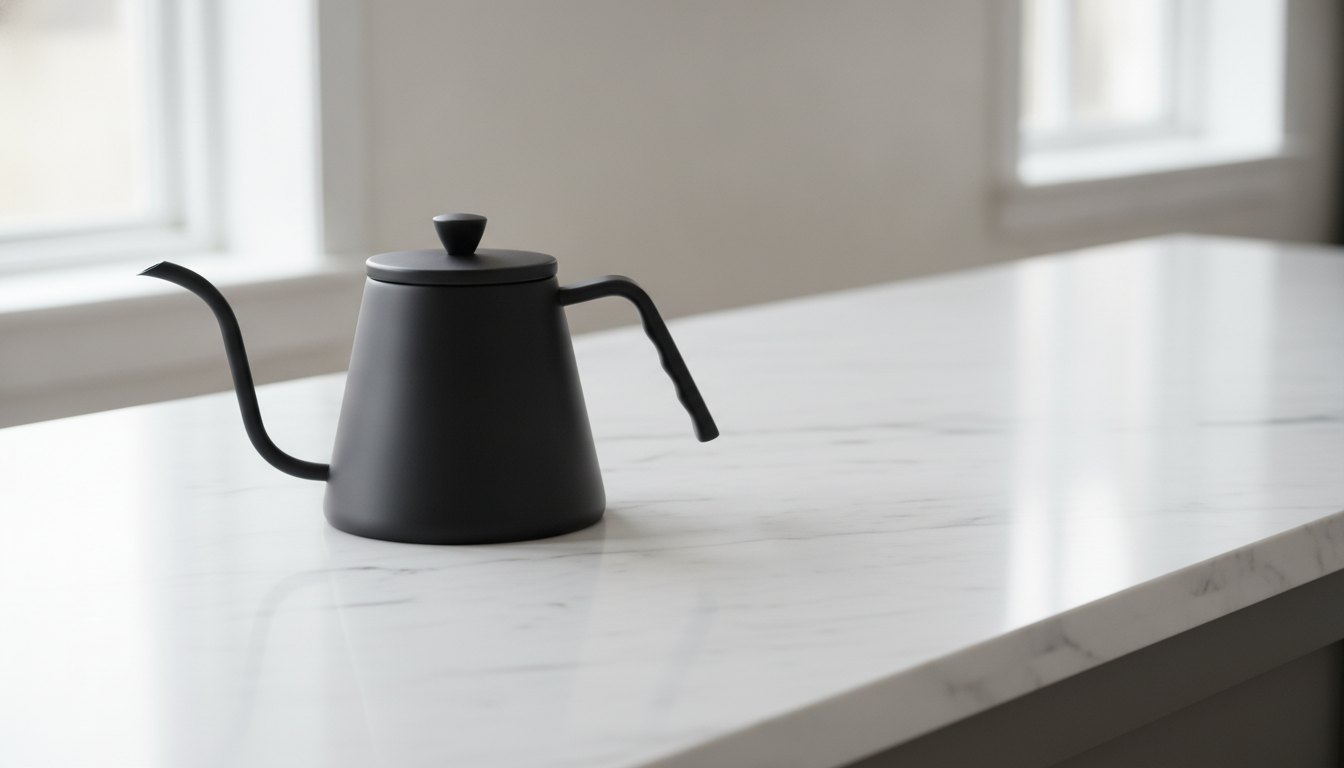 Generated
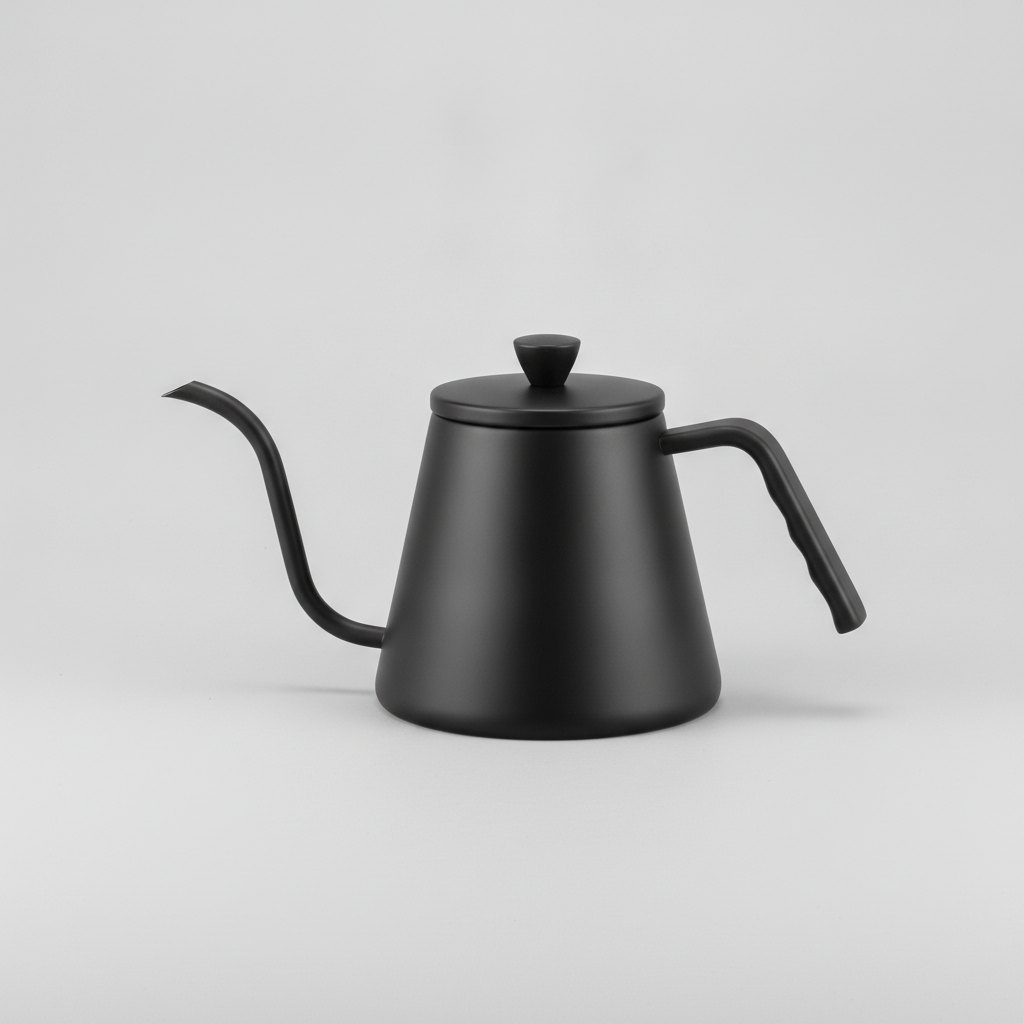 Generated stand-inGenerated stand-in
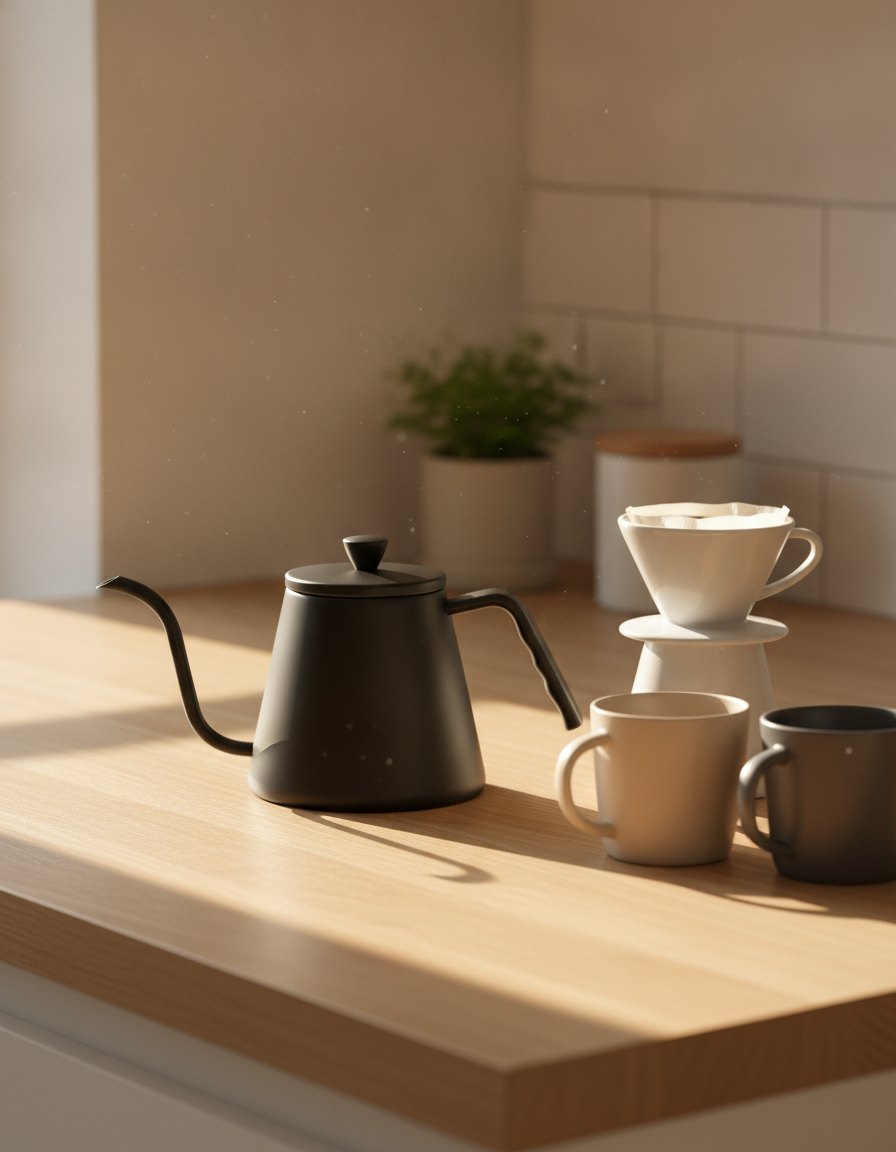 Generated
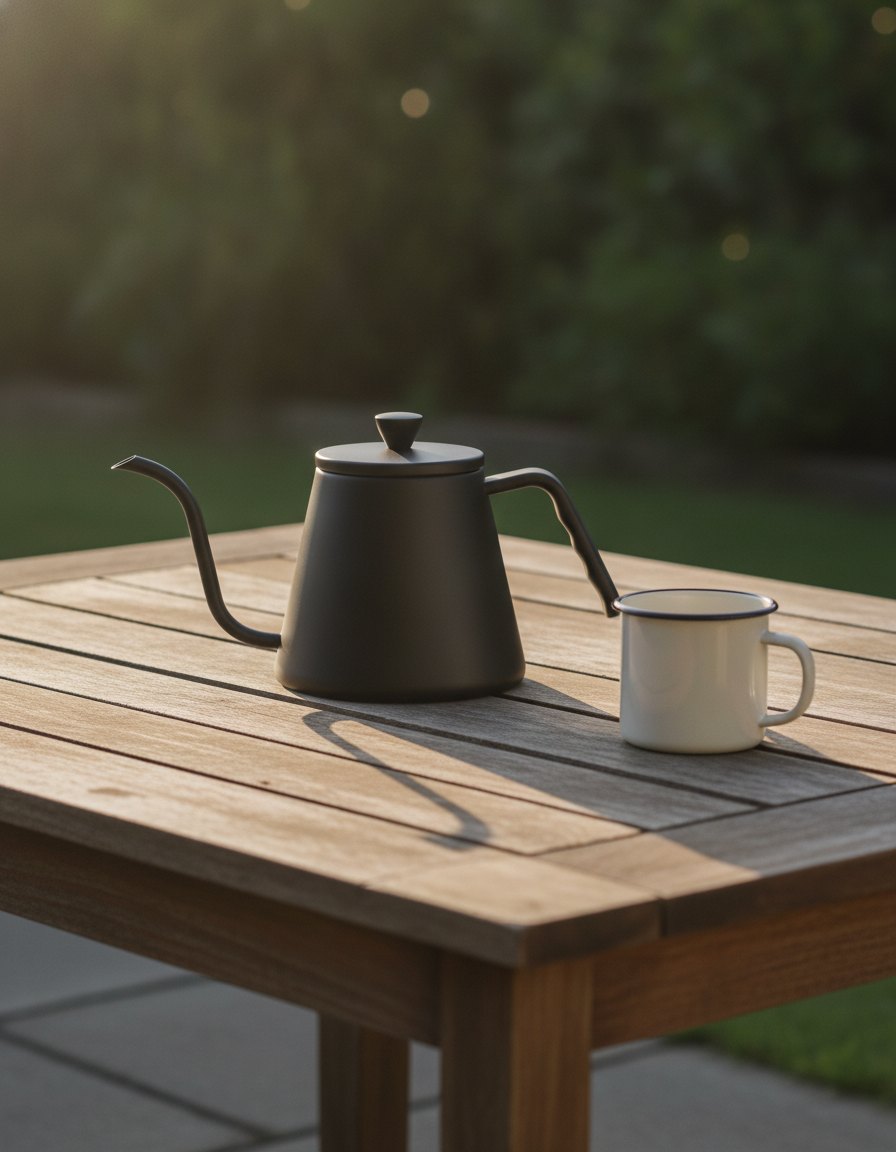 Generated
 Generated stand-inGenerated stand-inGenerated stand-inGenerated stand-in
- Each module is one of Amazon's fixed A+ content templates, filled with your images and text.
- Basic A+ allows five modules per product, and Premium A+ allows seven.
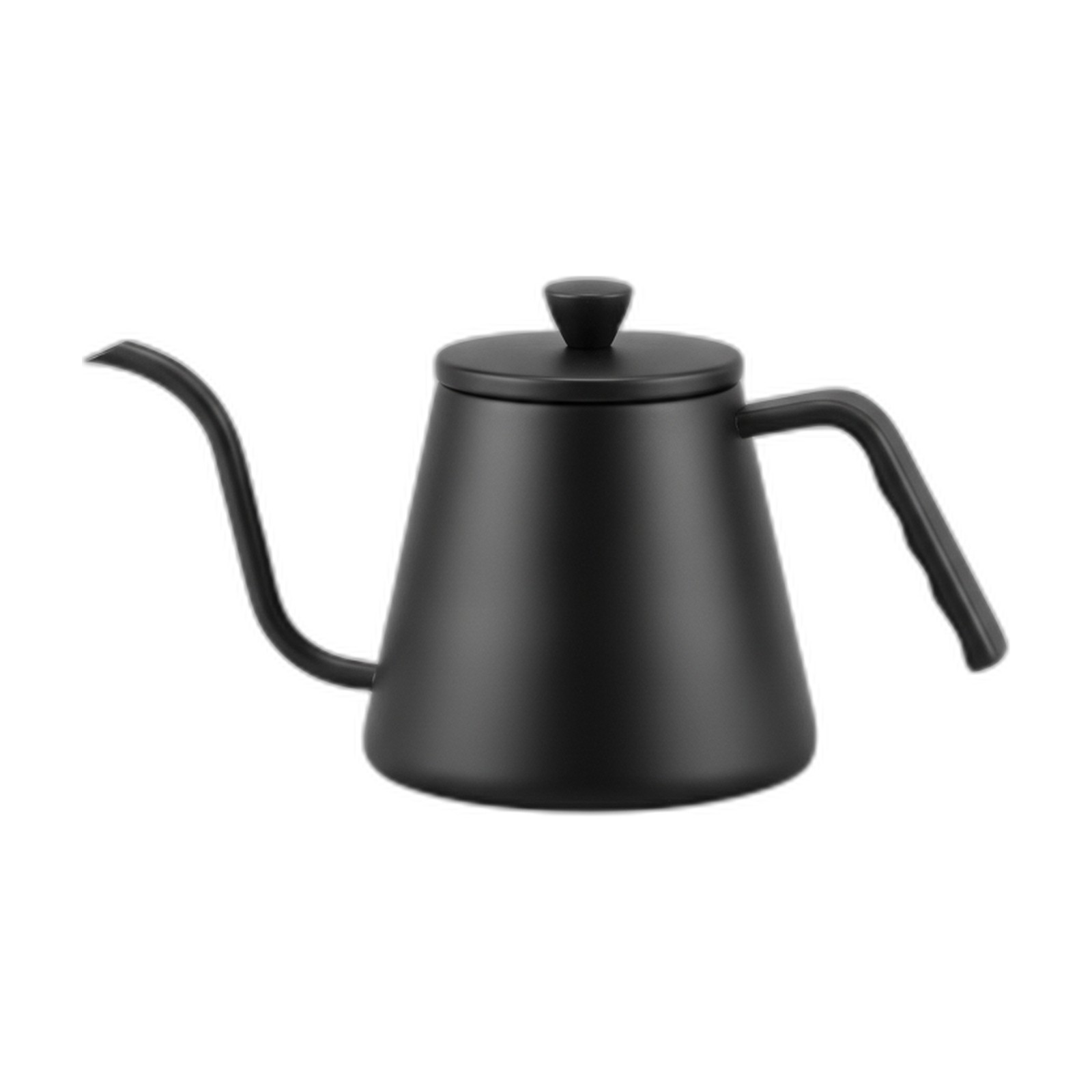
- The comparison chart lists only your own products, such as three sizes of one kettle.
Eligibility, and Basic and Premium features. Source Module counts, Brand Story and the content rules. Source
How do you create A+ content on Amazon? Four steps, from the plan to the review queue.
The modules come last. First decide what each one has to answer, then make the images and the words to fit.
Pick the questions
Read the reviews and the questions on your listing. Each module answers one of them: what it's made of, how big it is, how your sizes compare.
The modules repeat the bullets in bigger type, and the questions in the reviews stay unanswered.
Our team: we draft a module plan from your reviews, your questions and the listings that rank beside yours.
You: confirm which claims you can back, since Amazon rejects the ones you can't.
Make the images
Every module needs images that read on a phone, cropped to that module's shape. Amazon's public pages don't list the pixel sizes, so take them from A+ Content Manager as you build.
Old product shots get stretched or cropped to fit each module, and the product ends up cut off at the edge.
Software: product and lifestyle scenes from one photo, in 10 aspect ratios on the standard setting.
Our team: we crop and size each image to its module.
Write the text
Short lines, one idea each. No prices, promotions, shipping details, links, guarantees or claims like "top-rated".
Copy gets pasted in from the website, discount line included, and the module comes back rejected.
Our team: we write the module text against Amazon's content rules, and you approve every line. AI handles form, humans own substance.
Submit and wait for review
Build the modules in A+ Content Manager, apply them to the products and submit. Amazon staff say approval usually takes up to seven business days.
A rejected module goes back to the start with a one-line reason, and nobody owns the fix.
You: submit from your own Seller Central account, since A+ needs your Brand Registry role.
Our team: we deliver the images and text laid out for the modules you picked, and revise anything Amazon sends back.
What gets A+ content rejected? Six problems and the fix for each.
Amazon reviews every module before it shows, and checks the words and the images against one set of rules.
| Problem | What Amazon says | The fix |
|---|---|---|
| A price or a promotion | No pricing, promotions or shipping details | Fix it by keeping offers in the price and deal tools, out of the module |
| A claim you can't back | No "best-selling" or "top-rated", and awards name the body and the year | Fix it by stating the fact instead: the material, the size, the test |
| Another brand named | Never reference or compare against competitors | Fix it by comparing your own products in the comparison chart |
| A link or a QR code | No hyperlinks, QR codes, contact details or directions to other pages | Fix it by using the Brand Story to point to your other products |
| A guarantee | No warranty or guarantee language | Fix it by describing what the product does and leaving the terms to the listing |
| A blurry or animated image | No low-resolution or animated images, each no larger than 2 MB | Fix it by exporting each image at its module's size from the full original |
Every rule is from Amazon's A+ content design guide, read on October 21, 2026. Approval times are from Amazon staff in the Seller Forums. Source
What people ask about Amazon A+ content.
What is Amazon A+ content?
Amazon A+ content is a section of the product detail page where a brand adds images, text and comparison charts, arranged in modules. It's free for sellers with a Professional account and a brand role in Amazon Brand Registry. Basic A+ allows up to five modules per product and Premium up to seven, with larger images, video and interactive modules.
How to create A+ content on Amazon?
Open A+ Content Manager in Seller Central, pick a module layout and add your images and text. Apply the content to the products it belongs to, then submit it for review. Amazon checks each module against its rules, which ban prices, promotions, links, unproven claims and any mention of other brands. Amazon staff say approval usually takes up to seven business days.
What are the A+ content guidelines for Amazon?
No prices, promotions, shipping details, QR codes, links, contact details or directions to other pages. No claims like "best-selling" or "top-rated", no warranty language, and any award must name the body and the year. Never mention or compare against other brands. Images must be sharp and not animated, no larger than 2 MB each, and you must hold the rights to them.
What is the difference between Basic and Premium A+ content?
Basic A+ gives you up to five modules per product, with enhanced images, text placements and comparison charts. Premium A+ allows up to seven, adding larger images, video, hotspots, clickable carousels and Q&A modules. Amazon doesn't spell out Premium eligibility on its public pages, so check A+ Content Manager for your account.
Is Amazon A+ content worth it?
For a brand in Brand Registry, it usually is, since A+ itself is free and the cost is the images and the writing. The modules give room for what the bullets can't show: the materials, the scale, how the product is used and how your sizes compare. They also answer the questions buyers ask in reviews, in images and short text, before a buyer has to ask.
What do Amazon A+ content services include?
Usually a module plan, the images for each module, the text, and revisions when Amazon sends something back. At QuickAds, the software makes the product and lifestyle images from one photo, and our team plans the modules, sizes the images and writes the text for your approval. You submit it from your own Seller Central account.
Your A+ modules, planned, made and written by one team.
QuickAds is a performance creative company that runs the whole chain: creative intelligence, creative strategy, creative production, influencer marketing and campaign management. A+ content sits in the production link, next to Amazon product photography for the image slots at the top of the listing and Amazon infographics for the slots that need words.