Catalog product video for every SKU
A short clip for every product in your feed, made from the photo or video you already have and ready for Meta catalog ads.
Tell us what you sell. We'll come back with which SKUs should get video first.
Free. No card. We reply within one working day.
Catalog product video is a short clip attached to one product in an ad catalog. Meta reads it from the video field in the product feed, and Advantage+ catalog ads can then show that product in motion instead of in a still photo.
- One clip per product, linked from its feed row, where Meta's catalog ads pick it up.
- Meta switched Dynamic Media on by default for Advantage+ catalog ads in fall 2025.
- Coverage counts per row. One hero clip covers one product and leaves the rest still.
- The hard part is keeping the product the product: shape, color, label and size can all drift.
- Image, motion and video ads come from the photos and videos already in your feed.
- QuickAds makes the clips and runs the strategy and campaigns around them.
Last updated · QuickAds Editorial Team
Three ways to buy, priced on the page.
Catalog product video runs on software you drive yourself from $299 a month, or from $5,000 a month when our team makes the clips for you. We quote output and turnaround, never a return figure.
You run it: image, motion and video ads for each SKU from the photos and videos in your feed, with each finished ad's link written back into its row.
New footage for each SKU from your product photo. A person checks every take, and you get the files plus a feed file we host. Each batch takes 5 to 7 days.
Creative plus campaign management, on a six-month minimum term.
How many products need a video? Every one you advertise.
A catalog ad shows each shopper a product it picked for them. If that product's row has no video, neither does the ad, however good your one hero clip is.
Two rows of 40 catalog products. In the first, one product has a video. In the second, all 40 do.
Meta recommends video on at least 20 products for Dynamic Media, though it sets no hard minimum. Source
 Oak dining chair · turntable
 Rattan pendant · turntable
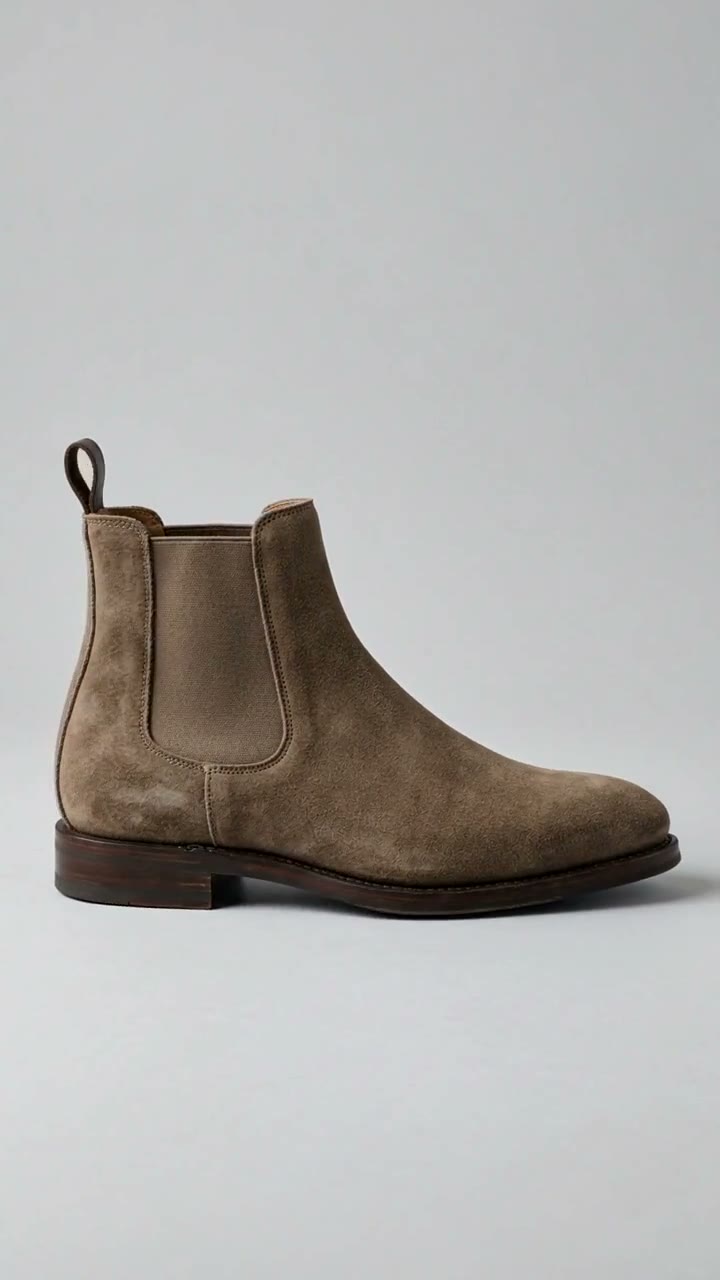 Suede Chelsea boot · turntable
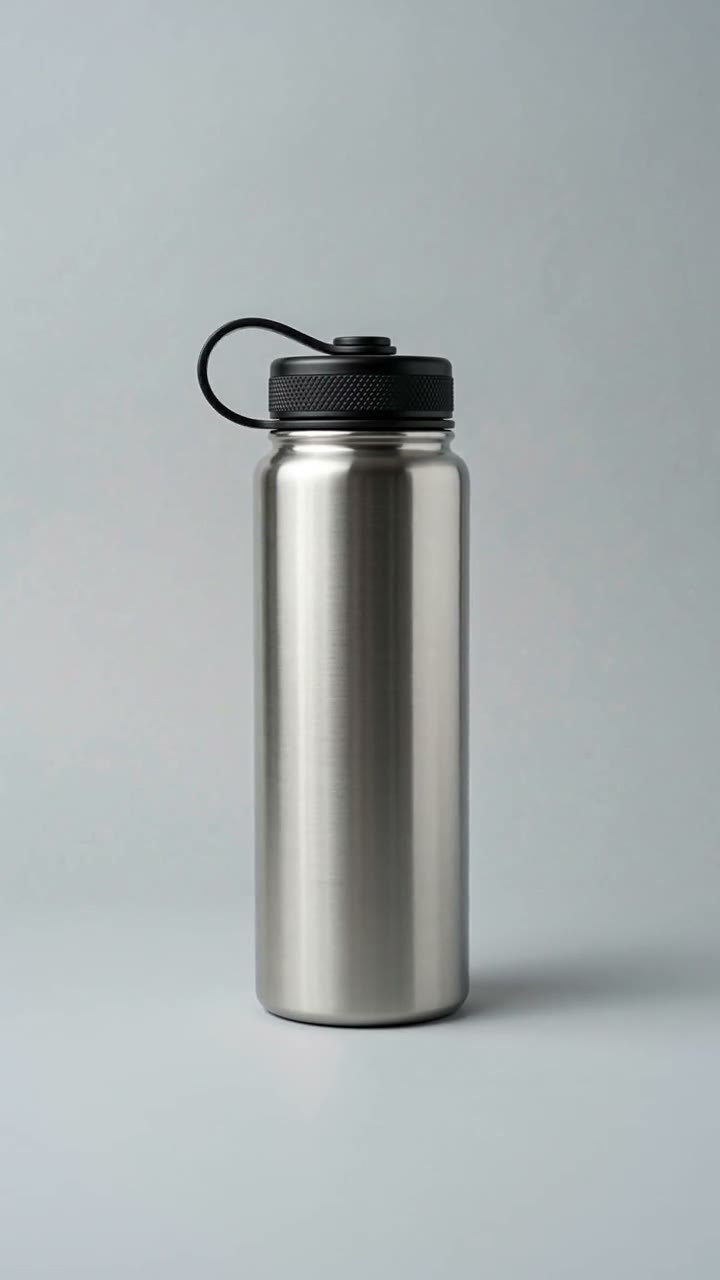 Steel bottle · turntable
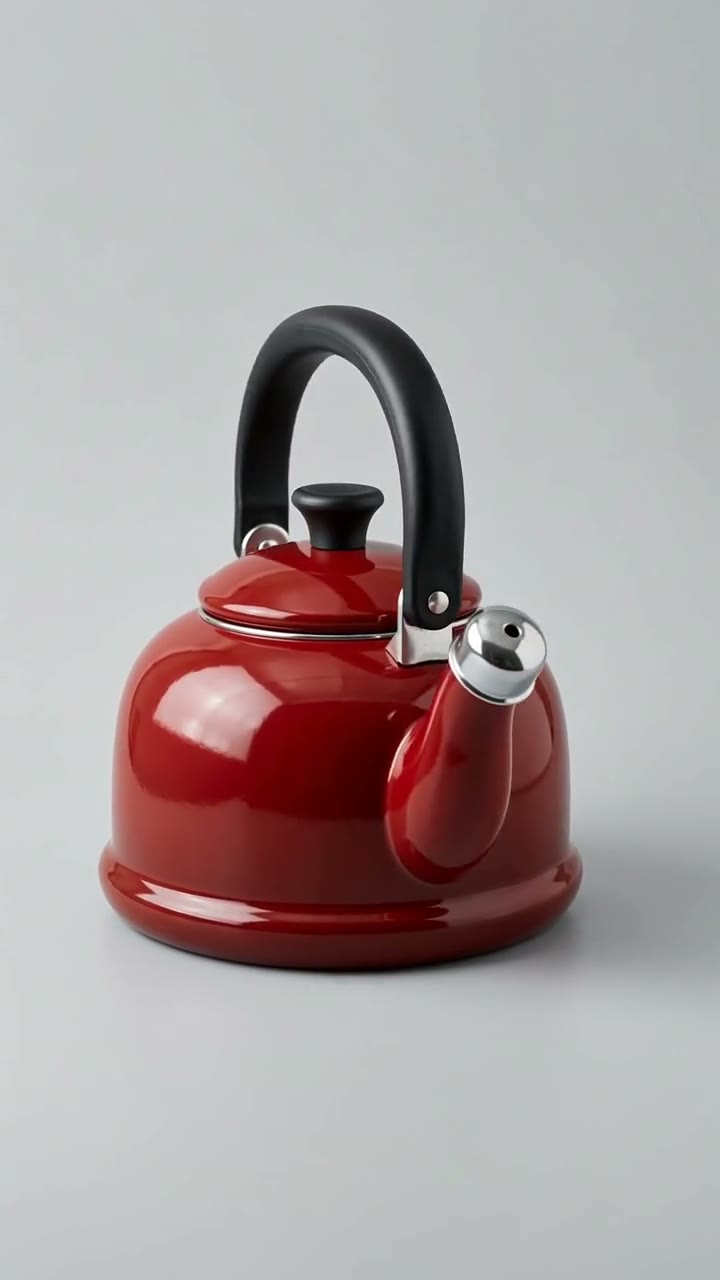 Enamel kettle · turntable
 Gold signet ring · turntable
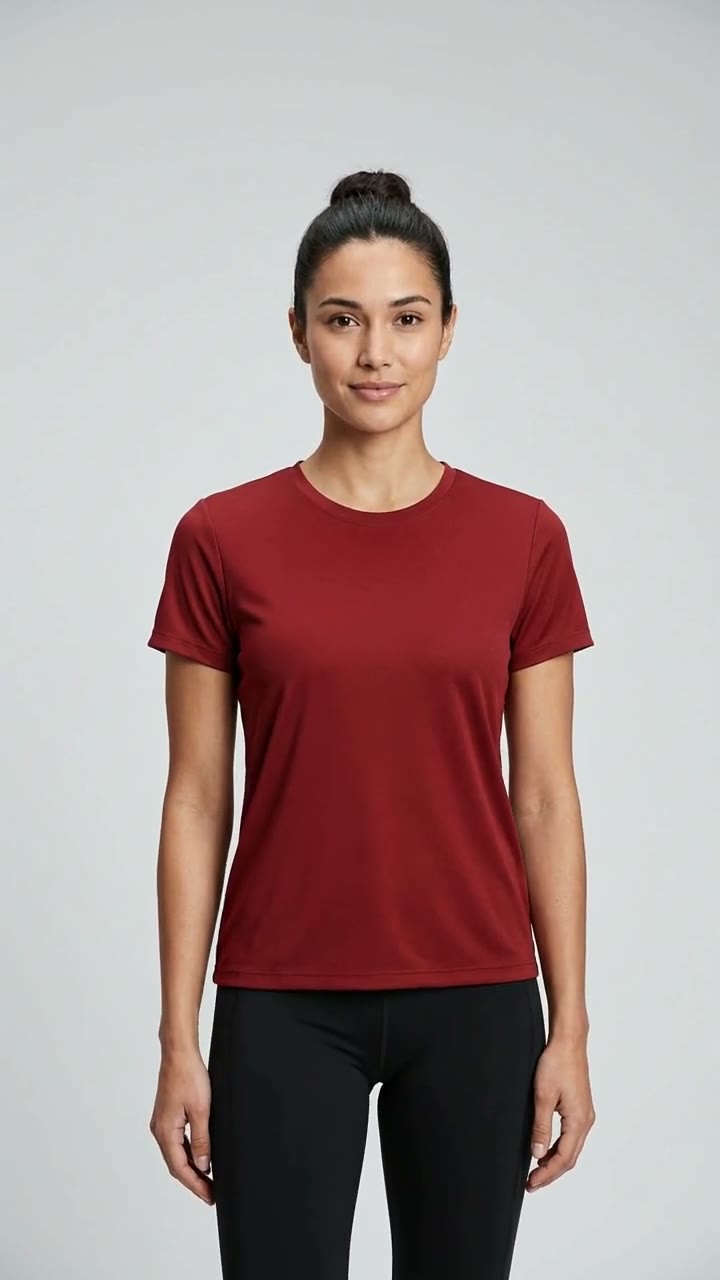 Performance tee · on a sweep
 Medium tote · worn
 Cable chain · on skin
 Cream jar · turntable
How can I create a video for my product? Six steps, from feed row to catalog ad.
Start from your product feed. Each product's photo or video becomes its own ad, linked back into that product's row. Run it yourself on the software, or hand it to our team.
Your product feed, as it is
Image and motion ads are built from the product photos already in your feed. If a product has its own video, a video ad uses that instead, with your logo and the product's name and price on top. Nothing has to be shot or rewritten to start.
When our team makes new footage, one clean photo per product is usually enough. Its size, material and color help the clip match the real product.
Connect your catalog
Use the feed you already run for catalog ads. After a drop, one sync gives new and changed products their ads.
Product details get copied into a brief one product at a time, and the brief is out of date by the next drop.
Software: add a feed link, upload a file or connect your Shopify store.
Our team: we work from the same feed.
Pick still, motion or video
Turn each product photo into a still or a motion ad, or use the product's own video for a video ad.
Whoever builds the ad picks the format that day, so the catalog ends up a mix of stills, slideshows and one-off videos.
Software: pick image, motion or video once for the whole catalog. Video ads use each product's own video.
Our team: we choose which products get new footage first, starting with the ones that carry spend.
Put one look on every product
One template carries your brand across the whole catalog, so a chair and a bottle get the same layout, type and pace.
Each ad is designed from scratch, so the layout, the type and the pace change from one product to the next.
Software: one template for the whole catalog. Each product's name and price are copied from its row, so nobody retypes them, and your logo sits on every ad.
Our team: new footage for each SKU inside the same template, made to keep the product's parts, material, color and size.
Give every product its own clip
Meta decides which product each shopper sees, so every row needs its own clip.
A handful of products get video, and the rest of the catalog shows up as a still photo.
Software: every row gets its own clip in one run, and new products get theirs on the next sync.
Our team: clips arrive in batches, 5 to 7 days each.
Check every clip before it runs
New footage can look right at the start and drift by the end. In our tests, a 38 by 30 cm tote grew about a third.
"Close enough" gets judged once, on whatever screen is nearby, and the clip goes live.
Software: preview every ad in the catalog before it goes out.
Our team: a person checks each take against the product photo.
Put the catalog on Meta and launch
Each clip's link goes into its own product's row. From there, QuickAds can put the catalog on Meta with a campaign built around it.
Finished clips land in a shared folder. Someone pastes the links into the feed by hand, then builds the campaign in Ads Manager.
Software: press Launch campaign. It sets up the Meta catalog, its feed and a product set on your ad account, then builds a sales campaign with your budget, countries and dates. It's created paused, so nothing spends until you switch it on. Or export the feed file we host and add it yourself.
Our team: we deliver the clip files and a feed file we host.
How do you add video to a Meta catalog? Row by row.
Each clip is a file with its own URL. That URL goes into the product's video field in the catalog feed, and Meta's catalog ads pick it up from there.
id, image_link and video[0].url on the same row.
The feed updates the catalog, and the video stays attached to its product.
The ad picks a product for each shopper and uses its video when there is one.
The ad plays the product's clip, whichever of the three formats it uses.
One product, up to 20 videos
Meta reads video[0].url through video[19].url on each product. Each one has to link straight to the video file; a YouTube or other player link will not work. A file sent by feed can be up to 200 MB. Source
Dynamic Media is on by default
Dynamic Media, which Meta's documentation now calls "Allow product video," lets Advantage+ catalog ads show a product's catalog video instead of its image. Meta began switching it on by default on September 1, 2025, and had it on for all eligible ads by October 20, 2025. An advertiser can still turn it off for an ad. Source
A clip URL on every row
Our export writes each finished SKU's clip URL into video[0].url for Meta and video_link for TikTok, in one feed file per channel that we host. The file changes only when you export again. Launch campaign can load the Meta file into a catalog on your ad account for you.
Three mistakes that break a catalog clip, and the line that fixes each.
All three come from our own tests, where each product photo went through a careless one-line prompt and a locked prompt, two takes each.
Describing a mood instead of the color
The careless prompt asked for golden-hour lighting. Our deep red tee came back brick in the shade and orange in the sun, 19 ΔE in CIELAB from the red we sent.
Give the color as a hex, keep the light neutral and name the colors it must not drift to. The locked prompt sent #892128 and ruled out golden hour, orange and burgundy.
Leaving the label to the model
We sent a bottle with a blank label. Both careless takes printed a brand name on it, in a typeface nobody chose, and the name belongs to a real company.
Forbid text, letters and logos in the prompt, and ask for the label as a flat neutral patch. Both locked takes came back with the label still blank.
Leaving out the size
Our 38 by 30 cm tote looked right for four seconds. Then, carried by hand, it grew about a third wider and taller by the sixth second.
Give the size in centimeters and say where the product sits on the body. The locked prompt put the tote at hip height on the shoulder, 38 cm wide and 30 cm tall.
Five ways to get catalog product video, and what each leaves to you.
Feed-template tools, the ad platform's generator, AI video apps and a studio shoot each do one part of the job well. What differs is how much work stays with your team and whether anyone holds the clip up against the real product before it runs.
Five ways to get catalog video compared: feed-template tools, the ad platform's built-in generator, AI video apps, a studio shoot and QuickAds, by what each is good at, what moves, how it scales per SKU, who checks it and what is left to you.
| Feed-template tools | Ad platform's built-in generator | AI video apps | Studio shoot | QuickAds | |
|---|---|---|---|---|---|
| Good at | Prices, badges and frames on every SKU in a big feed | Motion from your images, inside the ad account you already use | New footage from a single photo | The real product on camera, every detail right | A clip for each SKU, with the strategy and campaigns around it |
| What moves | Your photo, animated. The product itself stays still. | Motion made from your images | Generated footage | Real footage | On the software, an animated template around your photo, or the product's own video in that template. New footage for each SKU when our team makes it. |
| Per SKU at catalog scale | The whole feed at once | Made while you build each ad | One clip per prompt | Per shoot day, with samples shipped to the set | Every row in one run on the software. Batches of SKUs, 5 to 7 days each, when our team makes them |
| Checked against the real product | Nothing new to check. The photo is the product. | You check each result | You check each take | It is the real product | On the software, you preview each clip, since nothing checks it automatically. On managed work, a person watches every take against the photo |
| Left to you | Getting real motion | Checking every output before it runs | Prompting, checking and the feed upload | The long tail of SKUs | Previewing each clip and running the export on the software. Approving the SKU list on managed work |
| Runs strategy and campaigns too | No | No | No | No | Yes, from creative strategy to campaign management |
Running QuickAds catalog video yourself on the software, compared with letting our team make the clips, by who does the work, what you need in house, what moves, turnaround, delivery, price and campaign management.
| Use the software yourself | Let our team make them | |
|---|---|---|
| Who does the work | Your team, inside QuickAds. You choose the rows through the feed, run the export and connect it to Meta. | Our team makes the clips. You approve the SKU list. |
| What you need in-house | Someone who owns the catalog and the ad account, with the hours to run both. | A product feed and someone to sign off on the first batch. |
| What moves | An animated template around your photo, or your own product video in it | New footage for each SKU, made from your product photo |
| Turnaround | As fast as your team runs it | 5 to 7 days a batch |
| What you get back | One feed file per channel that we host, with a clip URL on each finished row. Launch campaign has Meta fetch the Meta file daily, and the file changes when you export again. | The clip files plus a feed file we host |
| Campaign management | Launch campaign builds the first one, paused. Running it after that is yours. | Add it with the productized plan, on a six-month minimum term |
Catalog video is one link. We run the whole chain.
QuickAds is a performance creative company. Catalog video sits in the middle of the work we run for a brand, from reading what already works in its category to managing the campaigns the clips appear in.
Our computer-vision models read what runs in your category. You can search those ads in our ad library.
Deciding which products get video first, and the format each one takes.
The clips themselves, and the rest of the ad creative, 5 to 7 days a batch.
When a SKU needs a person on camera, the influencer agent finds and books the creator.
On the productized plan, our team runs the catalog campaigns the clips go into. The software side is our ad optimizer and publisher.
What people ask before adding video to a catalog.
What size and format should catalog videos be?
For Meta, a catalog video sent by feed can be up to 200 MB and should be at least 500 by 500 pixels. Meta recommends 4:5 for video[0].url, with 1:1 and 9:16 in the extra fields, and sets no length limit. Each product takes up to 20 videos, video[0].url to video[19].url, each linking straight to the file; a YouTube or other player link will not work.
How long should a catalog video be?
Meta sets no length limit on catalog video. Meta's May 2024 announcement of catalog product video advises hooking viewers in the first two seconds, showing the call to action by five to six seconds and building vertical inside the safe zones. The test clips on our examples page run 8 or 12 seconds, one product each, with no audio.
Is Dynamic Media on by default?
Yes, for Advantage+ catalog ads. Meta's rollout began September 1, 2025, and by October 20, 2025, Dynamic Media was on for all eligible single-image, carousel and collection ads, with the "Allow product video" setting on by default and switchable per ad. Automatic product video updates are on by default too and can attach videos Meta finds on your website, Reels and ads, so check which videos Meta has added.
Does TikTok support catalog video?
Yes. TikTok's catalog video format links videos in your library to products in Catalog Manager, so catalog ads can show them. The format needs at least four products that are in stock, approved and active, and TikTok recommends at least six videos. Our export writes each SKU's clip URL into the video_link column of the TikTok feed file.
How do I turn a product photo into a video ad?
In QuickAds software, choose motion ads and a template. Every product's photo becomes its own short video, with the name and price filled in from its feed row. If your products already have videos, choose video ads and each one plays inside the same template. To generate new footage instead, write the product down first: its parts, the exact material, the color as a hex and the size in centimeters. Then watch every take against the photo.
Can I automate product video creation?
Parts of it. QuickAds software turns every feed row into an image, motion or video ad from one template, writes each finished ad's link into its row and hosts the feed file. Launch campaign puts that file on Meta and builds a paused catalog sales campaign around it. The file changes only when you export again. Two jobs stay with you: picking which products go in the feed and previewing each ad, since nothing checks it automatically.
How much does a product video cost?
At QuickAds, catalog product video starts at $299 a month on software you run yourself, with template motion for each SKU. Managed catalog video, where our team makes the clips, starts at $5,000 a month. The productized plan adds campaign management to the creative, from $5,000 a month on a six-month minimum term.